Kashida Slider
A lightweight, responsive WordPress slider plugin with custom, dynamic, and carousel layouts.
Install
This is the repository archive. It installs, but the folder name will carry the branch suffix and updates will not flow.
Install straight from GitHub with WP-CLI:
wp plugin install https://github.com/mrwan-bg/kashida-slider/archive/refs/heads/main.zip

Kashida Slider
A lightweight WordPress slider and carousel builder.
Create responsive sliders from custom images, blog posts, WooCommerce products, and portfolio projects.
Overview
Kashida Slider provides a visual editor and a slider library for building responsive sliders and carousels directly in WordPress. Configure layouts, typography, colors, navigation, and device-specific previews without adding external JavaScript libraries.
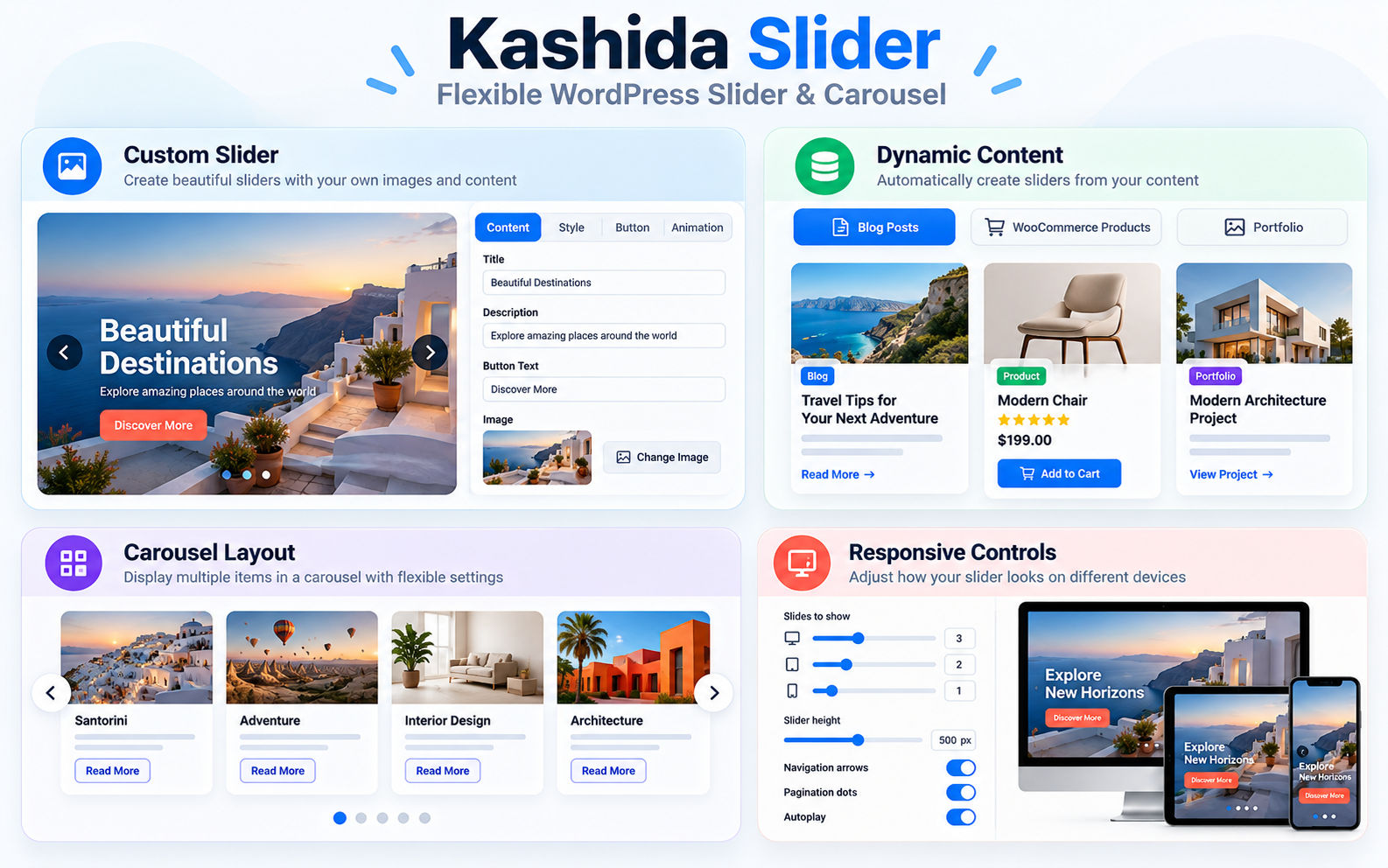
Features
Create sliders from custom or dynamic content
Choose between Custom Slider, Dynamic Content Slider, and Carousel Slider. Dynamic sources can display content from your blog, WooCommerce products, or portfolio projects.
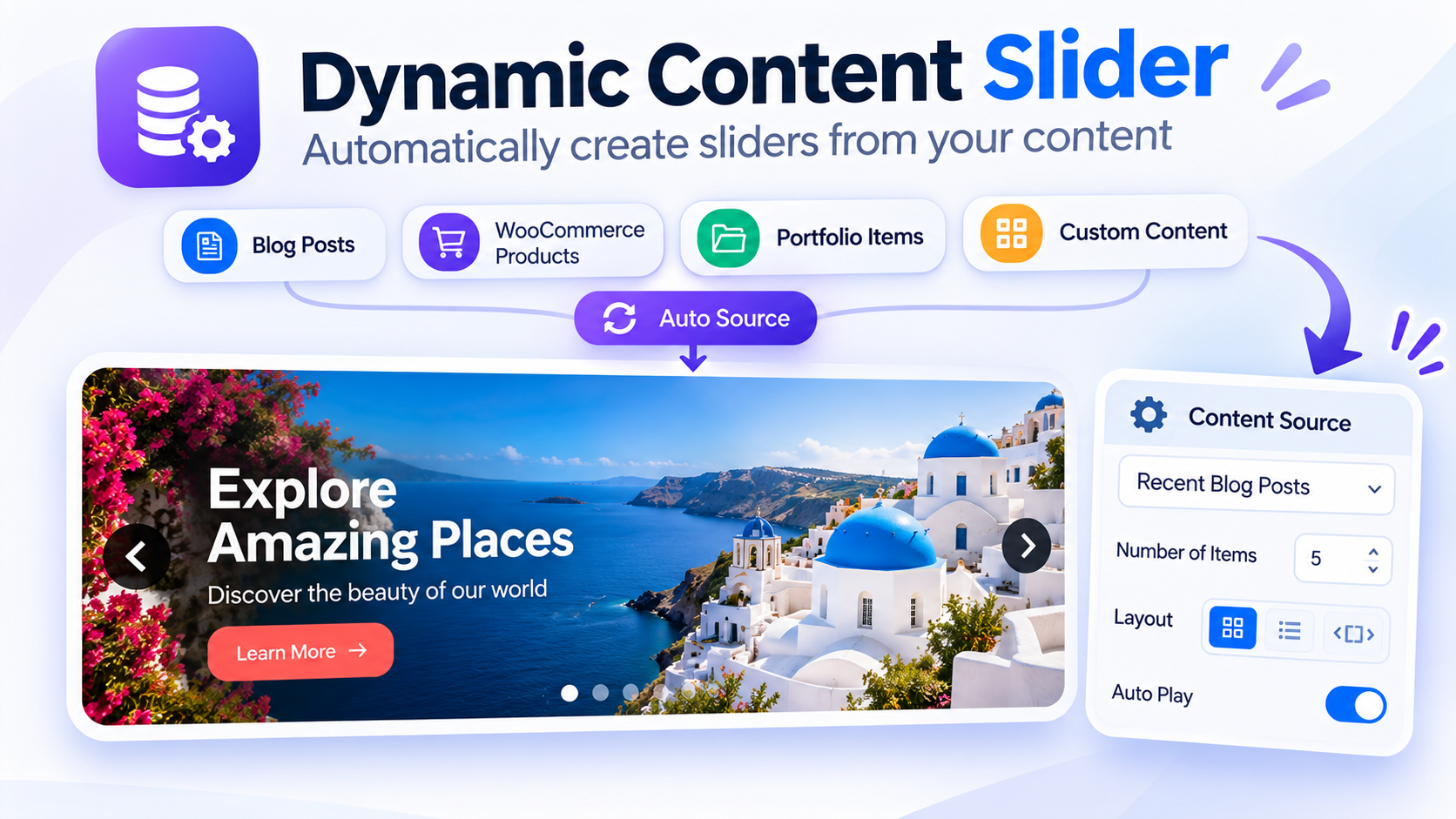
Responsive carousel layouts
Set the number of visible items for desktop, tablet, and mobile. Use navigation arrows, pagination dots, touch swipe, and optional autoplay.

Flexible slider presentation
Adjust slider appearance with layout presets, typography, colors, overlays, image settings, and transition effects. Preview the design for desktop, tablet, and mobile in the editor.
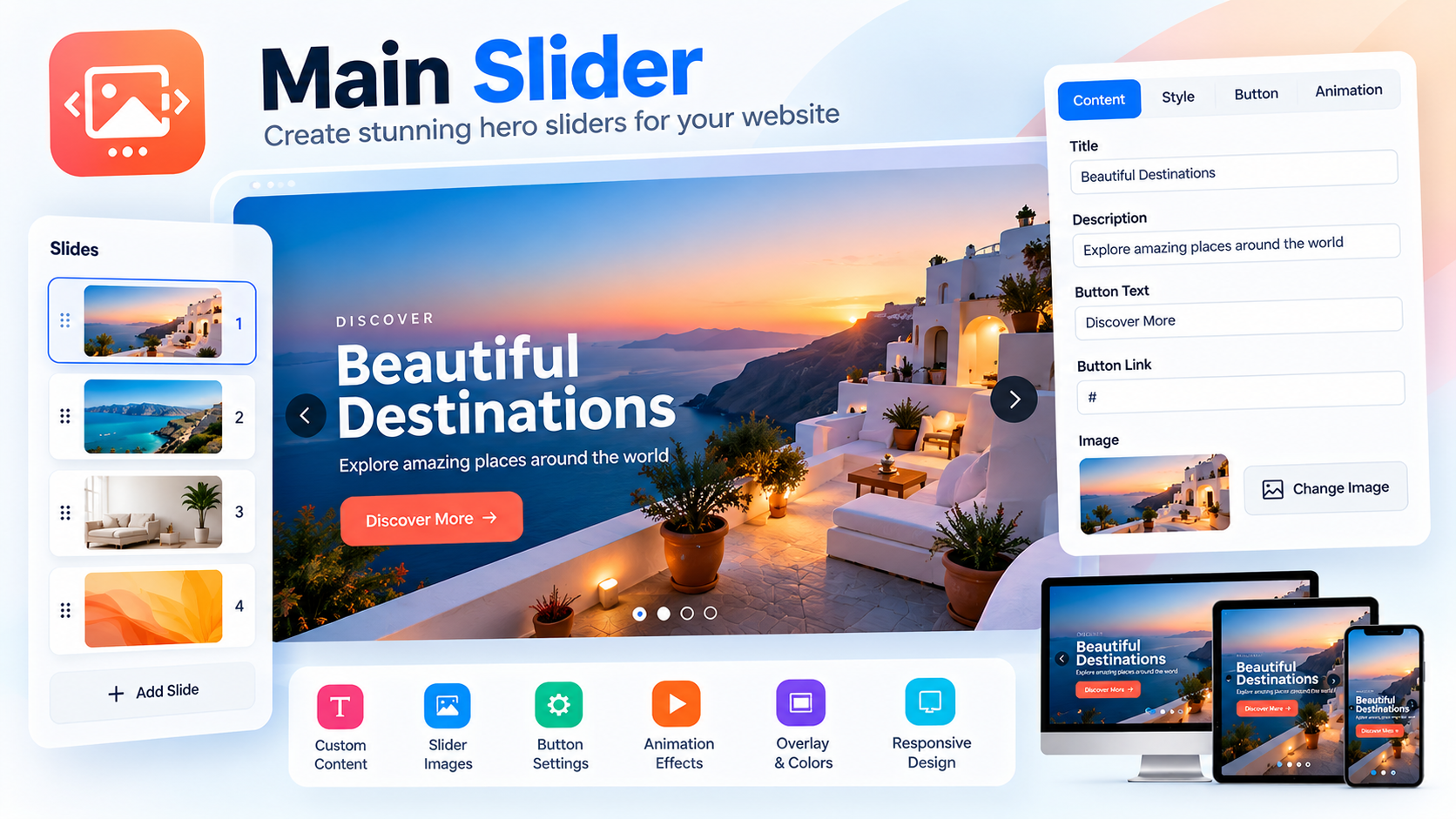
Responsive and modern design
Build a presentation that adapts to different screen sizes while keeping the editor workflow inside WordPress.
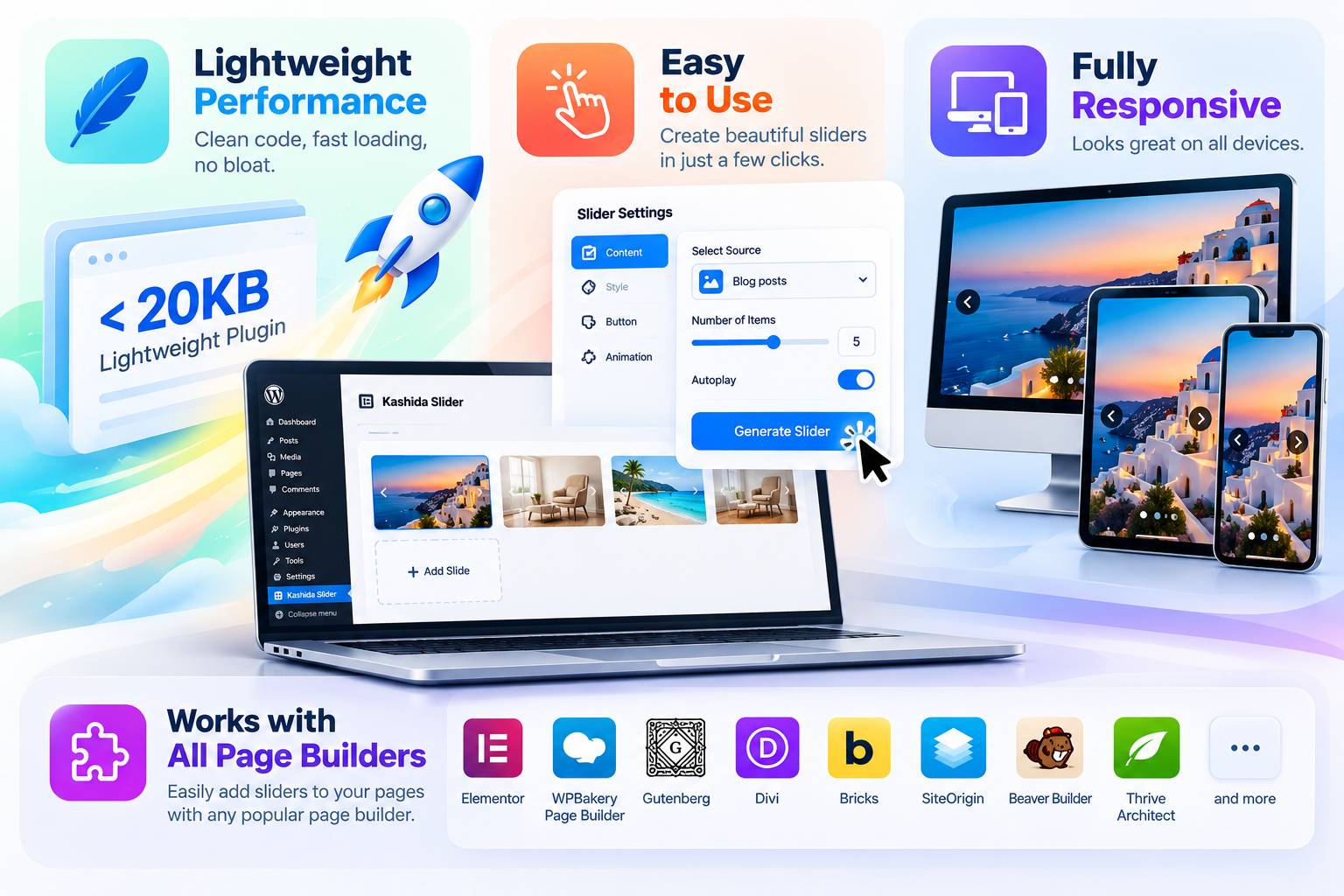
Installation
- ⬇️ Download the plugin: Get the latest ZIP release.
- In WordPress, go to Plugins → Add New Plugin → Upload Plugin.
- Upload the ZIP file and activate Kashida Slider.
- Open Kashida Slider in the admin menu and create a slider.
- Copy the generated shortcode and paste it into a page, post, or supported page-builder text block.
Shortcode
Use the shortcode generated by the plugin. The format is:
[kashida_slider id="123"]
Replace 123 with the ID of your slider.
Requirements
- WordPress 6.0 or later
- PHP 7.4 or later
- WooCommerce is needed only when using WooCommerce as a content source.
Compatibility and localization
- Responsive layouts and RTL support.
- Translation-ready with the
kashida-slidertext domain. - Includes a partial Arabic translation.
- No external front-end libraries; front-end assets load on pages using the shortcode.
Screenshots
The feature images above illustrate the plugin’s slider modes, carousel controls, and responsive presentation.
Support and contributions
- Repository: mrwan-bg/kashida-slider
- Issues: Report a bug or request a feature
- ⬇️ Download: Download the latest plugin ZIP
- Releases: View all releases
License
Kashida Slider is distributed under the GPL-2.0-or-later license.