Install
This is the repository archive. It installs, but the folder name will carry the branch suffix and updates will not flow.
Install straight from GitHub with WP-CLI:
wp plugin install https://github.com/mrshahbazdev/woocommerce-custom-order-status-workflow/archive/refs/heads/master.zipA modern, free WooCommerce plugin to create custom order statuses, automate order workflows, send email notifications, trigger webhooks, schedule delayed actions, and import/export statuses and rules.
Built with React 18, Vite, and Material UI (MUI) v5 for a fast, Shopify-style admin dashboard.
Keywords
custom order status, WooCommerce order status, order workflow automation, WooCommerce email notifications, order status webhook, WooCommerce scheduled actions, WooCommerce order management, status color editor, WooCommerce automation rules, import export order status, HPOS compatible
Stack
- PHP 7.4+ / WordPress 6.0+ / WooCommerce 7.0+
- React 18
- Vite 5
- Material UI (MUI) v5
@mui/x-data-grid
Features
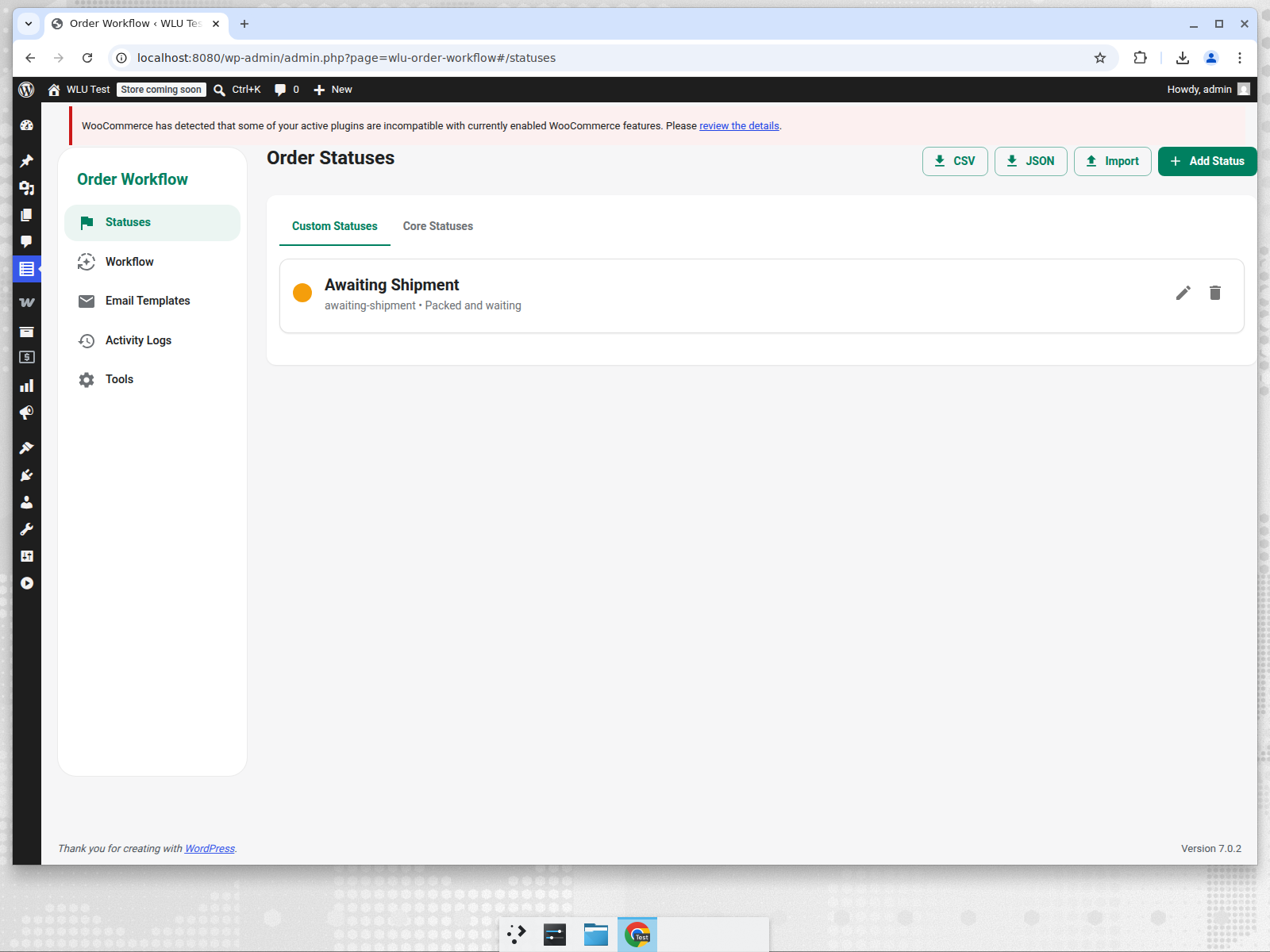
Custom Order Statuses
- Create unlimited custom order statuses with labels, descriptions, and colors.
- Inject colored status chips into the WooCommerce admin orders list.
- Show colored status pills on the frontend My Account > Orders table.
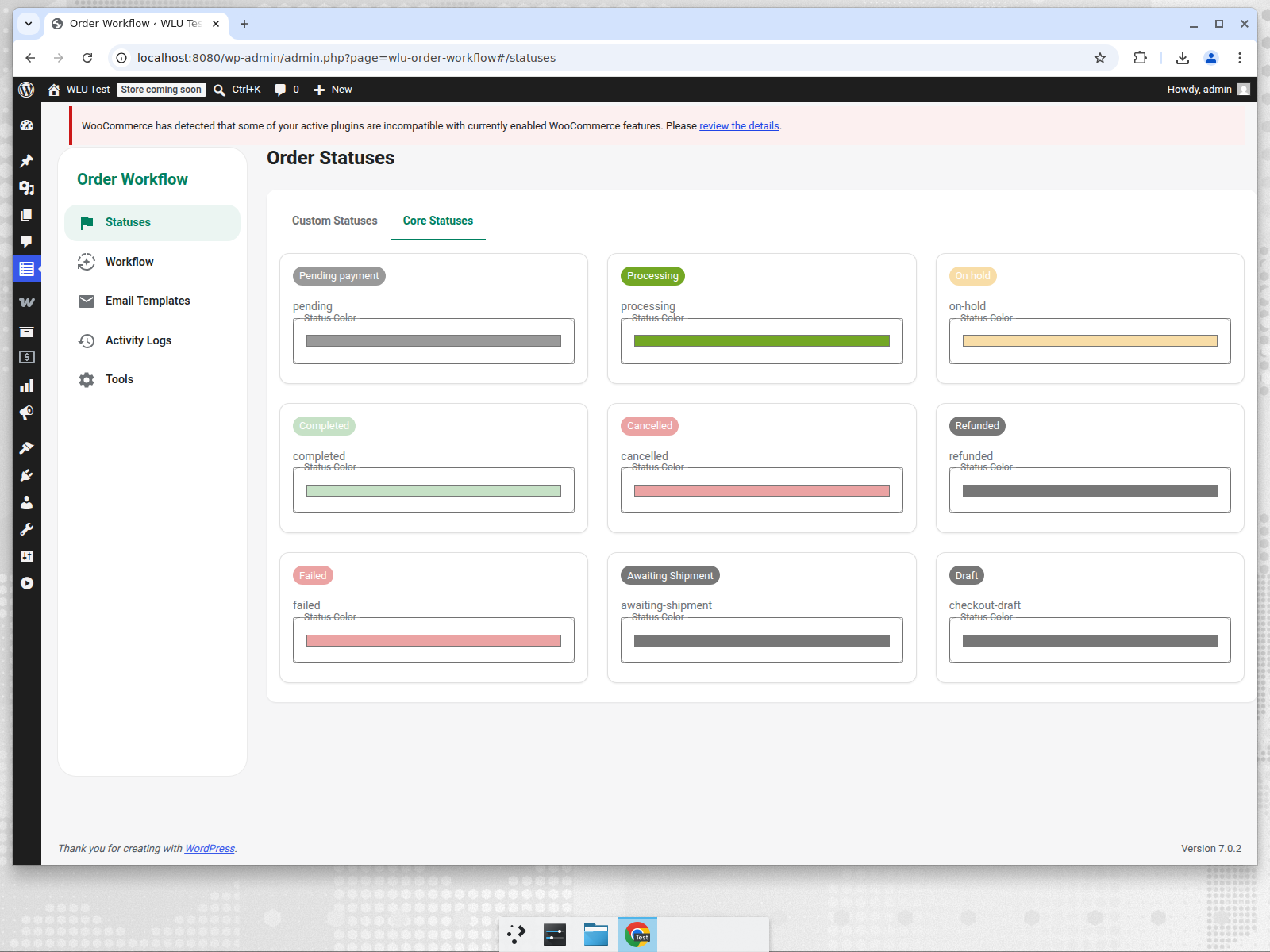
- Override core WooCommerce status colors (Pending, Processing, Completed, etc.).
- HPOS compatible.
Workflow Automation
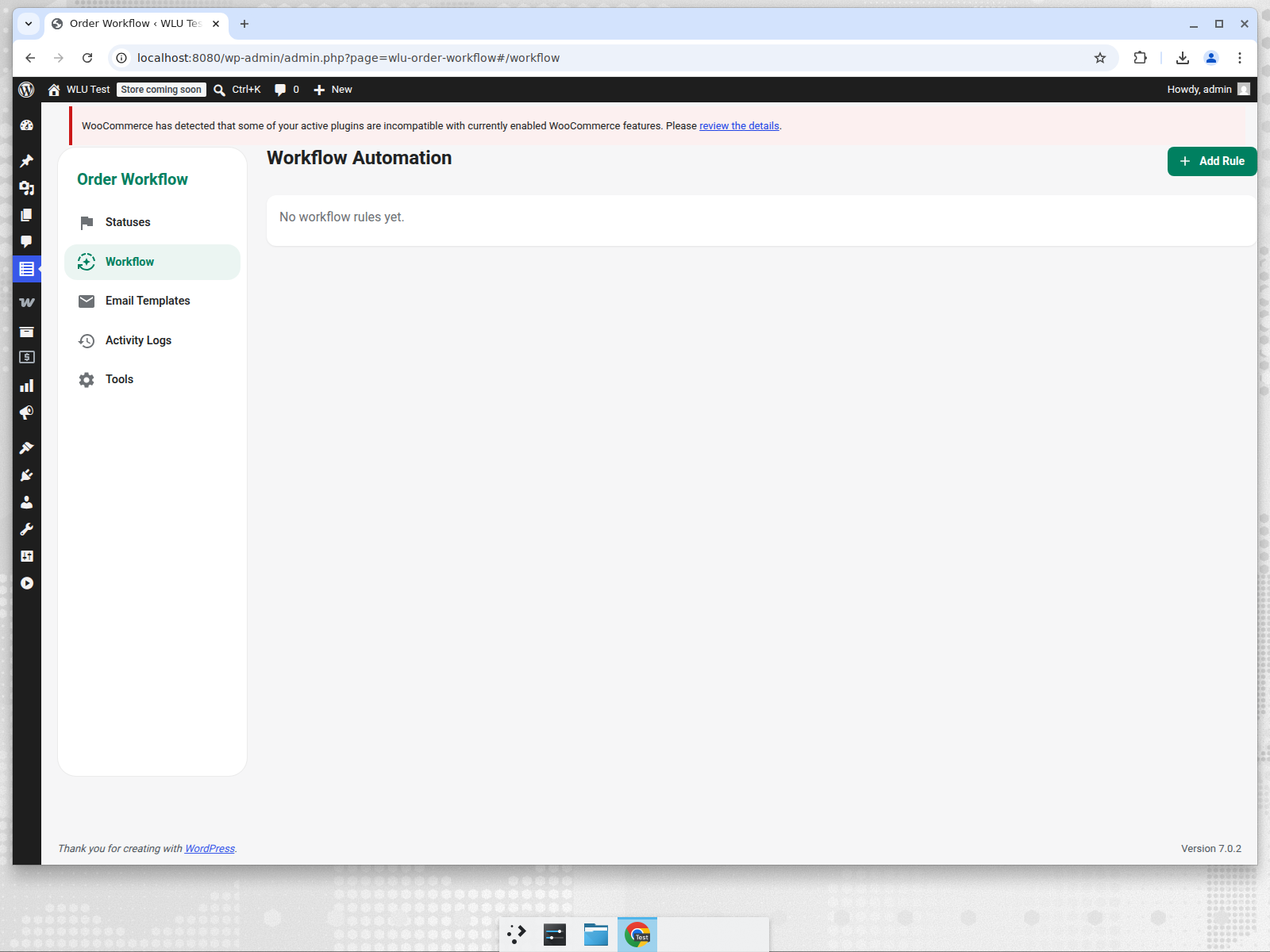
- Build rules that run when an order moves from one status to another.
- Conditional logic: order total min/max, contains product ID, shipping country.
- Recipient routing: customer, admin, shop managers, or custom CC emails.
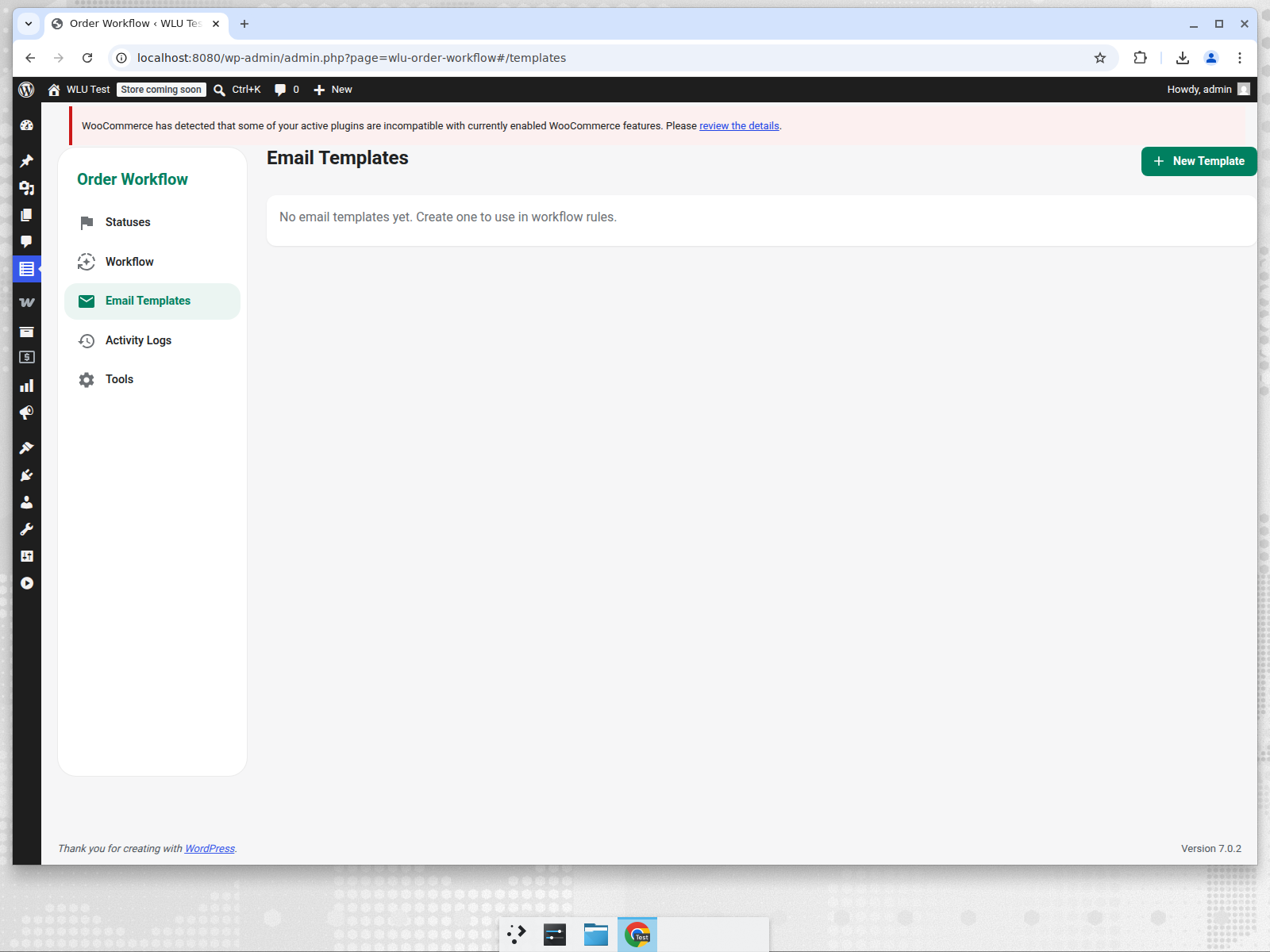
- Choose an email template or enter manual subject/message.
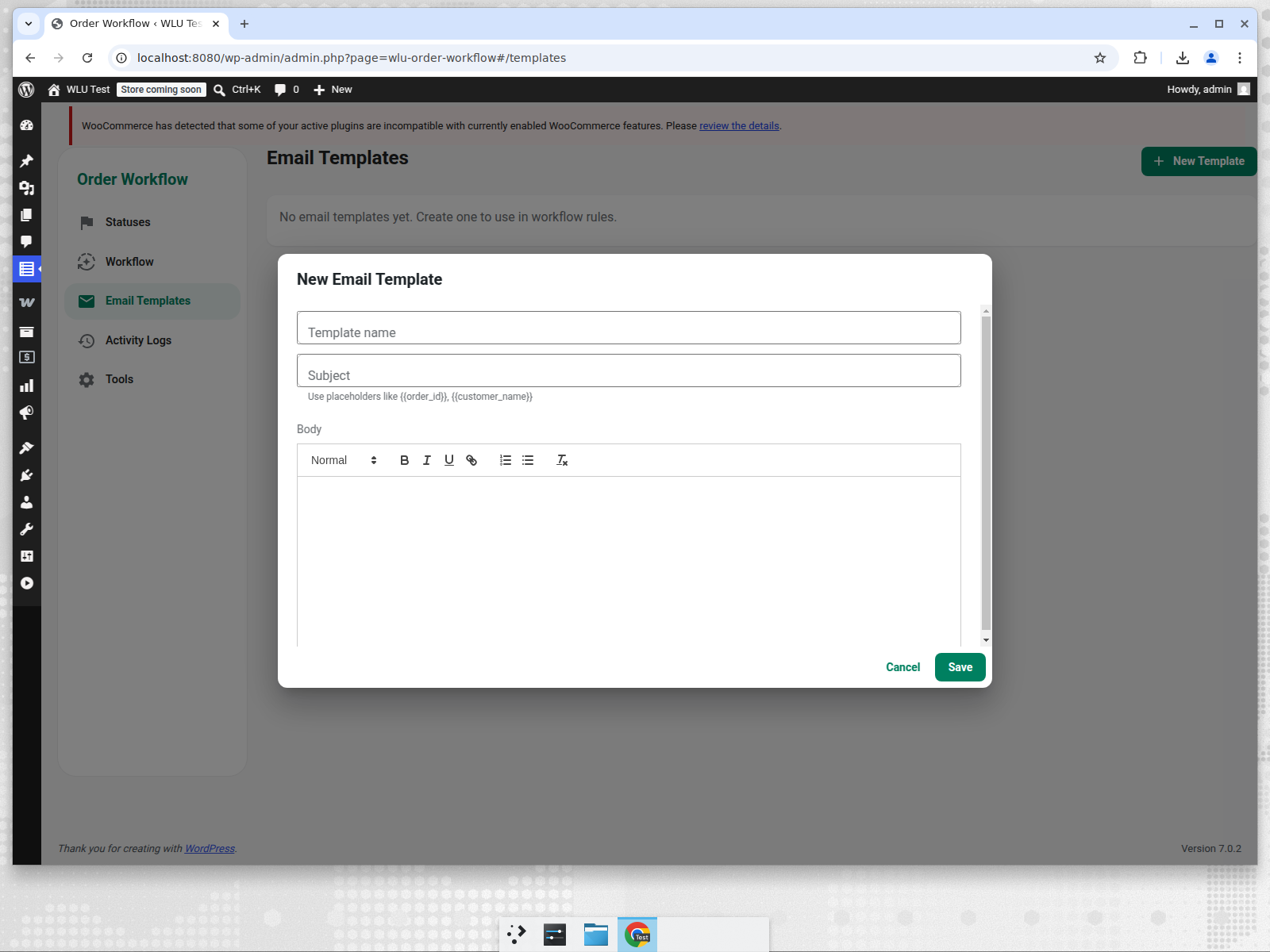
- Visual email template editor powered by ReactQuill with
{{order_id}},{{customer_name}},{{new_status}}, and other placeholders.
Webhooks & Scheduling
- Trigger HTTP/HTTPS webhooks (
POST,GET,PUT,PATCH,DELETE) on status change. - Delay workflow actions by minutes using the WordPress cron system.
- JSON payload includes order ID, customer info, old/new status, order total, and order date.
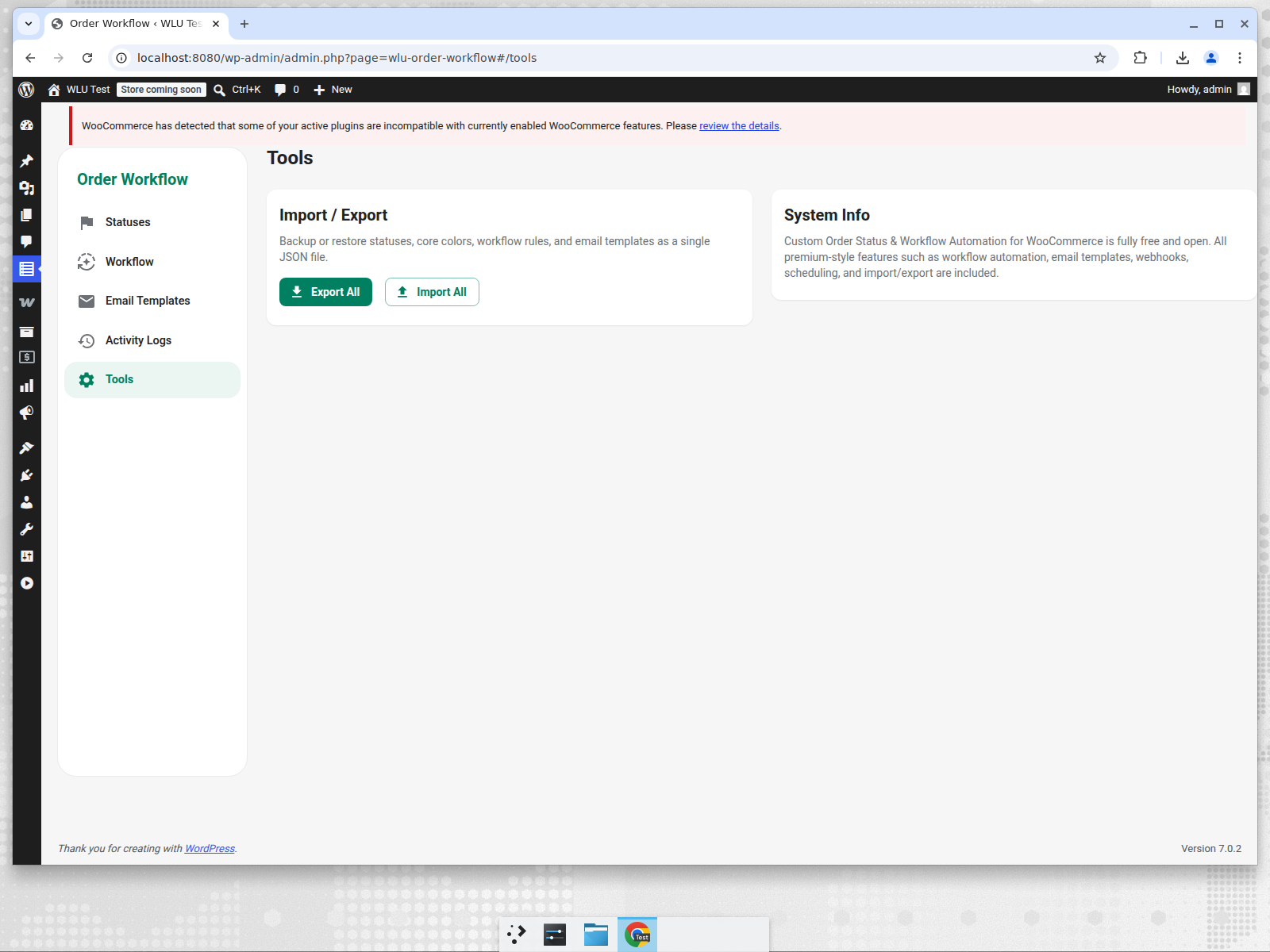
Import / Export
- Export all custom statuses, core status colors, workflow rules, and email templates as a single JSON file.
- Import the same JSON to restore or migrate settings across sites.
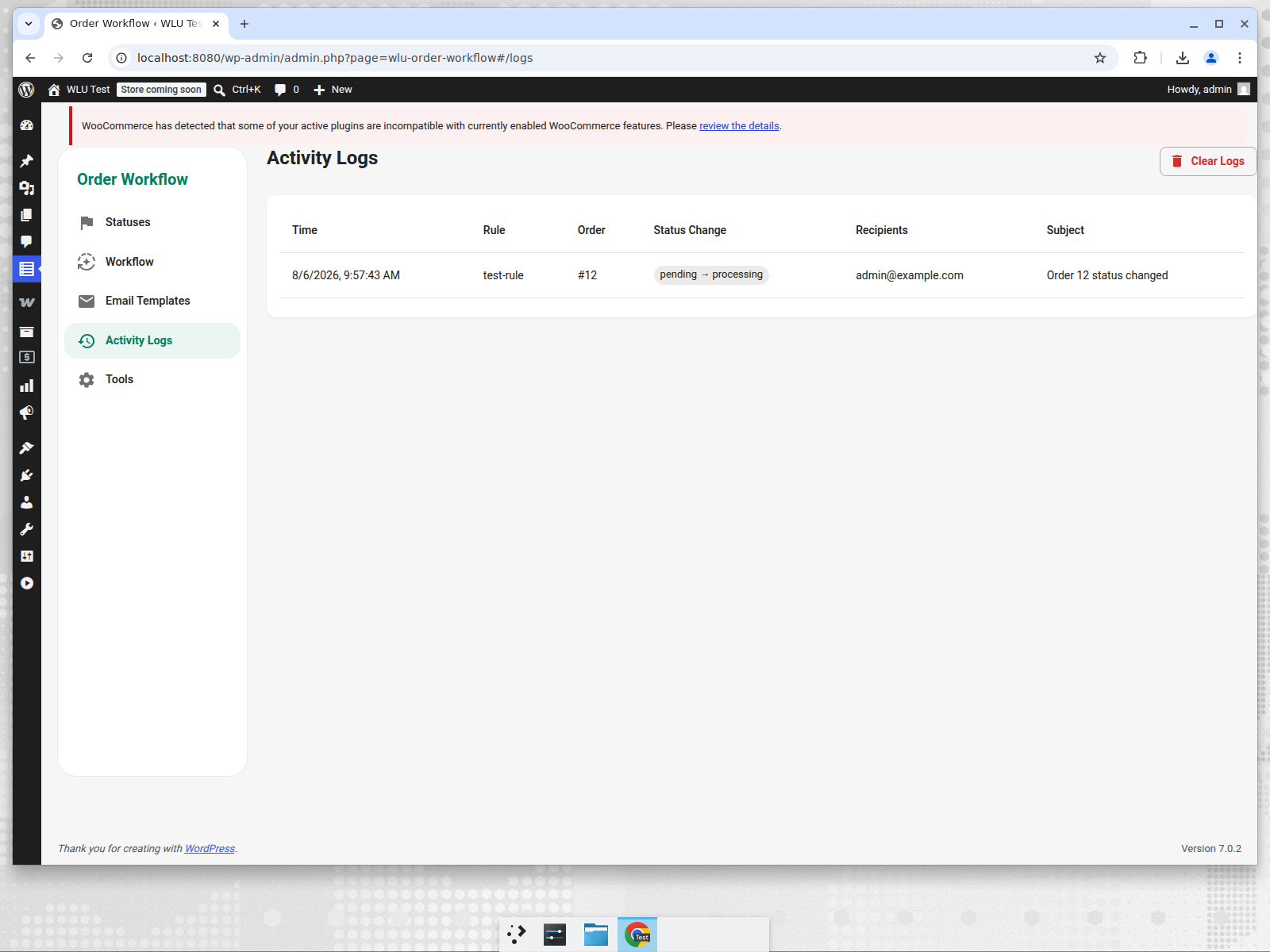
Activity Logs
- View a full history of every triggered workflow rule.
- See order, status change, recipients, subject, webhook URL, and webhook response.
- Clear old logs with one click.
Screenshots
Order Statuses
Core Status Colors
Workflow Automation
Email Templates
Visual Email Editor
Activity Logs
Import / Export Tools
Development
npm install
npm run dev
npm run build
The Vite build outputs to assets/dist, which the PHP admin loader enqueues in WordPress.
Installation
- Build the React app:
npm run build. - Zip the plugin folder or copy it to
wp-content/plugins/. - Activate in WordPress admin.
- Go to Order Workflow in the admin menu.
REST API
All endpoints are under /wp-json/wlu-cosw/v1/ (or index.php?rest_route=/wlu-cosw/v1/ on default permalinks) and require the manage_woocommerce capability.
GET/POST /statuses— custom statusesGET/PUT /core-statuses— core status colorsGET/POST /workflow-rules— automation rulesGET/DELETE /workflow-logs— activity logsGET/POST /email-templates— email templates