Install
This is the repository archive. It installs, but the folder name will carry the branch suffix and updates will not flow.
Install straight from GitHub with WP-CLI:
wp plugin install https://github.com/mrshahbazdev/two-factor-guard/archive/refs/heads/main.zipNo built-in updater. New versions won't appear under Dashboard → Updates. Install new releases yourself, or let Git Updater track the repository.
A WordPress plugin that adds TOTP-based two-factor authentication (2FA) to the standard login form with QR setup, backup codes, and role-based enforcement.
Features
- TOTP 2FA: works with Google Authenticator, Authy, Microsoft Authenticator, and any TOTP app.
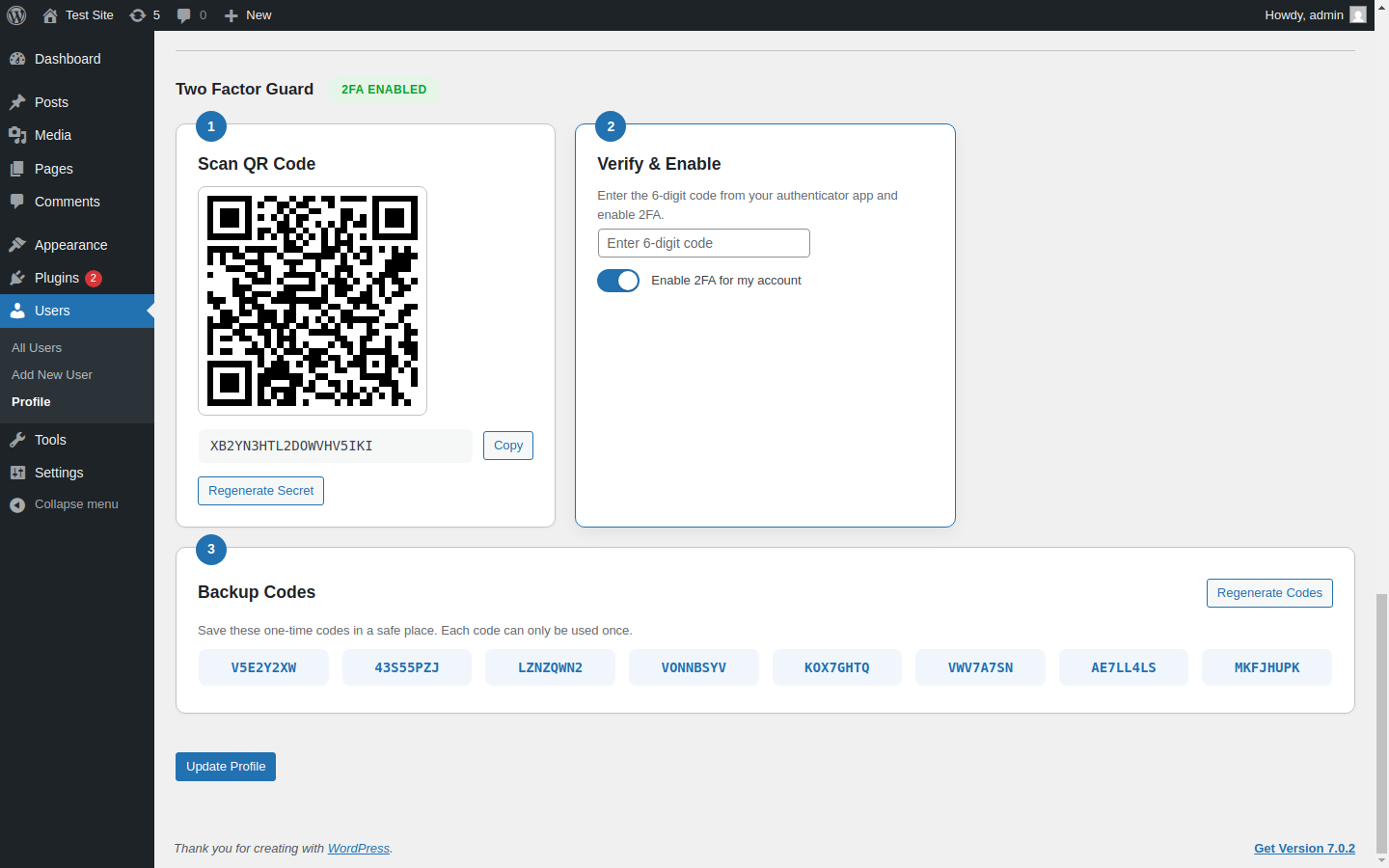
- QR code setup: users scan a QR code or enter a secret key from their profile.
- Backup codes: one-time recovery codes are generated when 2FA is enabled.
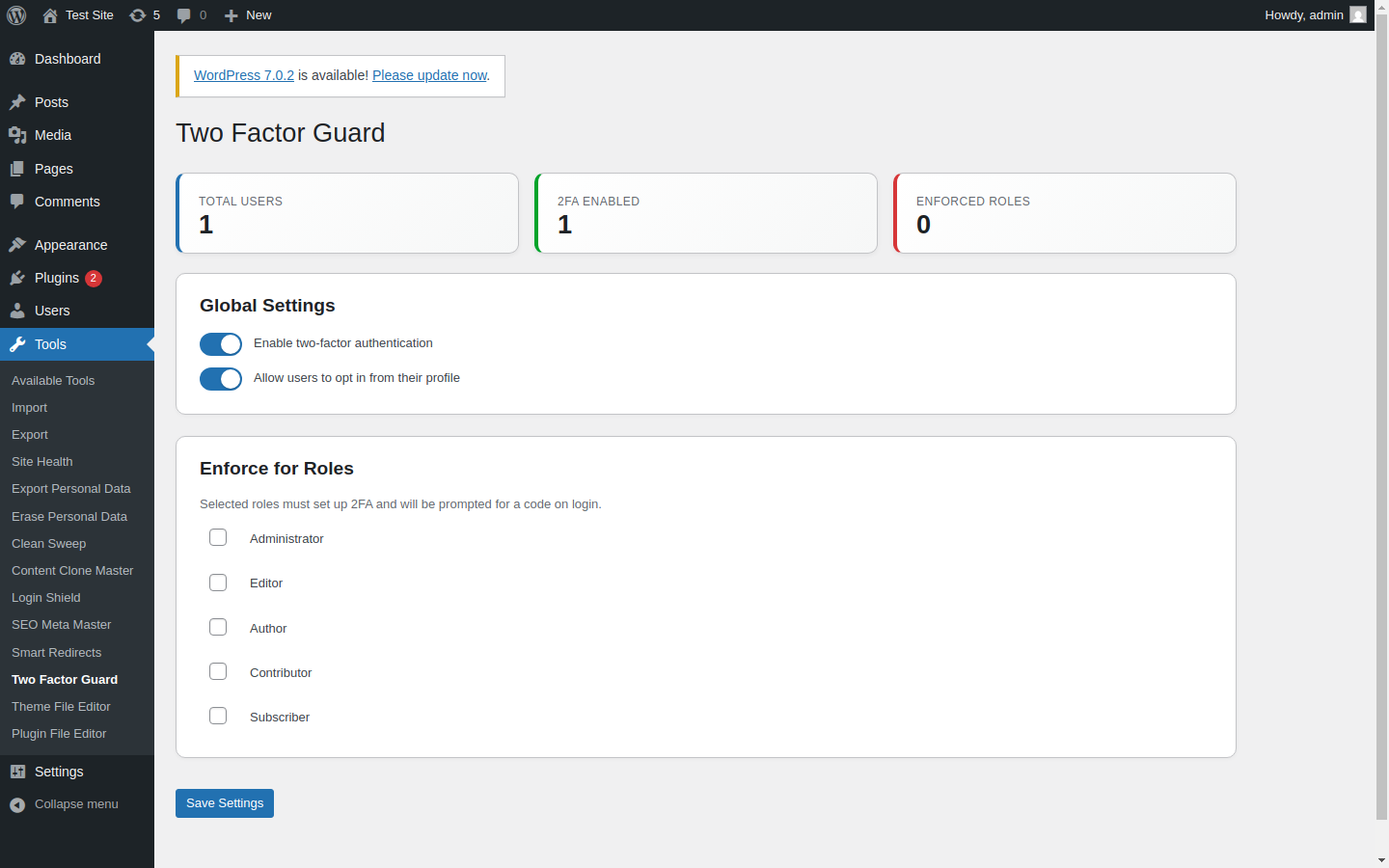
- Role enforcement: require 2FA for specific user roles.
- Opt-in support: allow users to enable 2FA voluntarily.
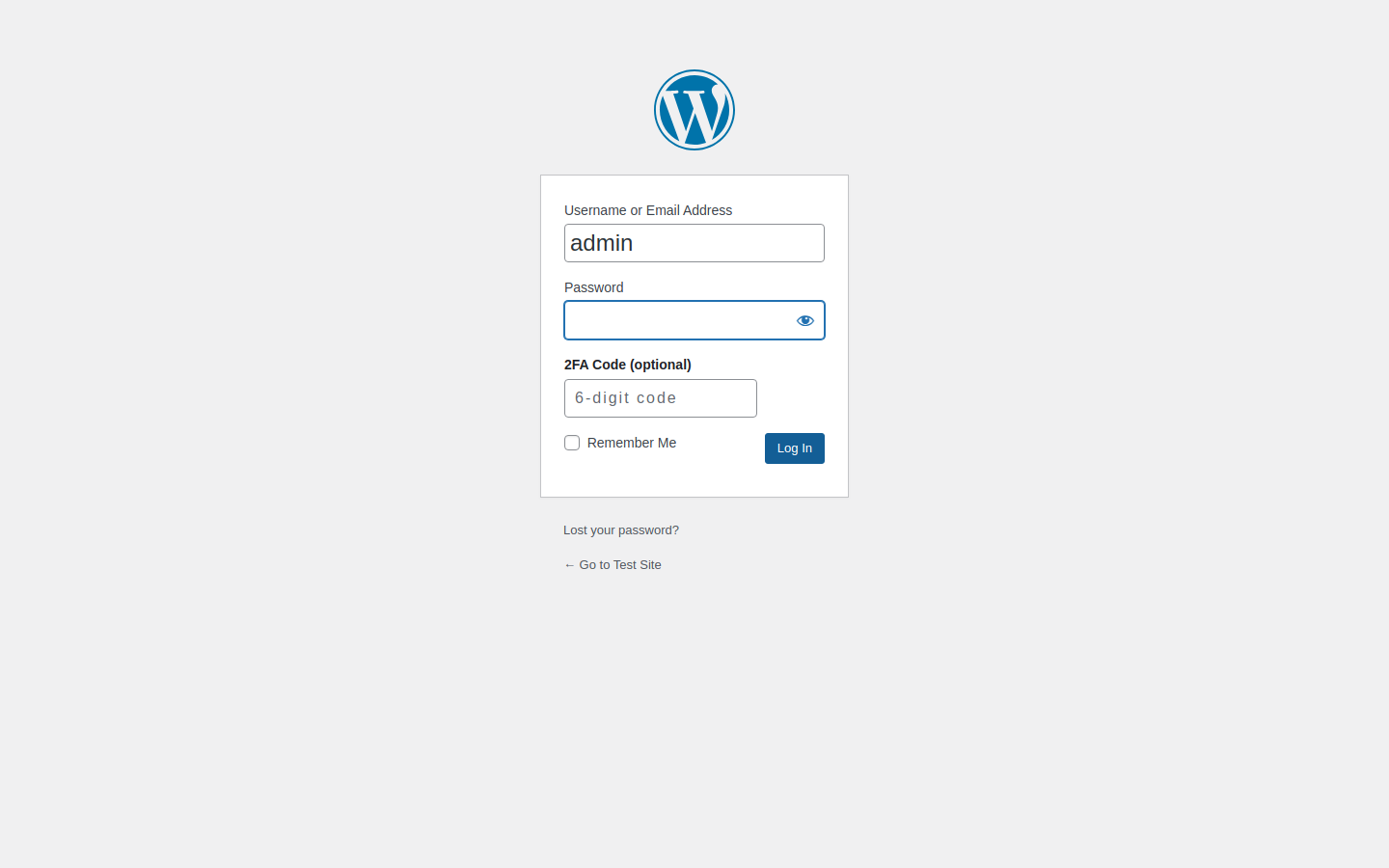
- Standard login form: adds a 2FA code field to
wp-login.php.
Screenshots
Installation
- Download
two-factor-guard.zipfrom Releases. - Upload and extract to
wp-content/plugins/two-factor-guard/. - Activate the plugin.
- Go to Tools > Two Factor Guard to enable and select roles.
- Users can set up 2FA from their Profile page.
Requirements
- WordPress 6.5 or higher
- PHP 7.4 or higher
License
GPL-2.0-or-later