Install
This is the repository archive. It installs, but the folder name will carry the branch suffix and updates will not flow.
Install straight from GitHub with WP-CLI:
wp plugin install https://github.com/mrshahbazdev/page-builder-pro/archive/refs/heads/main.zipNo built-in updater. New versions won't appear under Dashboard → Updates. Install new releases yourself, or let Git Updater track the repository.
Advanced drag-and-drop page builder for WordPress powered by GrapesJS with premium blocks, forms, dynamic content, reusable global sections, page settings and high-end animations.
Features
- Visual drag-and-drop editor with sections, rows, columns and widgets
- Premium blocks: Hero, Feature Box, Pricing Table, Testimonial, Counter, Progress Bar, Team Member, FAQ, Call-to-Action, Newsletter, Cookie Banner
- Basic blocks: Heading, Text, Image, Button, Spacer, Divider, SVG Icon
- Media blocks: Video Embed, Map, Swiper Carousel, Lottie Animation, Video Background
- Interactive blocks: Tabs (working JS), Accordion (working JS), Countdown, Contact Form, Search Form, Star Rating
- Advanced blocks: Popup/Modal, Before/After Slider, Typewriter Text, Particle Background, Masonry Gallery, Timeline, Pie Chart, Pricing Toggle, Post Grid (shortcode), Floating Bar, Social Share
- Dynamic blocks: Post Title, Post Excerpt, Featured Image, Post Grid
- Layer / component navigator
- Visual Style Manager with Layout, Grid, Typography, Decorations and Extra sectors
- Color palette in builder color picker
- Smart CSS grid/flex framework: 1-6 column grids, flex rows, spacing scale, shadows, borders, hover utilities
- Scroll progress, parallax, sticky header, animated counters and video background controls
- Responsive device preview: Desktop, Tablet, Mobile
- WordPress Media Library integration for images
- AOS scroll animations and GSAP + ScrollTrigger high-end animations
- Top toolbar with Undo, Redo, Code view, Fullscreen, Global Sections, Page Settings, Dark/Light toggle
- 13+ pre-made template kit (SaaS, agency, portfolio, restaurant, webinar, e-commerce, fitness, real-estate, app landing, photography)
- Pre-built sections: Stats Row, Steps, Client Logos, Blog Preview, Footer
- Device visibility control (hide on desktop/tablet/mobile)
- Page settings: per-page custom CSS, custom JS, body classes, page title override
- Global sections library: save, insert and reuse sections across pages
- Template Export/Import as JSON
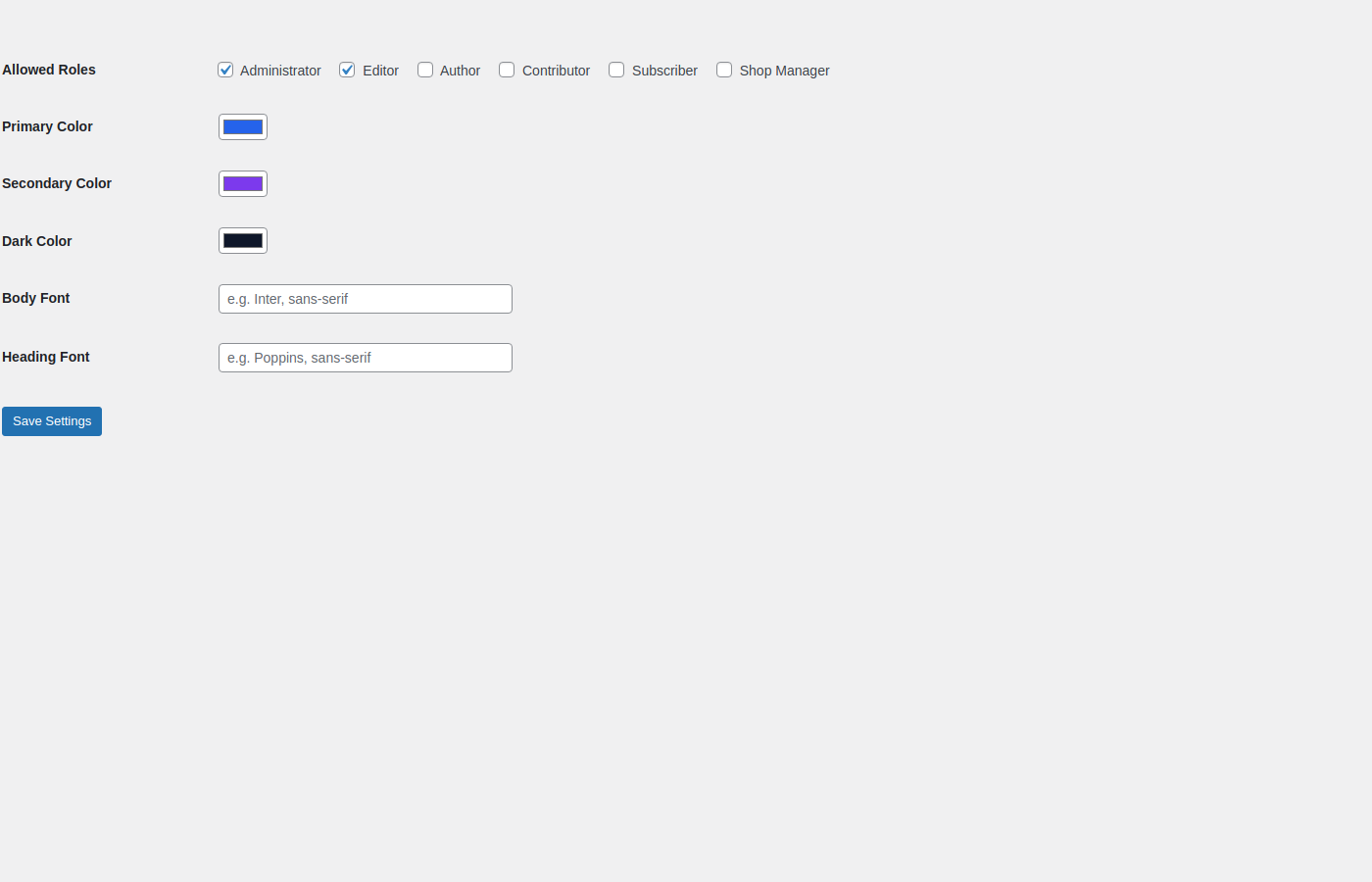
- Global styles: colors, body and heading fonts
- One-click Save and live Preview
- Clean frontend output with per-page generated CSS
- Form submissions with email notifications
- Role-based access control
Usage
- Install and activate Page Builder Pro.
- Go to
Pages > All Pagesand click Edit with PBP. - Drag blocks, edit content, style elements, set animations and switch device views.
- Click Save then Preview.
Screenshots
Dashboard
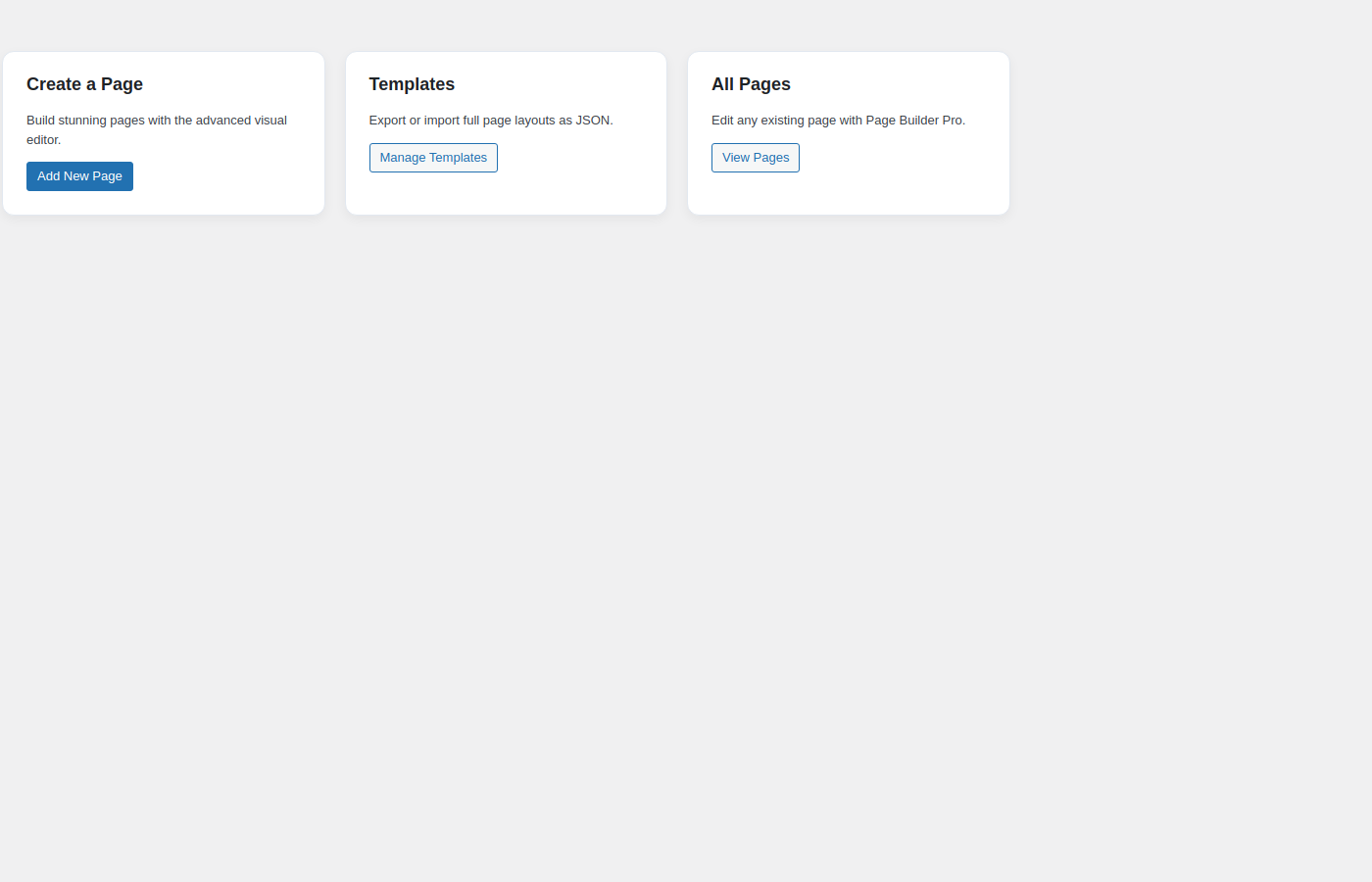
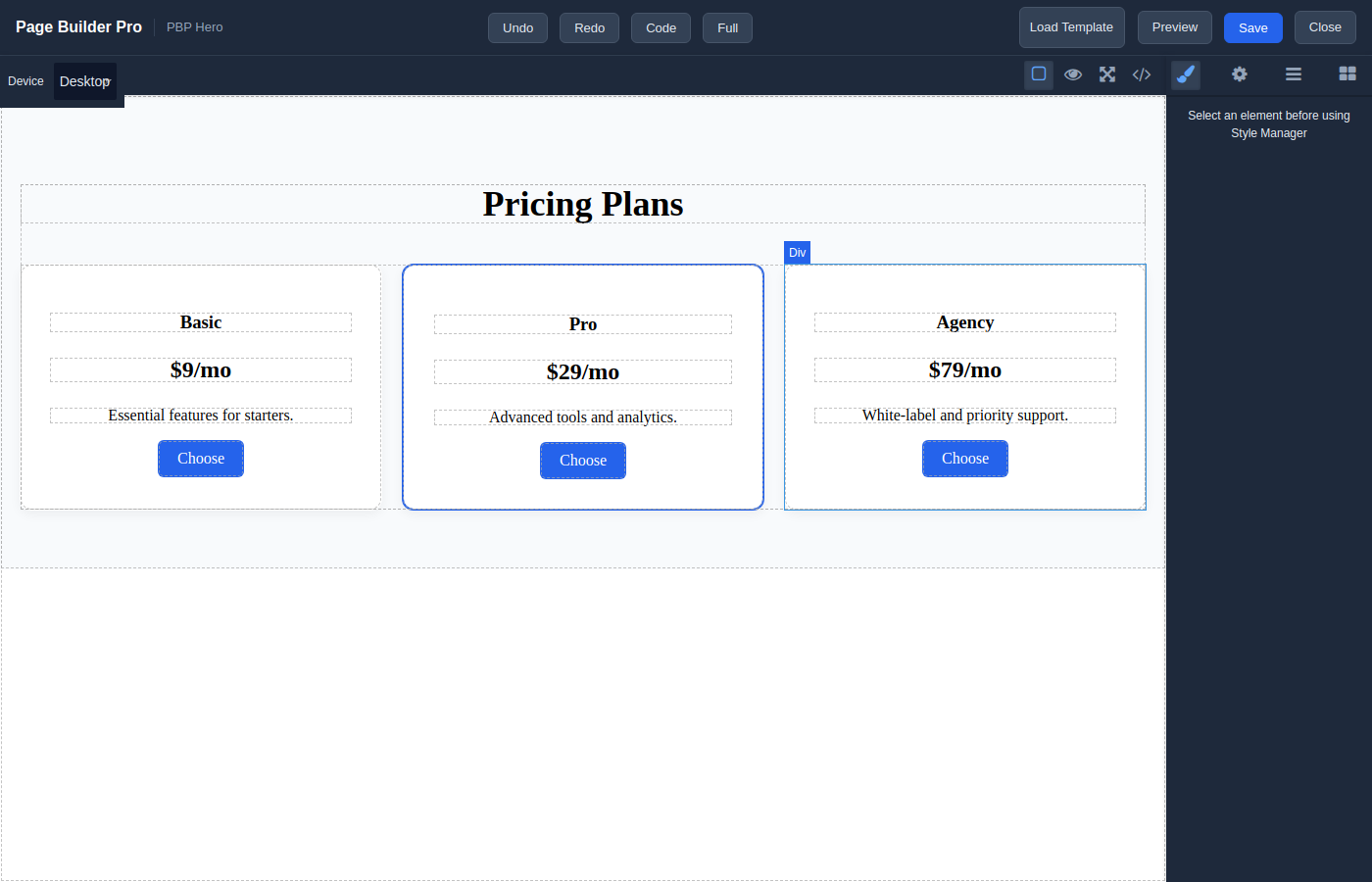
Visual builder with template library
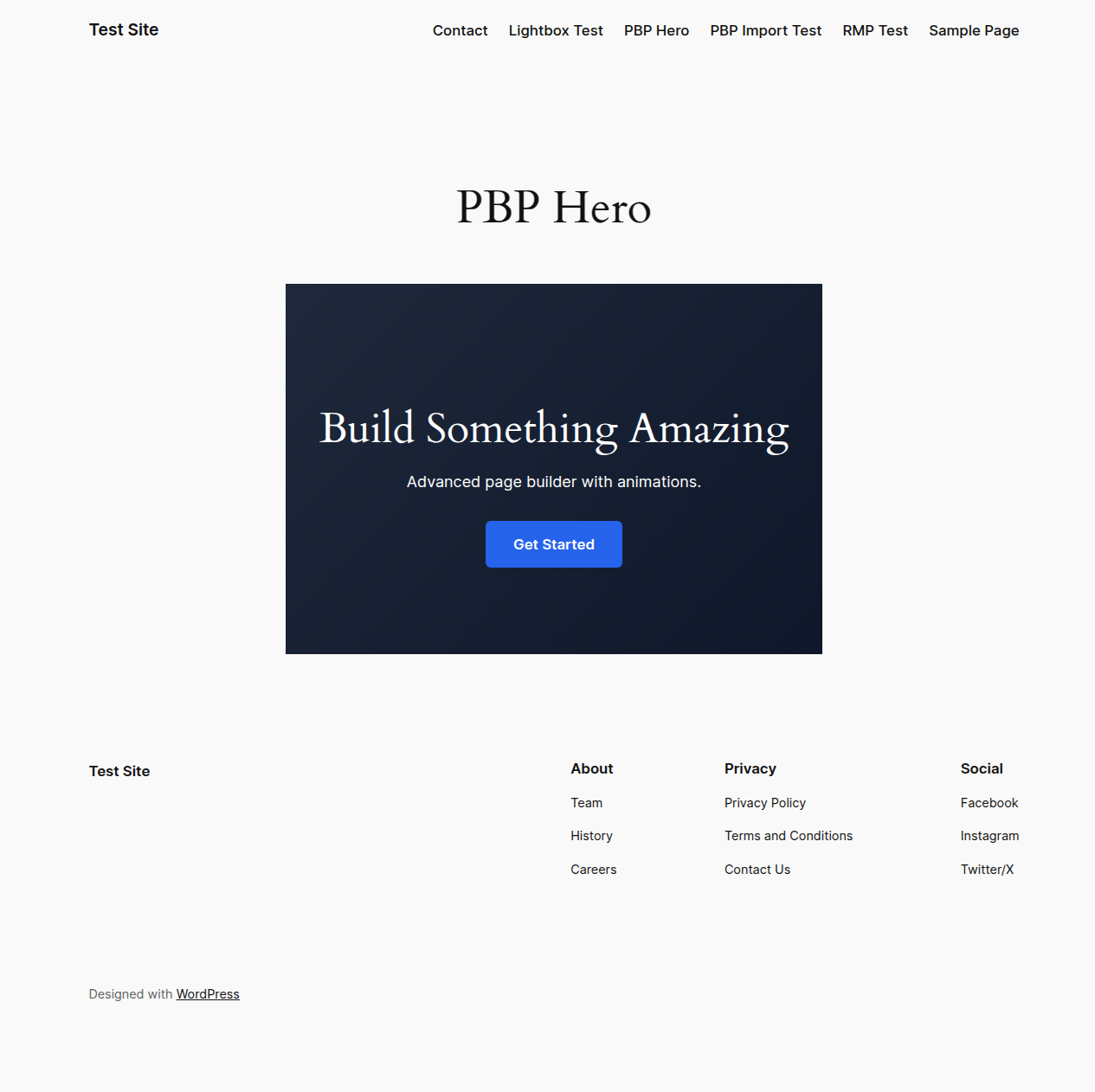
Frontend output with GSAP animations
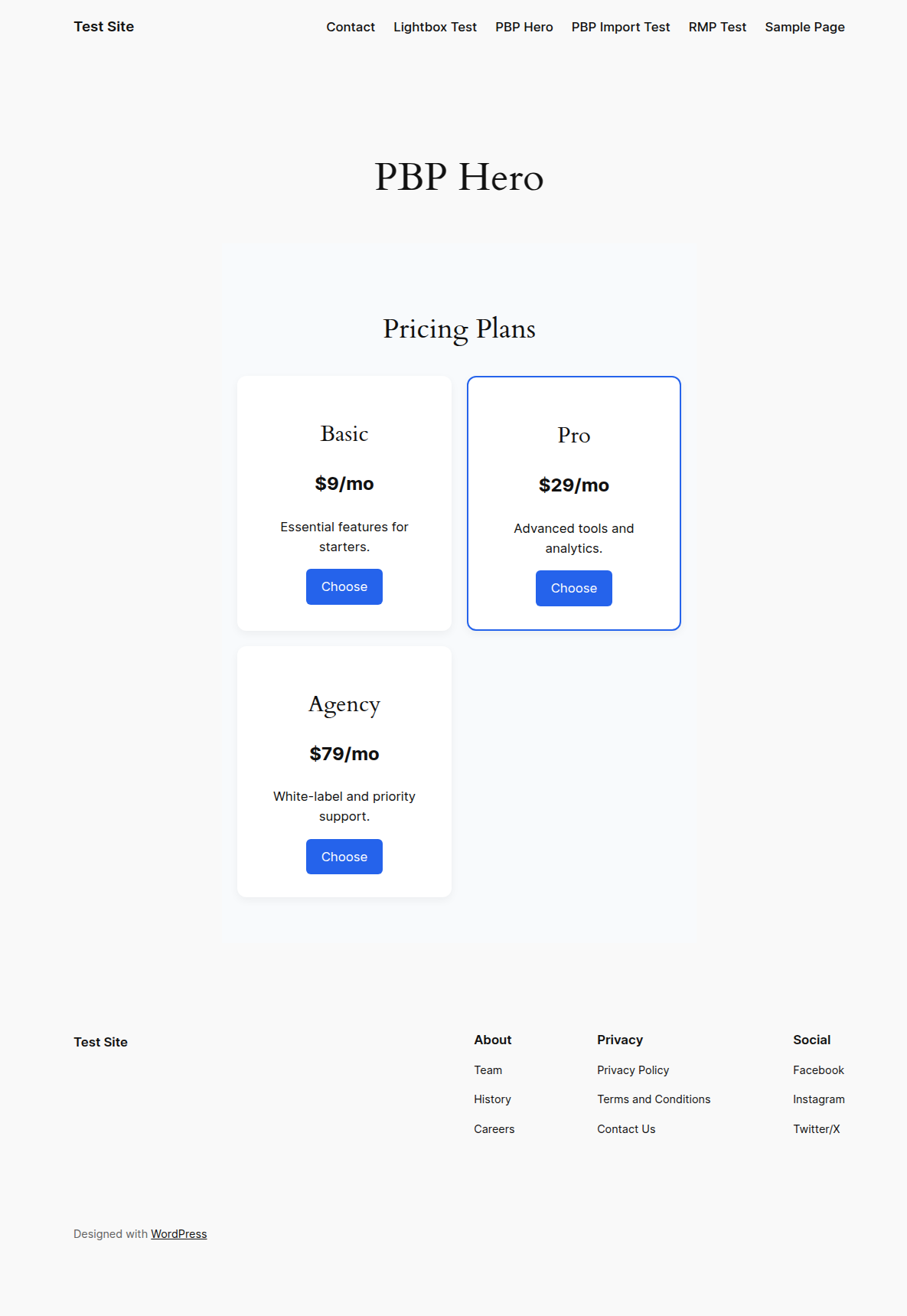
Frontend output with pricing table
Settings
License
GPL-2.0-or-later