Install
This is the repository archive. It installs, but the folder name will carry the branch suffix and updates will not flow.
Install straight from GitHub with WP-CLI:
wp plugin install https://github.com/mrshahbazdev/mailpilot/archive/refs/heads/main.zipNo built-in updater. New versions won't appear under Dashboard → Updates. Install new releases yourself, or let Git Updater track the repository.
Advanced SMTP & transactional email manager for WordPress, with multi-provider fallback, email logs, templates, analytics and a React-powered admin dashboard.
Features
- Multiple providers: SMTP, Mailgun, SendGrid, Brevo, Postmark, Resend, MailerSend
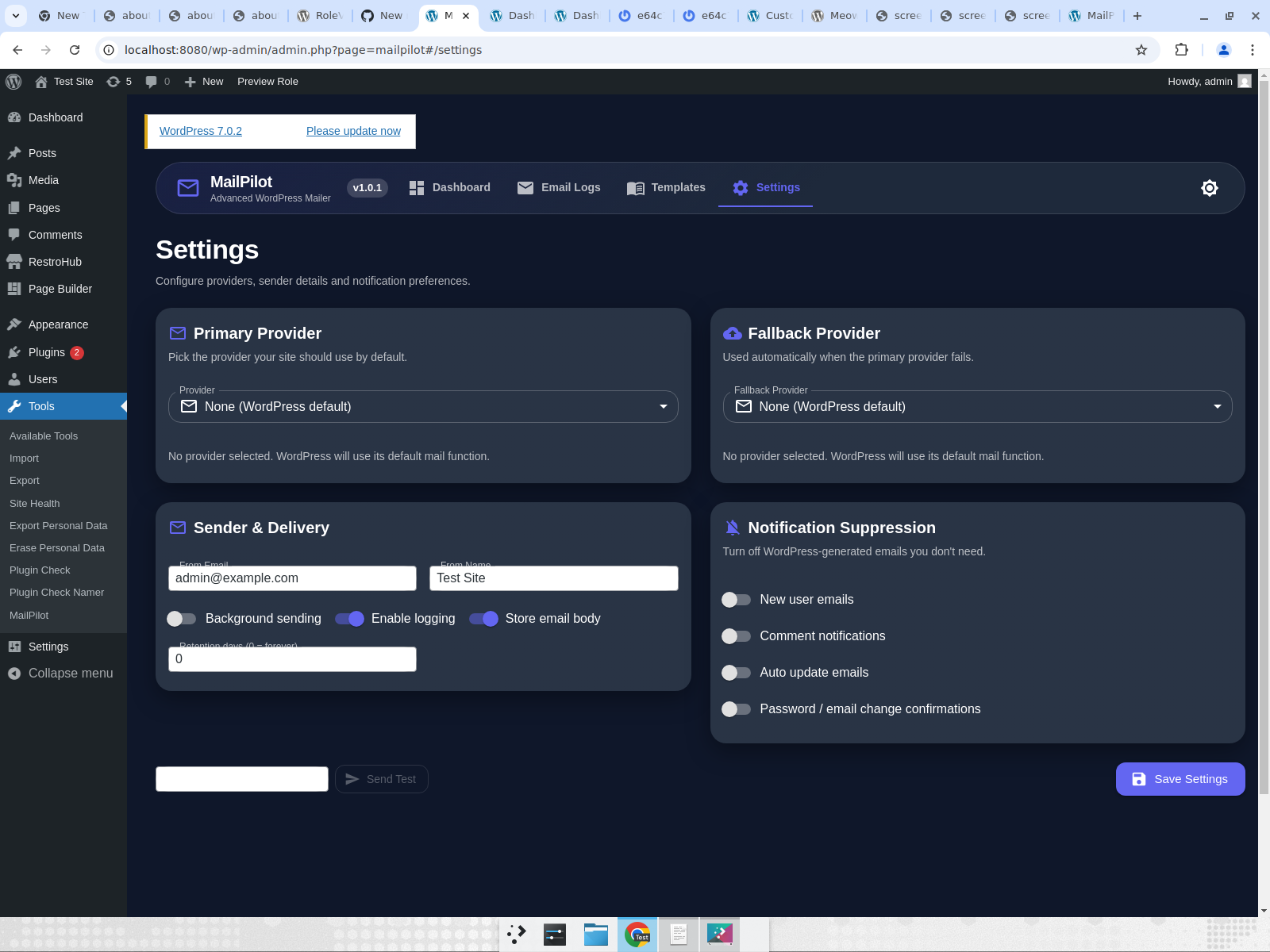
- Primary + fallback provider with automatic failover
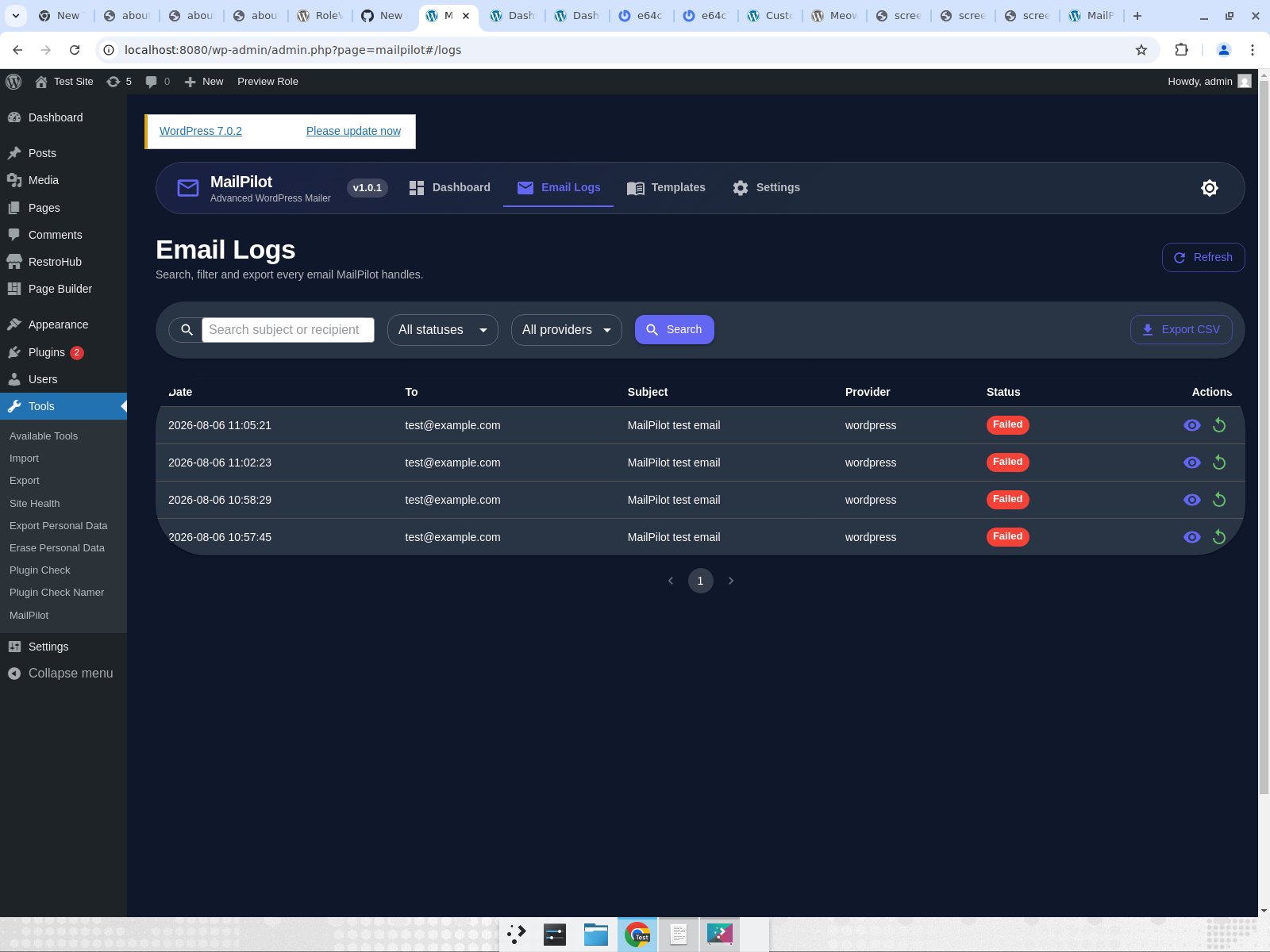
- Real-time email log with search, filters, CSV export and one-click resend
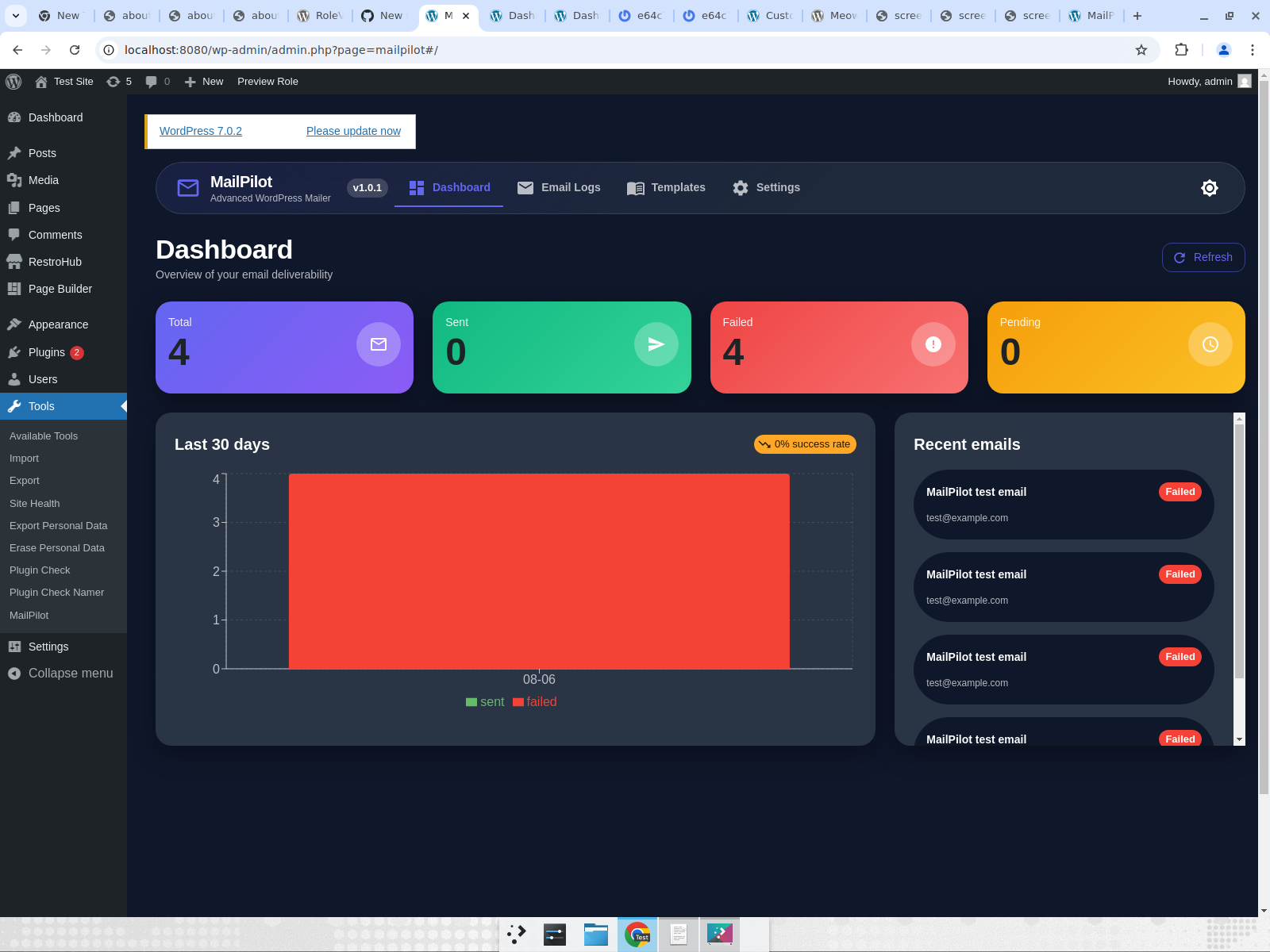
- Dashboard with metrics and 30-day chart
- Background sending via WP Cron
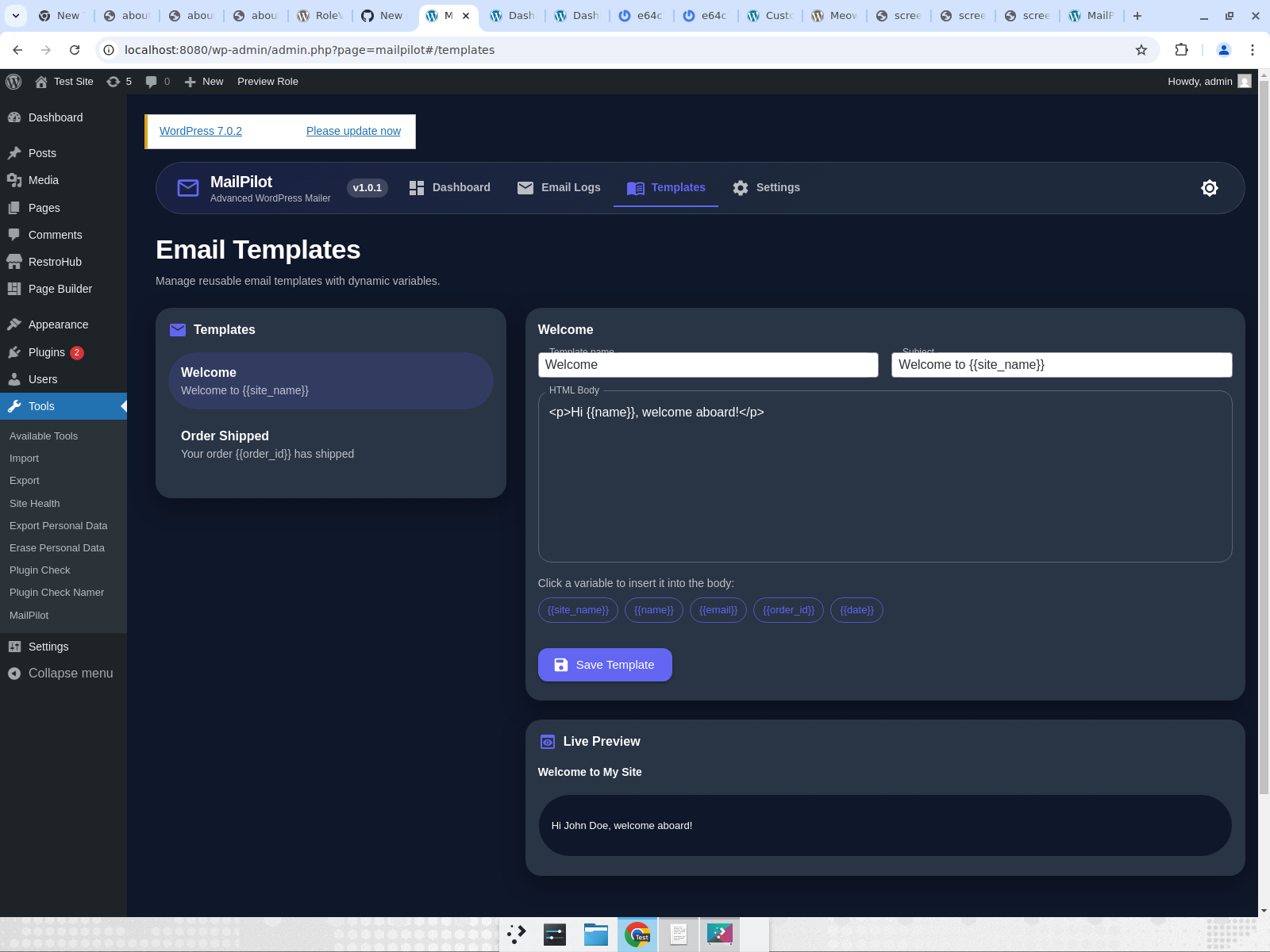
- Email templates with variables
- Suppress native WordPress notifications
- Auto prune logs
- Dark / light mode
- Responsive React admin UI (React 18 + Vite + MUI v5)
Screenshots
Dashboard
Email Logs
Email Templates
Settings
Requirements
- WordPress 6.0+
- PHP 7.4+
- Node.js 18+ (for building the admin UI)
Installation
- Upload the
mailpilotfolder to/wp-content/plugins/. - Activate the plugin.
- Go to Tools > MailPilot, choose a provider and send a test email.
Development
cd admin-ui
npm install
npm run build
Built assets are output to assets/mailpilot-ui/.
License
GPLv2 or later