Install
This is the repository archive. It installs, but the folder name will carry the branch suffix and updates will not flow.
Install straight from GitHub with WP-CLI:
wp plugin install https://github.com/mrshahbazdev/login-shield/archive/refs/heads/main.zipNo built-in updater. New versions won't appear under Dashboard → Updates. Install new releases yourself, or let Git Updater track the repository.
Login Shield – WordPress Login Protection
Login Shield is a lightweight security plugin that protects your WordPress login form from brute-force attacks. It limits failed login attempts, blocks offending IPs for a configurable duration, and keeps a detailed log of all login events.
Features
- Brute-force protection: limit failed attempts per IP within a sliding time window.
- IP lockouts: automatically block IPs that exceed the allowed number of failures.
- Whitelist & blacklist: support single IPs, wildcards (
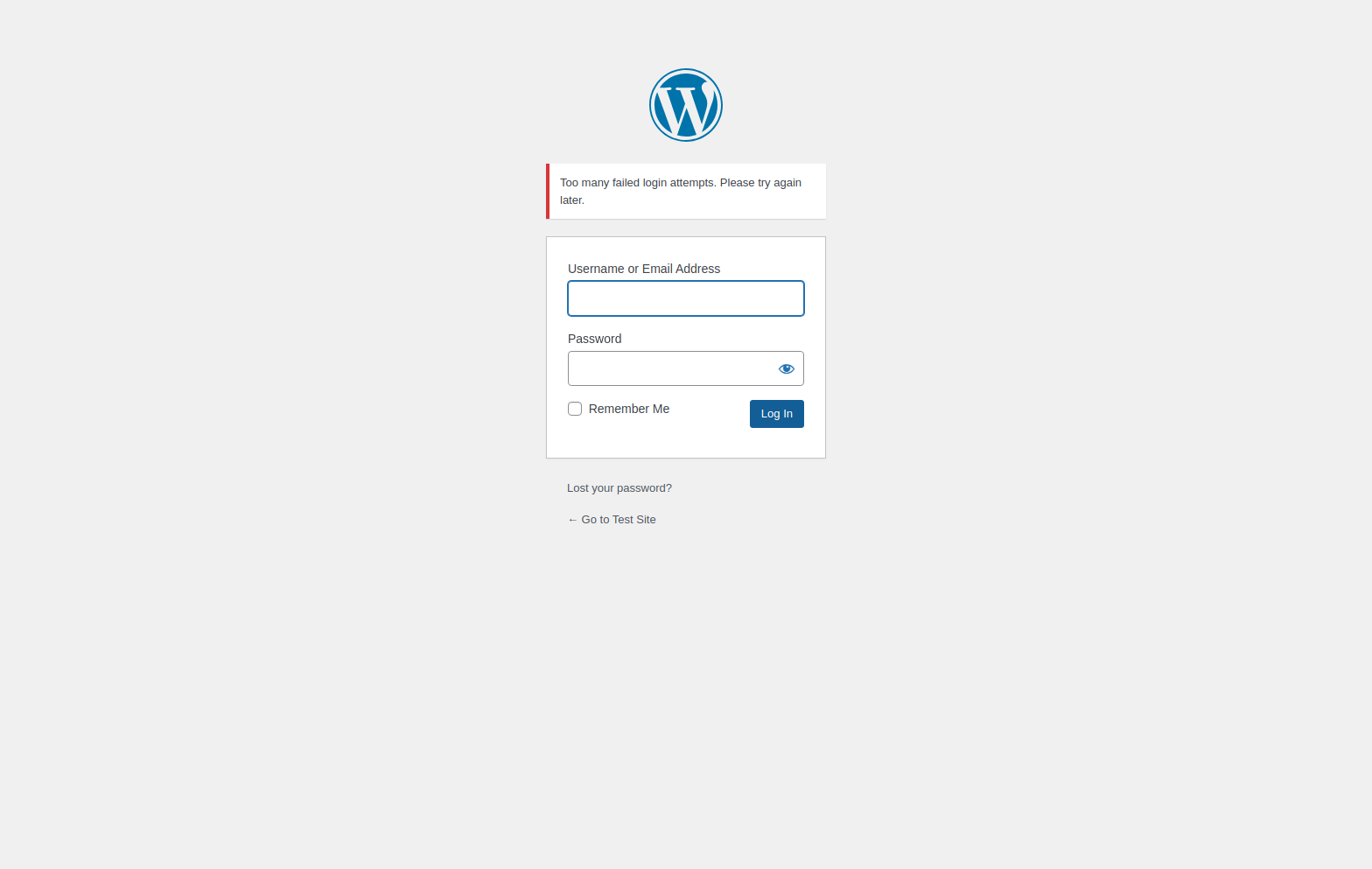
192.168.1.*) and CIDR ranges (192.168.1.0/24). - Custom lockout message: display your own message on the login form when an IP is blocked.
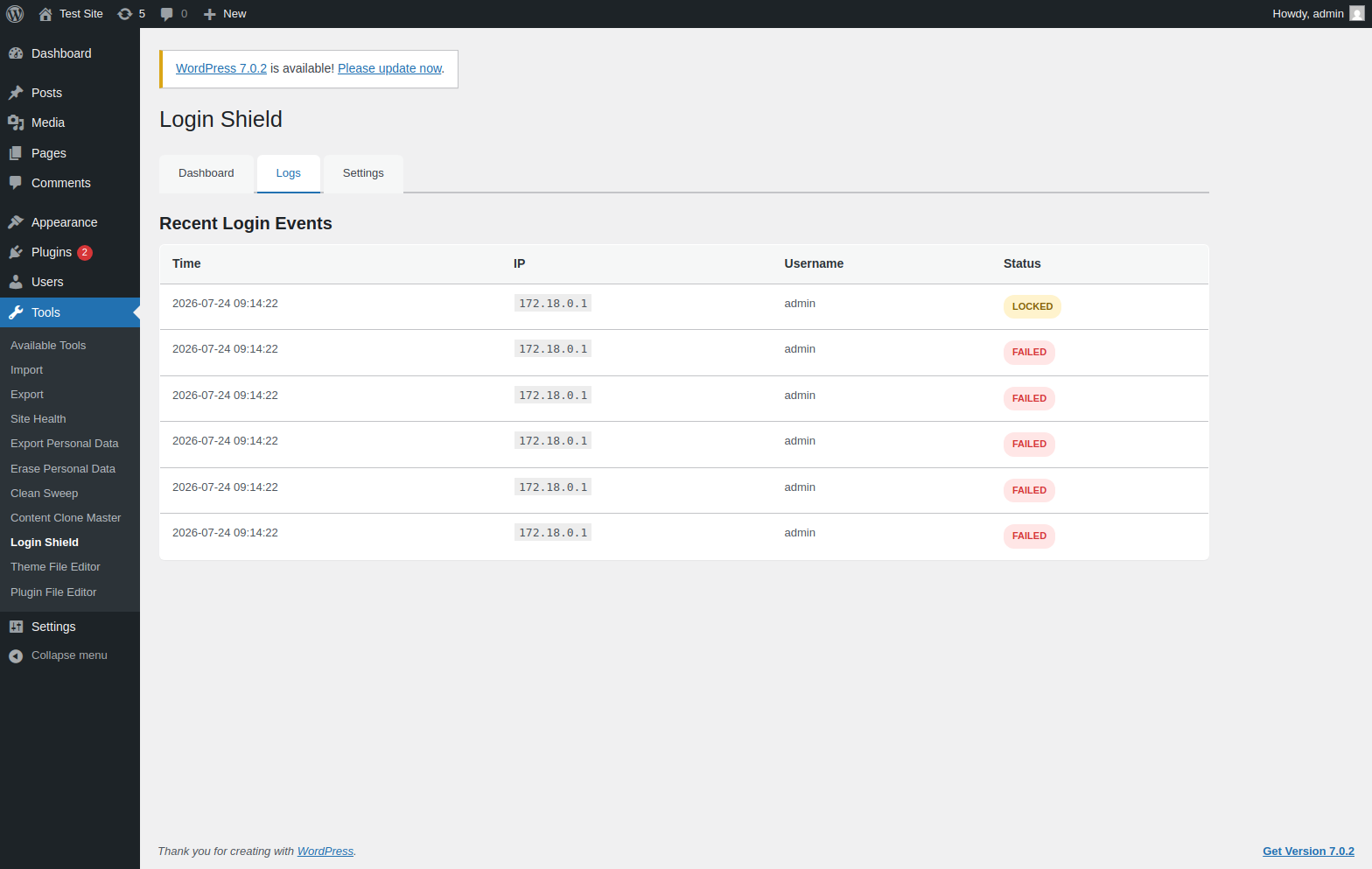
- Event logs: track failed, locked and successful login attempts from a single dashboard.
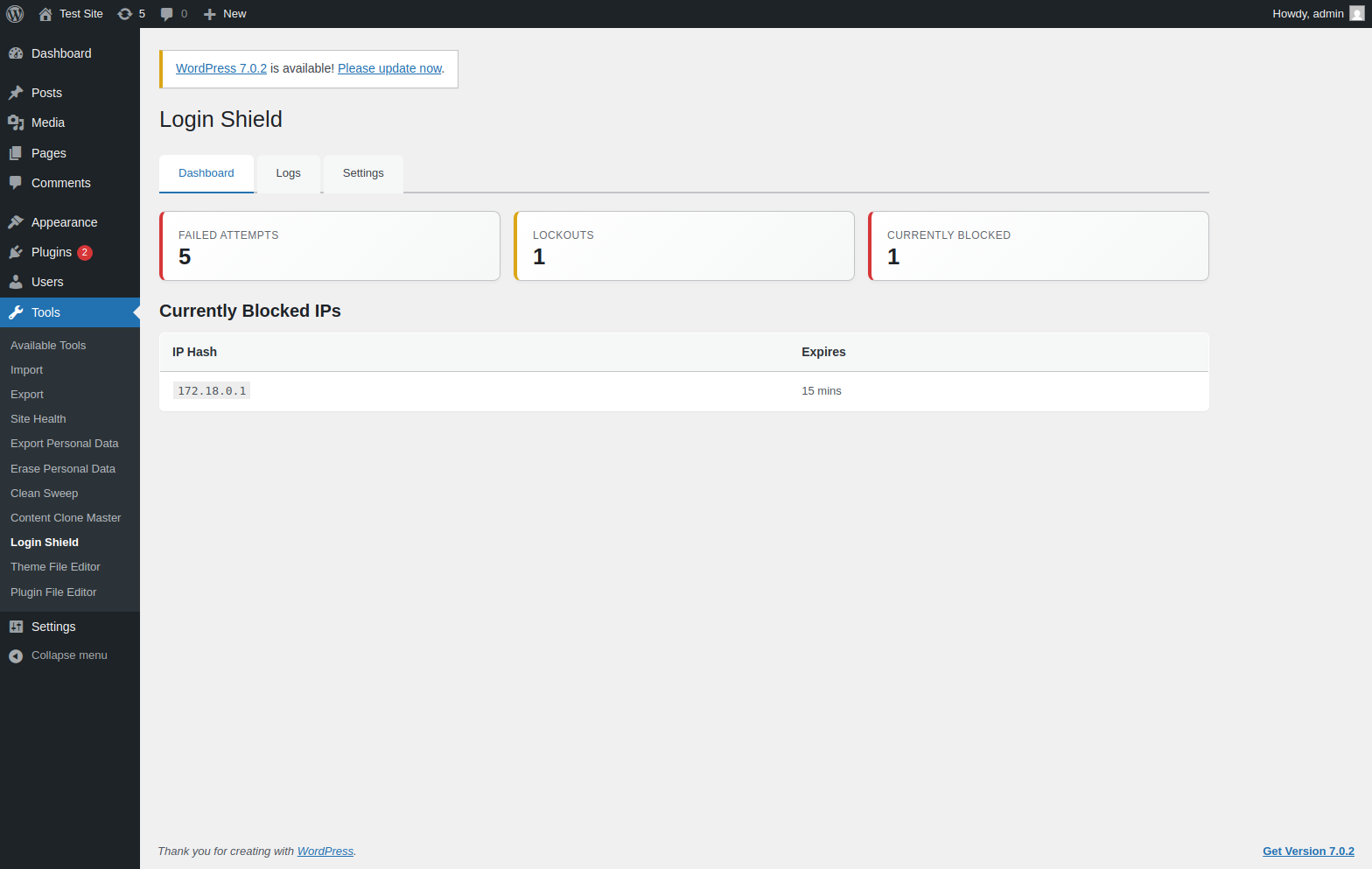
- Admin dashboard: summary cards show failed attempts, lockouts and currently blocked IPs.
Screenshots
Dashboard
Event Logs
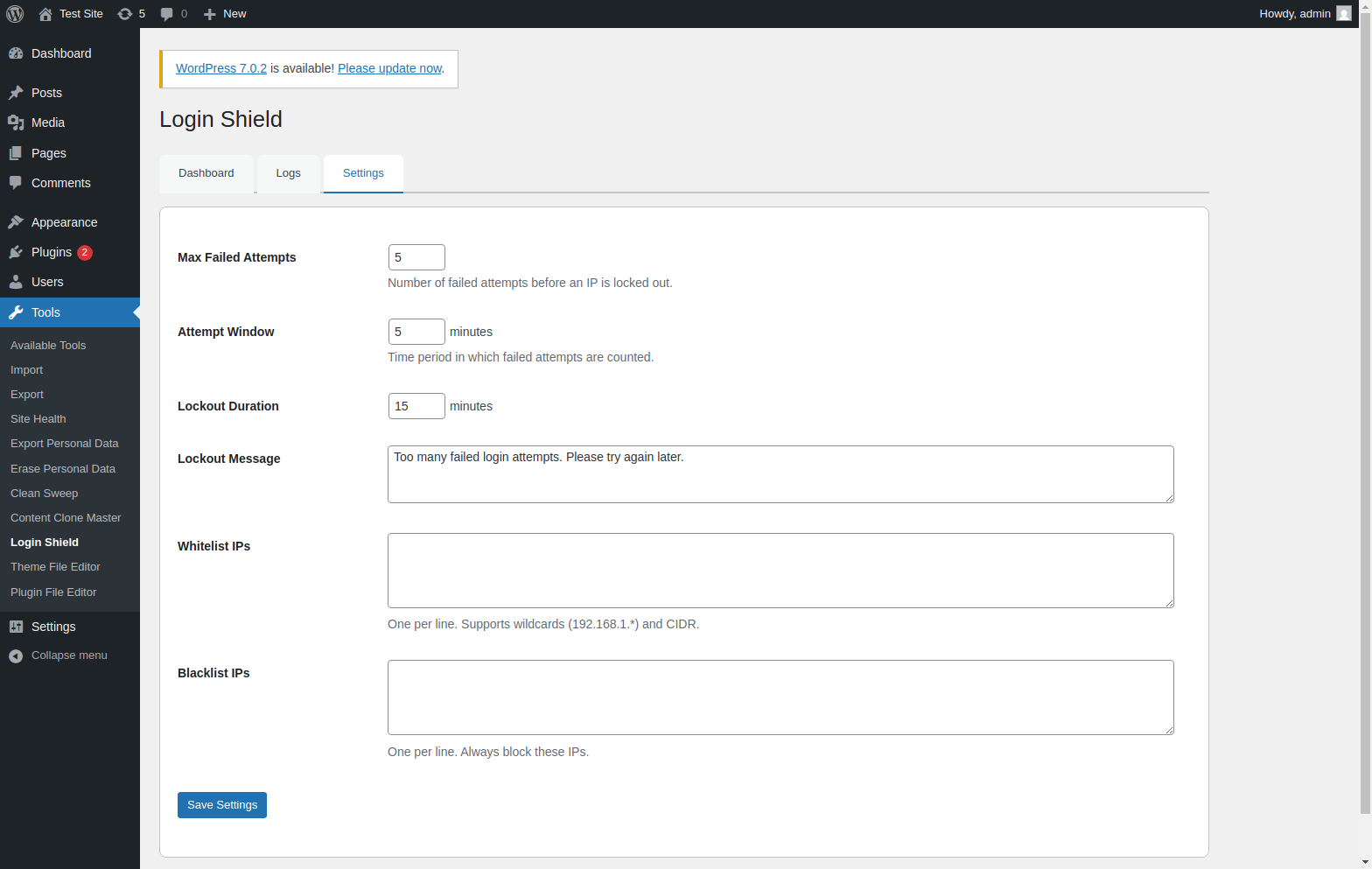
Settings
Lockout Message
Installation
- Download the latest
login-shield.zipfrom Releases. - Upload and extract to
wp-content/plugins/login-shield/. - Activate the plugin.
- Go to Tools > Login Shield to configure settings and view logs.
Requirements
- WordPress 6.5 or higher
- PHP 7.4 or higher
License
GPL-2.0-or-later