Install
This is the repository archive. It installs, but the folder name will carry the branch suffix and updates will not flow.
Install straight from GitHub with WP-CLI:
wp plugin install https://github.com/mrshahbazdev/lead-pilot/archive/refs/heads/main.zipNo built-in updater. New versions won't appear under Dashboard → Updates. Install new releases yourself, or let Git Updater track the repository.
LeadPilot — WordPress Lead Capture & Popup Plugin
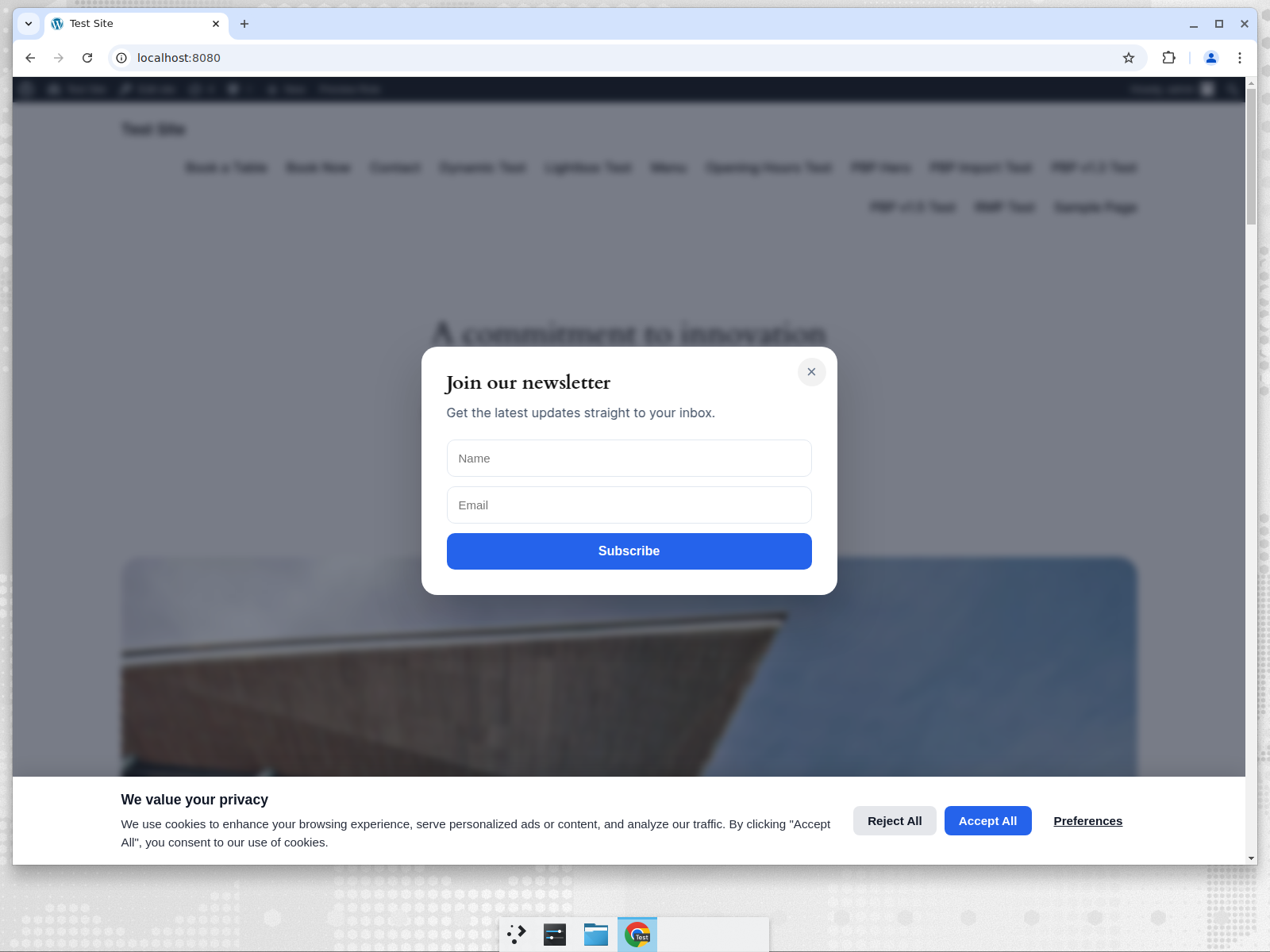
LeadPilot is an advanced, self-hosted WordPress lead capture plugin. It replaces SaaS popup builders like OptinMonster with a fully local solution: popups, floating bars, slide-ins, welcome mats and inline forms — all managed through a React 18 + Vite 5 + Material UI v5 admin dashboard.
Why LeadPilot is better than OptinMonster
OptinMonster is a SaaS service that requires an external account, limits free impressions and stores data off-site. LeadPilot gives you:
- No external account or impression credits required
- All campaigns, leads and analytics stored locally
- Unlimited campaigns and impressions
- Multiple campaign types (popup, banner, slide-in, welcome mat, inline)
- Smart triggers and targeting rules
- Built-in analytics dashboard with CSV export
- REST API for full extensibility
Features
- Campaign types: Popup, floating bar, slide-in, fullscreen welcome mat, inline form
- Visual builder: title, body, image, CTA text/link, colors, form fields
- Triggers: immediate, time delay, scroll percentage, exit intent, click element
- Display rules: device targeting, page URL matching, new/returning visitors, frequency
- Lead capture: name, email, phone with validation
- Analytics: impressions, conversions, conversion rate, 30-day chart, top campaigns
- CSV export: export all captured leads
- Email notifications: notify admin on new leads
- REST API:
lead-pilot/v1endpoints for admin,lead-pilot-public/v1for public lead submission - Gutenberg / shortcode:
[lead_pilot id="123"]for inline campaigns
Installation
- Download
lead-pilot.zip. - Upload the
lead-pilotfolder to/wp-content/plugins/. - Activate LeadPilot from the plugins page.
- Go to LeadPilot → Campaigns and create your first campaign.
Screenshots
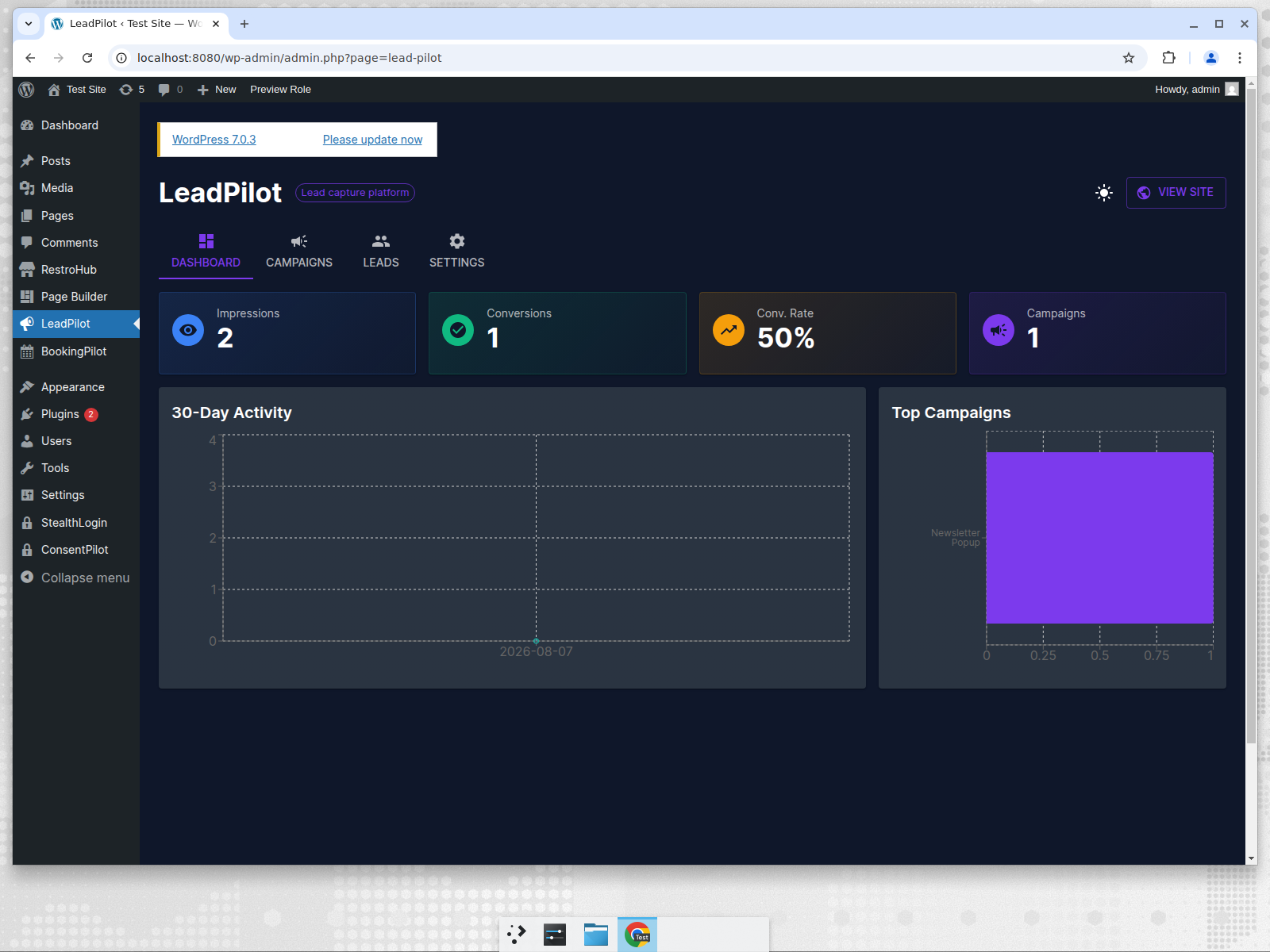
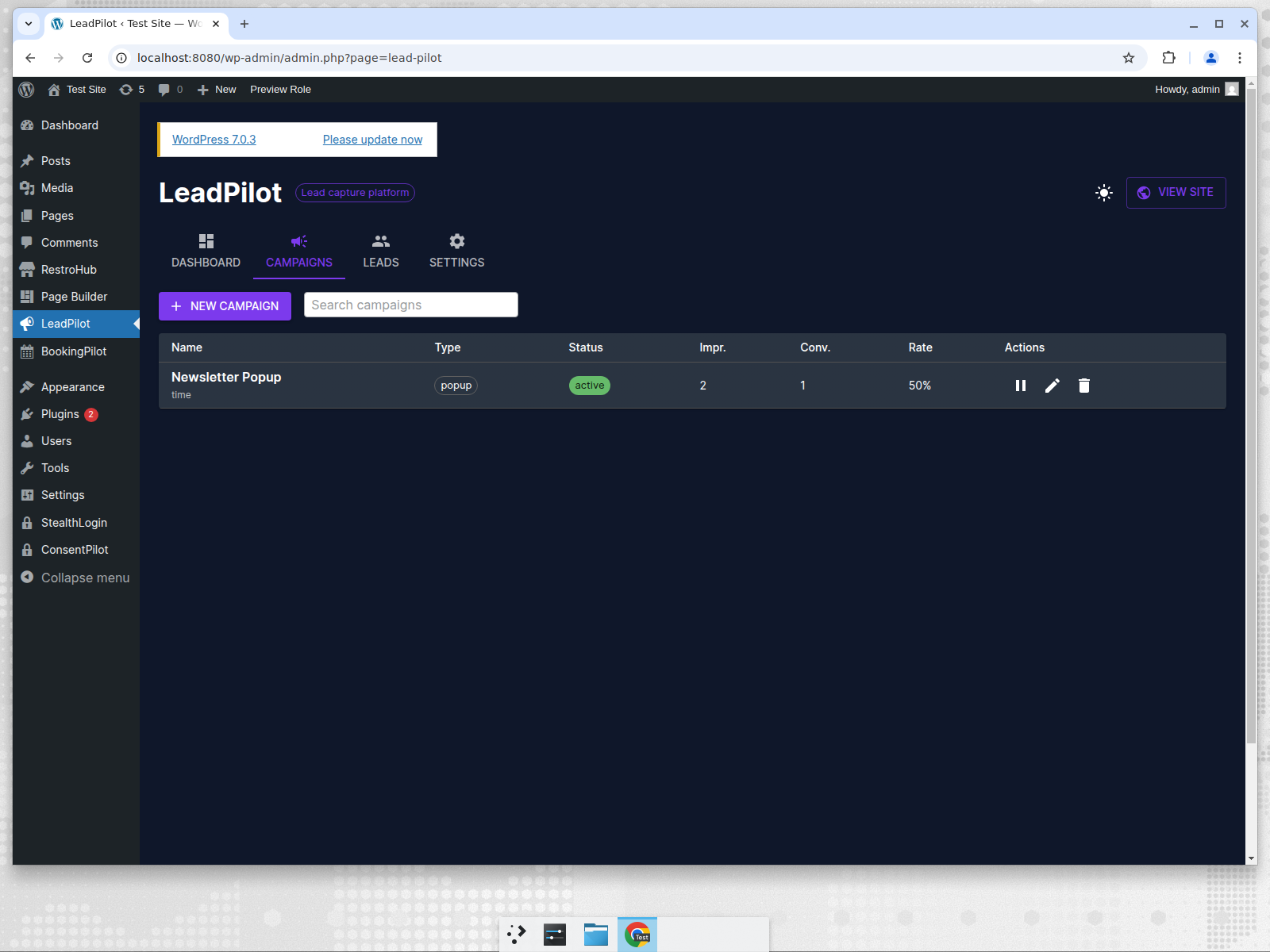
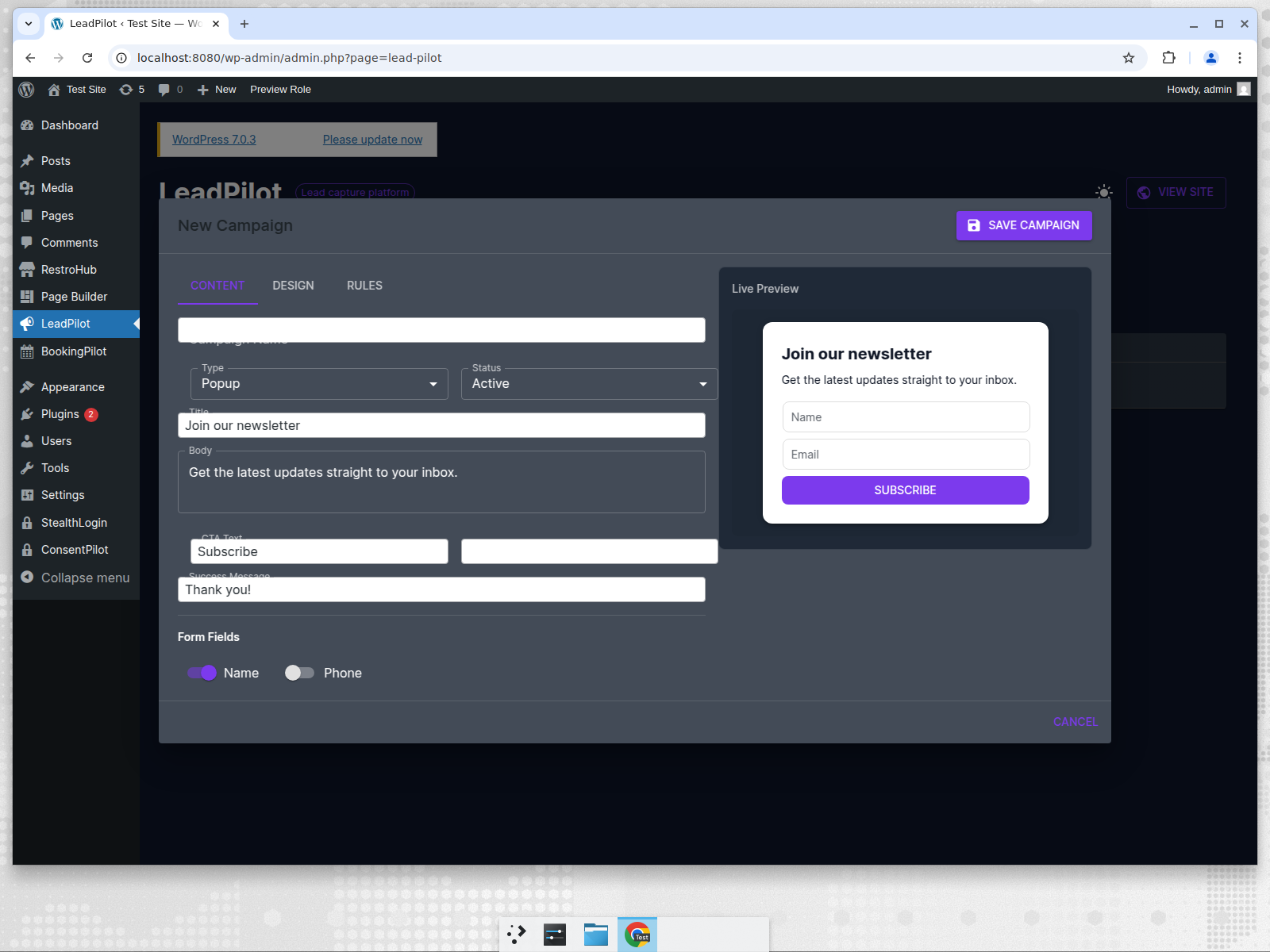
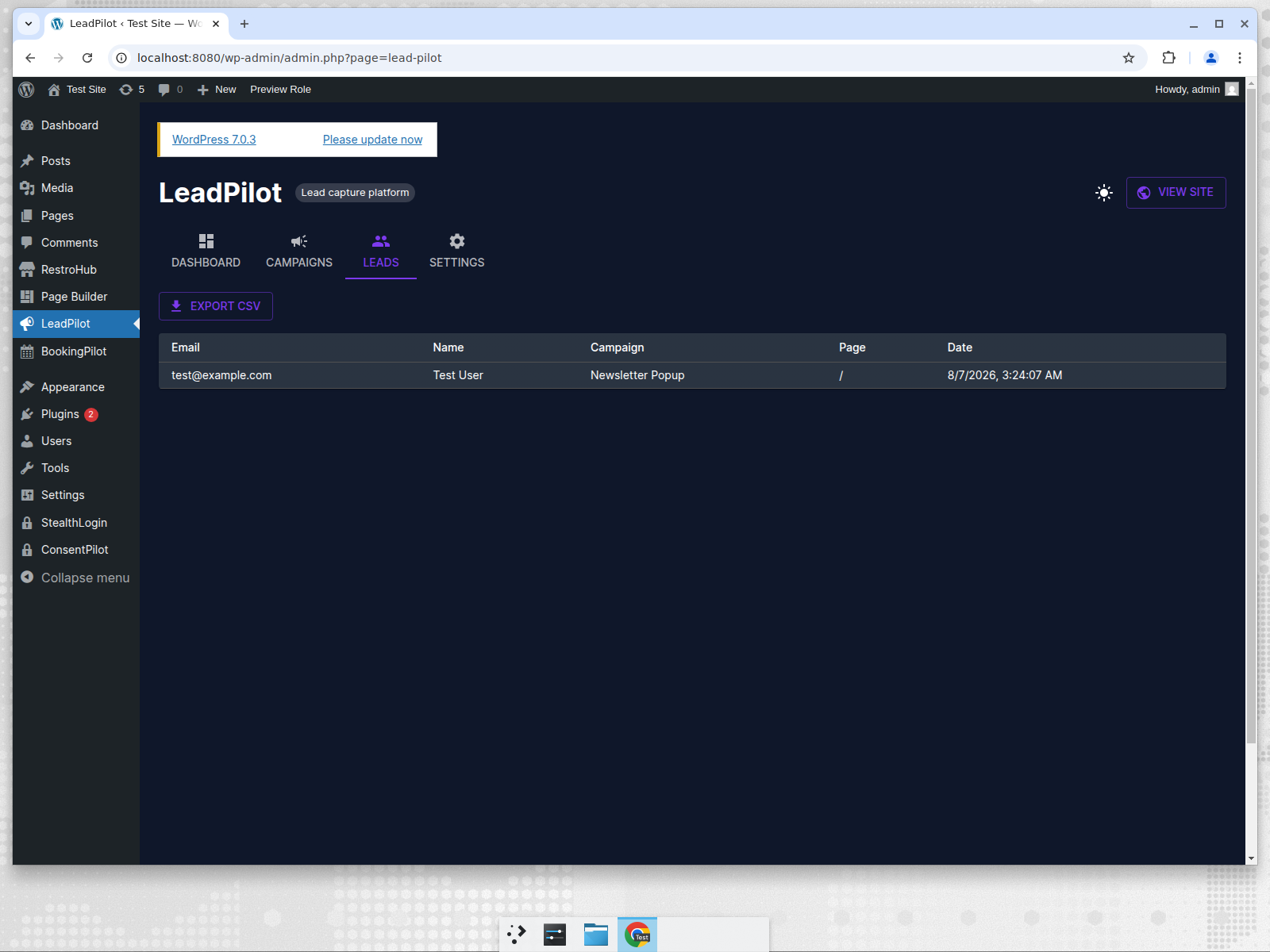
REST API Endpoints
Admin endpoints under wp-json/lead-pilot/v1:
GET /settings/POST /settingsGET /templatesGET /campaigns/POST /campaignsPUT /campaigns/{id}/DELETE /campaigns/{id}GET /campaigns/{id}/leadsGET /leadsGET /analyticsPOST /track
Public endpoints under wp-json/lead-pilot-public/v1:
GET /campaigns— active campaigns for current requestPOST /lead— submit a lead
Requirements
- WordPress 6.0 or higher
- PHP 7.4 or higher
Changelog
1.0.0
- Initial release with campaign builder, lead capture, analytics and settings.