Clean Sweep
Bulk clean unused themes, plugins, orphan thumbnails, post revisions, transients, and more with automatic backups.
Install
No release zip yet. The repository archive installs, but the folder name will carry the branch suffix and updates will not flow:
wp plugin install https://github.com/mrshahbazdev/clean-sweep/archive/refs/heads/main.zipClean Sweep – WordPress Site Cleanup & Optimization Plugin
Clean Sweep is a free WordPress plugin that helps site owners, developers, and agencies quickly reclaim disk space and improve performance from a single, modern admin dashboard. It scans your WordPress installation and lets you safely remove unused themes, inactive plugins, orphan thumbnails, post revisions, auto-drafts, trashed posts, spam comments, orphan post meta, and expired transients — with automatic backups before every delete.
Why Use Clean Sweep?
Over time, every WordPress site accumulates bloat: inactive themes and plugins left over from testing, hundreds of post revisions, auto-drafts, orphan images, expired transients, and spam comments. This clutter slows down your site, increases backup sizes, and consumes hosting storage.
Clean Sweep solves this with a one-click cleanup workflow and a visual card-based dashboard that shows exactly what is safe to remove and how much space you will recover.
Key Features
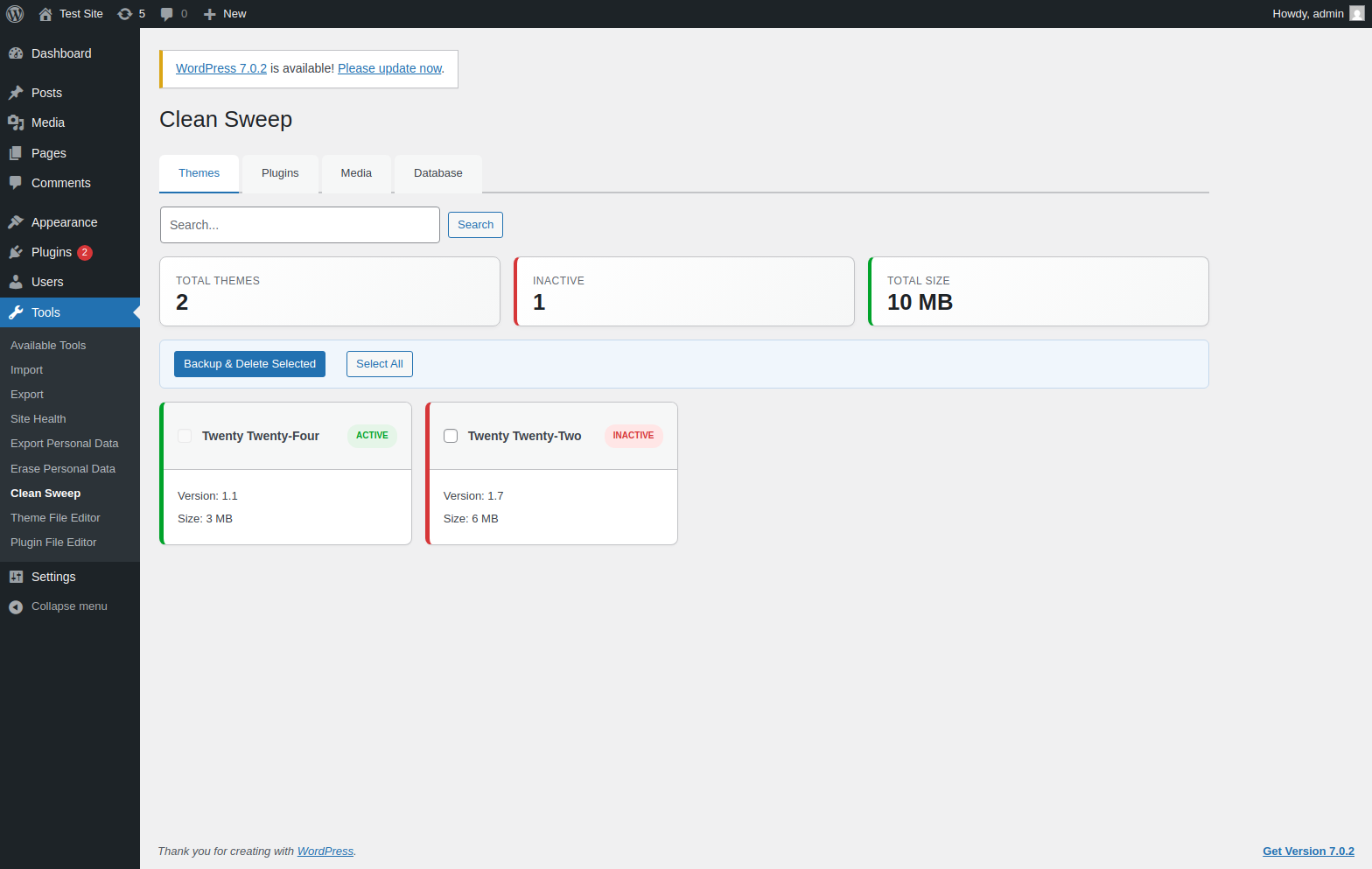
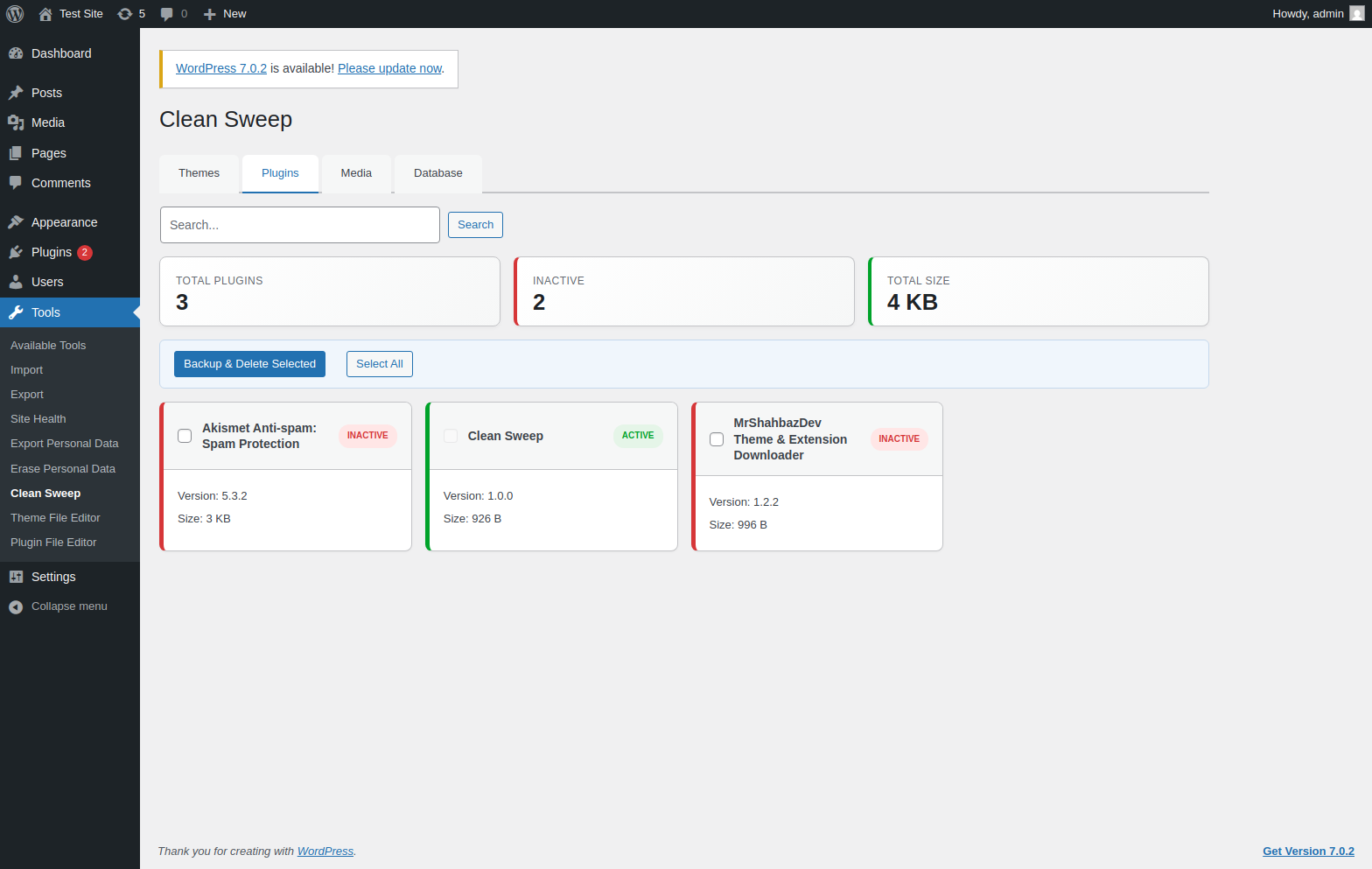
- Unused Themes & Plugins – See all installed themes and plugins, their version, active/inactive status, and disk size. Delete inactive items safely (active items are protected).
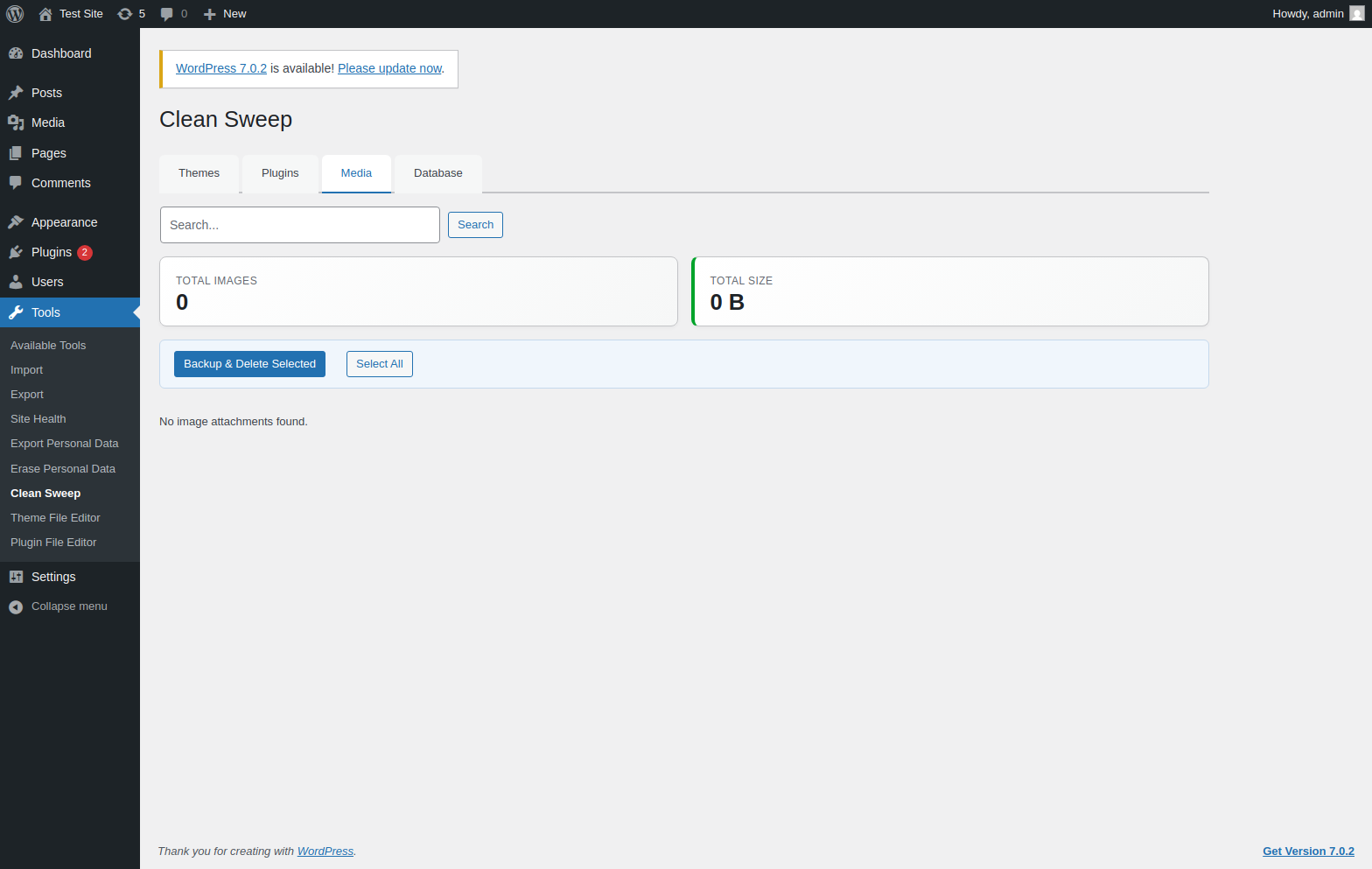
- Media Cleanup – Browse image attachments with thumbnails and remove files you no longer need.
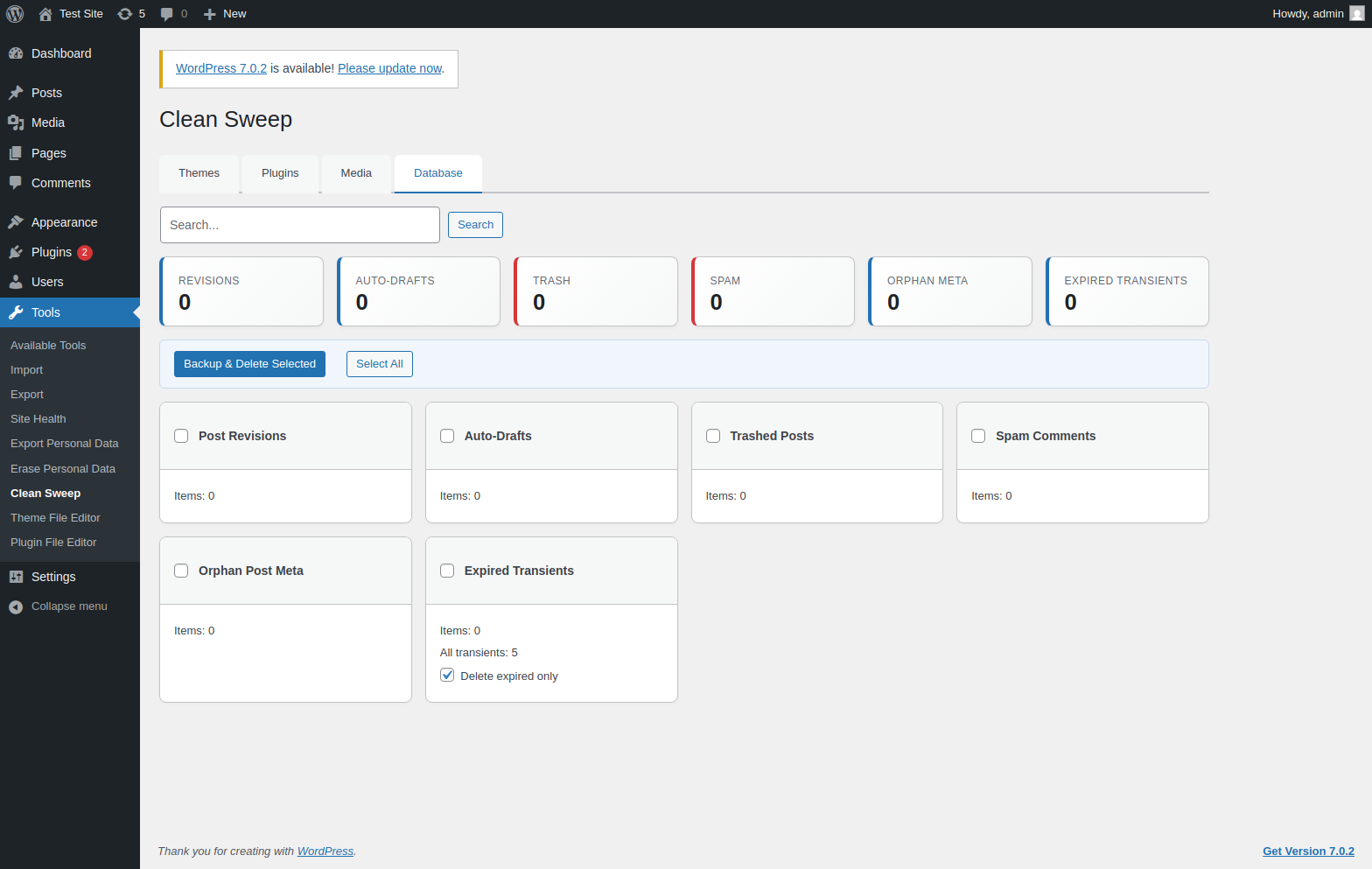
- Database Cleanup – Remove post revisions, auto-drafts, trashed posts, spam comments, orphan post meta, and expired transients.
- Automatic Backups – Themes and plugins are zipped; database changes are exported to SQL files before deletion. Backups are stored in
wp-content/clean-sweep-backups/. - Advanced Dashboard UI – Tabbed interface, search, responsive card grid, active/inactive badges, bulk selection, and a select-all toggle.
- Safe & Secure – Nonce checks,
manage_optionscapability checks, path containment for ZIP operations, and active-theme/plugin protection.
Installation
- Download the latest
clean-sweep.zipfrom the Releases page. - Upload and extract to
wp-content/plugins/clean-sweep/. - Activate the plugin in WordPress.
- Go to Tools > Clean Sweep.
Requirements
- WordPress 6.5 or higher
- PHP 7.4 or higher
ZipArchivePHP extension
How It Works
- Scan – Open any tab (Themes, Plugins, Media, Database) to see a list of items.
- Select – Use the checkboxes or the Select All button to choose what to clean.
- Backup & Delete – Click the button. Clean Sweep creates a backup and then removes the selected items.
- Restore – If needed, restore themes/plugins from the ZIP backups in
wp-content/clean-sweep-backups/. Database backups are saved as SQL files.
Screenshots
Themes Tab
Plugins Tab
Media Tab
Database Cleanup Tab
Frequently Asked Questions
Is it safe to delete active themes or plugins?
No. Clean Sweep disables the checkbox for active themes and active plugins, so they cannot be accidentally removed.
Can I restore deleted items?
Yes. Before deletion, themes and plugins are zipped, and database rows are exported to SQL. You can manually restore these from wp-content/clean-sweep-backups/.
Will this delete images I am using?
Clean Sweep only deletes the media attachments you explicitly select. Always review thumbnails and verify files are not in use before deleting.
Support & Contributing
Found a bug or have an idea? Open an issue or pull request on GitHub.
License
This plugin is licensed under the GPL-2.0-or-later license. See LICENSE for details.