Install
This is the repository archive. It installs, but the folder name will carry the branch suffix and updates will not flow.
Install straight from GitHub with WP-CLI:
wp plugin install https://github.com/mofistudio/core-columns-stack-reverser/archive/refs/heads/main.zipNo built-in updater. New versions won't appear under Dashboard → Updates. Install new releases yourself, or let Git Updater track the repository.
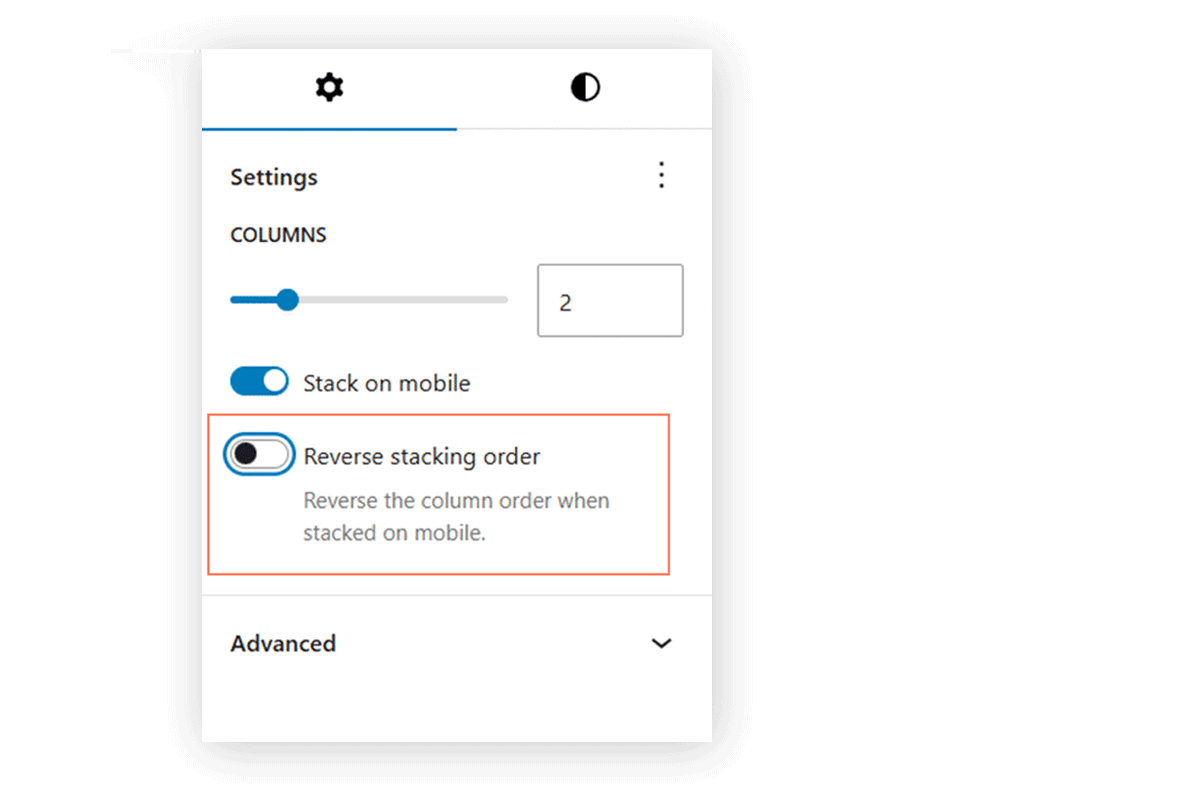
Adds a “Reverse stacking order” toggle to the WordPress core Columns block.
Overview
The default Columns block includes a “Stack on mobile” option, but does not allow control over the stacking order.
This plugin adds a second toggle:
- Reverse stacking order
When enabled, columns will stack in reverse order on smaller screens.
Screenshots
Columns block settings
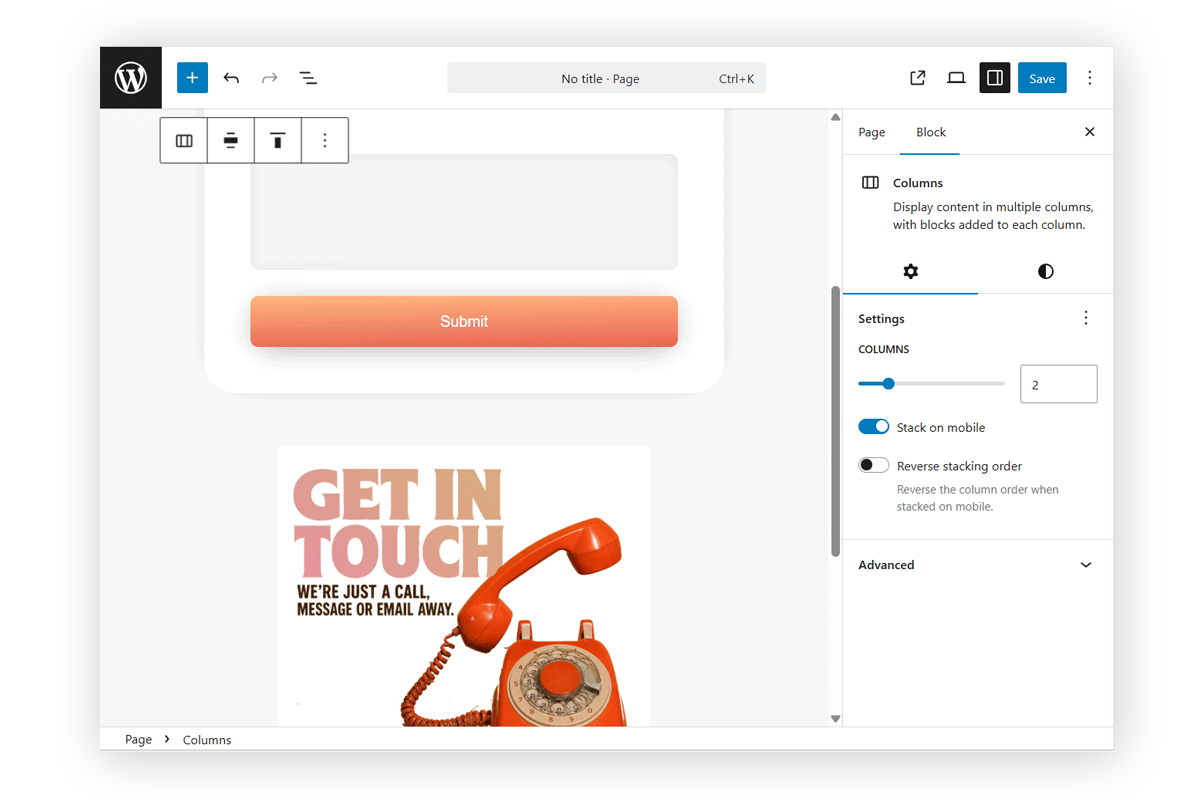
Default stacking order on mobile
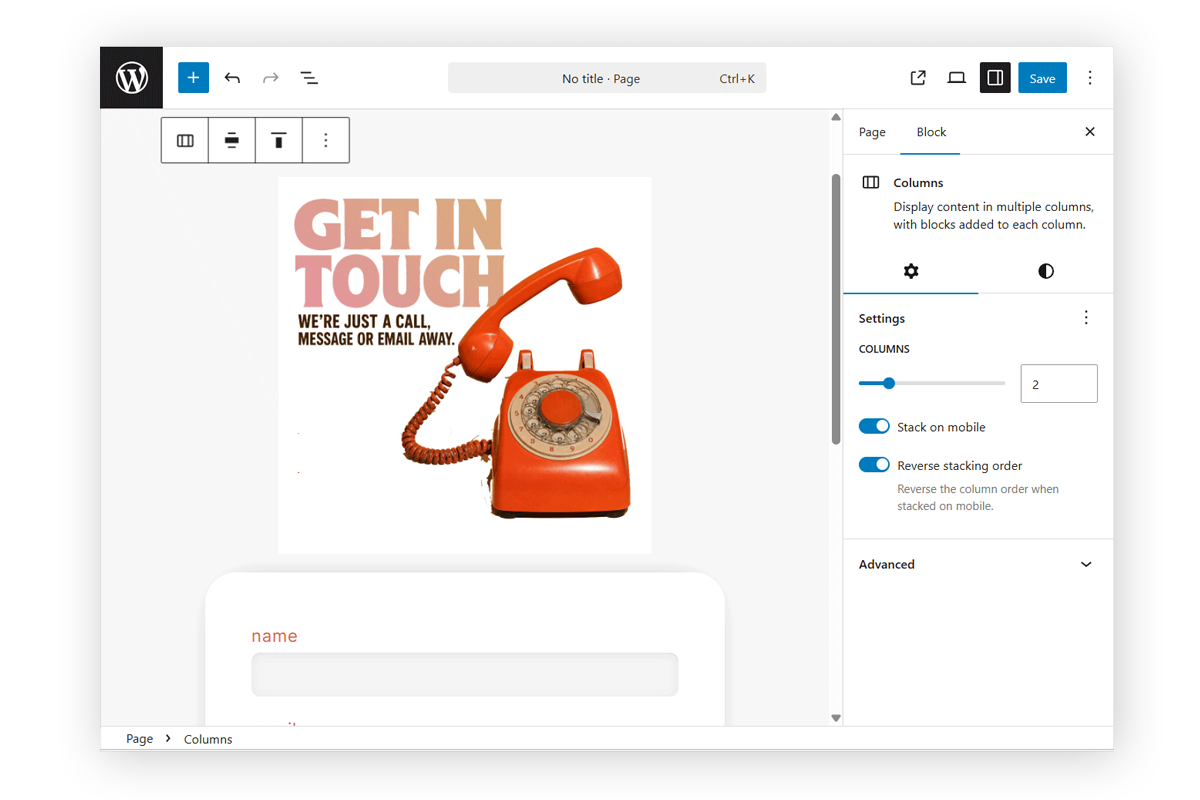
Reversed stacking order on mobile
Why this is useful
This is especially helpful for:
- Alternating content sections
- Image + text layouts
- Payment forms + supporting information
- Contact forms + contact details or branding
- Text + video layouts
- Marketing sections where visual content should appear first on mobile
- Mobile-first design adjustments where content order impacts engagement
How it works
- Adds a
reverseStackOnMobileattribute tocore/columns - Adds a toggle in the block inspector
- Adds class:
is-reversed-on-mobile - Uses the same breakpoint as core (
781px)
Development Notes
- Matches existing “Stack on mobile” behavior
- No breaking changes
- Designed as a potential Gutenberg core enhancement
Author
Mofis