Install
Upload it under Plugins → Add New Plugin → Upload Plugin, then activate.
Install straight from GitHub with WP-CLI:
wp plugin install https://github.com/mocoba5/spellexo-for-woocommerce/releases/download/v0.1.0/spellexo-for-woocommerce-0.1.0.zip
Spellexo 3D & AR for WooCommerce
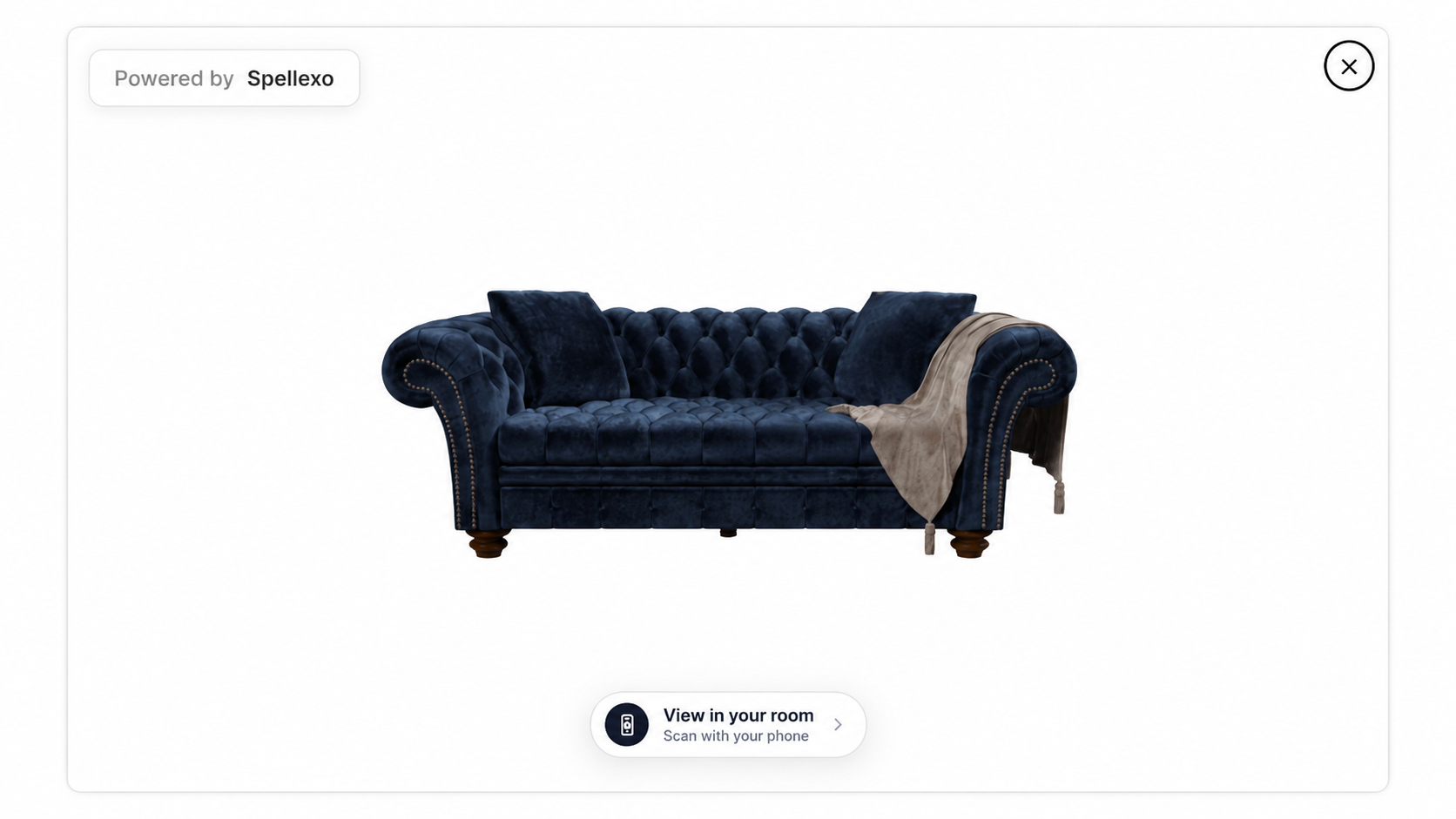
Spellexo lets shoppers explore your products from every angle and see how they fit in their own room, alongside your existing product photos.
Download the WordPress plugin · Watch the demo · Start free
Bring your products to life
- Let shoppers rotate, zoom, and inspect materials, finishes, and fine details.
- Show products at room scale with augmented reality.
- Give products and individual variations their own 3D models.
- Place the viewer button using a WordPress block, Elementor widget, or shortcode.
- Manage models, product assignments, analytics, and your account in the Spellexo dashboard.
Spellexo's browser-based AR extends beyond devices with built-in native AR support, including many Android devices. A compatible mobile browser and camera permission are required.
Install on your WooCommerce store
Requirements: WordPress 6.3+, WooCommerce 7.3+, PHP 7.4+, and an HTTPS storefront.
- Download spellexo-for-woocommerce-0.1.0.zip from GitHub Releases.
- In WordPress, go to Plugins → Add New → Upload Plugin, select the ZIP, and click Install Now, then Activate Plugin.
- Open WooCommerce → Spellexo, click Connect to Spellexo, and sign in or create your Spellexo account.
- Synchronize your catalog, upload or request a model, assign it to a product or variation, and set it live within your plan limit.
- Add Spellexo — View In Your Room to each applicable Single Product template using the WordPress block, Elementor widget, or shortcode:
[spellexo_view_in_your_room].
Your existing product gallery stays in place. The viewer opens when a shopper clicks View In Your Room. Products without an active model do not show an active viewer button.
Start free, grow with your catalog
A Spellexo account is required. The Free plan needs no card and includes one active product or variation with .spellexo uploads. Paid plans support larger catalogs and also accept .sog Gaussian splat and .glb files.
The proprietary .spellexo format combines Gaussian splats with geometry and Spellexo's custom shaders for lifelike materials and product detail. Model creation and conversion services are quoted separately.
Explore Spellexo for WooCommerce · Plans and pricing
Help and privacy
See the plugin guide for setup, common questions, and service data disclosures. Manage subscriptions in the Spellexo dashboard; removing the plugin does not cancel a subscription.
Releases
1 release. Each count is every asset in that release; expand a row for the breakdown.