Install
This is the repository archive. It installs, but the folder name will carry the branch suffix and updates will not flow.
Install straight from GitHub with WP-CLI:
wp plugin install https://github.com/mnezerka/bstaxonomies/archive/refs/heads/master.zipBSTaxonomies is a WordPress plugin, which provides new shortcode bstaxonomies which renders
list of various taxononimes - e.g. tags with counts of posts.
Features and Usage
List All Tags
Show alphabetically sorted list of all flags.
[bstaxonomies]Geo Locations For Tags
Plugin extends Post menu of new configuration page Tag Locations:
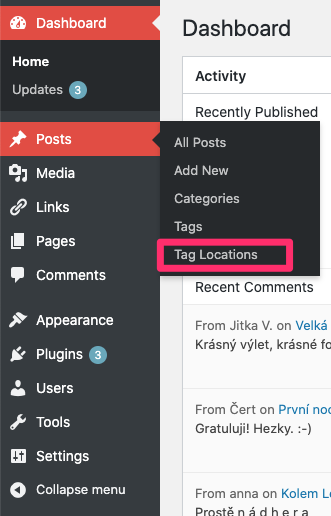
This menu item allows to open new configuration page for management of tag geo locations, where you can assign GPS coordinates to each tag where it makes sense (tag represents some place on the Earth):
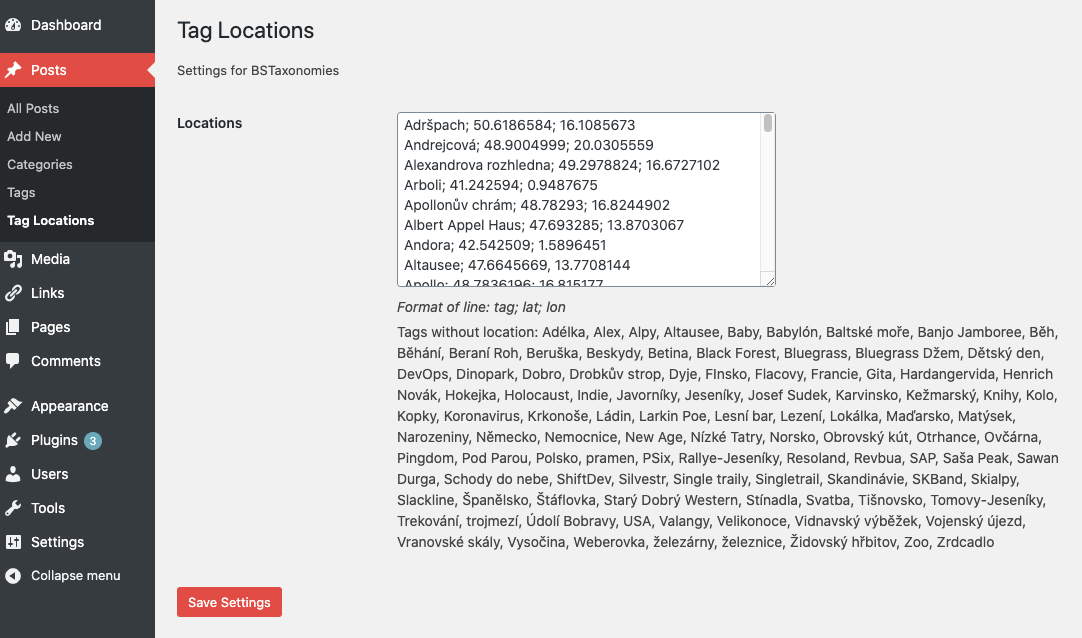
And the final step is to add map with markers:
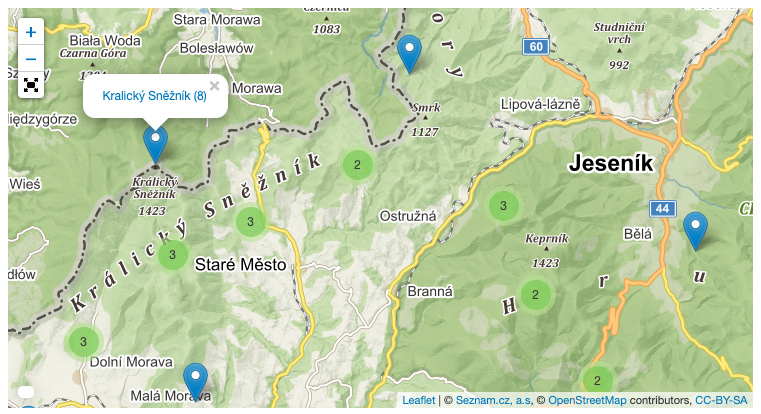
[bstaxonomies type="tagmap"]Each mark represents one tag for which the geo locatio is defined (assigned). The popup window is opened by clicking on marker, where you can see the name of the tag as well as number of tagged post and link that opens listing of all posts. Clustering is applied in case of many markers rendered close to each other:
Installation
Plugin is not registered in WordPress plugin repository so it is not possible
to find it in plugin search section. You can install it by downloading zip file
from github and manually uploading via WP admin interface: Plugins -> Add New -> Upload Plugin
Development
It easy to setup development environment based on docker images. Attached
docker-compose.yml allows to start containers for both wp and mysql database
with plugin mounted inside wp container. Start containers by invoking:
docker-compose up -dWeb server hosting clean WP installation should listen on http://localhost:8080
Editing code of the plugin is immediately visible in WP. You can visit running
container:
docker-compose exec wordpress bashor
docker-compose exec mysql bashTo stop all containers:
docker-compose downReleases
2 releases.
These releases are tags only. The author does not attach a packaged zip, so there are no download counts to report.