manifest / performance / bunnycdn-cache-purge-tool
BunnyCDN Manager
WordPress plugin that adds toolbar buttons to purge BunnyCDN cache (full or single URL).
★ 0stars
V1.0.0latest · 7mo ago
Install
Upload it under Plugins → Add New Plugin → Upload Plugin, then activate.
Install straight from GitHub with WP-CLI:
wp plugin install https://github.com/mikeoverton/bunnycdn-cache-purge-tool/releases/download/V1.0.0/bunnycdn-cache-purge.zipNo built-in updater. New versions won't appear under Dashboard → Updates. Install new releases yourself, or let Git Updater track the repository.
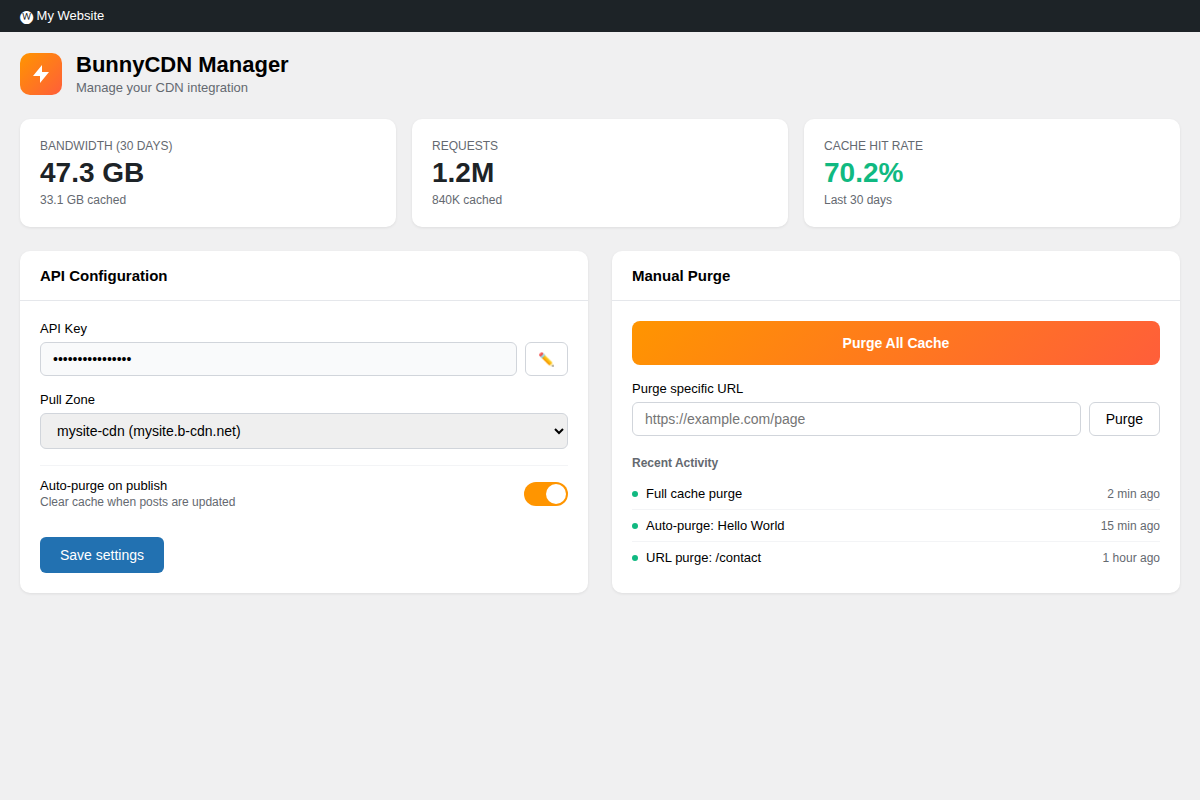
A WordPress plugin for managing your BunnyCDN integration. Purge cache automatically when content changes, rewrite URLs to serve assets from your CDN, and monitor usage stats from your dashboard.

Features
Cache Purging
- Purge entire zone or specific URLs
- Auto-purge when posts are published or updated
- Clears related URLs (homepage, archives, taxonomy pages)
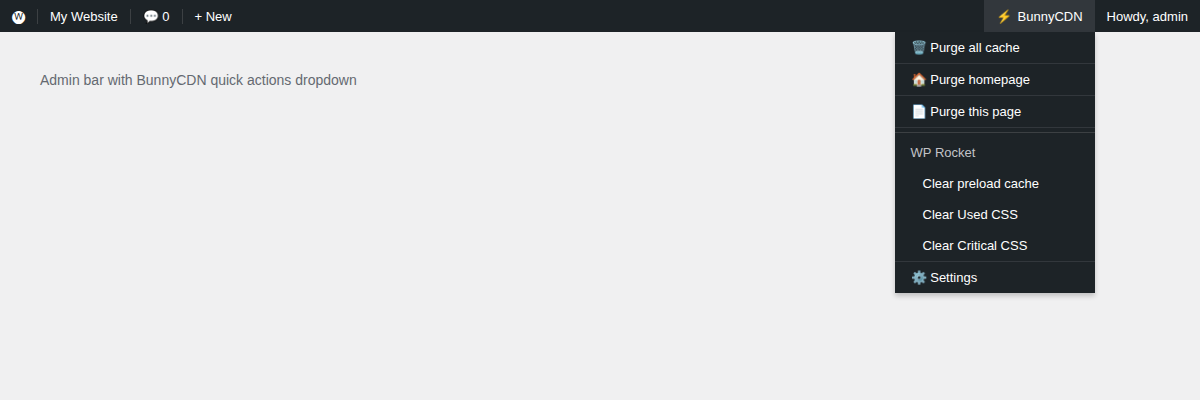
- Admin bar shortcuts for quick access
- Activity log showing recent purges
CDN URL Rewriting
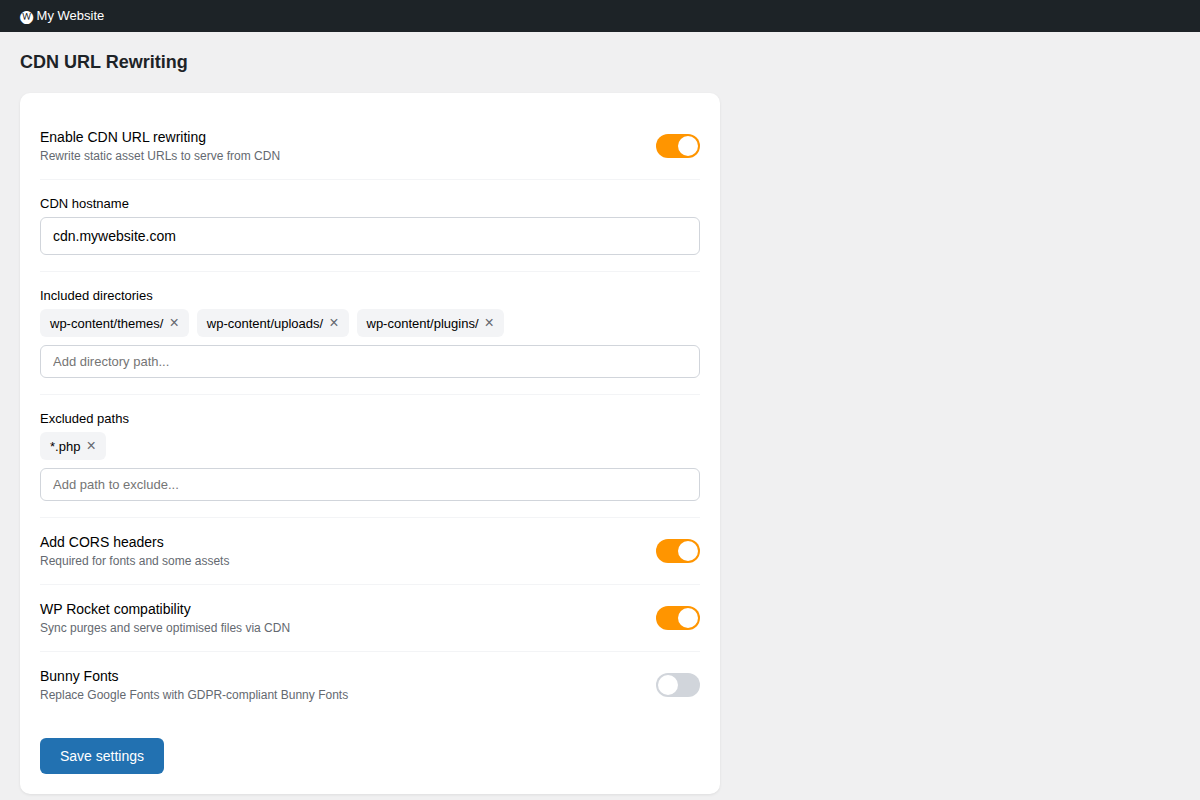
- Rewrites static asset URLs to your CDN hostname
- Configure which directories to include
- Exclude specific paths or file patterns
- CORS headers for fonts and cross-origin assets
- Disable for logged-in admins when debugging
Usage Statistics
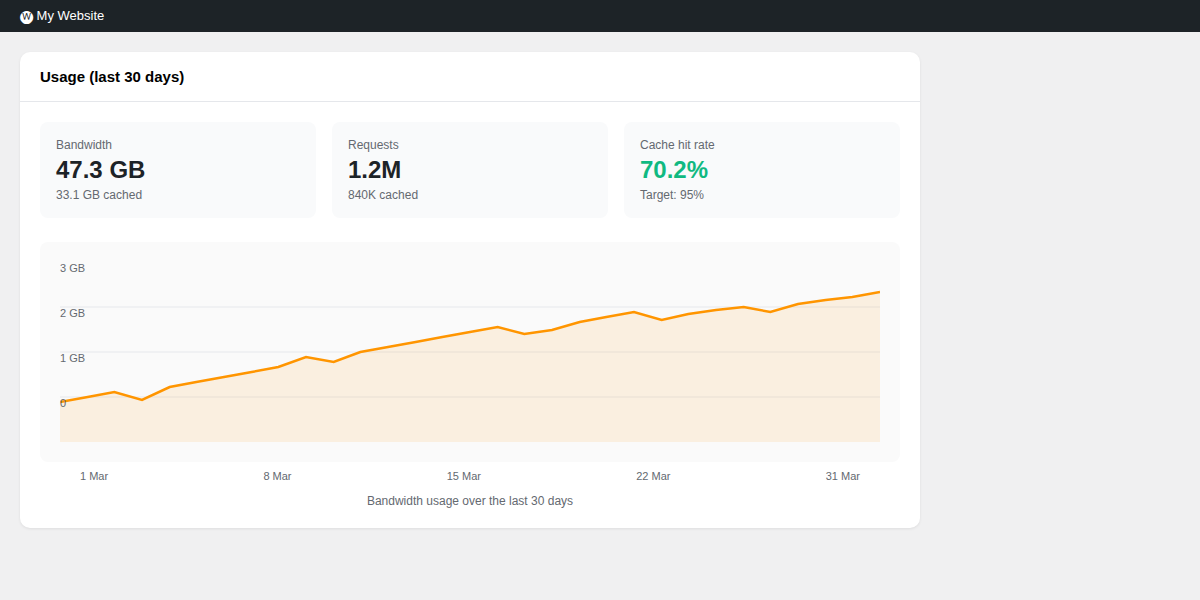
- Bandwidth and request counts
- Cache hit rate
- 30-day usage chart
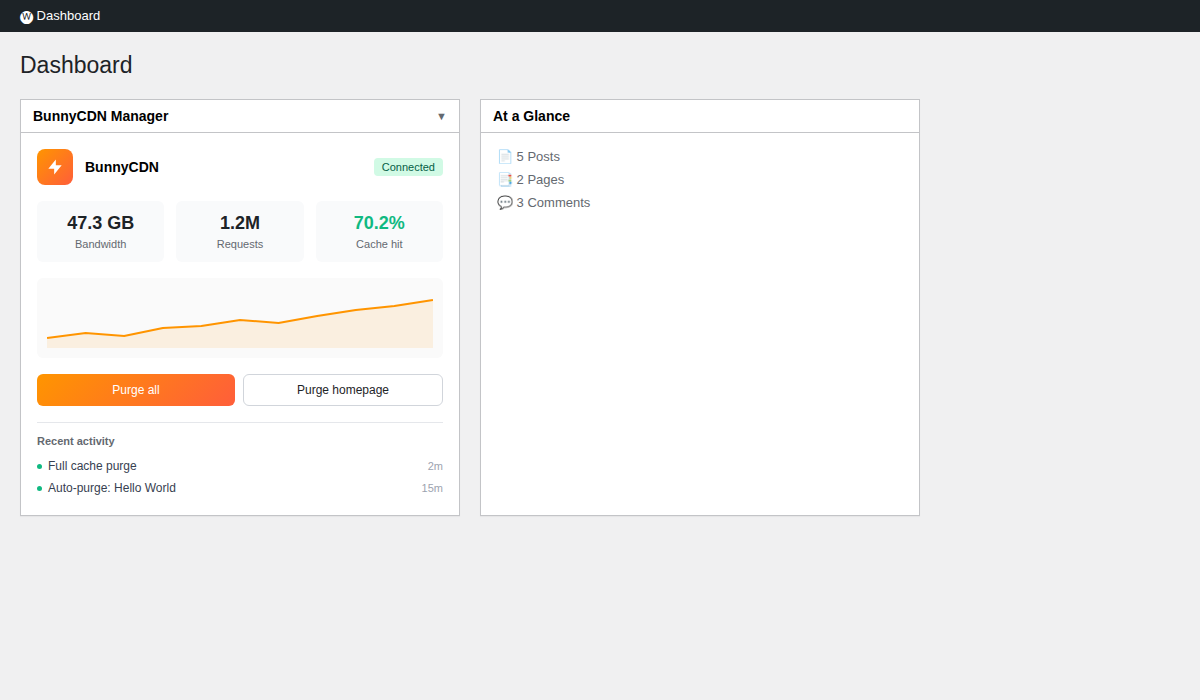
- Dashboard widget for quick overview
WP Rocket Integration
- Syncs cache purges between WP Rocket and BunnyCDN
- Serves optimised files through your CDN
- Admin bar shortcuts for clearing Used CSS, Critical CSS, and preload cache
Bunny Fonts
- Replaces Google Fonts with privacy-friendly Bunny Fonts
- No code changes required
- GDPR compliant
Security
- API key encrypted at rest
- Nonce verification on all actions
- Capability checks throughout
Screenshots
Settings
CDN Options
Usage Stats
Dashboard Widget
Admin Bar
Requirements
- WordPress 6.0+
- PHP 7.4+
- BunnyCDN account with a Pull Zone
Installation
- Download the latest release
- Upload to
/wp-content/plugins/bunnycdn-cache-purge/ - Activate the plugin
- Go to BunnyCDN Manager and enter your API key
Your API key is in the BunnyCDN dashboard under Account Settings > API.
Changelog
1.0.0
Initial release.
Licence
GPL v2 or later.
Author
Releases
1 release. Each count is every asset in that release; expand a row for the breakdown.
Tag
Published
Assets
Downloads