Install
This is the repository archive. It installs, but the folder name will carry the branch suffix and updates will not flow.
Install straight from GitHub with WP-CLI:
wp plugin install https://github.com/meramsey/ramsey-labels/archive/refs/heads/main.zipFree, open-source WooCommerce barcode, QR, and product label printing. Design labels visually, search and bulk-select products, print thermal or sheet labels, and export PDF, PNG, or SVG—without license keys, premium feature gates, telemetry, or artificial total-print quotas.
Release candidate: RC11 is software-verified but is not a stable public release. Physical printer/scanner/WCPOS acceptance and owner publication approval remain pending. Read release readiness before production use.
Install
- Use an isolated staging WooCommerce site and back up existing label settings.
- Install the appropriate release candidate artifact:
ramsey-labels-independent-*.zipfor in-place RC8/RC9/RC10 upgrades.ramsey-labels-*.ziponly for the separately tested public-directory transition.
- Never activate both ZIP identities at once.
- Open WooCommerce → Ramsey Labels, choose a profile, add products, preview, then test-print at actual size before a production batch.
Highlights
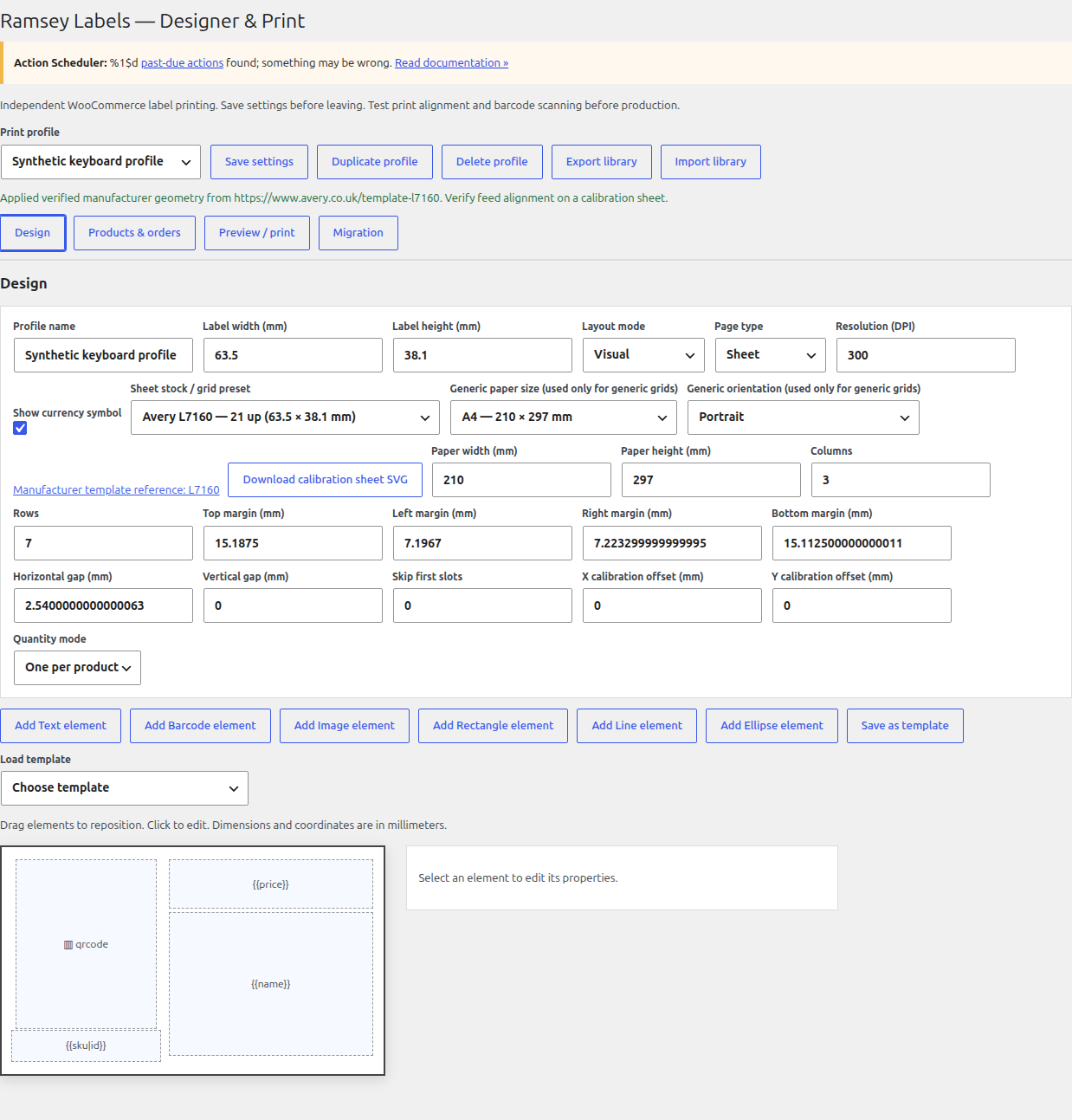
- Visual label designer — text, product images, barcode elements, lines, rectangles, ellipses, alignment, rotation, conditions, saved profiles, and reusable templates.
- Product workflows — name/SKU search, category filtering, WooCommerce Products bulk actions, queue thumbnails, quantities, keyboard reordering, and stable name/SKU sorting.
- Real WooCommerce thumbnails — simple-product images, variation-specific images, parent-image fallback, and a clear missing-image placeholder are retained from search through print queue.
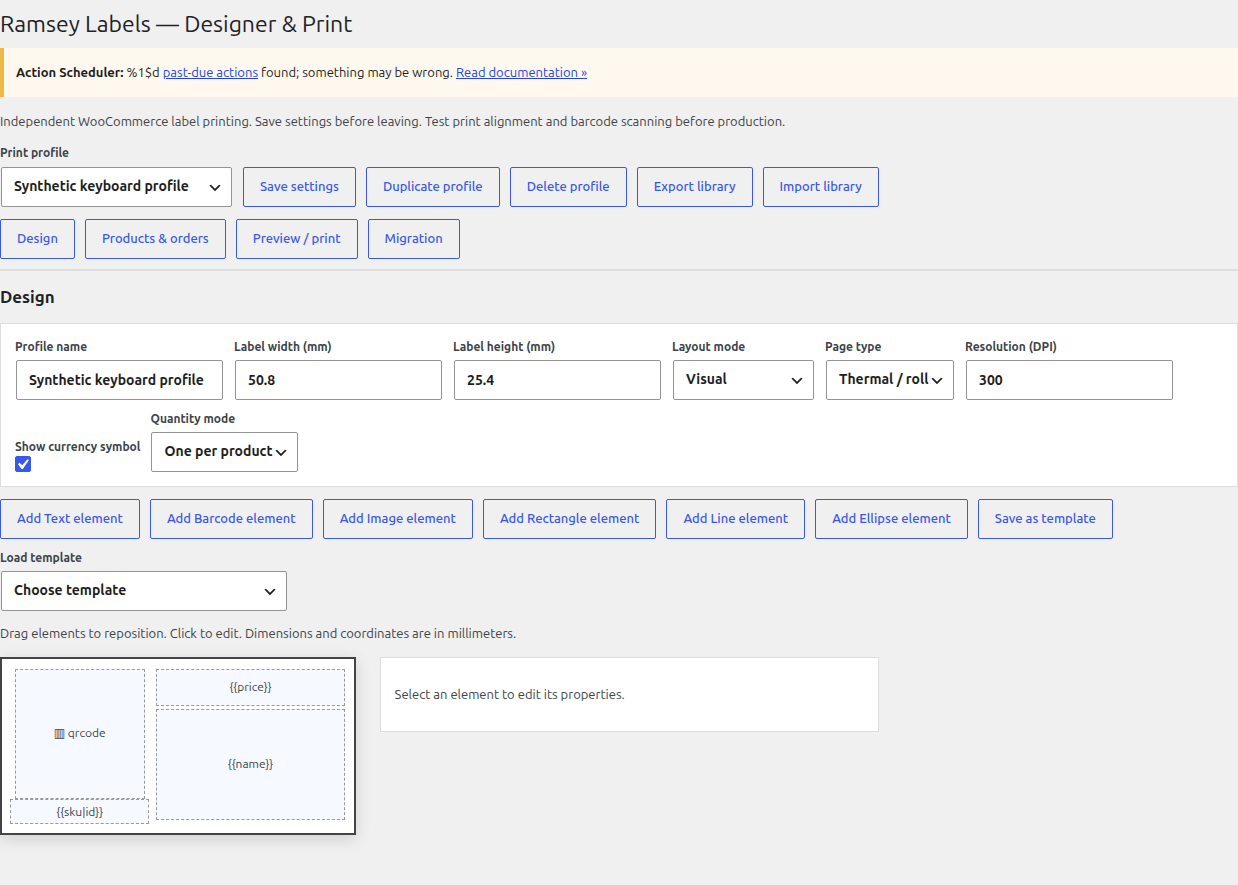
- Label media — default 2 × 1 inch thermal QR-left/SKU-below card; A4, Letter, P4, generic sheets, verified A4 stock presets, offsets, start slots, and printable calibration SVGs.
- Barcode formats — CODE128, CODE39, EAN-13, EAN-8, UPC-A, UPC-E, QR Code, and Data Matrix ECC200. GS1-128 is limited to the documented supported AI subset.
- Export — complete multi-page PDF, label PNG, barcode-only SVG, and full-label SVG with vector text/shapes/barcodes plus bounded embedded raster product images.
- WooCommerce data — products, variations, order items, orders, coupons, users, posts, supported custom fields/attributes, CSV queue import/export, and JSON library import/export.
- Large jobs — paged lookups, bounded rendering segments, streamed PDF generation, cancellation, and no artificial total-print quota.
- Privacy and security — per-user saved jobs, capability checks, privacy export/erasure hooks, local attachment handling, resource budgets, no telemetry, and no external barcode service.
Feature gallery
 |
 |
 |
 |
 |
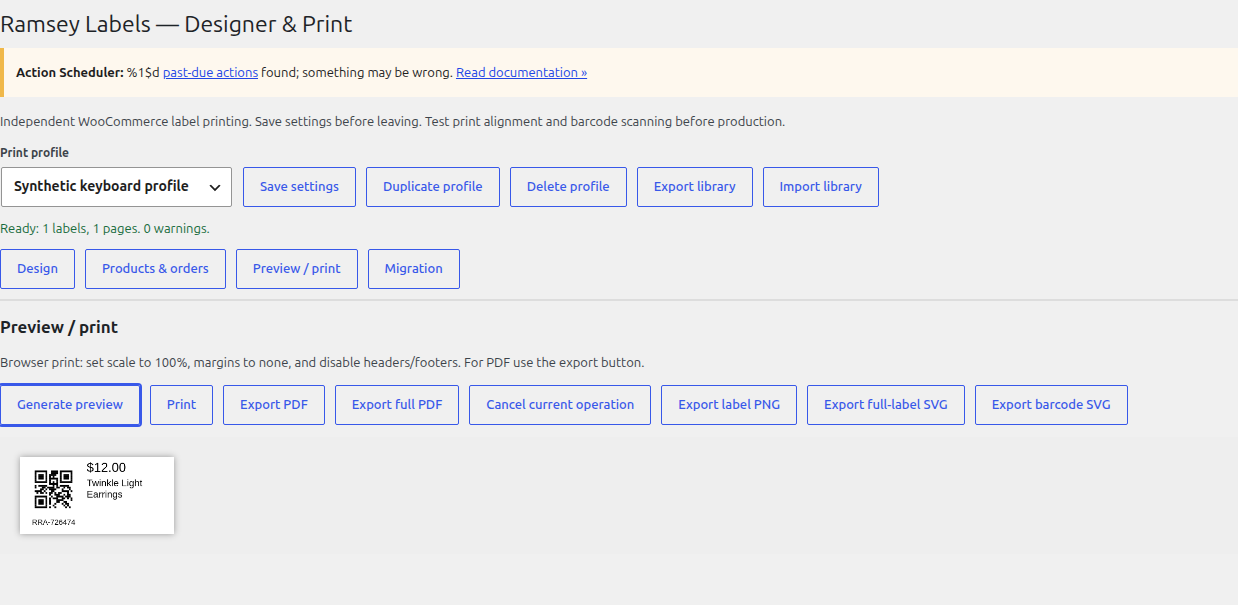 |
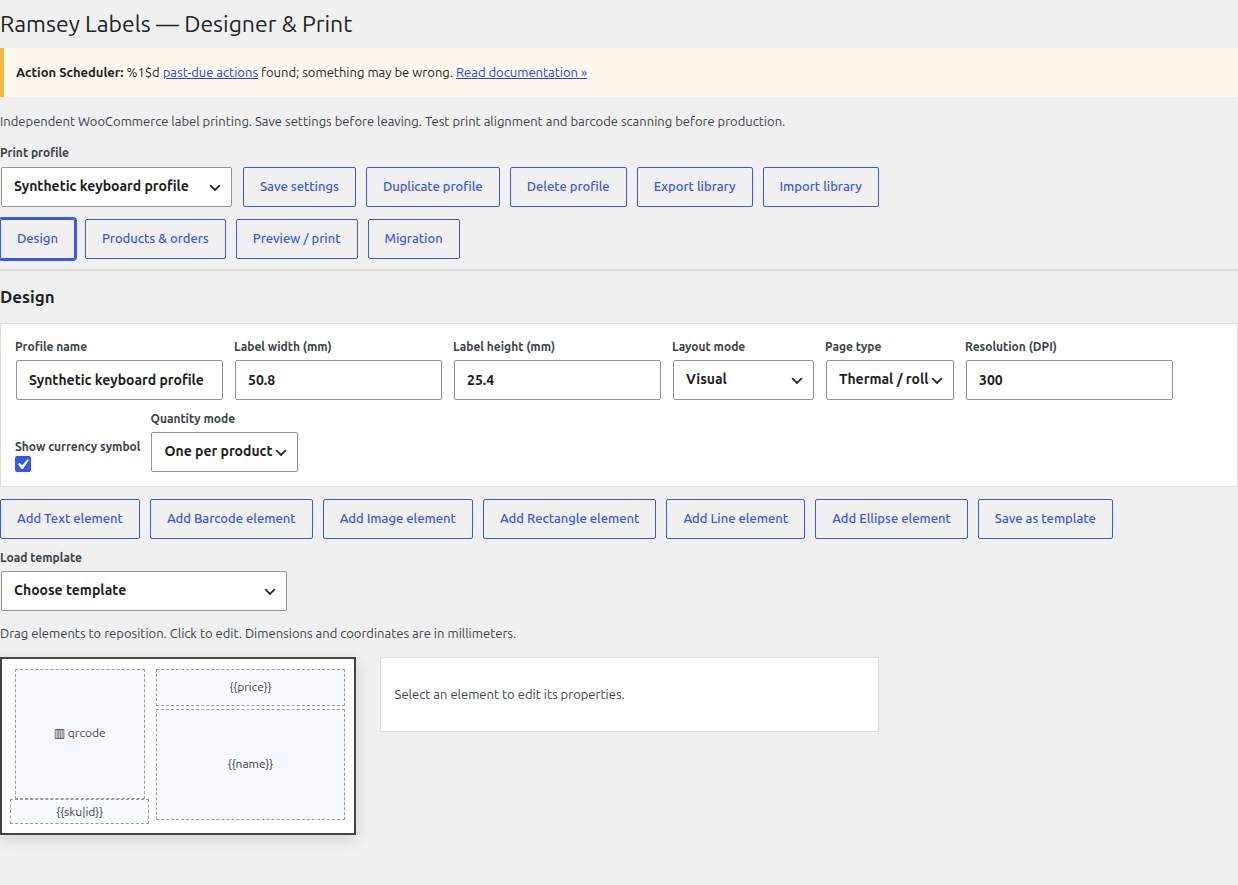
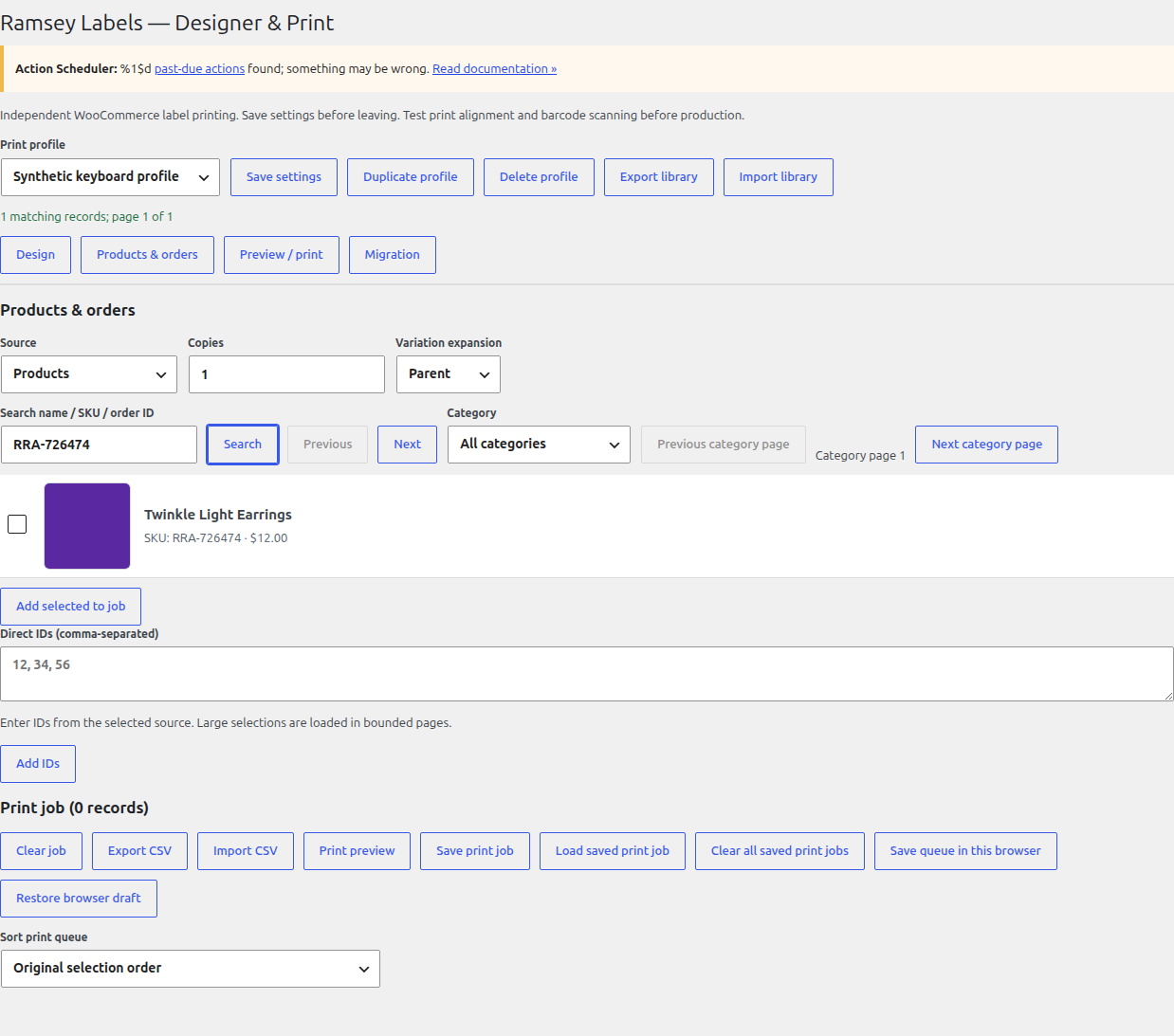
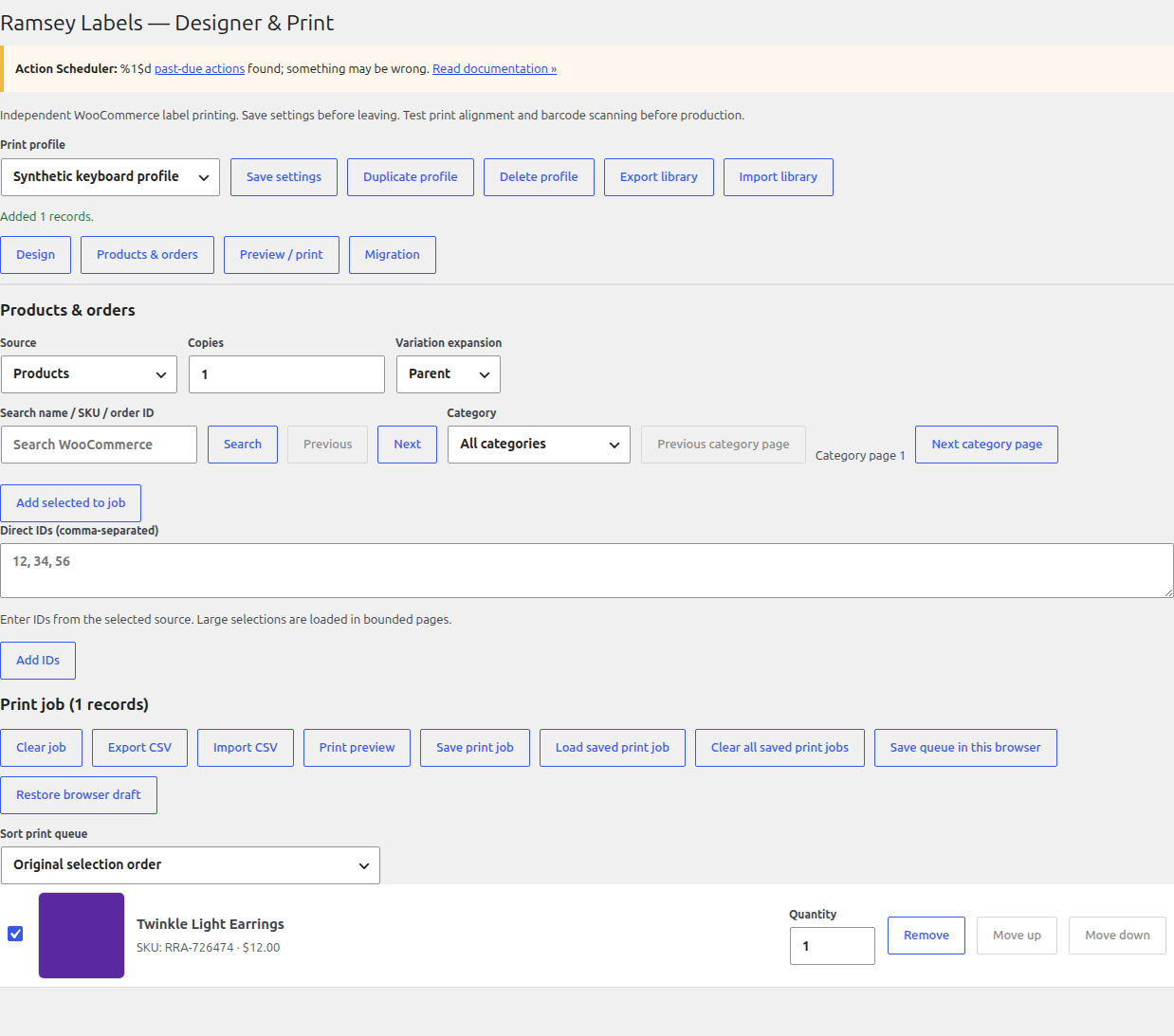
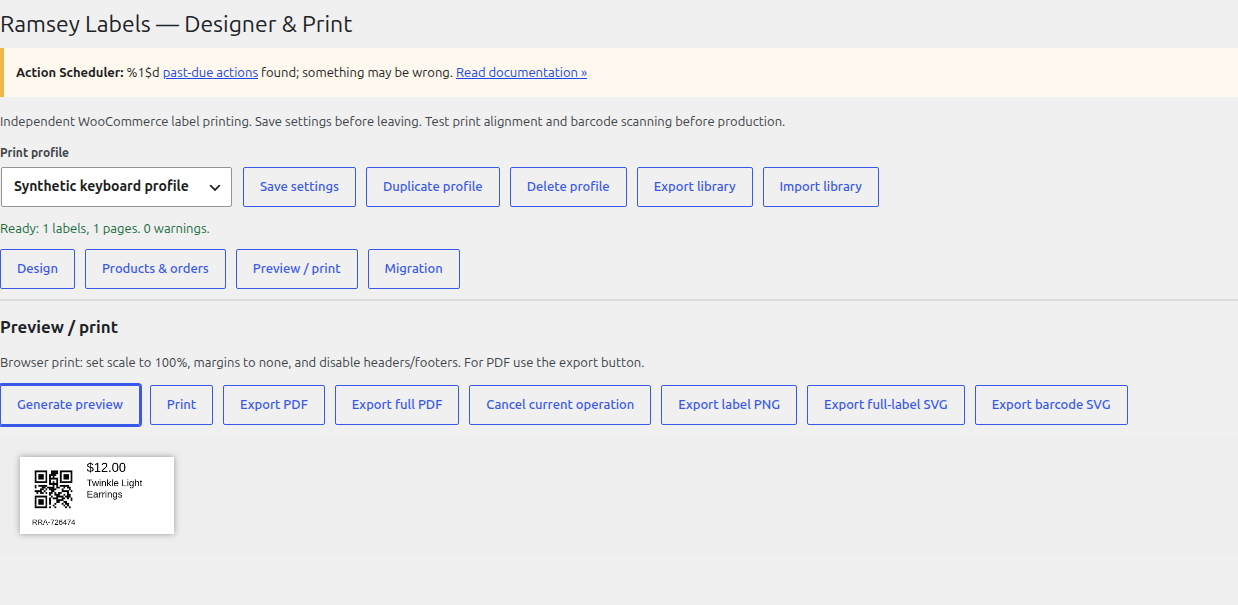
See the complete 24-screen gallery, including bulk selection, category filtering, variation thumbnails, presets, calibration, exports, custom fields, orders, and keyboard controls. All screenshots use synthetic data in an isolated WooCommerce fixture.
Quick start
- Choose a thermal or sheet profile under Design.
- Search by product name or exact SKU under Products & orders, or select a category.
- Select products, use a WooCommerce bulk action, or enter permitted direct IDs.
- Check thumbnails, names, SKUs, prices, quantities, and sort order in the print queue.
- Open Print preview. For a large job, navigate every bounded segment.
- Print the active segment at 100% scale with margins, headers, and footers disabled, or use Export full PDF for every selected label.
The default QR card encodes the exact SKU (falling back to product ID), not a product permalink. Software decoders verify the payload; scanner setup and WCPOS lookup still require owner acceptance.
Labels, sheets, and exports
- Thermal profile: 50.8 × 25.4 mm / 2 × 1 inch. Confirm driver media size, actual-size scaling, and feed alignment with a plain-paper test first.
- Source-backed Avery A4 presets: L7159, L7160, L7162, L7163, L7164, and L7651. Other requested label counts are generic grids, not manufacturer compatibility claims. See sheet presets.
- Calibration SVG marks labels, centers, margins, pitch, offsets, and skipped positions. It verifies software geometry; it does not certify a printer.
- PDF is lossless raster at profile DPI. Full-label SVG is mixed vector/raster when product imagery is present and has no external resource dependencies.
Compatibility and limits
The tested floor is WordPress 6.0.3 / WooCommerce 7.0.1 / PHP 7.4.33. Current CI also tests WordPress 7.1.4 / WooCommerce 11.2.2 with legacy and HPOS storage. See compatibility for exact scope.
Resource budgets protect browser/server stability: 2.2 MB library documents, 8 MB live browser queue, 2 MB saved jobs per user, 4,096 elements/design, 16 megapixels/label, and 2,000 labels per in-memory render segment. These are safety bounds, not paid-product restrictions; complete batches use pagination and segments.
Security, privacy, and support
- No telemetry, license keys, remote fonts, remote scripts, or barcode SaaS.
- External label images need session consent; local attachment reads are permission checked.
- Saved jobs can contain customer/order data and are private to the WordPress account on that site.
- See security policy, security scanning, and security audit. Do not include credentials, customer data, exports, or private URLs in public issues.
Hardware, scanner, WCPOS, macOS Safari, Windows, and hands-on assistive-technology certification are not claimed. Use the owner acceptance checklist.
Developers
The documented PHP hooks include rli_field_value and rli_records; the browser API is exposed at
window.RamseyLabels. Read API documentation, preserve persisted keys and public
hooks, and validate all external values as bounded scalar data.
Development and testing
npm ci --ignore-scripts
npm run lint
npm test
bash bin/integration.sh
npm run test:e2e
bin/release-supply-chain.sh
See development, testing, security scanning, and release process. All test sites must be isolated and synthetic-only.
Contributing
Focused, tested contributions are welcome after public contribution support is approved. Read CONTRIBUTING.md, CODE_OF_CONDUCT.md, and the provenance requirements. Do not copy commercial code/assets or add unknown- license dependencies.
License and provenance
Ramsey Labels is GPL-2.0-or-later. The owner has attested that the inherited implementation was made fresh without copying; retain the documented supporting records and read the file-level provenance audit. This repository is not a commercial-plugin API or template clone.