Install
This is the repository archive. It installs, but the folder name will carry the branch suffix and updates will not flow.
Install straight from GitHub with WP-CLI:
wp plugin install https://github.com/meonvalleyweb/custom-login-ui/archive/refs/heads/main.zipNo built-in updater. New versions won't appear under Dashboard → Updates. Install new releases yourself, or let Git Updater track the repository.
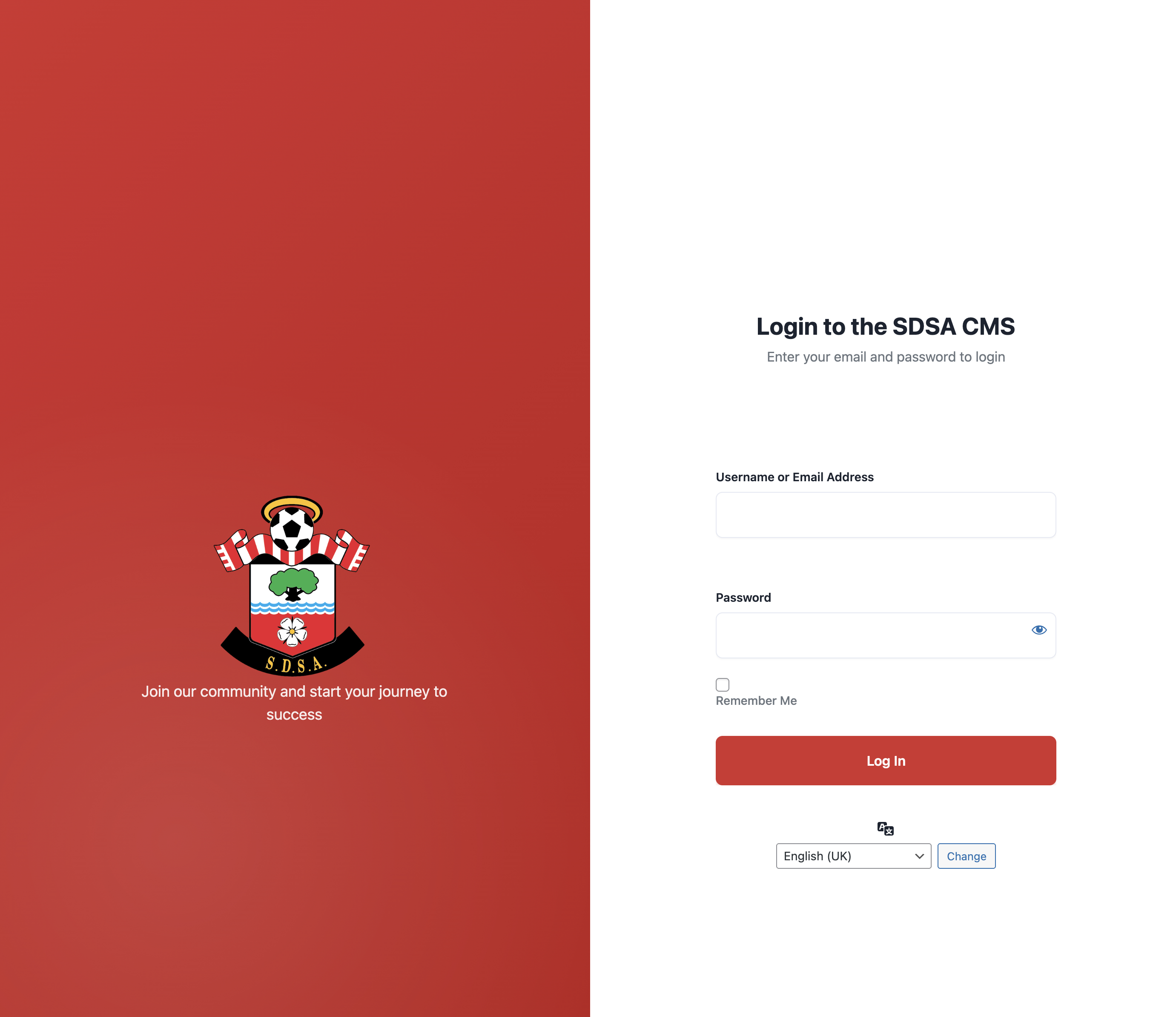
Branded, split-screen WordPress login page with a left branding panel and right login form.
Author: Andrew Wilkinson — MeonValleyWeb
Screenshot
Features
- Split layout: branding left, form right
- Hides default WP branding/links
- Custom logo with multiple fallbacks
- CSS variables for quick theming
- Fully responsive
File(s)
custom-login-ui.php(MU-plugin)- Optional:
assets/sdsa-login-logo.svg(logo)
Requirements
- WordPress 6.x+
- PHP 8.x
- Admin access to upload a logo (optional)
Installation
MU-plugin (recommended)
- Copy
custom-login-ui.phpto:
wp-content/mu-plugins/custom-login-ui.php - (Optional) Add a logo:
wp-content/mu-plugins/assets/sdsa-login-logo.svg
Standard plugin
- Copy
custom-login-ui.phpto:
wp-content/plugins/custom-login-ui/custom-login-ui.php - Activate in Plugins.
MU-plugin loads automatically and is harder to disable—ideal for enforced branding.
Configuration
Logo source order
Edit get_logo_url() in custom-login-ui.php:
- Attachment ID (replace
16752with your media ID) - Theme asset:
assets/images/sdsa-login-logo.svg - Uploads path:
uploads/2025/08/sdsa-login-logo.svg - MU-plugin asset:
mu-plugins/assets/sdsa-login-logo.svg
Place your logo in one of those locations or change paths as needed.
Text content
Edit in login_header_wrapper():