EZ Chatbot WP Registry grade C-. High-severity findings · 1 findingWP RegistryHigh-severity findings · 1 findingOpen the reportC-
EZ Chatbot is a WordPress plugin that allows you to create a custom chatbot for your website using the OpenAI API.
★ 1stars
22release downloads
v2.0.0latest · 6mo ago
Install
Upload it under Plugins → Add New Plugin → Upload Plugin, then activate.
Install straight from GitHub with WP-CLI:
wp plugin install https://github.com/medinnna/ez-chatbot/releases/download/v2.0.0/ez-chatbot.zipNo built-in updater. New versions won't appear under Dashboard → Updates. Install new releases yourself, or let Git Updater track the repository.
WordPress plugin that integrates a personalized AI chatbot into your website.
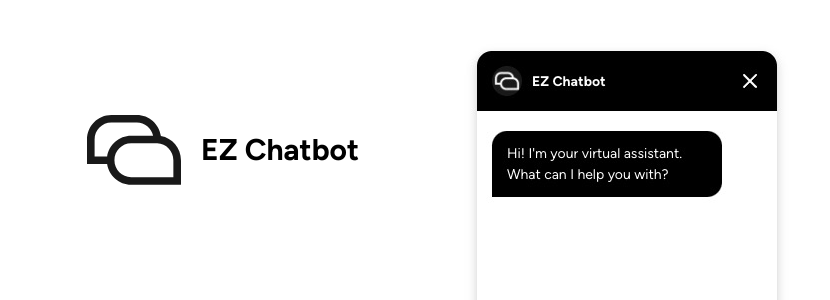
Features
- 🤖 Custom AI Chatbot: Powered by your own knowledge base to deliver smart, tailored replies.
- 🎨 Customizable UI: Style it your way with live preview.
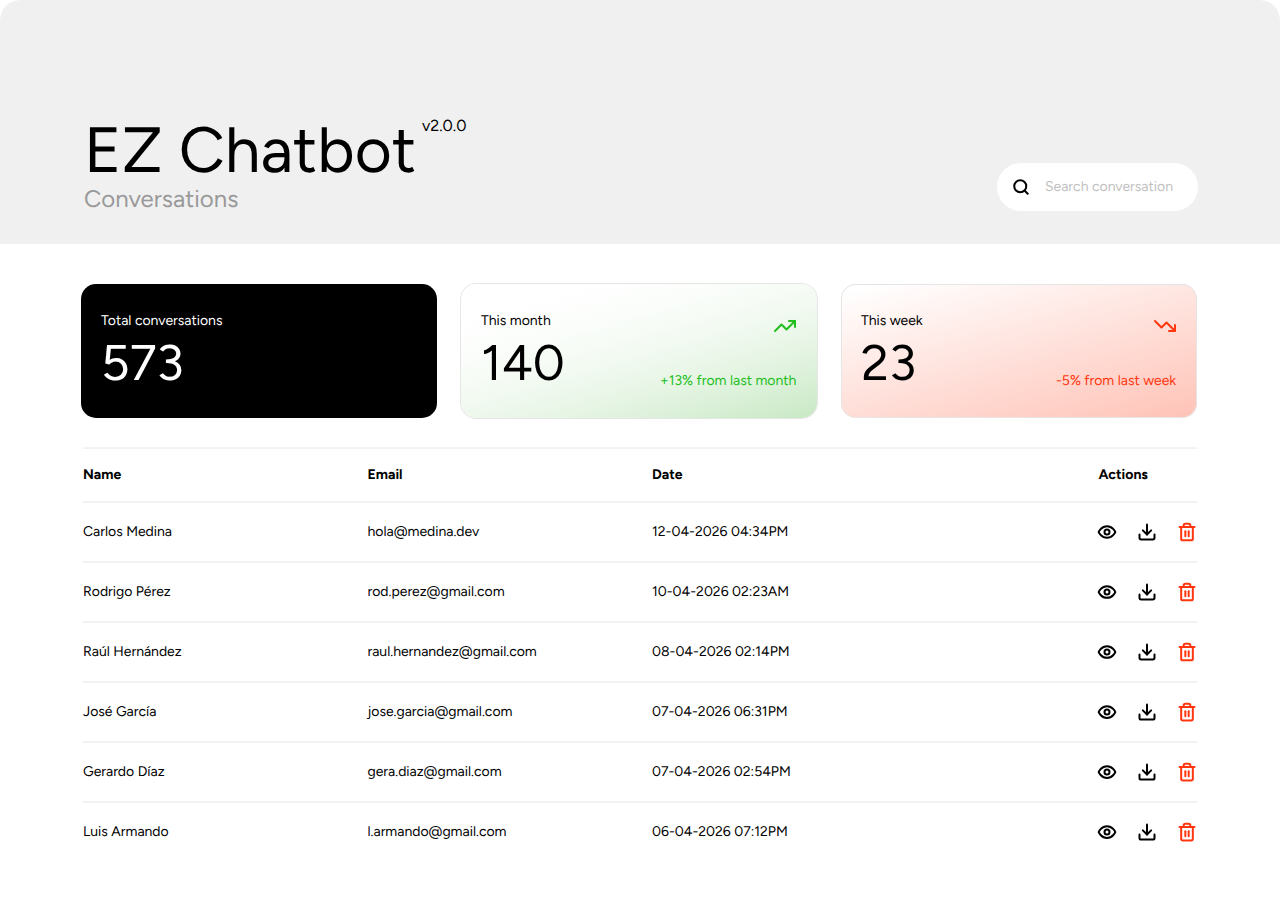
- 💾 Conversation Storage: Saves chats directly to your WordPress database.
- 📥 CSV Export: Download conversations anytime.
- 🔍 Search: Quickly find chats by name or email.
- 📊 Analytics: Total, monthly and weekly stats with trend insights.
- 🔗 Webhooks: Connect with your favorite external services.
Installation
- Download
ez-chatbot.zipfrom the releases page. - Go to Plugins on your WordPress admin panel.
- Select Add new plugin.
- Select Upload plugin and choose the downloaded file.
- Click Install Now.
Build/Development
- Clone the repository:
git clone https://github.com/medinnna/ez-chatbot.git- Install the dependencies.
npm install- Build the plugin.
npm run buildThe build automatically creates the plugin zip file in the dist folder only with the necessary files.
License
EZ Chatbot is licensed under the GPL v3 or later.
Releases
6 releases. Each count is every asset in that release; expand a row for the breakdown.
Tag
Published
Assets
Downloads