Install
This is the repository archive. It installs, but the folder name will carry the branch suffix and updates will not flow.
Install straight from GitHub with WP-CLI:
wp plugin install https://github.com/mdfarhan01/userferry/archive/refs/heads/main.zip
UserFerry
Export & Import WordPress Users
Powerful User Management for WordPress
Export, import, and manage WordPress users with custom profile fields using a simple and flexible workflow.
Developed by Md. Farhan Sadik
🌐 WordPress.org · ⬇️ Download Plugin · 🎬 Video Tutorial · 💬 Support
✨ Overview
UserFerry is a WordPress plugin designed to simplify exporting and importing registered users, including supported custom profile fields and metadata.
Whether you're migrating users between WordPress websites, updating existing records, or managing a large user database, UserFerry provides flexible tools directly inside your WordPress dashboard.
🚀 Key Features
📤 User Export
|
📥 User Import
|
🧩 Custom Profile Fields
|
📋 Templates & History
|
⚡ Batch Processing
|
🔒 Security & Privacy
|
🎬 Video Tutorial & Instructions
Learn how to use UserFerry with this step-by-step video walkthrough.
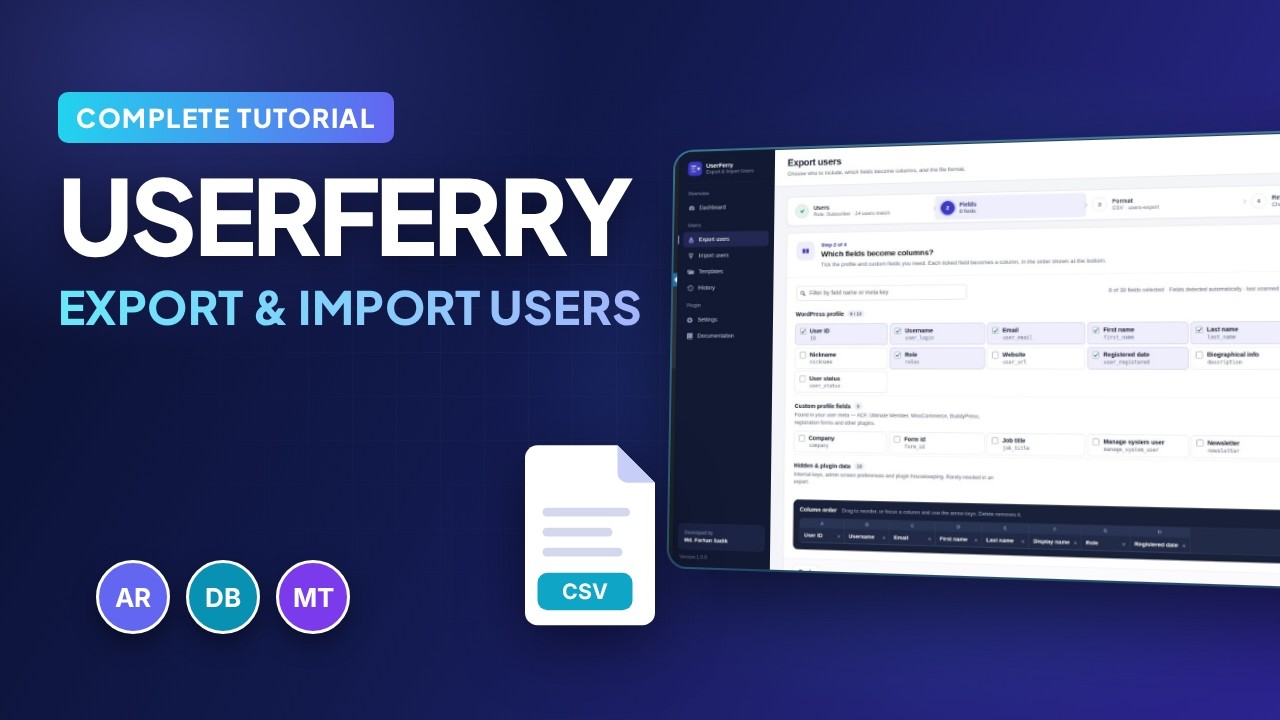
▶️ Watch Video Tutorial on YouTube
Click the video preview above to watch the complete walkthrough.
🖼️ Screenshots & Interface Preview
Explore the UserFerry dashboard, export tools, import workflow, templates, history, and built-in documentation.
📘 Main Preview — Built-in Documentation

Built-in Documentation
Access guides, instructions, FAQs, and plugin information directly from your WordPress dashboard.
📸 Explore More Screenshots
|
01 — Dashboard 
View site totals, quick actions, templates, and recent activity. |
02 — Export Users 
Choose users and configure your export. |
|
03 — Custom Field Selection 
Select custom fields and organize export columns. |
04 — Import Users 
Map file columns to WordPress user fields. |
|
05 — Export Templates 
Save and reuse export configurations. |
06 — History 
Review previous operations and available downloads. |
📂 Supported File Formats
| Format | Export | Import |
|---|---|---|
| CSV | ✅ | ✅ |
| Excel (XLSX) | ✅ | ✅ |
| JSON | ✅ | ✅ |
| XML | ✅ | ✅ |
🧩 Custom Field Integrations
UserFerry can detect supported user metadata associated with:
- Advanced Custom Fields (ACF)
- Ultimate Member
- WooCommerce billing and shipping fields
- BuddyPress
- Meta Box
- JetEngine
- Registration form plugins
- Custom user metadata
Field availability depends on the metadata stored on your website and supported integrations.
🔒 Security & Data Protection
UserFerry includes safeguards designed to support responsible user data management:
- Permission-aware role assignment.
- The current administrator's own role is not changed during imports.
- Protected export file storage.
- Configurable automatic cleanup of old files.
- Import file and data limits.
- Row-level error reporting.
- Spreadsheet formula injection protection enabled by default.
- No third-party requests by default, except optional YouTube playback after user interaction.
Important: Always back up your website before performing bulk user imports or updates.
📦 Installation
Install from WordPress.org
- Log in to your WordPress admin dashboard.
- Navigate to Plugins → Add New Plugin.
- Search for UserFerry – Export & Import Users.
- Click Install Now, then Activate.
- Open the UserFerry menu to get started.
Download ZIP
🔗 Useful Links
| Resource | Link |
|---|---|
| WordPress.org Plugin | View Plugin |
| Plugin Download | Download ZIP |
| Video Tutorial | Watch on YouTube |
| Support Forum | Get Support |
| Developer Profile | WordPress.org Profile |
| GitHub Profile | mdfarhan01 |
👨💻 Developer

Md. Farhan Sadik
WordPress Developer · Plugin Developer
Building useful WordPress tools with a focus on functionality, performance, and user experience.
📄 License
UserFerry is open-source software. Refer to the license file included with the plugin for the applicable license terms.
UserFerry — Simplifying WordPress User Data Management
Made with ❤️ by Md. Farhan Sadik