PDF-Renderer WP Registry grade A. No security issues foundWP RegistryNo security issues foundOpen the reportA
Convert PDF Files to images before upload in WP Media Library.
Install
Upload it under Plugins → Add New Plugin → Upload Plugin, then activate.
Install straight from GitHub with WP-CLI:
wp plugin install https://github.com/mcguffin/pdf-renderer/releases/download/0.2.0/pdf-renderer.zipOn Packagist as mcguffin/pdf-renderer:
composer require mcguffin/pdf-rendererConvert PDF Files to Images in your browser when dropped into the media library.
Includes Mozilla pdf.js for browser pdf rendering.
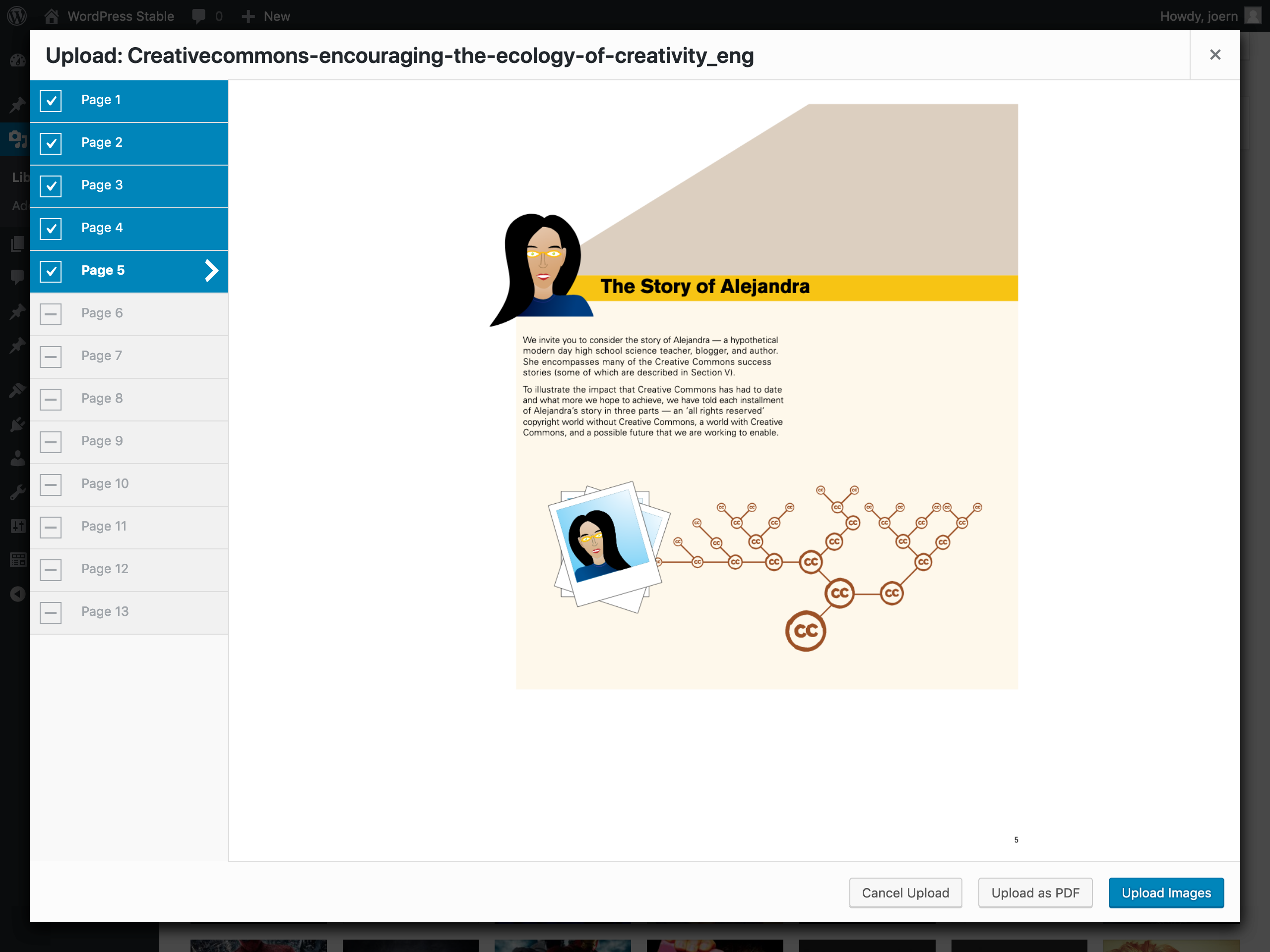 PDF-Contents: cc-by Creative Commons
Installation
Production
- Head over to releases
- Download 'pdf-renderer.zip'
- Upload and activate it like any other WordPress plugin
- AutoUpdate will run as long as the plugin is active
Using composer
composer require mcguffin/pdf-rendererFor Development
- cd into your plugin directory
- $
git clone git@github.com:mcguffin/pdf-renderer.git - $
cd pdf-renderer - $
npm install - $
npm run dev
Plugin API
Filter pdf_renderer_image_width
Use this to overrule width of generated images. Uses the largest image width known to WP by default. (e.g. the Large size from Settings > Media).
Example:
add_filter( 'pdf_renderer_image_width', function( $width ) {
    // never underestimate a good integer.
    return 12345;
});
Filter pdf_renderer_image_type
Type of generated images. Possible values are image/png and image/jpeg. default is image/png.
To override the JPEG-Quality you can use the WP Core filter jpeg_quality. The string pdf_renderer is passed as a second argument to apply_filters().
Example:
// we want jpeg ...
add_filter( 'pdf_renderer_image_type', function( $type ) {
    return 'image/jpeg';
});
// ... and a specific treatment for PDFs.
add_filter( 'jpeg_quality', function( $quality, $context = '' ) {
    if ( 'pdf_renderer' === $context ) {
        // Everybody loves artifacts.
        return 1;
    }
    return $quality;
}, 10, 2);
Development
npm scripts:
npm run audit: Run phpcs auditnpm run build: Build css and js from sourcesnpm run dev: Watch css and js source dirsnpm run dashicons: Generate dashicons scss variables from sourcenpm run i18n: generate.potfilenpm run rollback: remove last commit (local and remote – use with caution!)npm run test: run unit tests against PHP 7.4 and 8.3npm run test:edge: run unit tests against PHP 8.3 onlynpm run test:legacy: run unit tests against PHP 7.4 only
Testing
Unit Tests
Unit tests are run in wordpress/env, which is basically a docker container. Docker Desktop is required.
Unit tests are run against PHP 7.4 (legacy) and 8.3 (edge).
Run them all:
npm run testRun edge tests only:
npm run test:edgeConfigure edge test and run something in wp-cli in the docker container:
npm run test:set-edge
npm run test:reset-env
wp-env run cli wp core version
> 6.7.1
Releases
3 releases. Each count is every asset in that release; expand a row for the breakdown.