Install
This is the repository archive. It installs, but the folder name will carry the branch suffix and updates will not flow.
Install straight from GitHub with WP-CLI:
wp plugin install https://github.com/matthiasnattke/clean-maintenance/archive/refs/heads/main.zip
A lean maintenance mode for WordPress – for a single site or a whole multisite network.
Clean Maintenance shows visitors a calm maintenance page while you and everyone with the right role keep working on the site as usual. Search engines get HTTP status 503 with a Retry-After header and treat the break as temporary. In a multisite network every site has its own maintenance mode, and the network admin keeps an eye on all of them.
It does one thing and stays out of your way: no page builder, no contact forms, no tracking, no upsell.
I built it for my own WordPress network around the Couch Blog. More about the background on the project page.
Status: 0.x – released and in daily use on my own sites. The version stays below 1.0 while things may still change; the submission to the WordPress.org plugin directory is prepared.
New in 0.6
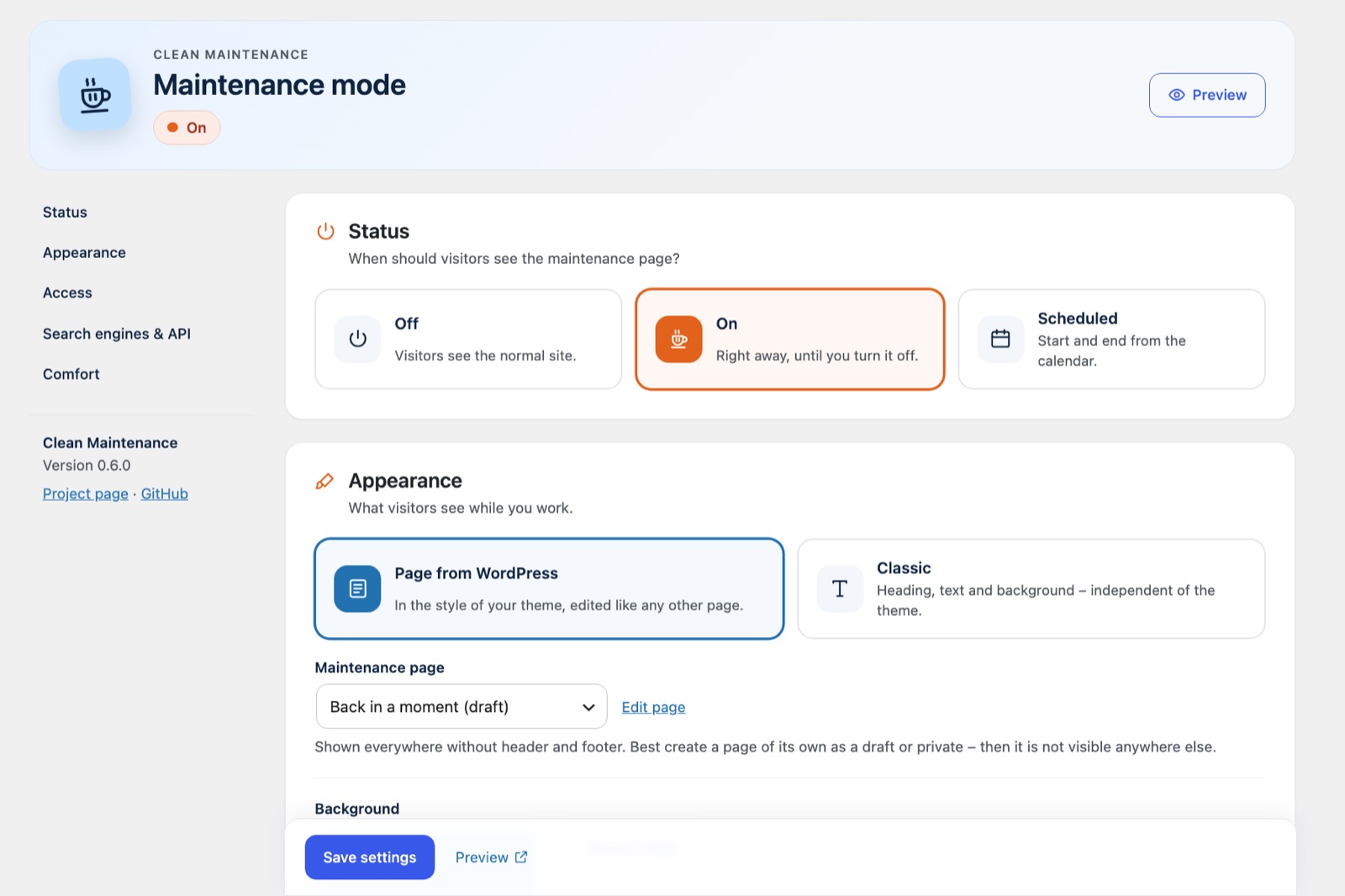
- Settings, ordered by task – status, appearance, access, search engines & API and comfort, each on its own card. Mode and design are big tiles, options are switches, roles are chips, and a header shows the current state with a preview button.
- Network overview as cards – key figures at the top, a filter for paused, reachable and planned sites, and one card per site with its state, planned period, what it shows and a quick switch. Bulk actions stay.
- A friendlier dashboard widget – key figures plus the paused and planned sites, each with a switch.
Screenshots
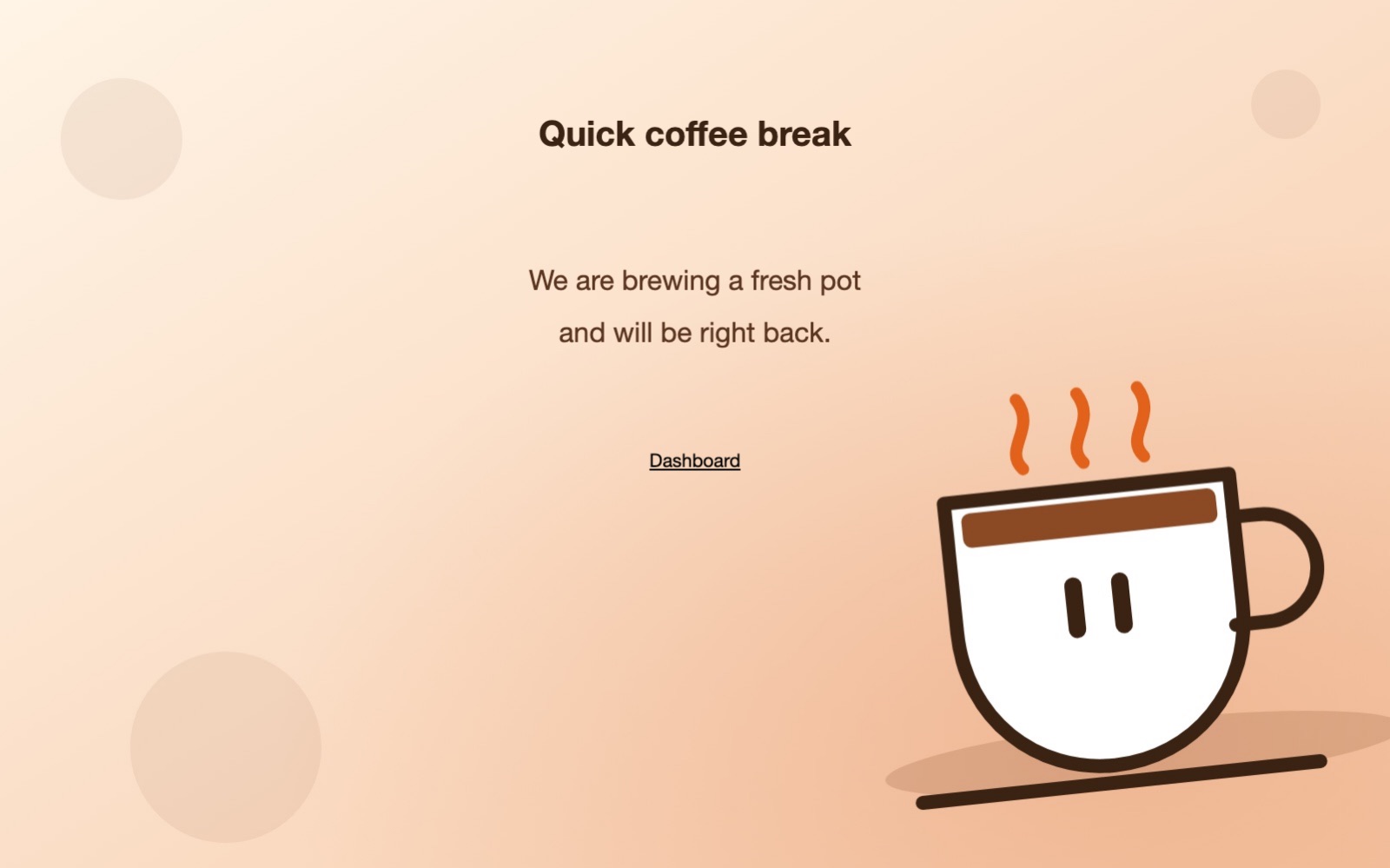
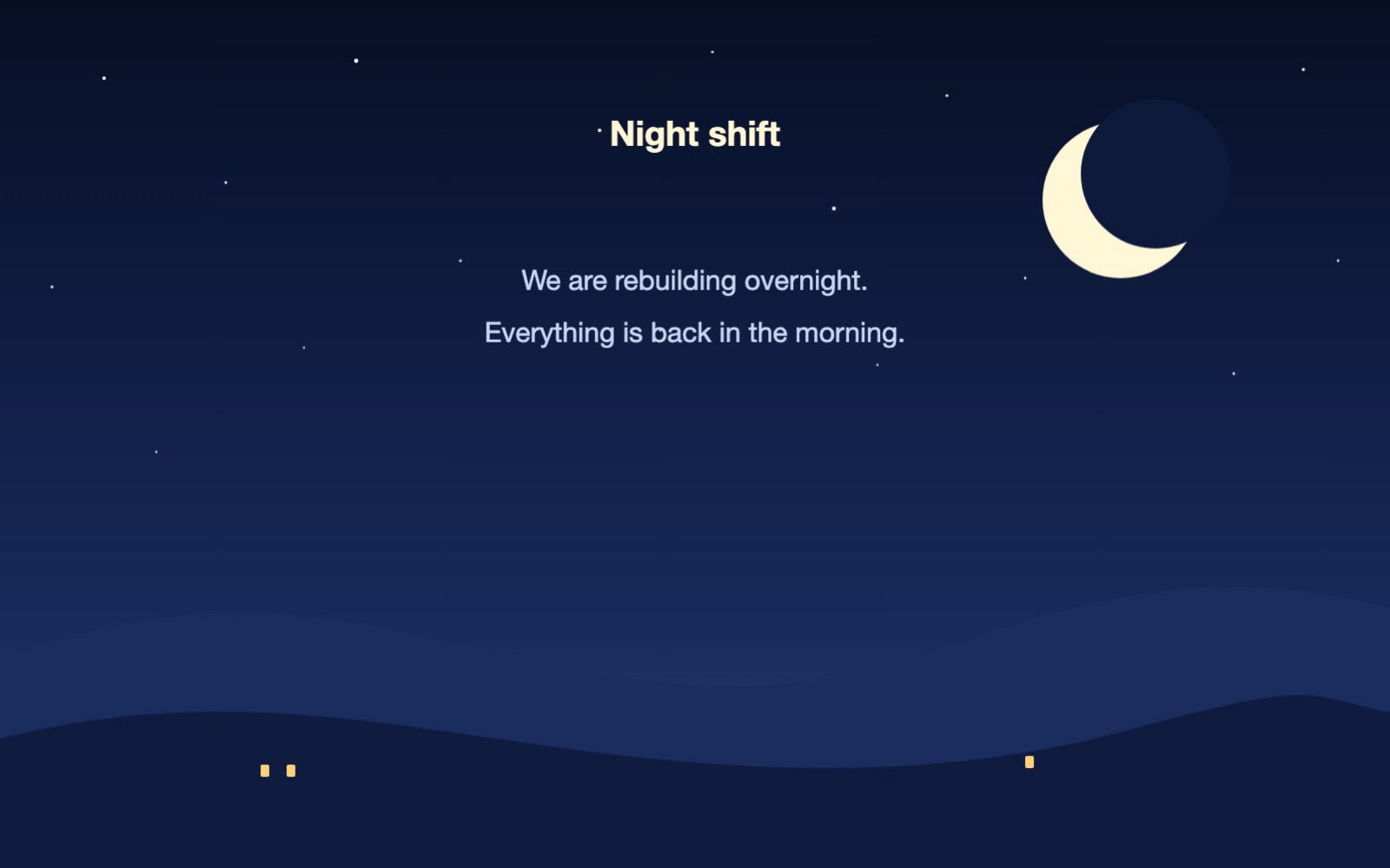
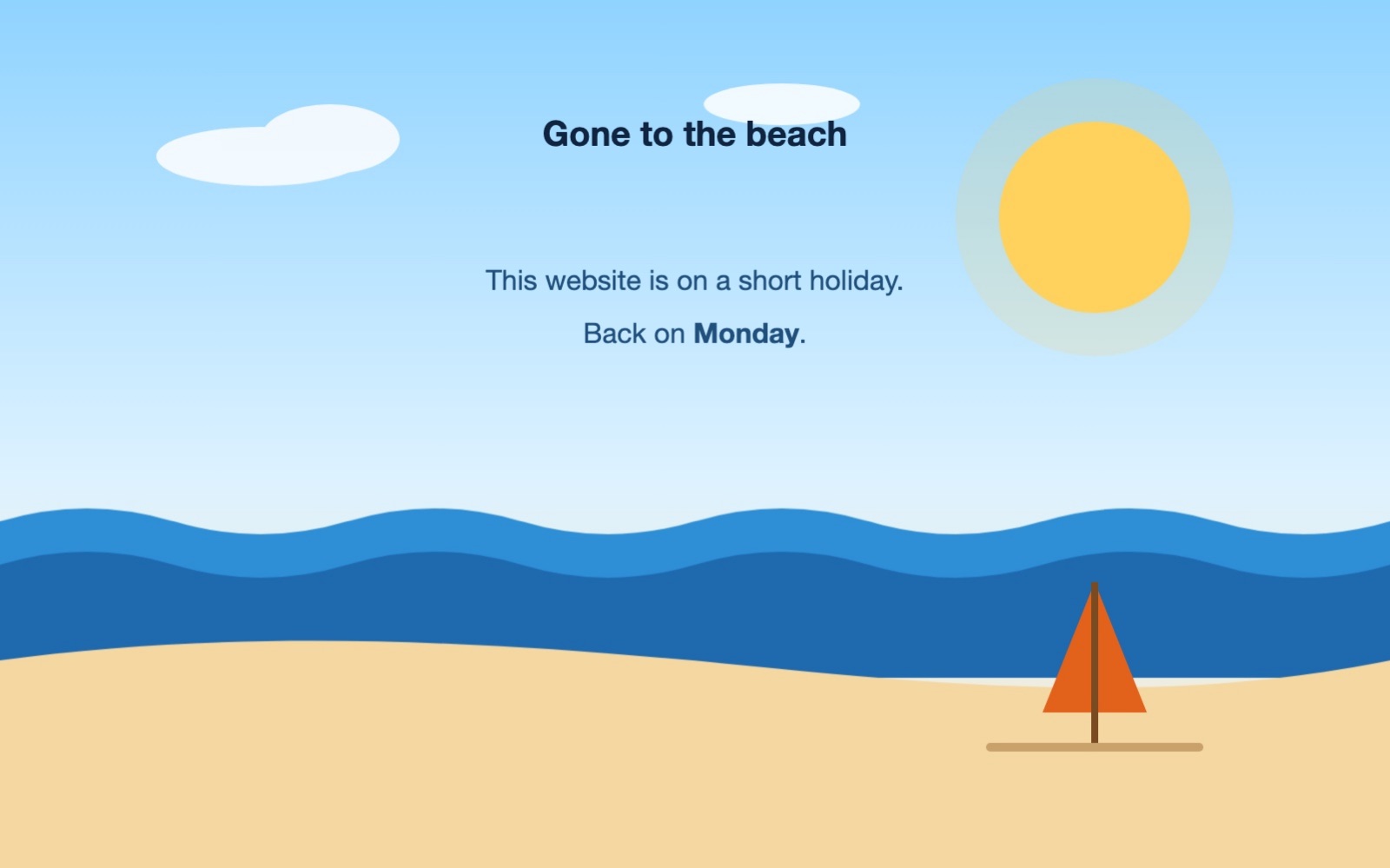
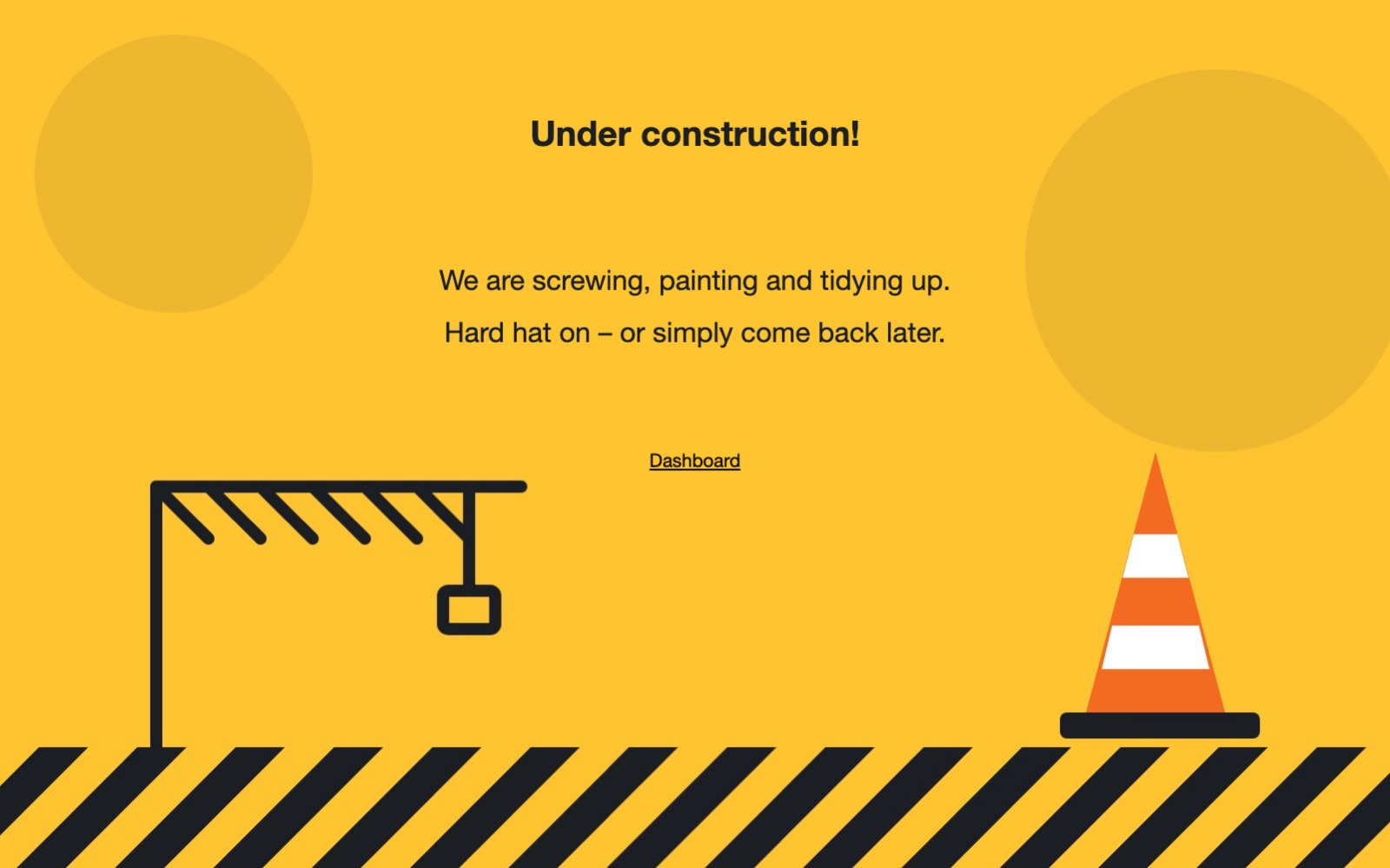
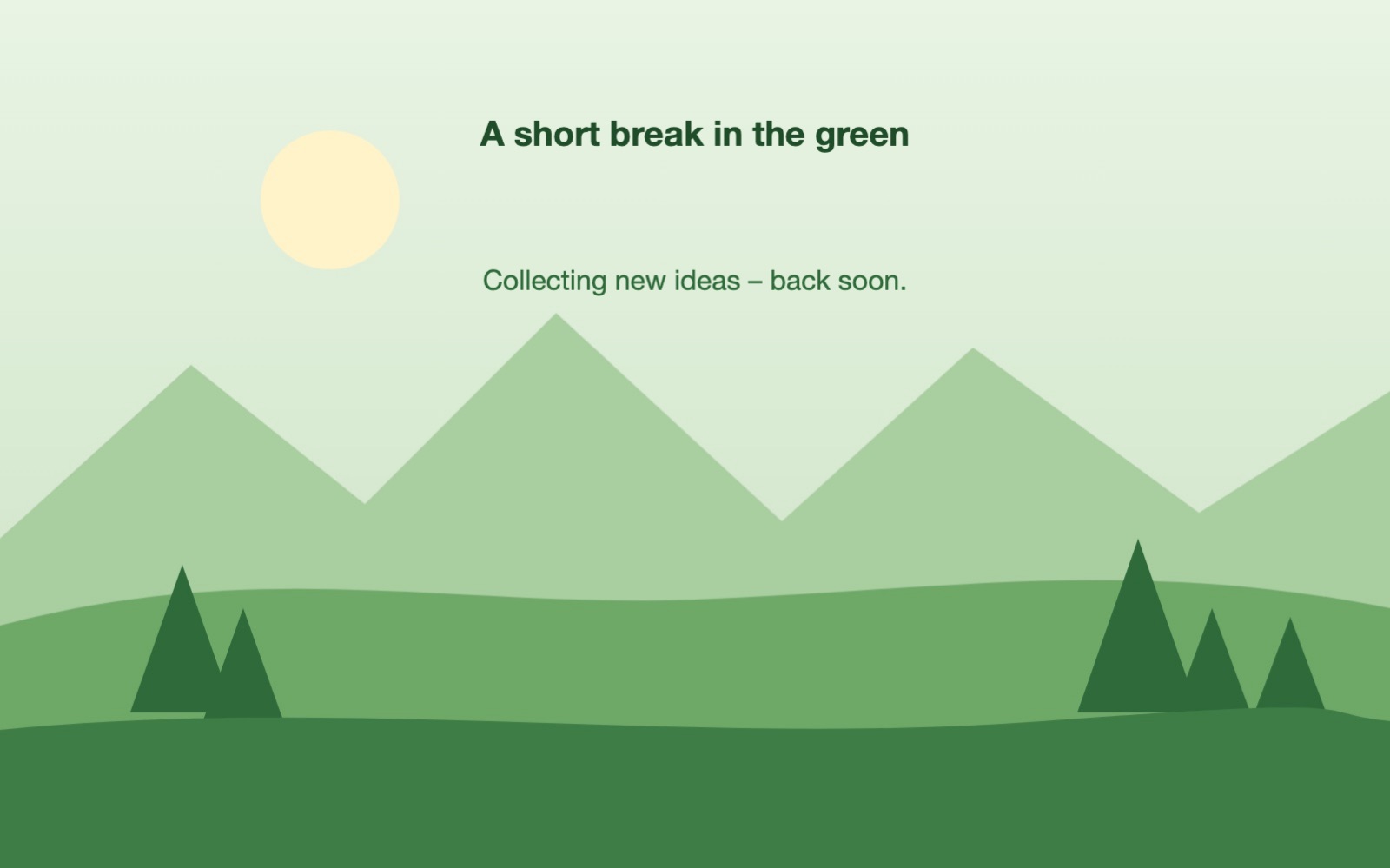
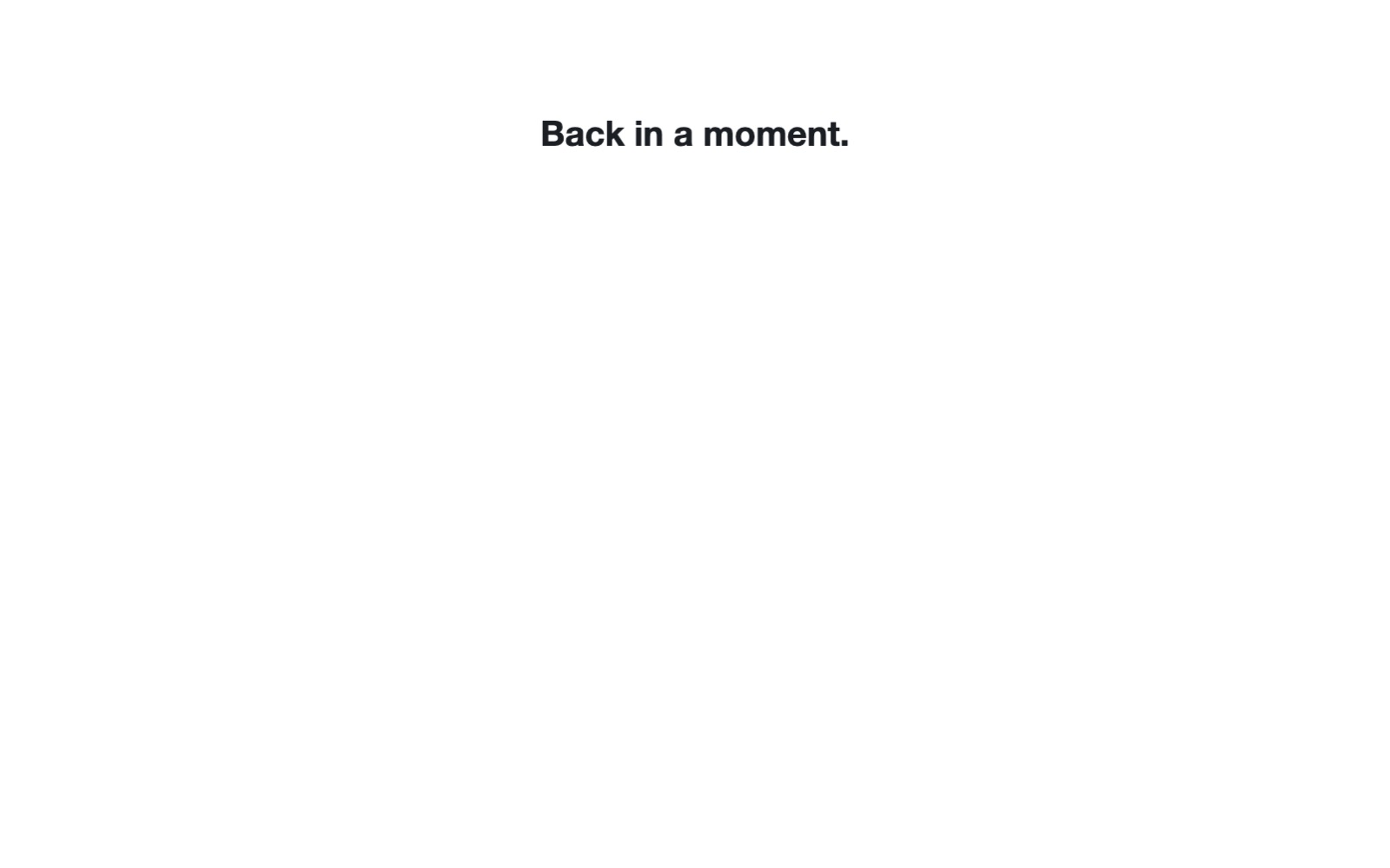
Six example maintenance pages, all made with the classic design – your own background image, colours for heading and text, optionally a link to the dashboard, or just one sentence:
 |
 |
 |
 |
 |
 |
In a multisite network, the overview and a dashboard widget keep every site in view:
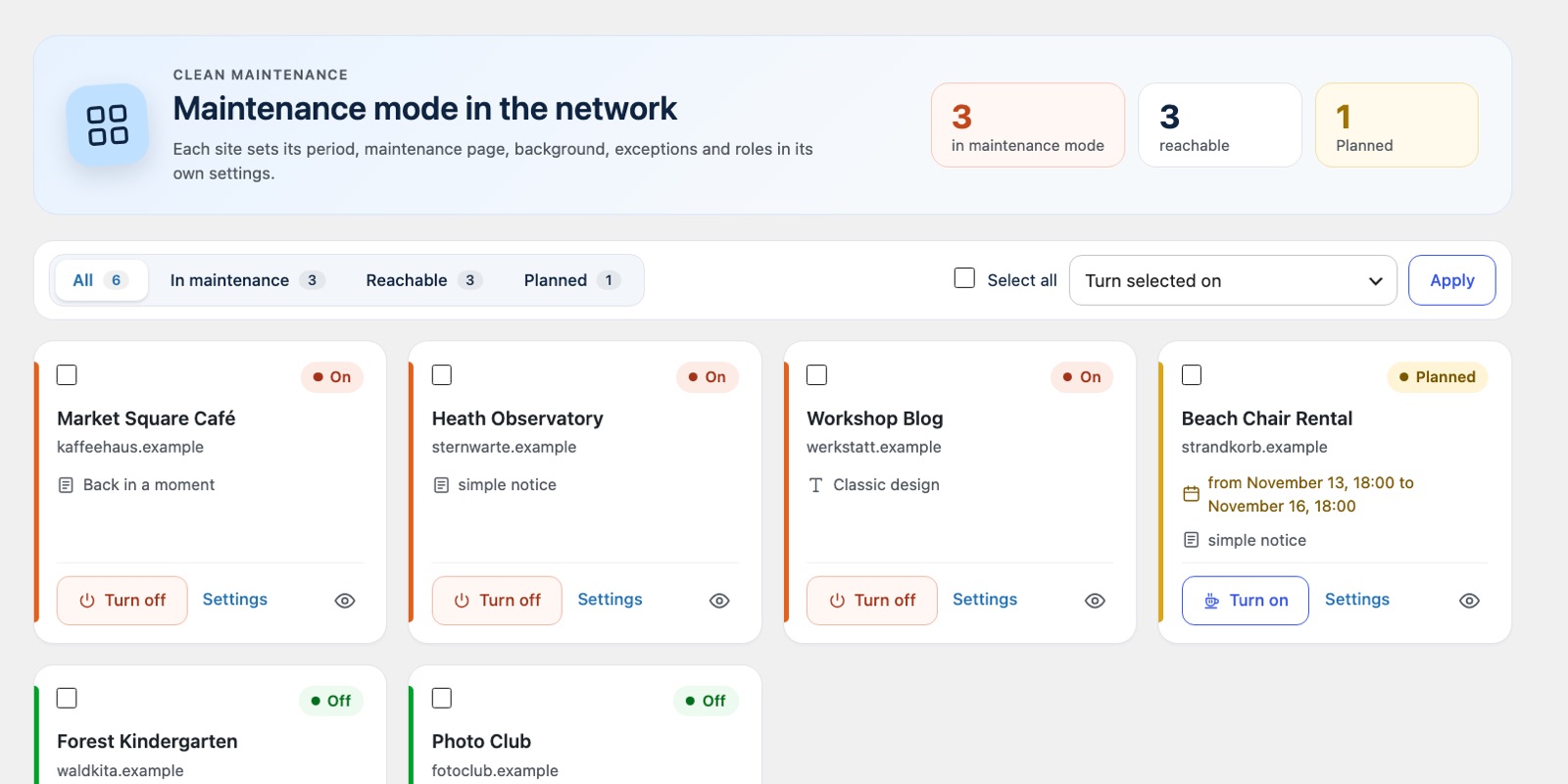
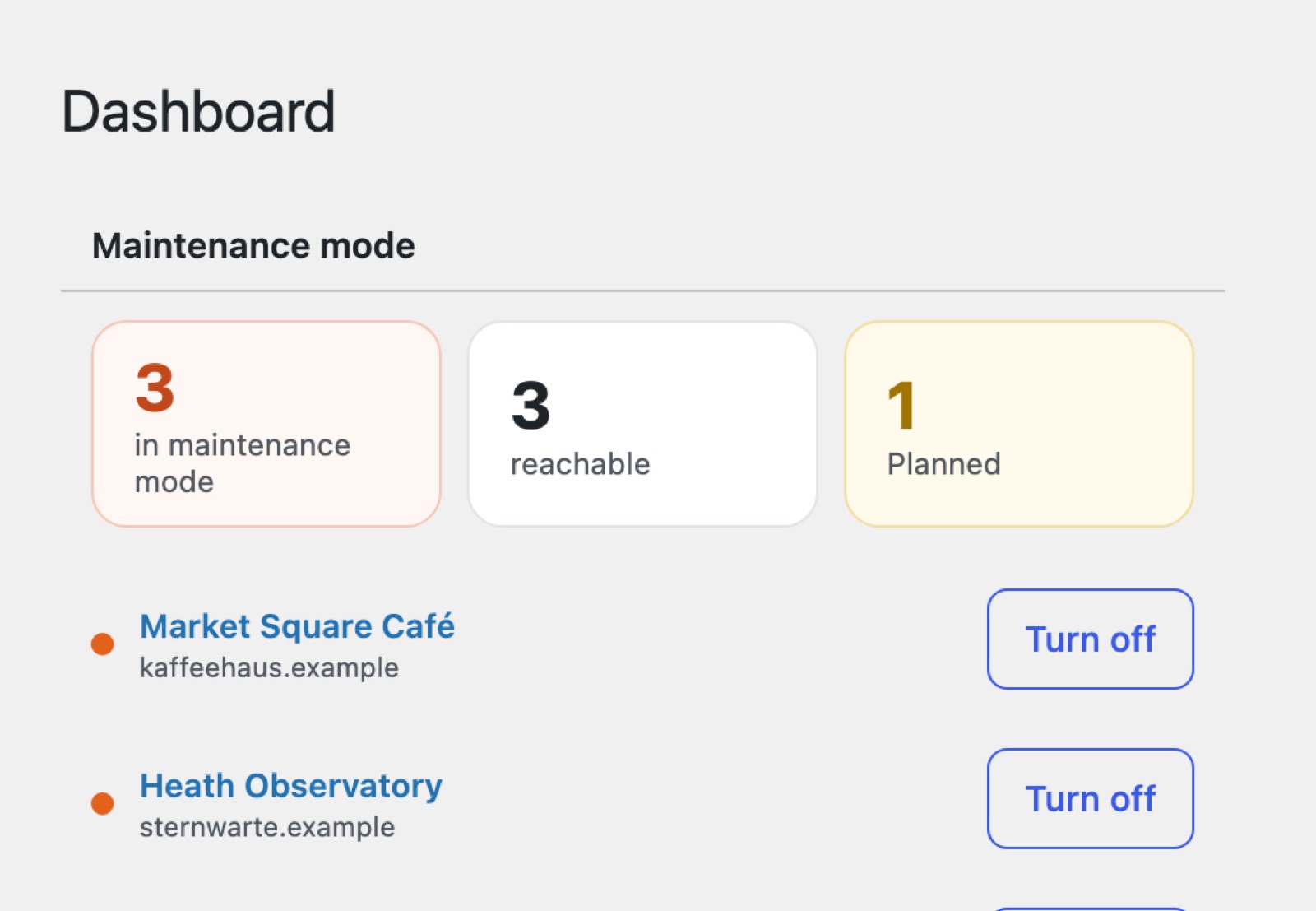
The backgrounds in these examples are drawn for this documentation; the sites are fictional.
Features
| Mode | Off, on, or scheduled with start and end from a calendar (in the site's time zone) |
| Your own page | Any WordPress page – even a draft or private – shown in the style of your theme, without header and footer, with background image and colour |
| Classic design | A simple standalone page with heading, text and background, independent of the theme |
| Exceptions | One slug or IP address per line, comments with #. Dashboard, login and robots.txt always stay reachable |
| Roles | Who still sees the site and who may use the dashboard; everyone else is redirected. Network administrators can never lock themselves out |
| REST API lock | Lock the REST API for visitors who are not logged in – always or only during maintenance – with namespaces that stay public (e.g. oembed) |
| Search engines | HTTP 503 with Retry-After, optionally let bots through or send noindex |
| Comfort | Red "Maintenance mode active" notice in the admin bar with a switch to turn it off, preview with ?cm-preview=1 |
| Clear settings | One page, ordered by task – status, appearance, access, search engines and comfort – with tiles, switches and a live status |
| Multisite | Overview with key figures, a state filter and one card per site; switch one or many at once; widget in the network dashboard |
| Languages | English, German – help translate |
Clean Maintenance does not collect or send any personal data, contacts no external services and sets no cookies.
Installation
- Download the latest ZIP from Releases.
- In WordPress go to Plugins → Add New → Upload Plugin, install and activate it. In a multisite network preferably network-wide.
- Open Settings → Maintenance mode, choose your maintenance page and turn the mode on.
Requirements: WordPress 6.4 or later, PHP 8.0 or later.
Settings
Every site has its own settings under Settings → Maintenance mode:
- Mode – off, on or scheduled. Without a start the mode applies right away, without an end until you turn it off.
- Design – "Page from WordPress" or "Classic".
- Maintenance page – best create a page of its own as a draft or private; then it is not visible anywhere else.
- Background – image from the media library and/or colour.
- Exceptions – e.g.
feed,wp-login, a single page likeimprint, or your own IP address. - Roles with access to the site / to the dashboard, Redirect.
- Search engine bots, Robots meta tag.
- REST API for visitors – open, locked during maintenance (default) or always locked. Locked requests without login get
401. Logged-in users, the block editor and Jetpack keep working; the REST API hints in the page head are removed. - Notice in the admin bar.
In a multisite network, Network Admin → Settings → Maintenance mode shows every site as a card with state, period and what it shows. Filter by paused, reachable or planned, switch a site with one click or select several and switch them together. The widget in the network dashboard shows the key figures and the paused and planned sites.
For developers
- Action
clean_maintenance_render– fires right before the maintenance page is printed, e.g. to hide your own bars. - Filter
clean_maintenance_site_name– the name on the simple default notice. - Settings per site live in the option
clean_maintenance; defaults inclean_maintenance_defaults().
clean-maintenance.php     plugin header, loads the parts
includes/core.php         settings, state, scheduling, translations
includes/frontend.php     maintenance page, exceptions, admin bar, REST API lock
includes/admin.php        settings page per site
includes/network.php      network overview and dashboard widget (multisite only)
assets/admin.js           settings page script
languages/                translation template and translations
uninstall.php             removes the settings when the plugin is deleted
tests/                    tests without dependencies: php tests/run.php
tools/                    translations (i18n.js), version numbers (version.sh), plugin guidelines (guidelines.js)
Contributing
Bug reports, ideas, pull requests and translations are welcome – see CONTRIBUTING.md.
Changelog
See readme.txt.
Author
Matthias Nattke – couch-blog.de
License
GPL-2.0-or-later, like WordPress itself.