SEO Builder by Matthew Massaro
WordPress plugin that turns a keyword list into Yoast-ready drafts with Google Gemini: copy, meta, tags and a featured image, paced on a daily limit.
by Matthew Massaro · github.com/matthewmassaro/mm-seo-builder · website
Install
No release zip yet. The repository archive installs, but the folder name will carry the branch suffix and updates will not flow:
wp plugin install https://github.com/matthewmassaro/mm-seo-builder/archive/refs/heads/main.zipSEO Builder for WordPress
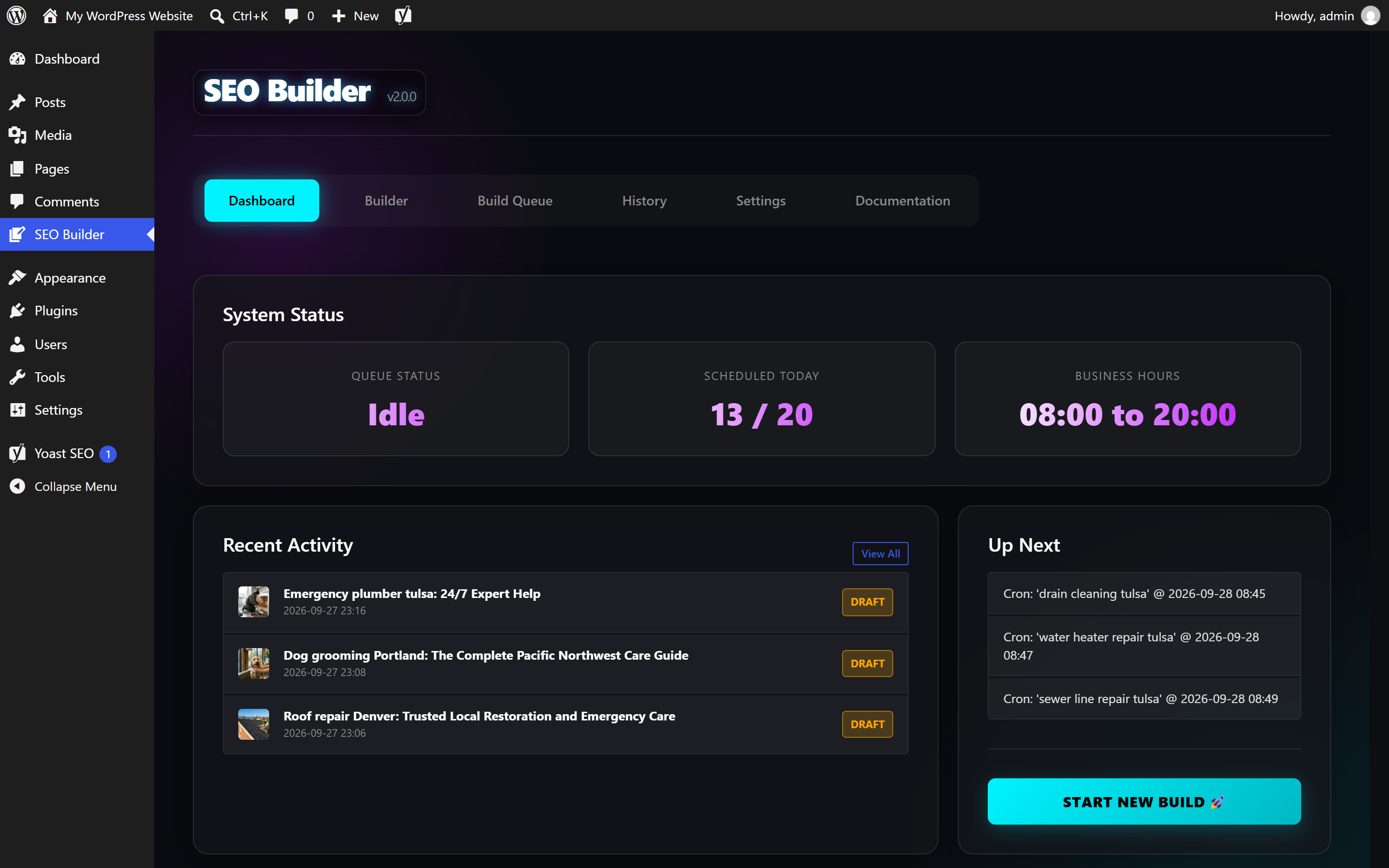
A WordPress plugin that turns a list of keywords into draft posts or pages, written and illustrated by Google Gemini and pre-filled for Yoast SEO. Paste 20 keywords in the morning and the drafts arrive through the working day in Yoast-ready shape, instead of in one burst.
Built by Matthew Massaro.

| Dashboard | Builder |
|---|---|
 |
 |
| Build queue | Settings |
 |
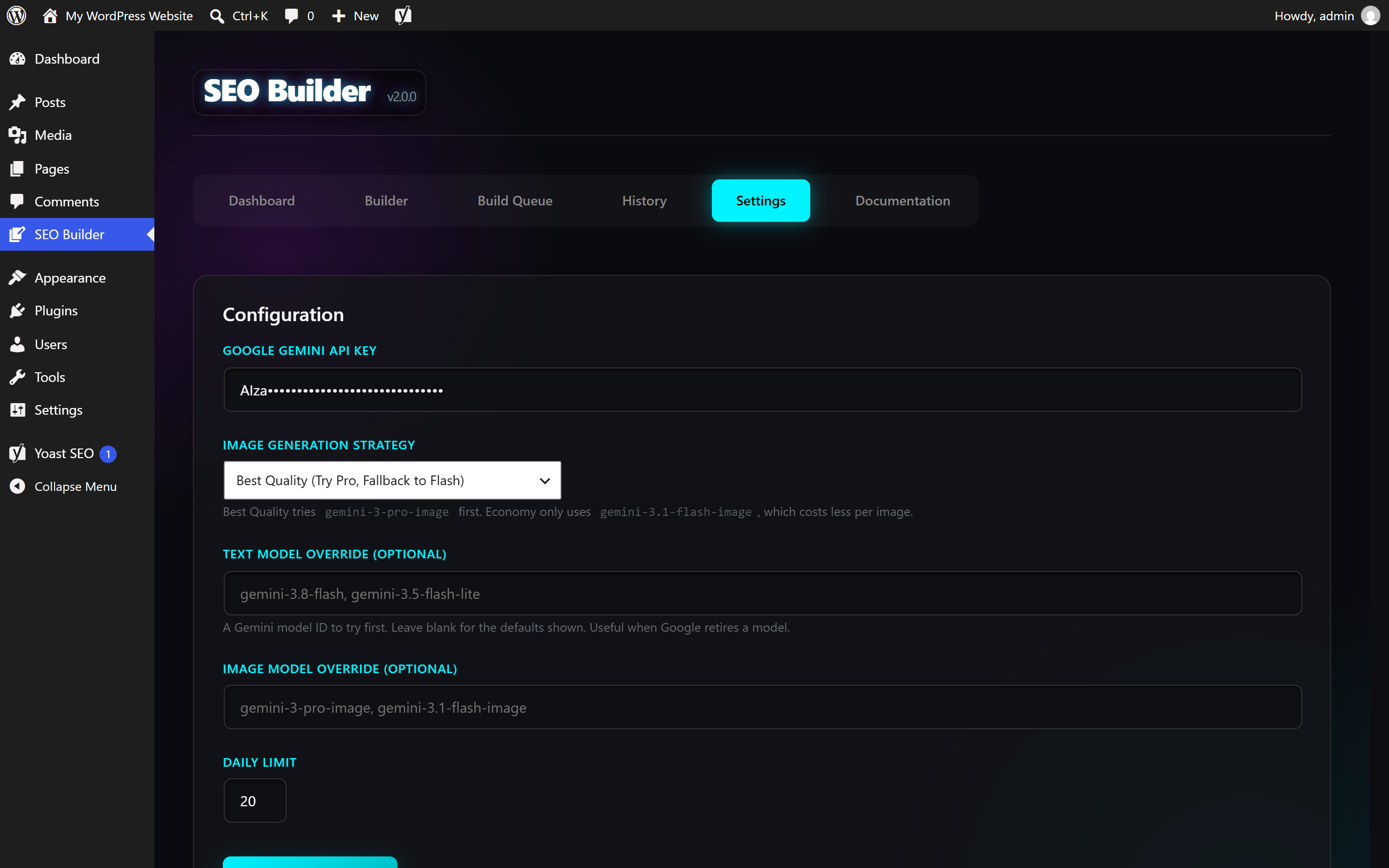 |
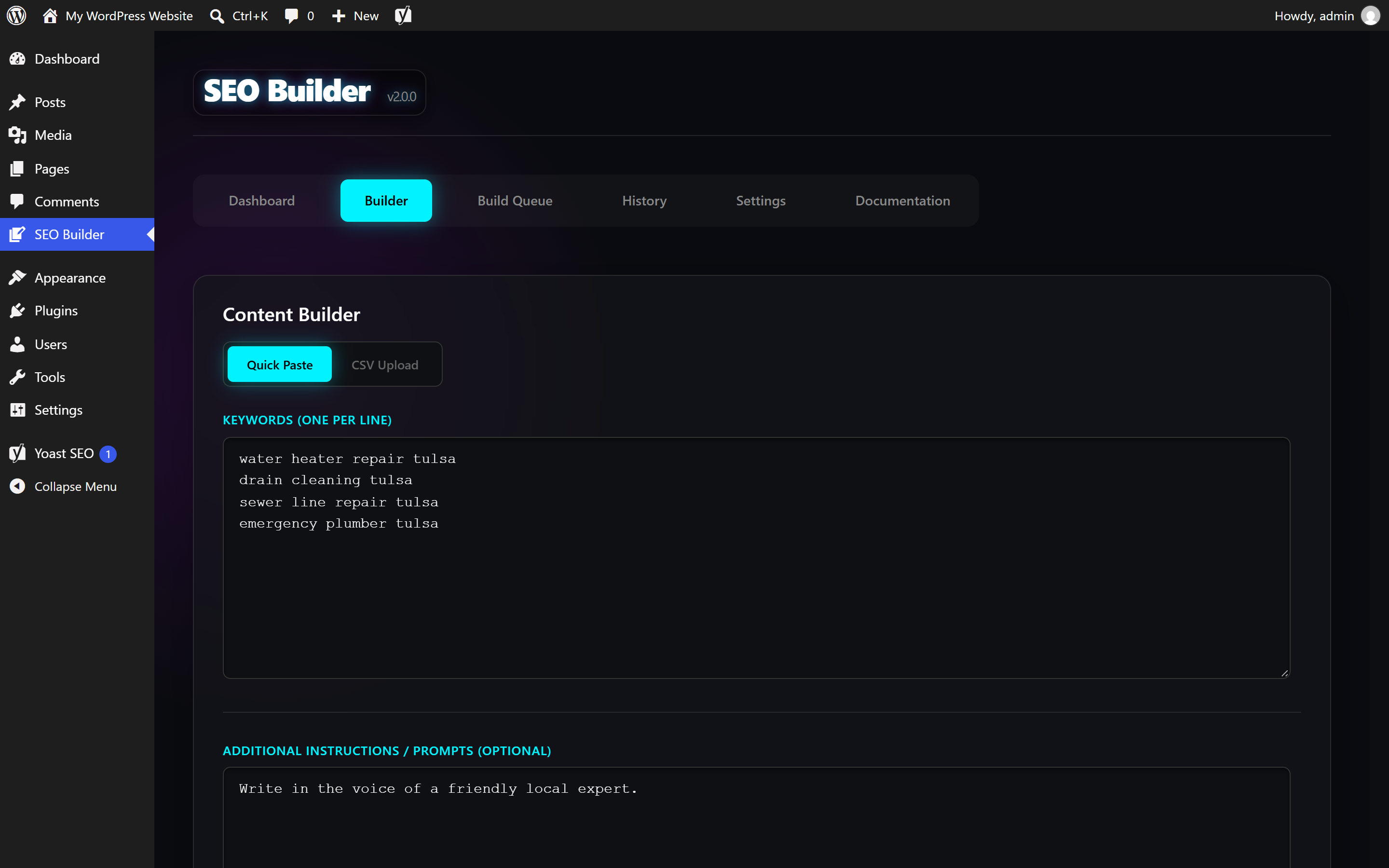
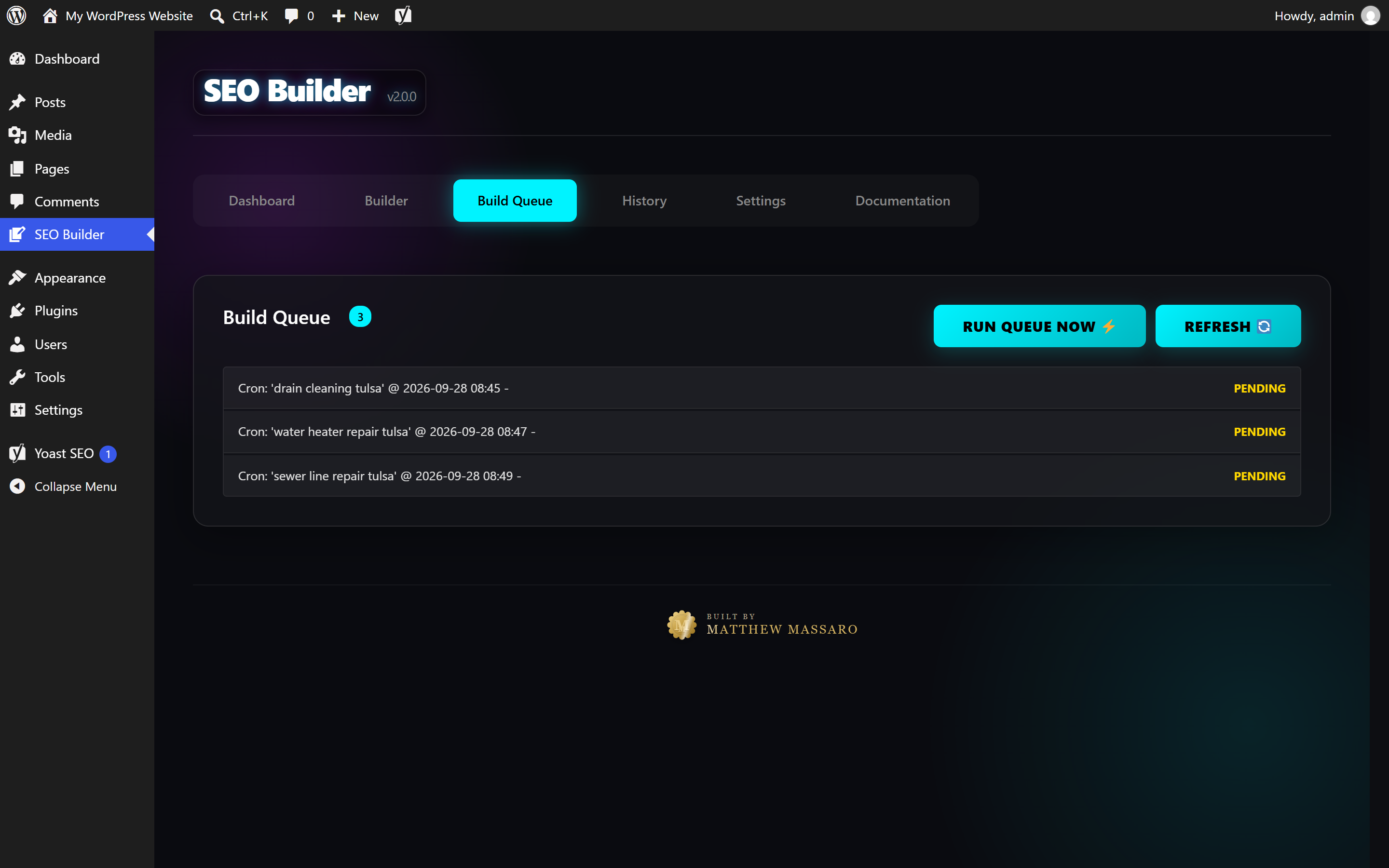
All screenshots are from a local WordPress Playground site. The posts shown were generated live by the plugin.
What one keyword produces
For each keyword the plugin asks Gemini for a structured JSON response, then builds the post from it:
- Title and body, about 900 to 1300 words: the keyphrase in the title, the first sentence, an H2 and an H3, a closing FAQ, one outbound link and one internal link.
- Yoast fields: SEO title, meta description and focus keyphrase, written straight to the post meta Yoast reads.
- Tags suggested by the model, plus the category you picked.
- Featured image generated from a photographic prompt, saved to the media library with the keyword as alt text and a slugged filename.
The model is asked to follow Yoast's rules, but it doesn't always comply, so the plugin also enforces the checks that matter in PHP. Meta descriptions are cut at a word boundary to 155 characters. If a post is missing an outbound or internal link, a "Further reading" line adds one. HTML from the model goes through wp_kses_post before it is saved.
How jobs are scheduled
- Business hours. Jobs run between 08:00 and 20:00 site time. A job queued at 22:00 waits for 08:00 the next morning.
- Jitter. Each job is offset by a random 15 to 45 minutes.
- Daily cap. At most 20 jobs can be queued per day. Keywords past the cap are rejected, not carried over, so queue the rest the next day. This also caps what the site can spend on Gemini.
- Action Scheduler runs the jobs when it is installed (WooCommerce and many other plugins bundle it). Otherwise the plugin falls back to WP-Cron.
- Run Queue Now processes everything pending immediately, for when you are watching.
Pages can be given a parent page, which is how you build a state → city silo.
Requirements
- WordPress 6.0 or newer, PHP 7.4 or newer
- A Google Gemini API key from Google AI Studio. Image models need billing enabled on the Google project.
- Yoast SEO is optional. Without it the meta is still saved and simply unused.
Your API key and your costs
There is no key in this repository and no shared account behind the plugin. Each site owner pastes their own Gemini key into Settings, where it is stored in that site's database and sent only to Google, in a request header. Every generation is billed to the owner's Google project. One keyword costs one text request and one image request. Check Google's pricing before running a large batch.
Models
| Use | Default | Fallback |
|---|---|---|
| Text | gemini-3.8-flash |
gemini-3.5-flash-lite |
| Images, Best Quality | gemini-3-pro-image |
gemini-3.1-flash-image |
| Images, Economy | gemini-3.1-flash-image |
none |
Google retires models regularly. Version 1.x stopped working because every model it hardcoded had been retired. Settings now has a text and an image model override, so the next retirement is a settings change, not a code change. If the first model fails, the next one is tried. An invalid key stops the run straight away.
Install
- Download
mm-seo-builder.zipfrom the latest release. - In WordPress go to Plugins → Add New → Upload Plugin and upload the zip.
- Activate SEO Builder by Matthew Massaro, open SEO Builder in the admin menu, and paste your key under Settings.
- In Builder, paste keywords one per line or upload a CSV (first column), choose post or page, and queue them.
Trying it without a WordPress site
WordPress Playground runs a full WordPress locally with Node, with nothing to host:
npx @wp-playground/cli server --mount=.:/wordpress/wp-content/plugins/mm-seo-builder --loginThen activate the plugin at http://127.0.0.1:9400/wp-admin/plugins.php.
Building the zip
python build_plugin.pyThis writes mm-seo-builder.zip with only the plugin code, laid out the way WordPress expects.
Code layout
| File | Responsibility |
|---|---|
mm-seo-builder.php |
Plugin header, constants, activation hooks |
includes/Class_Admin.php |
Admin page, settings, AJAX handlers for save, queue and run-now |
includes/Class_Scheduler.php |
Daily cap, business-hours delay, Action Scheduler / WP-Cron |
includes/Class_Builder.php |
Prompt, JSON parsing, Yoast enforcement, post and image insertion |
includes/Class_Gemini.php |
Gemini REST client with model fallback |
templates/app.php |
The six-tab admin UI |
History
Version 1.x was released in January 2026 under the Phat Stack Tech name, with a remote license check. Version 2.0.0 removes the license gate, moves to current Gemini models, fixes the fallback chain, timezone handling and dashboard counter, and publishes the source.
License
GPL-2.0-or-later, as declared in the plugin header.