Install
This is the repository archive. It installs, but the folder name will carry the branch suffix and updates will not flow.
Install straight from GitHub with WP-CLI:
wp plugin install https://github.com/matt-cruse/au-revoir-avada/archive/refs/heads/main.zipNo built-in updater. New versions won't appear under Dashboard → Updates. Install new releases yourself, or let Git Updater track the repository.
Wordpress plugin for removing Avada Fusion Builder shortcodes from pages/posts
Based on the "Bye Bye Divi!" plugin by Sean Barton
Installation
To install the Au Revoir Avada plugin, simply copy the au_revoir_avada.php file to your plugin directory or ZIP up the file and upload it through the "Add Plugin" tool within the WordPress plugins page.
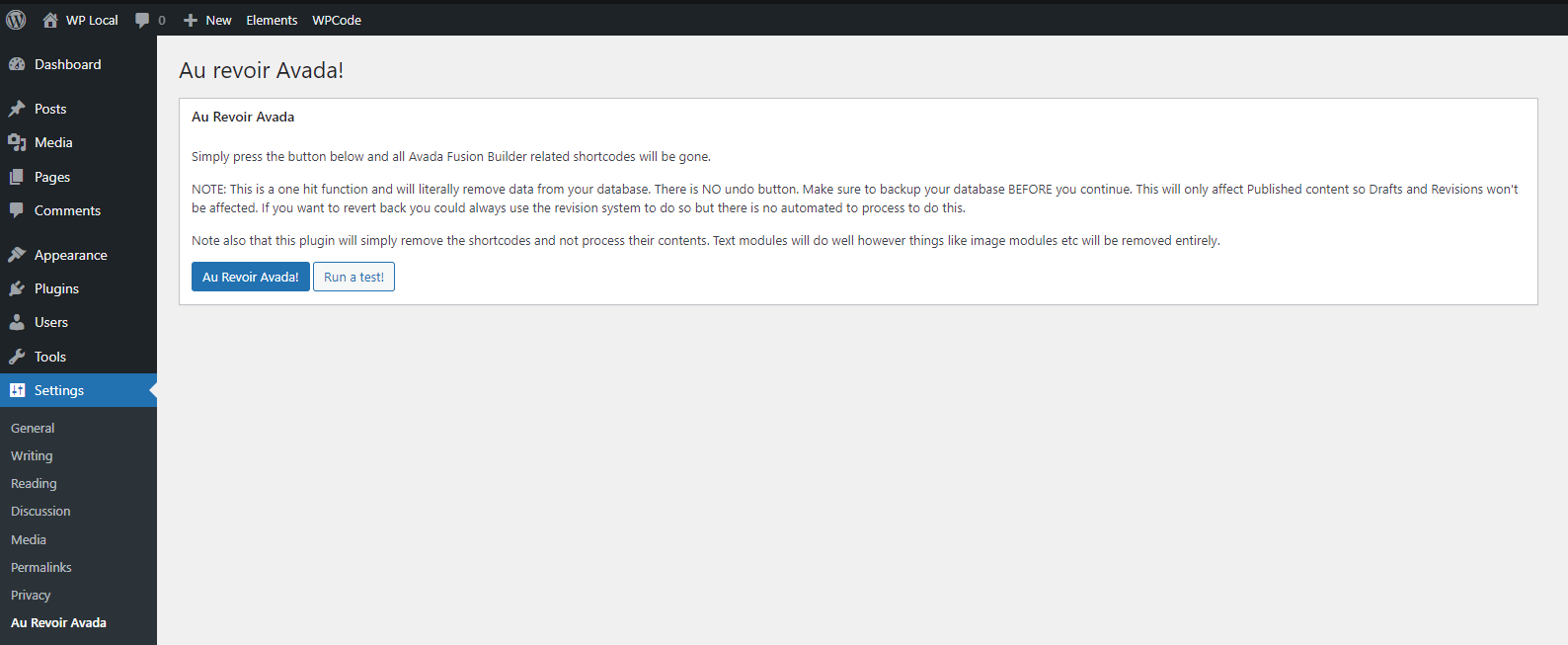
When installed, the tool can be found in "Settings" > "Au Revoir Avada".
!important - make sure you backup your database before committing any final changes to ensure there is no data loss - use of this plugin is at your own risk.
Changelog
07/11/2023
Initial Build