Install
This is the repository archive. It installs, but the folder name will carry the branch suffix and updates will not flow.
Install straight from GitHub with WP-CLI:
wp plugin install https://github.com/marufmks/easy-service-booking/archive/refs/heads/main.zipWordPress Plugin Boilerplate
Create your WordPress plugin in weeks, not months. Rapidly prototype and deliver your plugin with confidence!
This boilerplate has built-in marketing site and documentation setup which you can use to showcase your plugin.
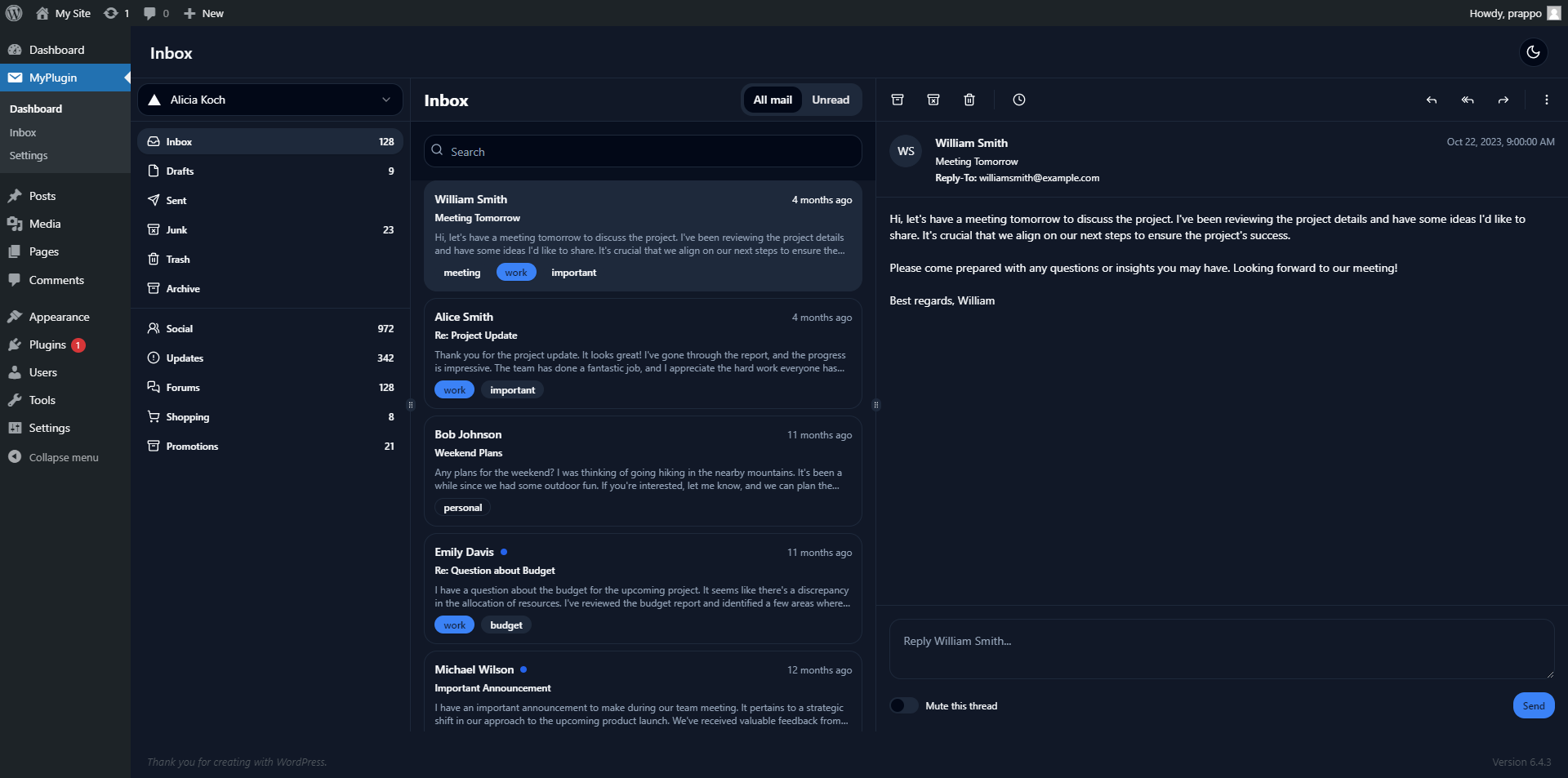
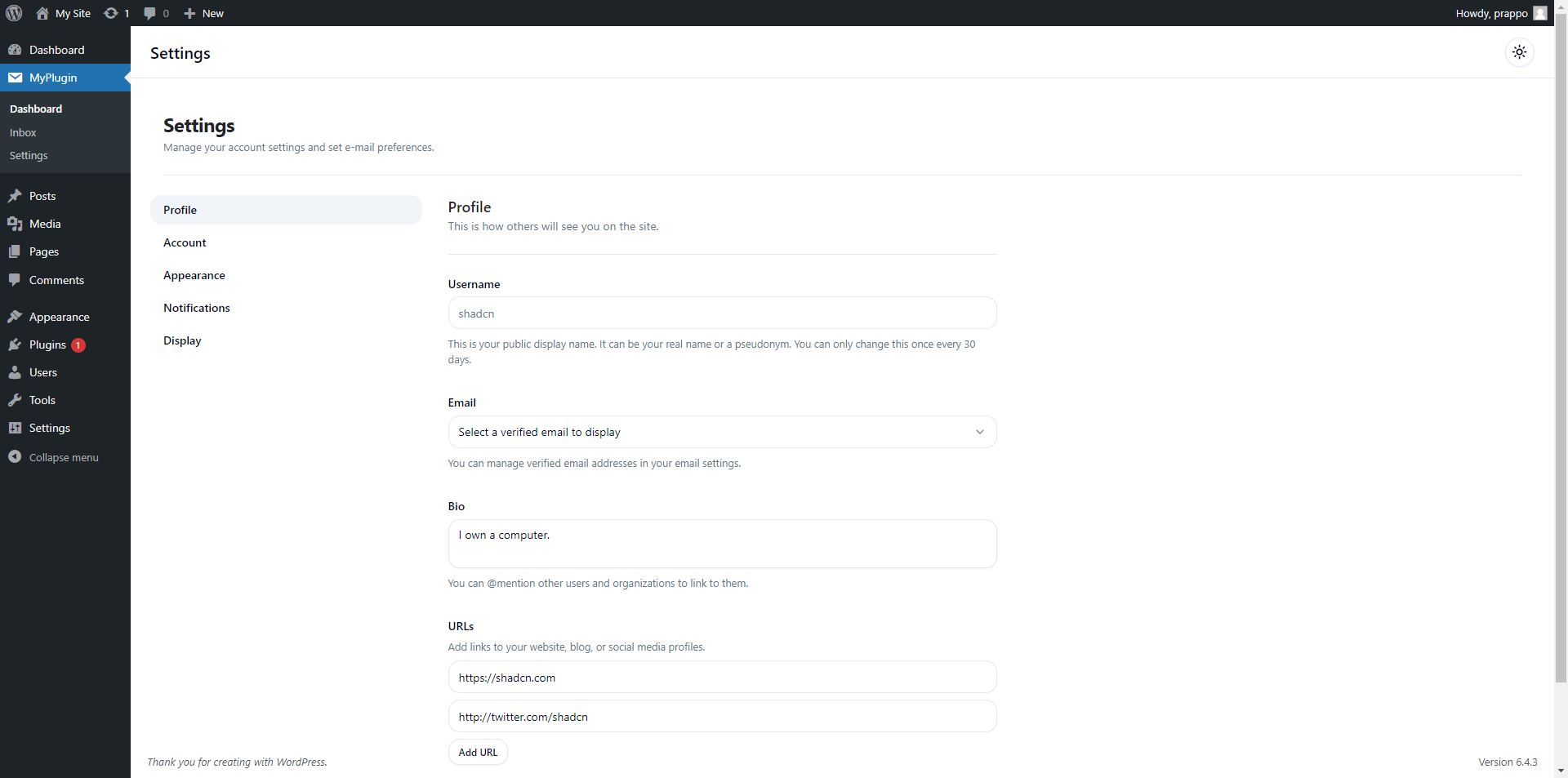
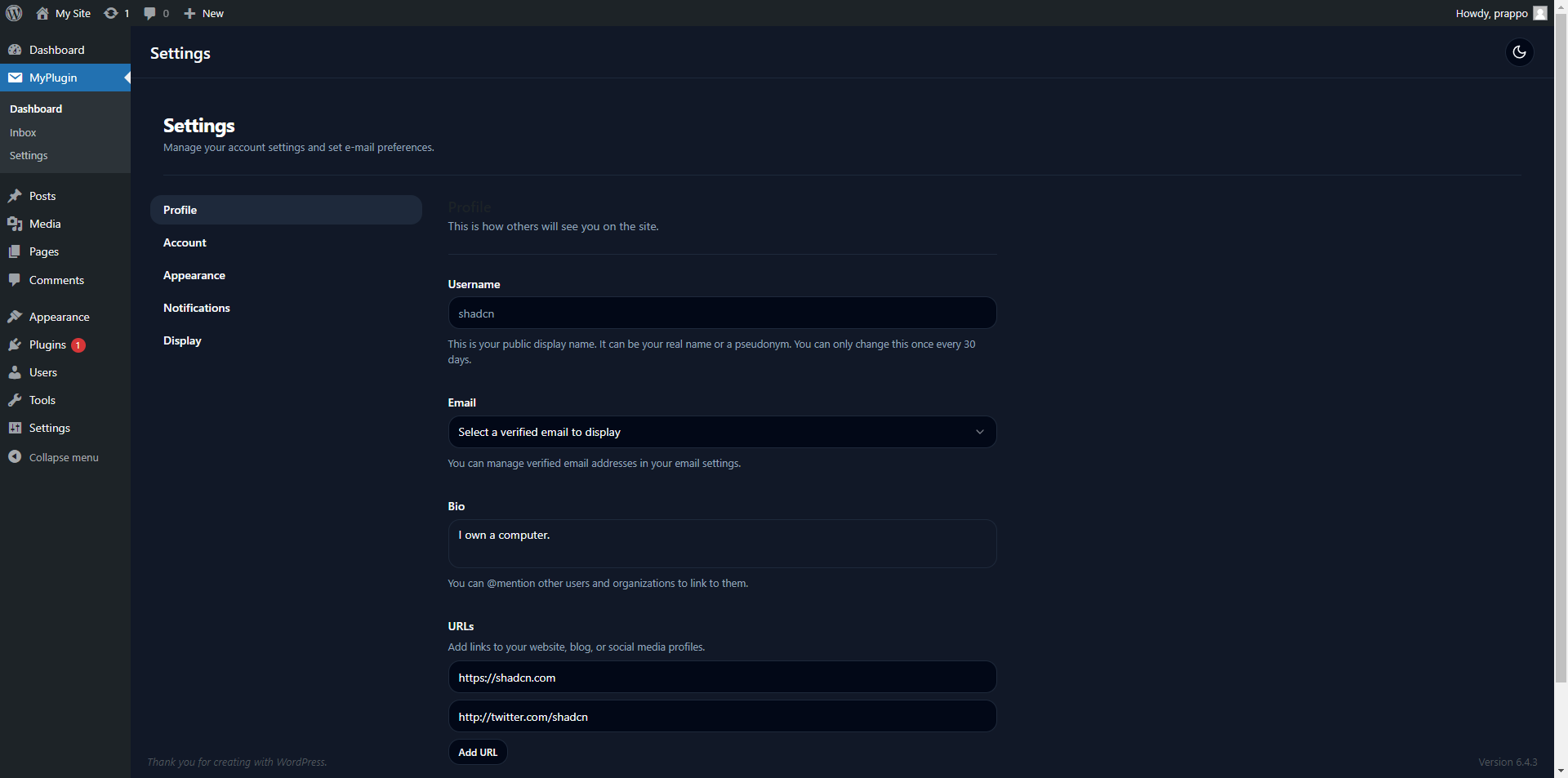
Preview

Screenshots
| Light Mode | Dark Mode |
|---|---|
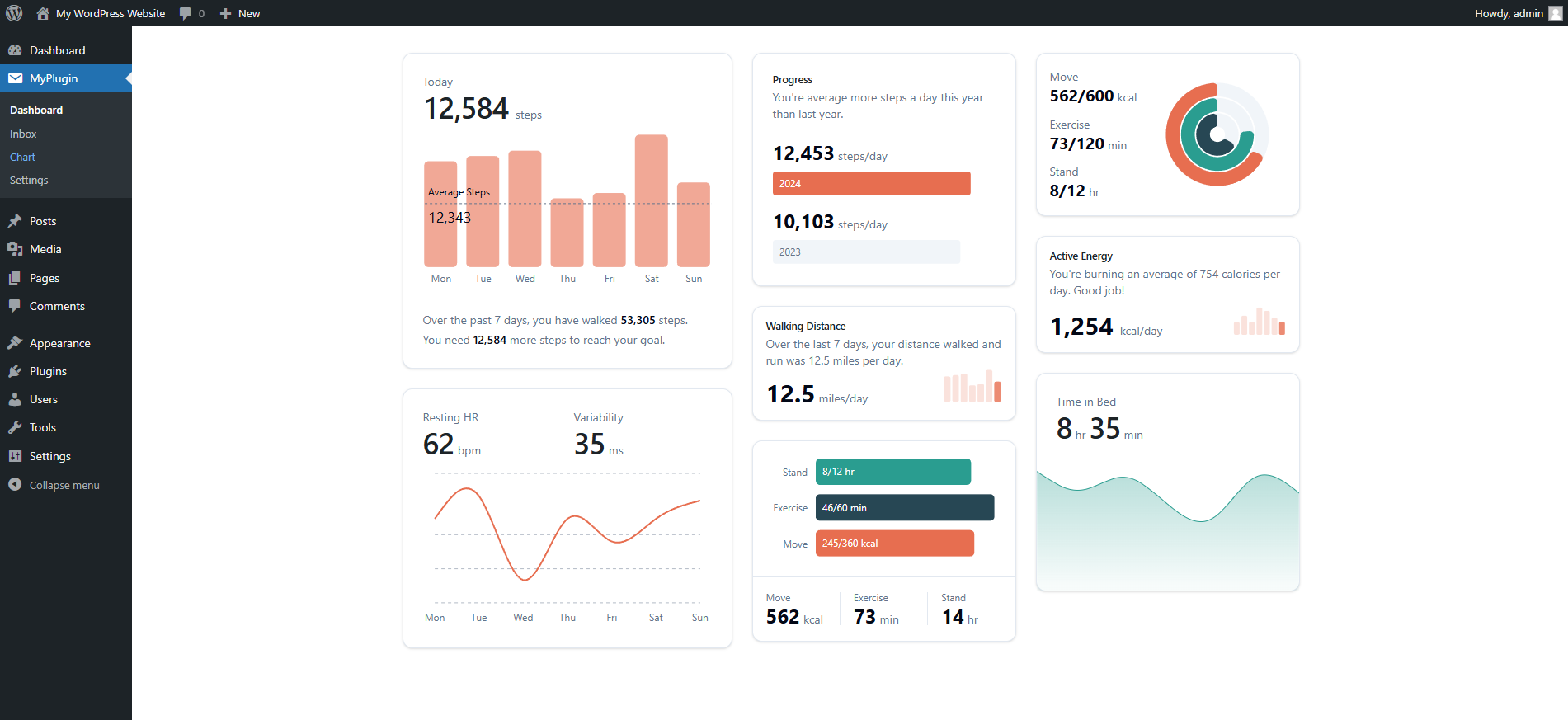 |
|
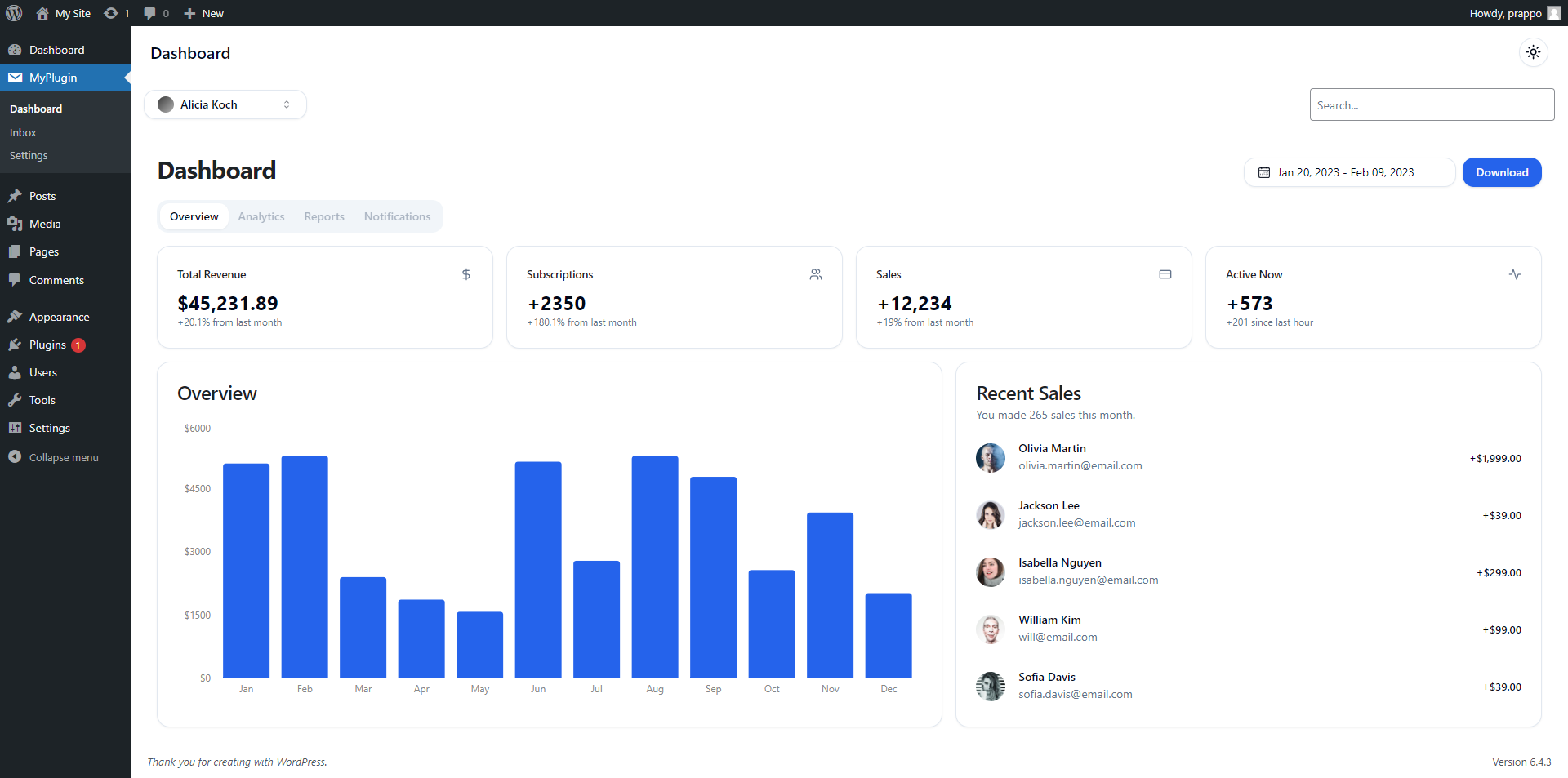 |
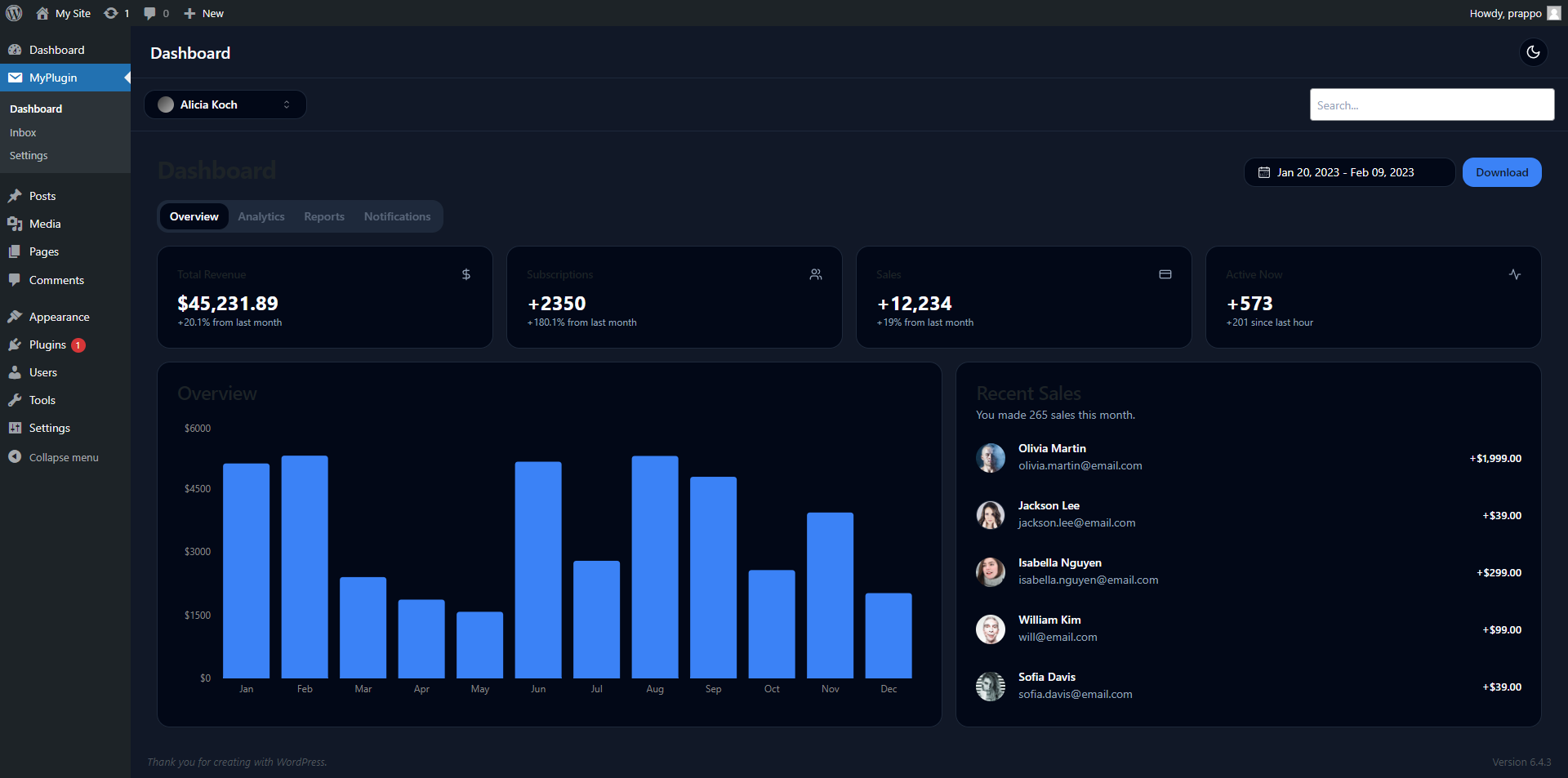 |
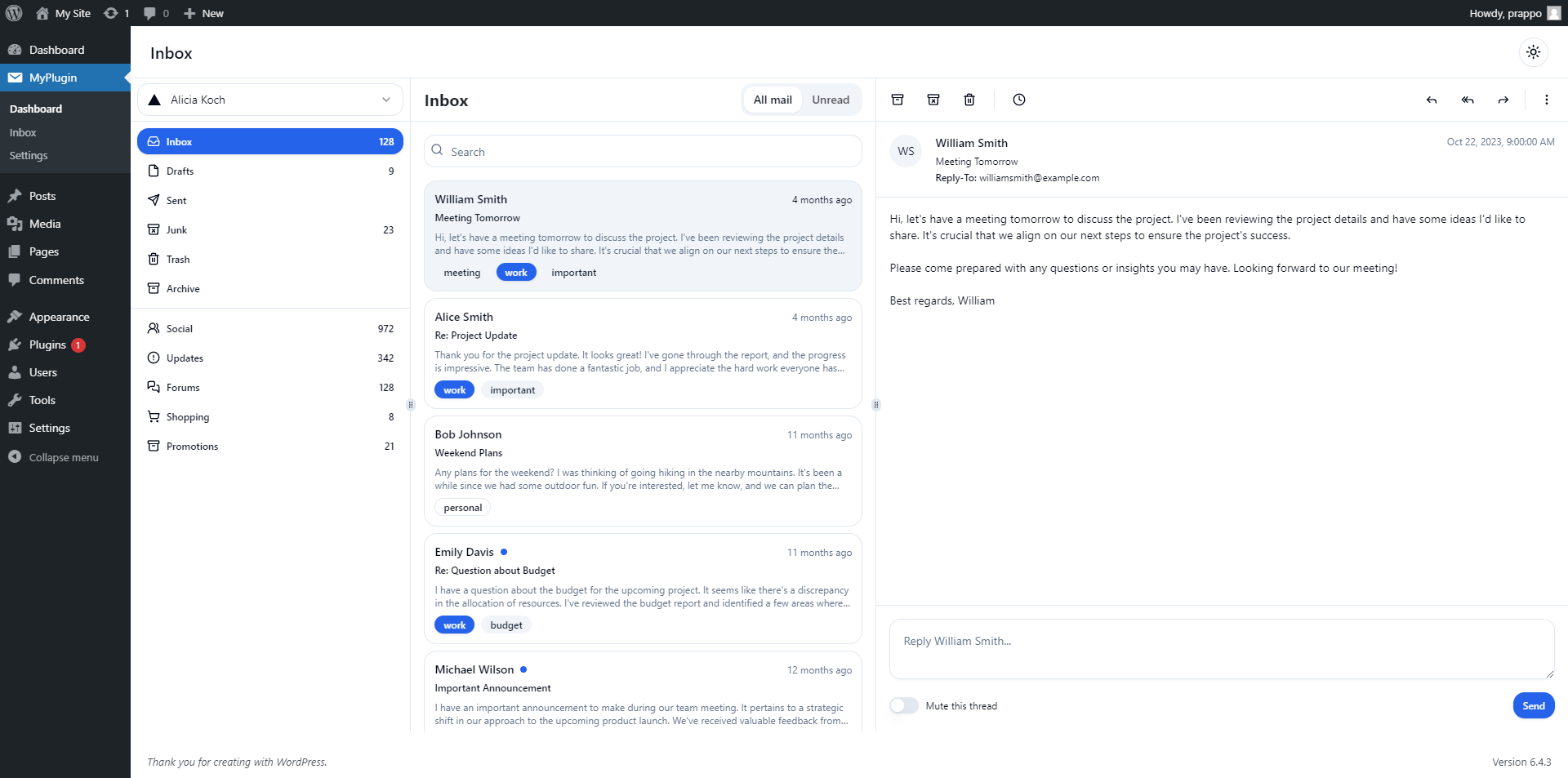 |
 |
 |
 |
Get Started
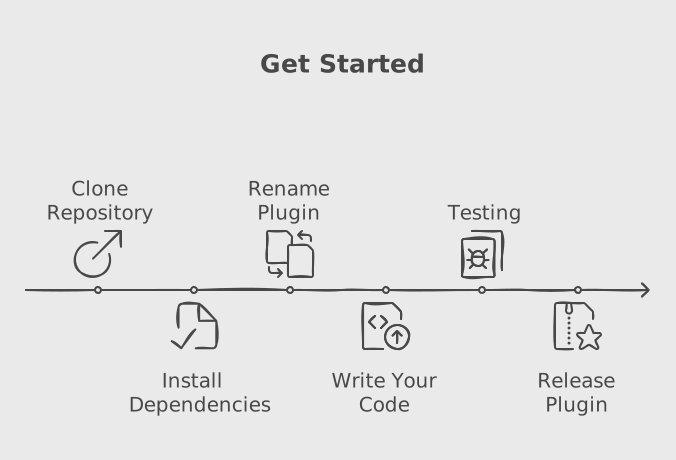
The plugin consists of two main components: the frontend, built with React, and the backend, which communicates via an API.
To get started, you need to clone the repository and install the dependencies. Then you can rename the plugin and start development. It's that simple!
Clone the repository
git clone https://github.com/prappo/wordpress-plugin-boilerplate.gitInstall dependencies
npm install
composer install
Plugin renaming
You can easly rename the plugin by changing data in plugin-config.json file.
{
    "plugin_name":"Easy Service Booking",
    "plugin_description":"Easily create and sell your service with Easy Service Booking",
    "plugin_version":"1.0.0",
    "plugin_file_name":"wordpress-plugin-boilerplate.php",
    "author_name":"prappo",
    "author_uri":"https://prappo.github.io",
    "text_domain":"wordpress-plugin-boilerplate",
    "domain_path":"/languages",
    "main_class_name":"WordpressPluginBoilerplate",
    "main_function_name":"wordpress_plugin_boilerplate_init",
    "namespace":"WordpressPluginBoilerplate",
    "plugin_prefix":"wpb",
    "constant_prefix":"WPB"
}
Then run the following command to rename the plugin
npm run renameStructure
📂 wordpress-plugin-boilerplate-
📂 config
- 📄 plugin.php
-
📂 database
-
📂 Migrations
- 📄 create_posts_table.php
- 📄 create_users_table.php
-
📂 Seeders
- 📄 PostSeeder.php
- 📄 UserSeeder.php
-
📂 Migrations
-
📂 includes
- 📂 Admin
- 📂 Controllers
- 📂 Core
- 📂 Frontend
- 📂 Interfaces
- 📂 Models
- 📂 Routes
- 📂 Traits
- 📄 functions.php
-
📂 src
- 📂 admin
- 📂 frontend
- 📂 blocks
- 📂 libs
- 📂 views
- 📂 vendor
- 📄 plugin.php
- 📄 uninstall.php
- 📄 wordpress-plugin-boilerplate.php
API Route
Add your API route in includes/Routes/Api.php
Route::get( $prefix, $endpoint, $callback, $auth = false );
Route::post( $prefix, $endpoint, $callback, $auth = false );

// Route grouping.
Route::prefix( $prefix, function( Route $route ) {
    $route->get( $endpoint, $callback, $auth = false );
    $route->post( $endpoint, $callback, $auth = false );
});
API Example
// Get All posts
$route->get( '/posts/get', '\WordpressPluginBoilerplate\Controllers\Posts\Actions@get_all_posts' );

// Get Single Posts
$route->get( '/posts/get/{id}', '\WordpressPluginBoilerplate\Controllers\Posts\Actions@get_post' );
ORM ( Object Relational Mapping )
If you are familiar with Laravel, you will find this ORM very familiar. It is a simple and easy-to-use ORM for WordPress.
You can find the ORM documentation here
Create your model in includes/Models folder.
Example: includes/Models/Posts.php
<?php

namespace WordpressPluginBoilerplate\Models;

use Prappo\WpEloquent\Database\Eloquent\Model;

class Posts extends Model {
    /**
     * The table associated with the model.
     *
     * @var string
     */
    protected $table = 'posts';

    /**
     * The attributes that are mass assignable.
     *
     * @var array
     */
    protected $fillable = array( 'post_title', 'post_content' );
}
You can access all your posts like this:
$posts = Posts::all();You can also create a new post like this:
$post = Posts::create( array( 'post_title' => 'Hello World', 'post_content' => 'This is a test post' ) );You can also update a post like this:
$post = Posts::find( 1 );
$post->post_title = 'Hello World';
$post->save();
You can also delete a post like this:
$post = Posts::find( 1 );
$post->delete();
You can also use the where method to filter your posts.
$posts = Posts::where( 'post_title', 'like', '%hello%' )->get();You can also use the orderBy method to sort your posts.
$posts = Posts::orderBy( 'post_title', 'desc' )->get();Passing data from backend to frontend
Just pass your data to the array in the Asset file.
For example: For admin:
And access data on react like this
Remember the object wordpressPluginBoilerplateFrontend name can be defined here
Shortcode
You can create a shortcode by using the Shortcode class.
/**
 * Example Usage
 *
 * Registering a shortcode that renders a PHP view file
 */
Shortcode::add()
    ->tag('myshortcode')
    ->attrs(['id', 'name'])
    ->render( plugin_dir_path( __FILE__ ) . 'views/shortcode/myshortcode.php');

/**
 * Registering a shortcode that renders with a function
 */
Shortcode::add()
    ->tag('customshortcode')
    ->attrs(['title', 'class'])
    ->render(function($atts, $content) {
        return "<div class='{$atts['class']}'><h3>{$atts['title']}</h3><p>{$content}</p></div>";
    });
The php render file should be in the views/shortcode folder.
For example: views/shortcode/myshortcode.php
<div id="<?= isset($id) ? esc_attr($id) : '' ?>" class="shortcode-box">
    <h3><?= isset($name) ? esc_html($name) : 'Default Title' ?></h3>
    <p><?= isset($shortcode_content) ? esc_html($shortcode_content) : '' ?></p>
</div>
Example Usage in WordPress editor
[myshortcode id="box1" name="Example Shortcode"]
This is the content inside the shortcode.
[/myshortcode]

[customshortcode title="Dynamic Title" class="highlight"]
Some highlighted content.
[/customshortcode]
Development
npm run devDevelopment with server
npm run dev:serverBuild
npm run buildStart block
npm run block:startBuild block
npm run block:buildRelease
npm run releaseIt will create a relase plugin in release folder