Install
This is the repository archive. It installs, but the folder name will carry the branch suffix and updates will not flow.
Install straight from GitHub with WP-CLI:
wp plugin install https://github.com/martogt/images-to-products-for-woocommerce/archive/refs/heads/main.zipNo built-in updater. New versions won't appear under Dashboard → Updates. Install new releases yourself, or let Git Updater track the repository.
🖼️ Images to Products for WooCommerce
Bulk‑create WooCommerce products directly from images

Overview
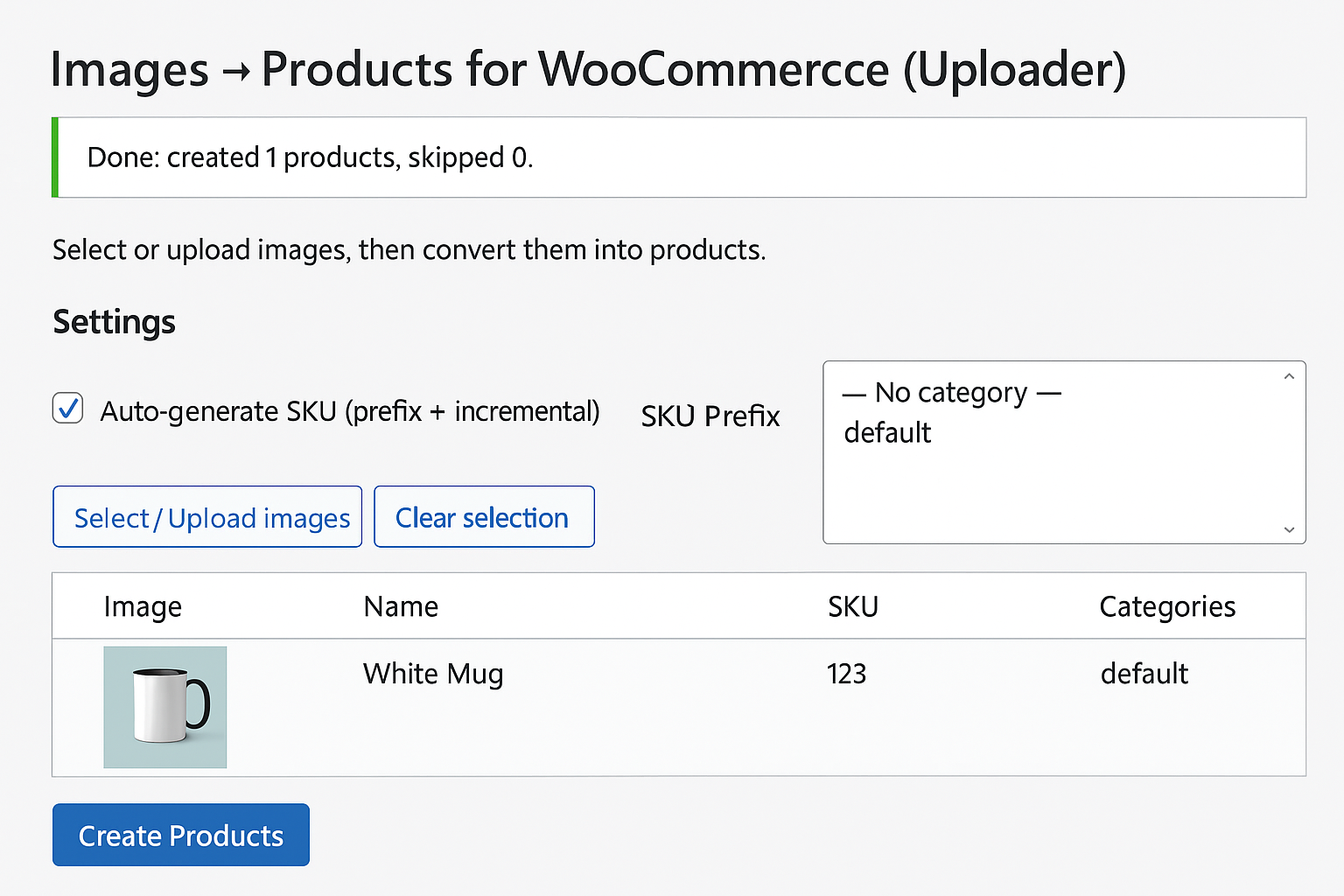
Images to Products for WooCommerce (Uploader Edition) lets you upload/select multiple images and instantly create Simple Products — each image becomes its own product with the image set as featured image.
Perfect for artists, photographers, galleries and anyone who manages many image‑based products.
✅ Per‑row fields, auto SKU with prefix, multi‑category selection, duplicate checks, price & description support.
Features
- Bulk convert images → products
- Auto product name from filename
- Featured image set automatically
- Price & Description per item
- Multi‑select Categories
- Auto‑generate SKU (prefix + incremental) or custom per item
- Duplicate detection (skip or create with unique title)
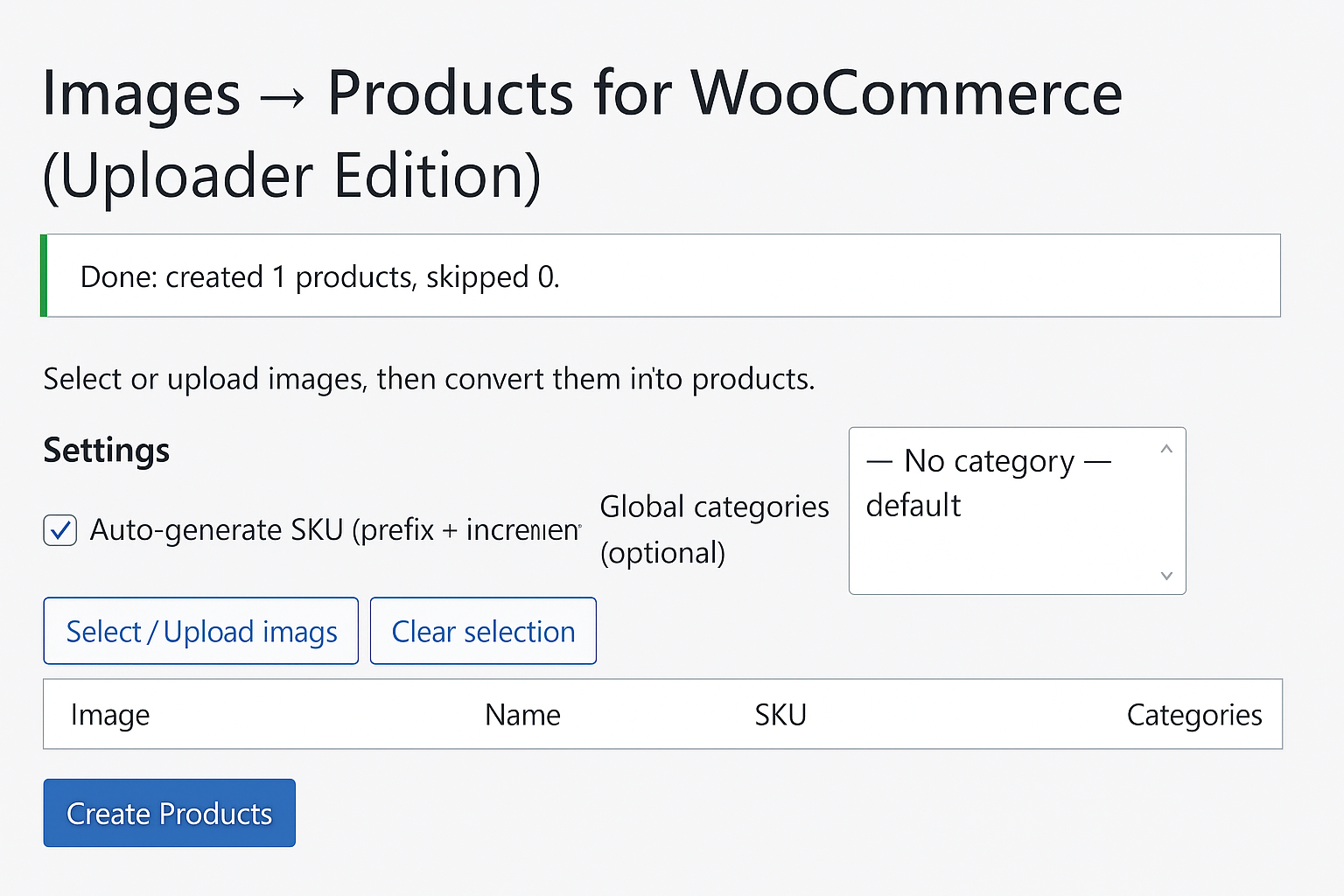
- Clean, compact admin UI (WordPress/Woo style)
Requirements
- WordPress 6.0+
- WooCommerce 9.x+
- PHP 7.4+
Installation
- Download a release ZIP (or build your own).
- In WP Admin → Plugins → Add New → Upload Plugin, select the ZIP and Install Now.
- Activate Images to Products for WooCommerce.
- Open Products → Images → Products (Uploader).
Usage
- Click Select / Upload images and choose multiple images.
- Optionally set SKU Prefix and Global categories.
- For each row, adjust Name, SKU, Price, Description, Categories.
- Click Create Products.
UI
Changelog
2.3.5
- Readme polish, assets update, and small admin UI tweaks.
- i18n cleanup, escaping & sanitization for inputs.
- Replace deprecated
get_page_by_title()withWP_Query. - Keep stable feature set (Price, Description, Categories, SKU).
2.3.4
- Table layout fixes (stable column widths), no visual restyle.
2.3.3
- Text domain & headers aligned with WP.org guidelines.
License
GPLv2 or later — see LICENSE or https://www.gnu.org/licenses/gpl-2.0.html.