Advanced Custom Toolkit
Professional WordPress plugin with shortcode, admin panel, and AJAX-based view tracking
by Sameer · github.com/mabubakar4321/advanced-custom-toolkit
Install
No release zip yet. The repository archive installs, but the folder name will carry the branch suffix and updates will not flow:
wp plugin install https://github.com/mabubakar4321/advanced-custom-toolkit/archive/refs/heads/main.zipDescription
Advanced Custom Toolkit is a professional WordPress plugin that demonstrates modern plugin development practices including Object-Oriented Programming (OOP), AJAX-based functionality, and admin panel integration.
This plugin allows users to display custom messages via shortcode, manage settings through an admin panel, and track post views using secure AJAX requests with session-based protection.
Features
- Custom shortcode support
[custom_message] - Admin settings panel for dynamic message control
- AJAX-based post view tracking
- Session-based view limiting (prevents fake refresh counts)
- Secure nonce validation
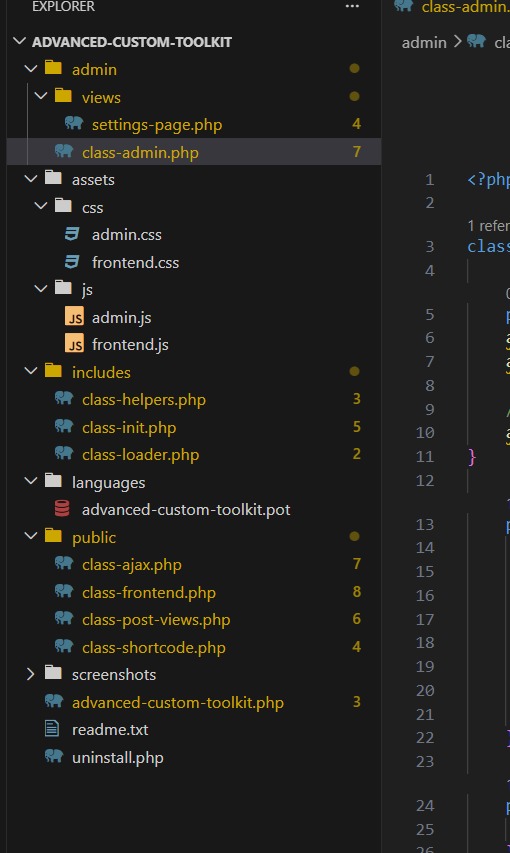
- Modular and clean OOP architecture
- Separate admin and frontend assets (CSS/JS)
Installation
- Download or clone the plugin
- Upload the folder to
/wp-content/plugins/ - Activate the plugin from WordPress dashboard
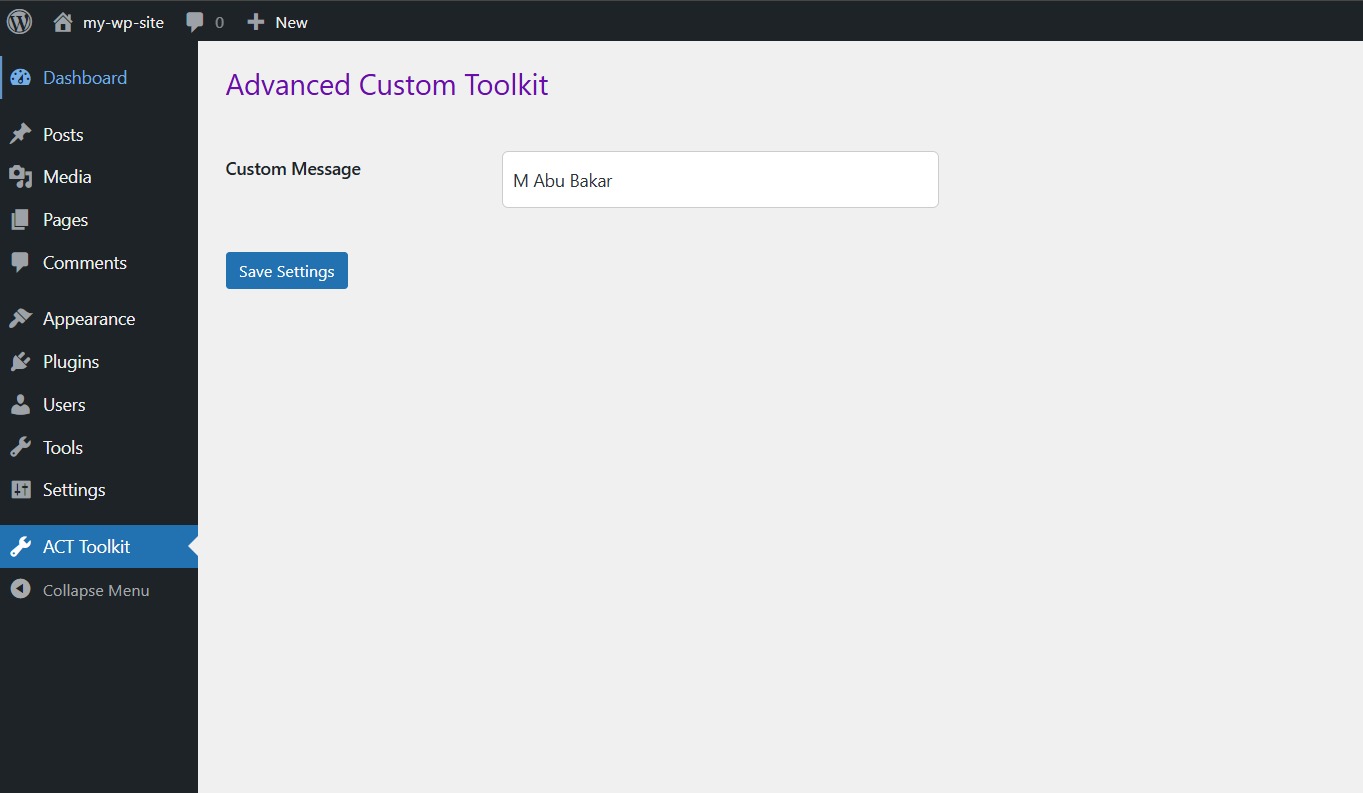
- Go to ACT Toolkit in admin panel
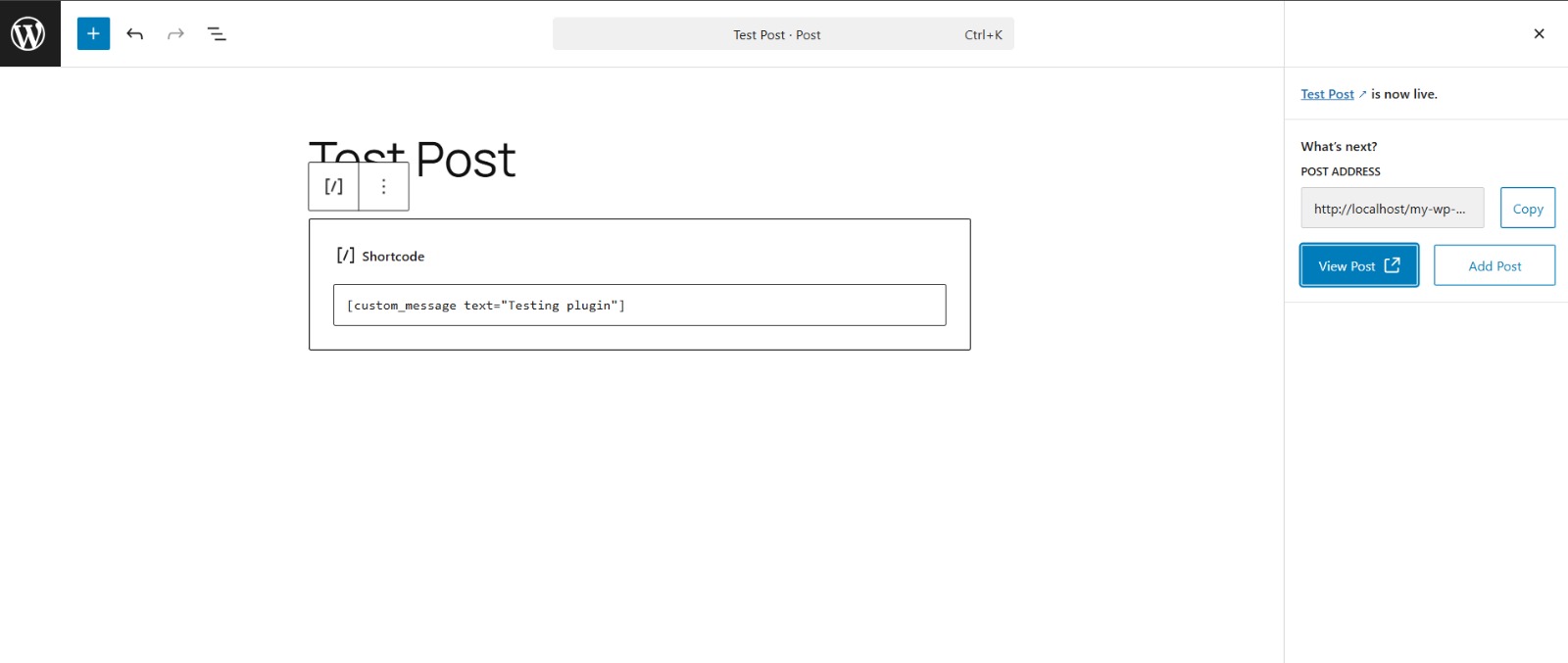
- Use shortcode in posts:
[custom_message text="Hello World"]
Usage
- Navigate to ACT Toolkit in the admin dashboard
- Enter your custom message and save settings
- Add shortcode in any post or page
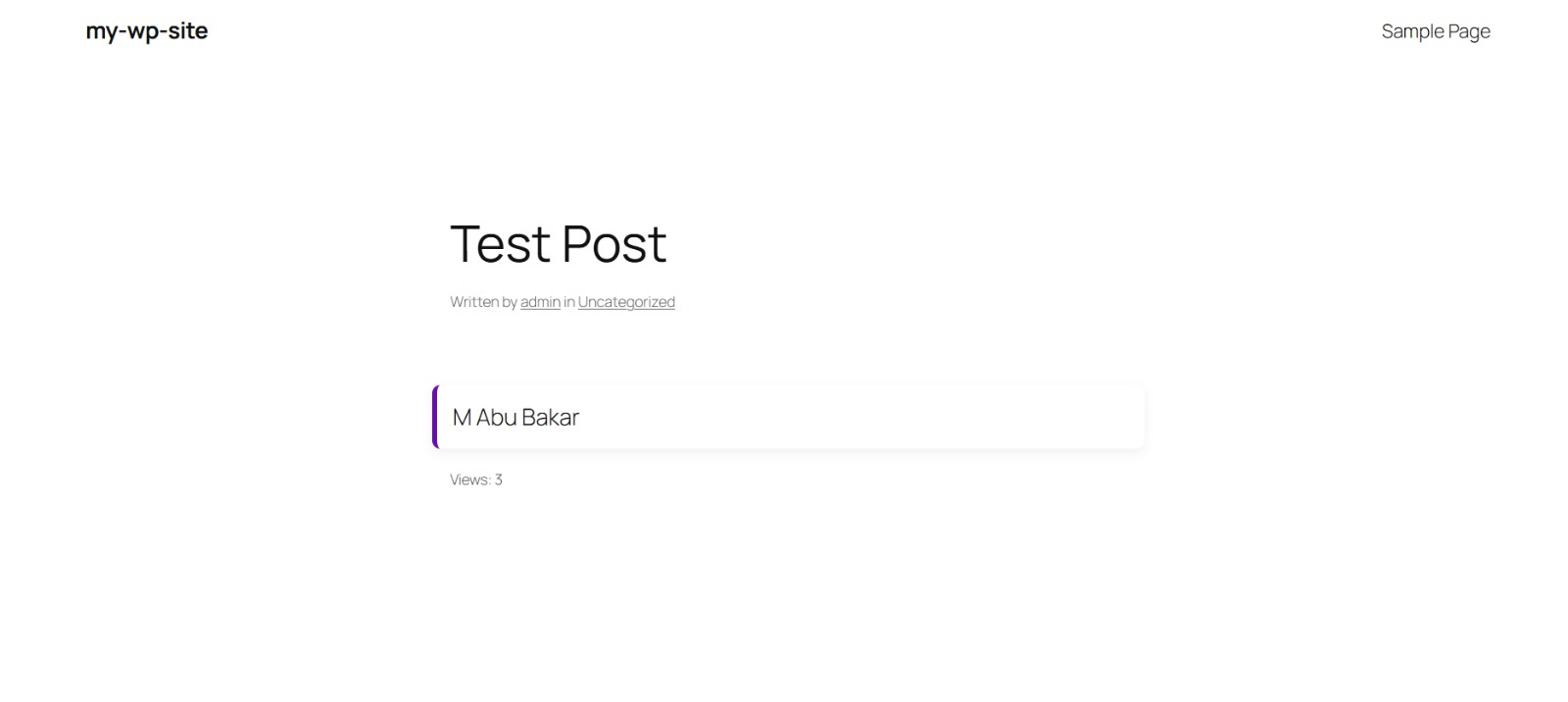
- Open a post to see dynamic view tracking in action
Screenshots
- Admin Panel Settings
- Shortcode Output on Frontend
- Post View Tracking Display
- Network Tab Showing AJAX Request
📸 Screenshots
Admin Panel
Shortcode Output
View Tracking
Code Structure
Technical Details
- Uses
add_actionandadd_filter - AJAX handled via
admin-ajax.php - Data passed using
wp_localize_script - Secured with WordPress nonces
- Session-based logic implemented in JavaScript
- Clean folder structure (admin / public / includes)
Frequently Asked Questions
Why are views not increasing on refresh?
The plugin uses session-based tracking to prevent fake view inflation. Each user view is counted once per session.
How to reset views for testing?
Use browser console:
sessionStorage.clear();
Can I customize the message?
Yes, from the admin panel under ACT Toolkit.
Changelog
1.0.0
- Initial release
- Shortcode support
- Admin panel
- AJAX view tracking
Author
Abubakar