Install
This is the repository archive. It installs, but the folder name will carry the branch suffix and updates will not flow.
Install straight from GitHub with WP-CLI:
wp plugin install https://github.com/lucasstark/acf-api-fields/archive/refs/heads/master.zipNo built-in updater. New versions won't appear under Dashboard → Updates. Install new releases yourself, or let Git Updater track the repository.
ACF API Relationship Field
Allows you to create relationships to posts from WP Rest API Endpoints.
Compatibility
This ACF field type is compatible with:
- ACF 5
Screenshots
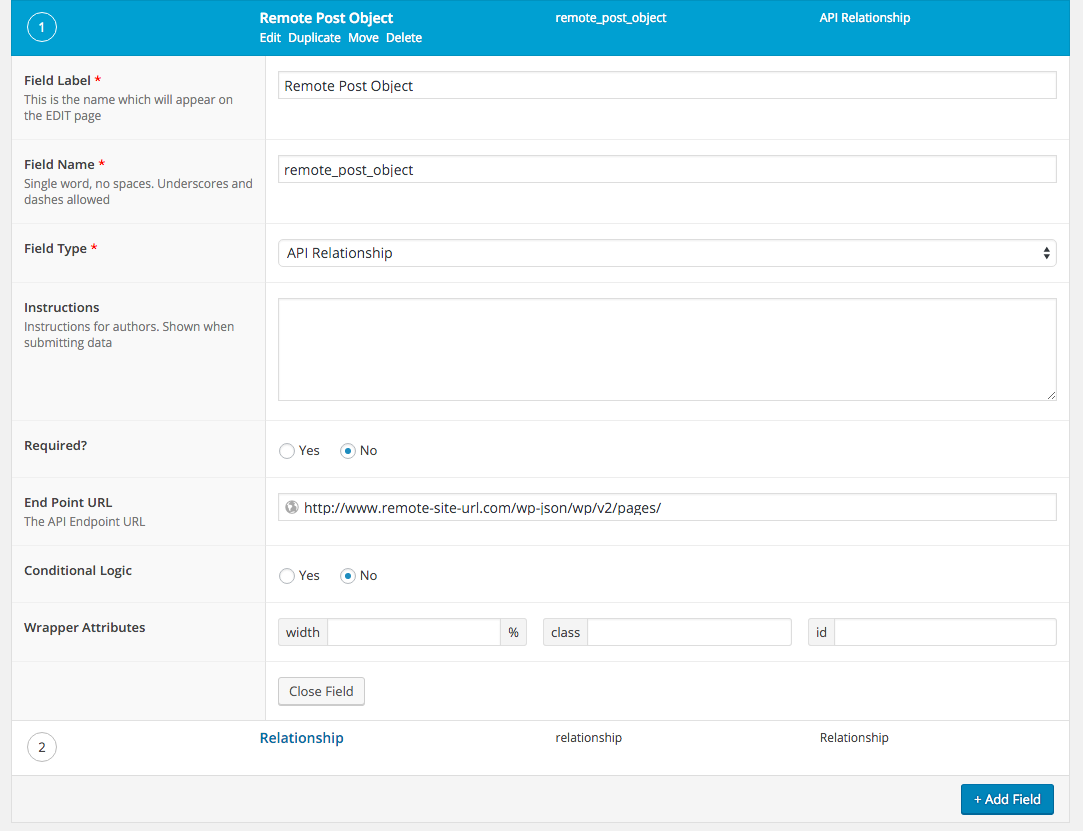
Field Settings:
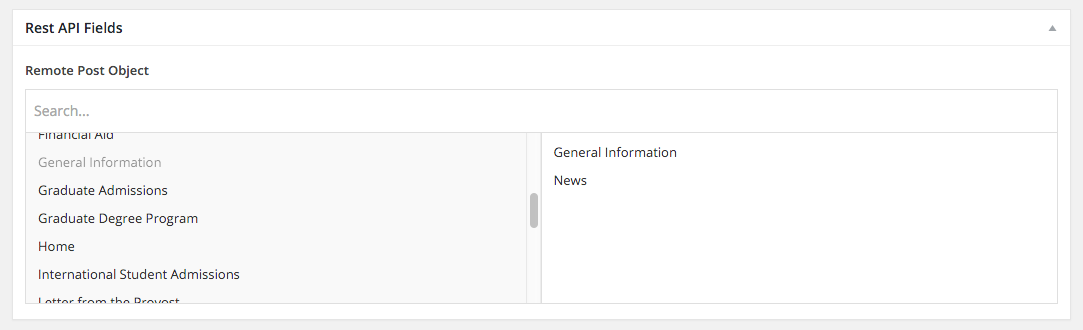
When editing an object with the field:
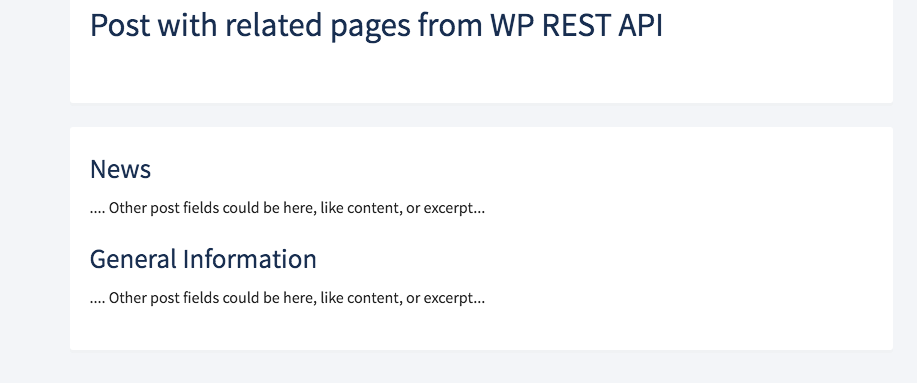
Example output:
Installation / Use
- Copy the
acf-api-fieldsfolder into yourwp-content/pluginsfolder - Activate Advanced Custom Fields: API Fields plugin via the plugins admin page
- Create a new field via ACF and select the API Relationship type
- Enter in the endpoint to the remote API. Example http://example.com/wp-json/v2/wp/posts
- Edit the object where you have included the field group. You'll see a standard Relationship field, however the data will be populated from the remote API.
The field type returns objects from get_field(). Example template file use:
<?php $remote_posts = get_field( 'remote_post_object' ); ?>
<?php if ( !empty( $remote_posts ) ): ?>

    <?php foreach ( $remote_posts as $remote_post ): ?>

        <h2><?php echo esc_html( $remote_post->get_title() ); ?></h2>
                <p><?php echo $remote_post->content->rendered; ?></p>

    <?php endforeach; ?>

<?php endif; ?>
The object which is returned from the API is similar to the object from the Example Client Library