Install
Upload it under Plugins → Add New Plugin → Upload Plugin, then activate.
Install straight from GitHub with WP-CLI:
wp plugin install https://github.com/les-ey/lde-tabs-plugin/releases/download/v0.9.1.beta/lde-tabs-plugin.zip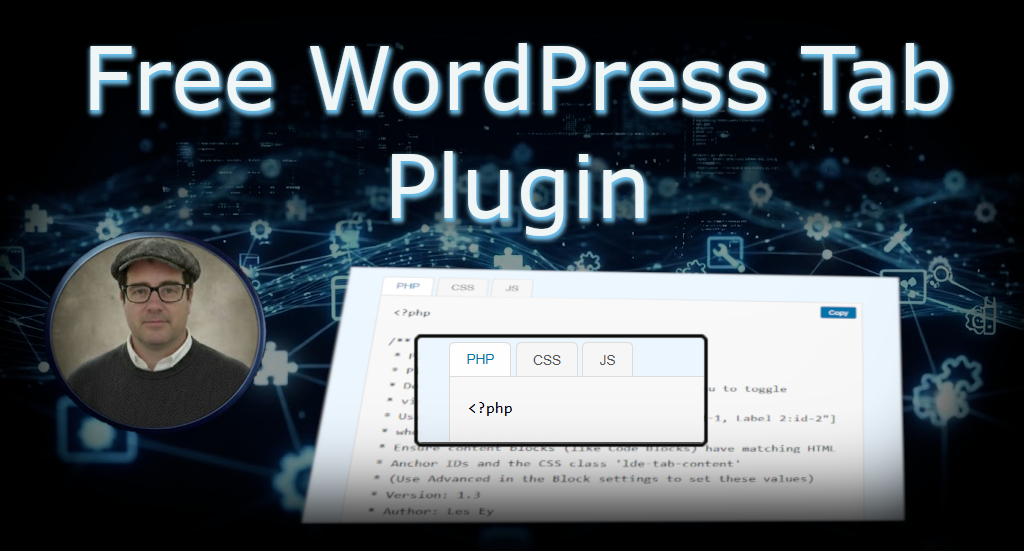
A lightweight, efficient WordPress plugin that enables responsive, tabbed content using the native Block Editor (Gutenberg) features.
This plugin avoids heavy, proprietary frameworks and focuses on utilizing the built-in HTML Anchor and Additional CSS Class(es) fields for ultra-lightweight content organization.

✨ Features
- Lightweight: Minimal JavaScript and CSS. No dependencies beyond WordPress core functionality.
- Block Editor Focused: Uses native Gutenberg fields (
HTML Anchor) to connect tabs and content. - Responsive: Tabs automatically collapse or adjust beautifully on mobile devices.
- Free and Open Source: Developed under the GPL license.
📥 Installation
- Download the latest
lde-tabs-plugin.zipfile from the [https://github.com/Les-Ey/lde-tabs-plugin/releases/]. - In your WordPress dashboard, navigate to Plugins > Add New > Upload Plugin.
- Upload the ZIP file and click Install Now.
- Activate the plugin.
(For detailed installation instructions, see our full guide: [https://www.les-ey.online/free-wordpress-tab-plugin/])
🛠️ Usage (How to Create Tabs)
Implementing LDE Tabs is a simple three-step process within the Gutenberg editor:
Step 1: Insert the Tab Controller
Add a Shortcode Block where you want the tabs to appear, defining the labels and unique IDs for your content.
Example 1: Single Tab Set (No Group Attribute Needed)
Use this when you only have one set of tabs on the entire page.
[lde_tabs config="PHP:php-code, CSS:css-code, JS:js-code"]
Example 2: Multiple Tab Sets (Using the Group Attribute)
Use this when you need two or more independent tab components on the same page. The group attribute prevents them from controlling each other's content.
[lde_tabs group="set-a" config="Specs:spec-content, Reviews:review-content"]
[lde_tabs group="set-b" config="F.A.Q.:faq-content, Docs:doc-content"]
Step 2: Prepare the Content Block
Below the shortcode, add a Group Block (or other single container block) and place all the content (text, images, code, etc.) for your first tab inside it.
Note: If you used the group attribute in Step 1, this content block must be placed immediately after its corresponding shortcode.
Step 3: Link the Content (The Critical Step)
Select your content block and go to the Settings Sidebar > Advanced panel.
| Settings Sidebar Field | Value to Enter |
|---|---|
| HTML Anchor | Use the unique ID from Step 1 (e.g., php-code or spec-content) |
| Additional CSS class(es) | lde-tab-content |
Repeat Step 2 and Step 3 for every tab you defined in your shortcode.
Quick copy-paste example
-
Add a Shortcode block with:
[lde_tabs config="PHP:php-code, CSS:css-code, JS:js-code"] -
For each tab, add a Group block (or other container). In the block's Settings → Advanced:
- HTML Anchor: the ID (e.g.,
php-code) - Additional CSS class(es):
lde-tab-content
Editor HTML preview (for reference):
Notes:
- IDs must be unique on the page, contain no spaces, and should not start with a digit.
- For multiple independent tab sets on one page, use the
groupattribute in the shortcode (e.g.,group="set-a"). - If tabs don't switch, confirm the
lde-tab-contentclass is present and the plugin's JS/CSS are being enqueued. - Accessibility: ensure keyboard navigation/ARIA is implemented; file an issue if missing.
💻 Source Code and Contributions
The official source code for this plugin is hosted here on GitHub.
We welcome contributions and bug reports! Please feel free to open a new Issue or submit a Pull Request.
📜 License
This project is licensed under the GPL-2.0 or later.
Releases
1 release. Each count is every asset in that release; expand a row for the breakdown.