Vertex Wordpress Importer
WordPress plugin that imports content from template.csv files into WordPress posts and pages.
Install
This is the repository archive. It installs, but the folder name will carry the branch suffix and updates will not flow.
Install straight from GitHub with WP-CLI:
wp plugin install https://github.com/lawalyusuf/vertex-sitepress-importer-plugin/archive/refs/heads/main.zipImport templates, posts, and pages from CSV files into WordPress.
Description
This plugin imports content from Sitepress template.csv files into WordPress posts and pages.
Features
- WordPress admin page under Tools menu.
- File upload fields for
templates.csv. - Import all or select specific pages/templates.
- Show progress during import.
- Display errors if they occur.
- Convert template markup to WordPress content.
- Basic handling of template variables.
- Pages created with hierarchical structure.
- Basic content preserved.
- Metadata (titles, descriptions) imported.
- Creation/modification dates maintained.
- Columns in the CSV file can be in any order, provided they have correct headings.
- Multi-language support.
TODO
- Establish relationships and connect with
page-content.csv. - Store content in XML format with content areas.
- Fields include:
ID,SiteID,ParentPageID,PageName,PageURL, etc. - A basic hierarchical page structure that preserves the content relationships from the source data and imports directly into the template content area.
Screenshots
-
Plugin interface:
Screenshots
-
Plugin interface (Image 1):
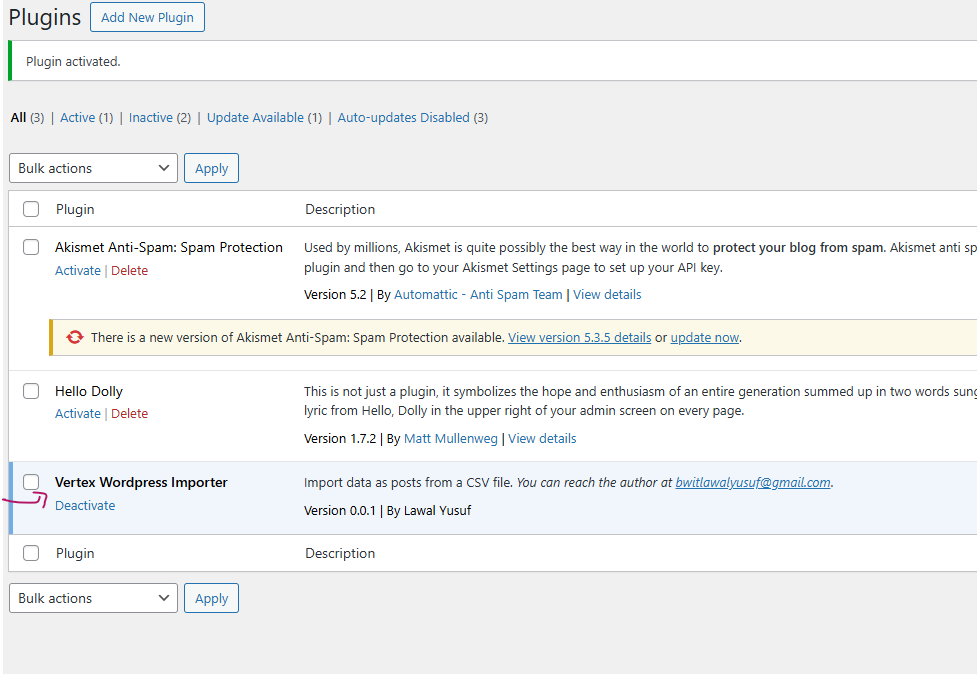
-
Plugin interface (Image 2):
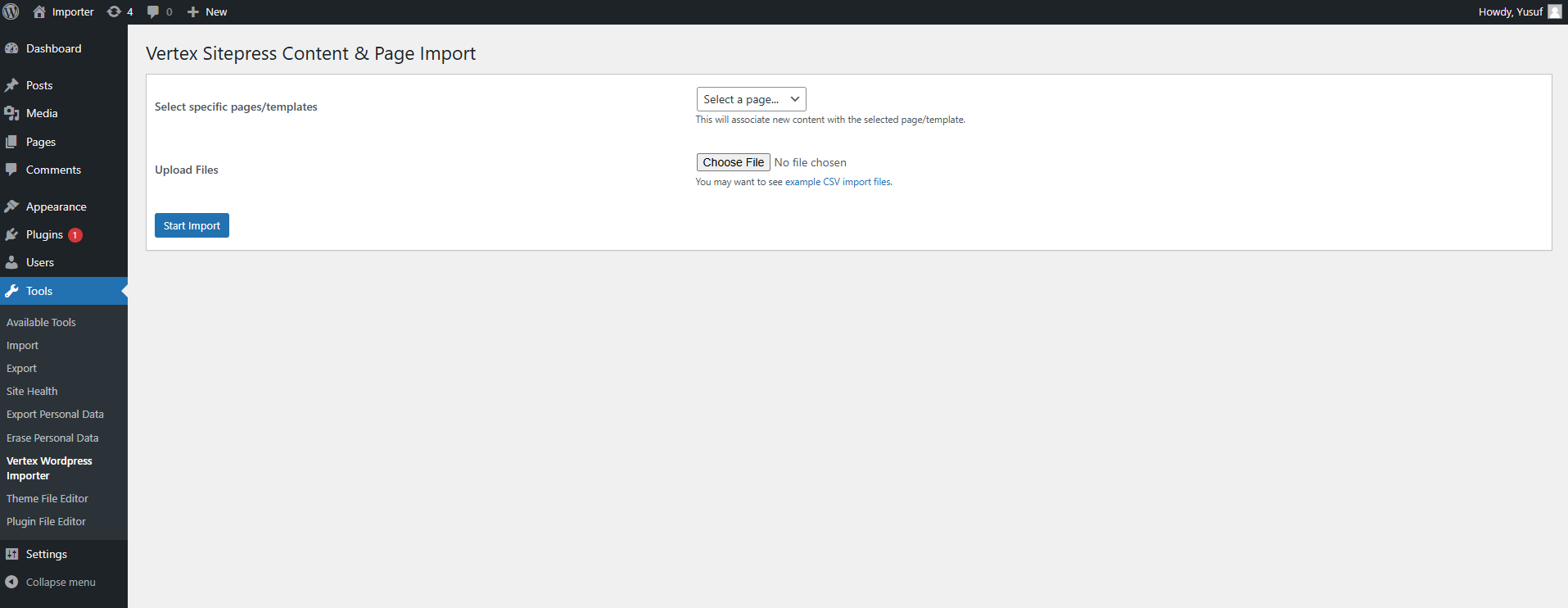
-
Plugin interface (Image 3):
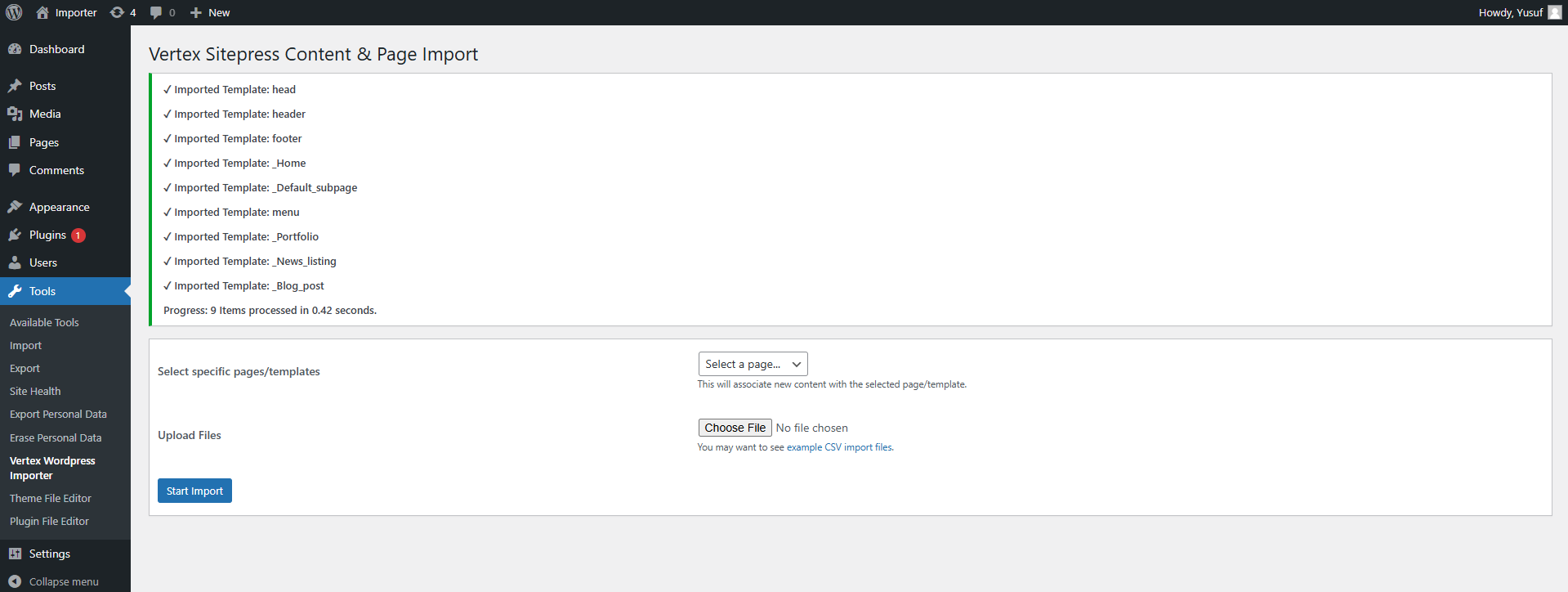
-
Plugin interface (Image 4):
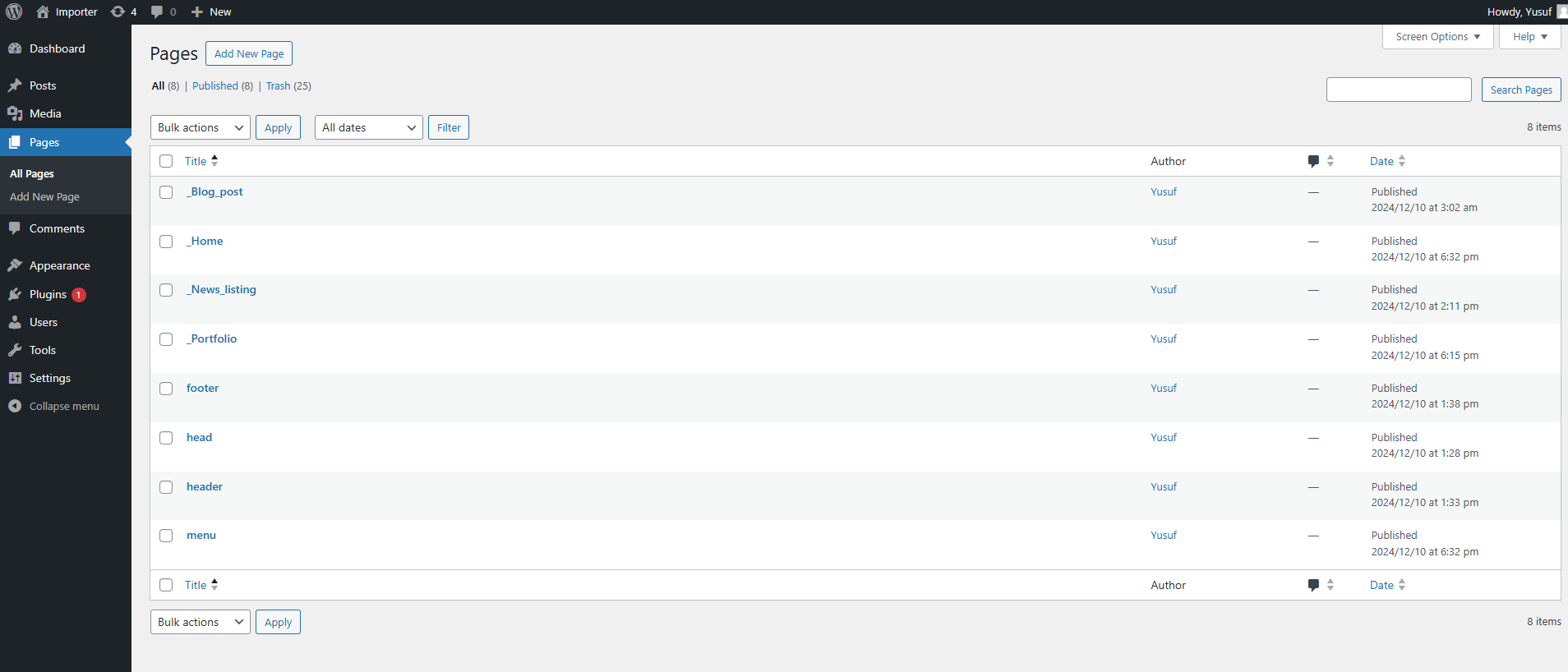
-
Plugin interface (Image 5):
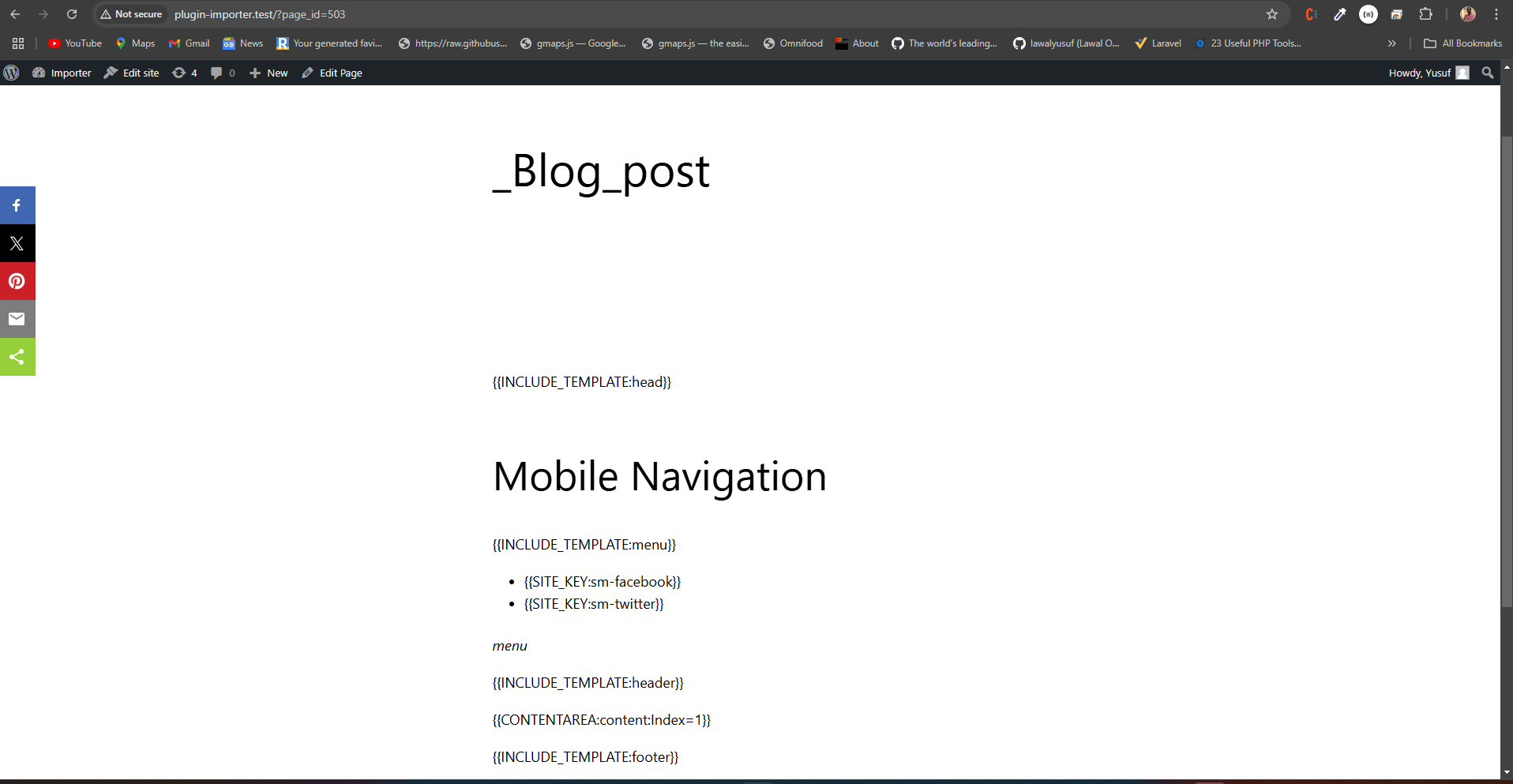
-
Plugin interface (Image 6):
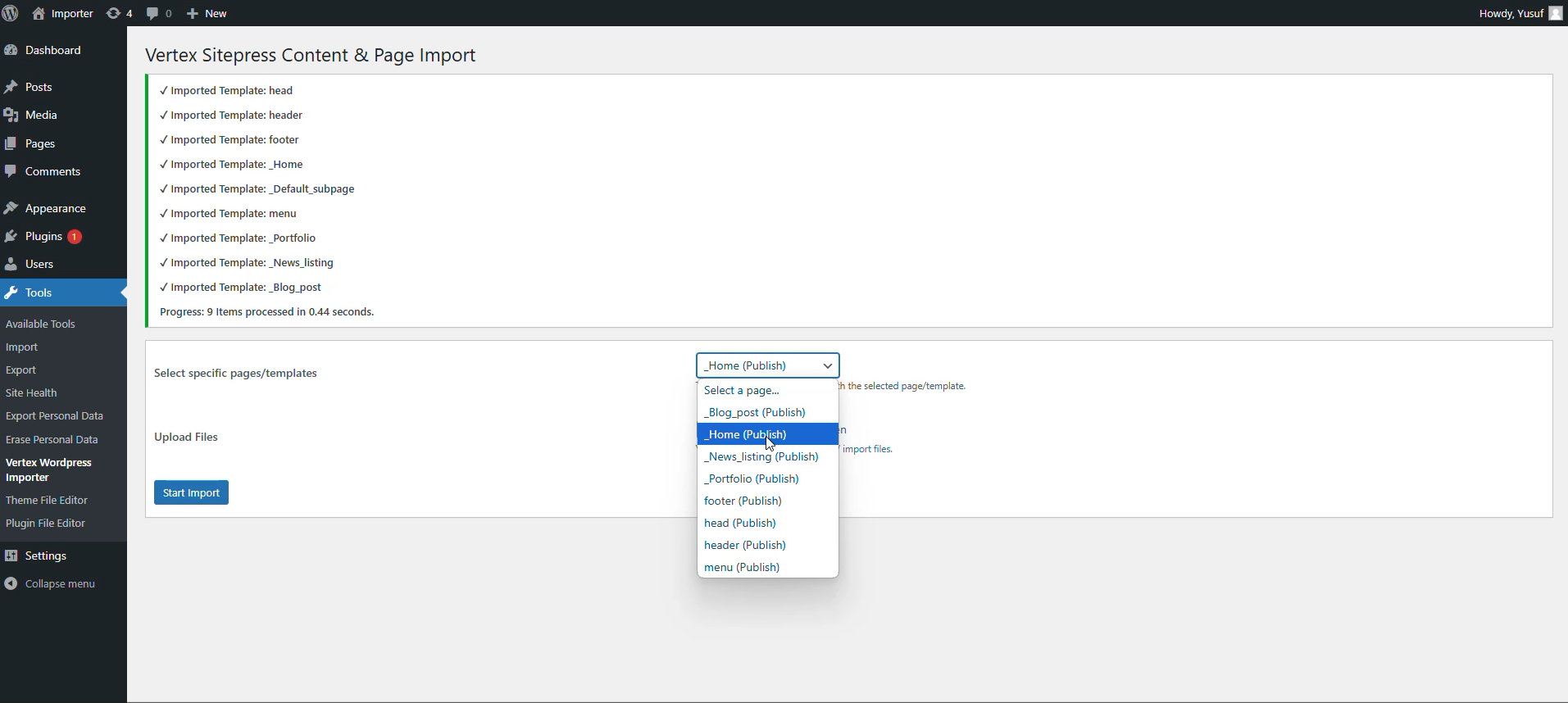
Installation
Installing the Plugin:
- Unzip the plugin's directory into
wp-content/plugins. - Activate the plugin through the 'Plugins' menu in WordPress.
- The plugin will be available under Tools → Vertex WordPress Importer on the WordPress administration page.
Usage
- Click on the Vertex WordPress Importer link on your WordPress admin page.
- Choose the file you would like to import (
template.csv) and click Import. - Check the results.
The examples directory inside the plugin's folder contains sample files to demonstrate how to use the plugin. The best way to get started is to import the sample files and observe the output.
CSV Structure
CSV is a tabular format consisting of rows and columns. Each row represents a post, and each column contains specific information about that post.
Post/Page Information
TODO