Install
This is the repository archive. It installs, but the folder name will carry the branch suffix and updates will not flow.
Install straight from GitHub with WP-CLI:
wp plugin install https://github.com/kunallgetshub/tc-tracker/archive/refs/heads/main.zipNo built-in updater. New versions won't appear under Dashboard → Updates. Install new releases yourself, or let Git Updater track the repository.
Blockchain-Based Terms & Conditions Monitoring Plugin for WordPress
Overview
TC Tracker is a WordPress plugin that automatically monitors website Terms & Conditions pages, detects modifications, stores version history, and verifies updates using blockchain-inspired hash verification.
The plugin helps maintain transparency by preserving historical versions of Terms & Conditions documents and providing tamper-evident verification of recorded changes.
This project is currently running in a local WordPress development environment.
Features
- Website Monitoring
- Automatic Terms & Conditions Change Detection
- Version History Tracking
- Blockchain-Based Verification
- SHA-256 Hash Generation
- Email Alert Notifications
- WordPress Admin Dashboard
- Scan Statistics and Monitoring
Technology Stack
Frontend
- HTML
- CSS
- JavaScript
- Elementor
Backend
- PHP
- WordPress Plugin Development
Database
- MySQL
Security & Verification
- SHA-256 Hashing
- Blockchain-Inspired Record Verification
Database Tables
- wp_tct_sites
- wp_tct_versions
- wp_tct_blockchain
Screenshots
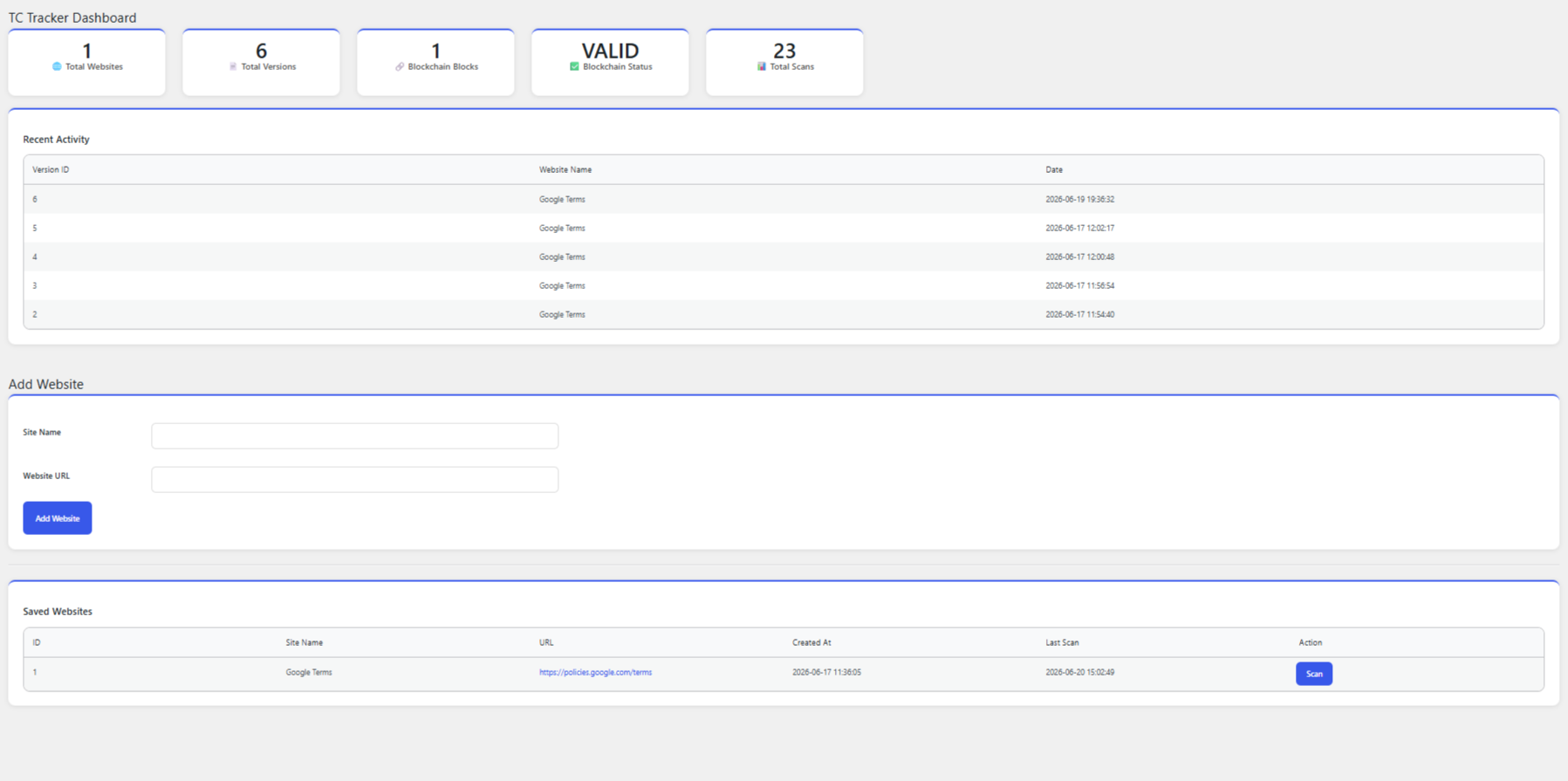
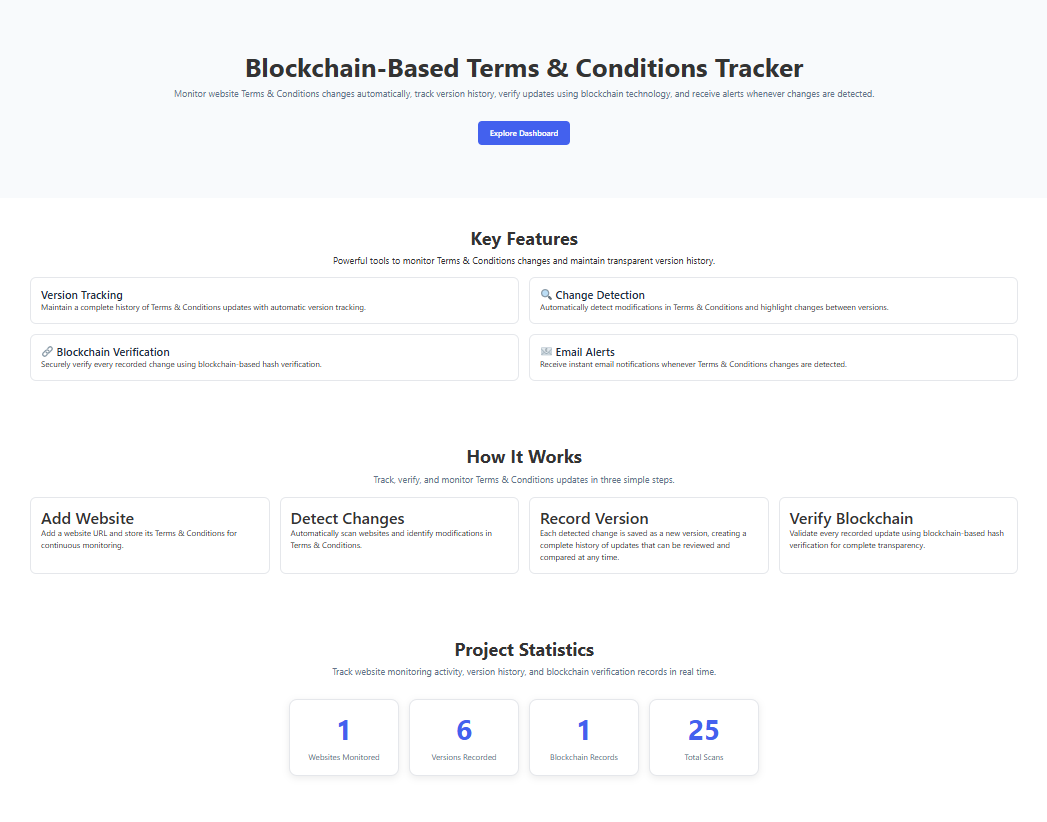
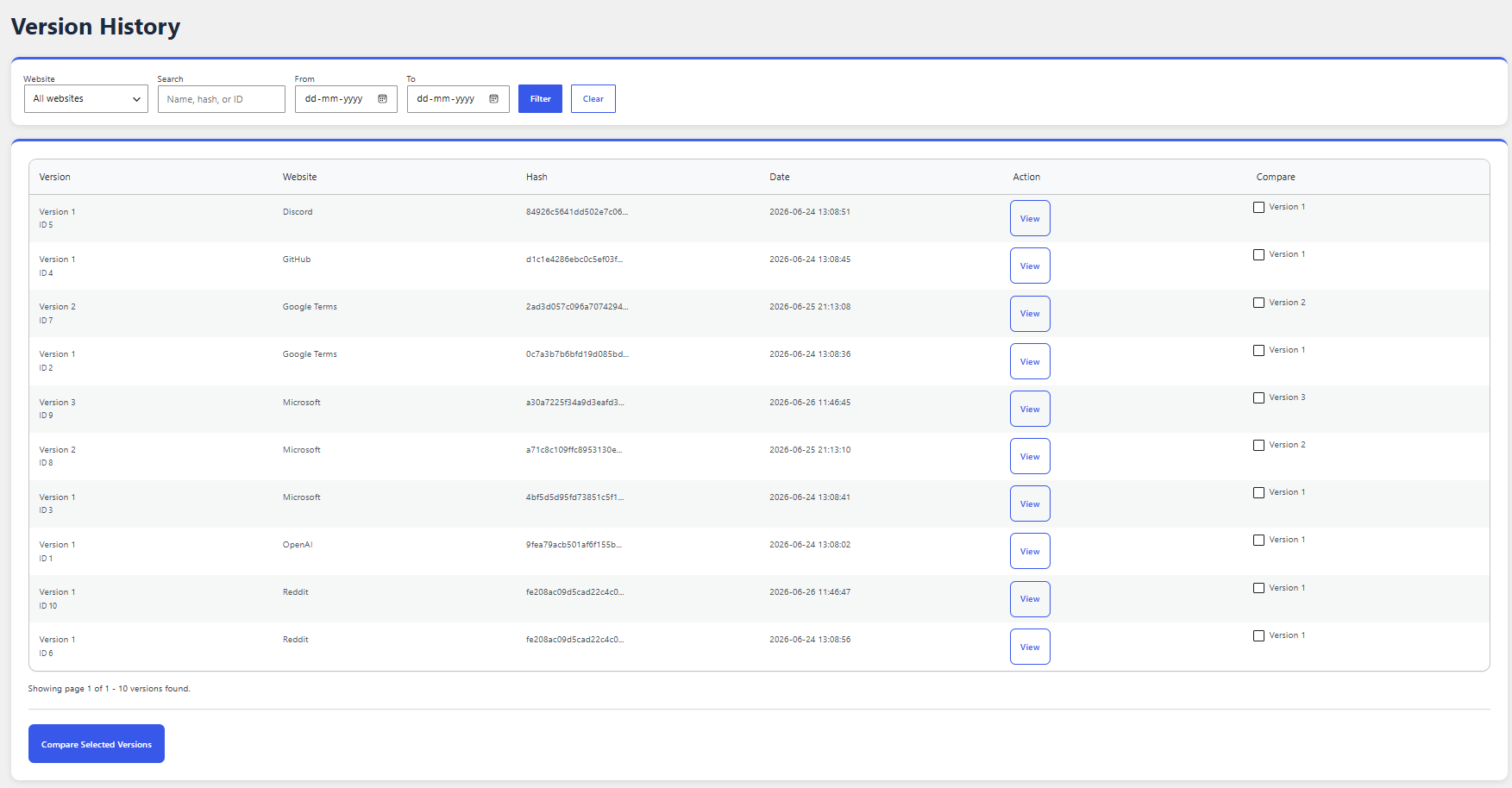
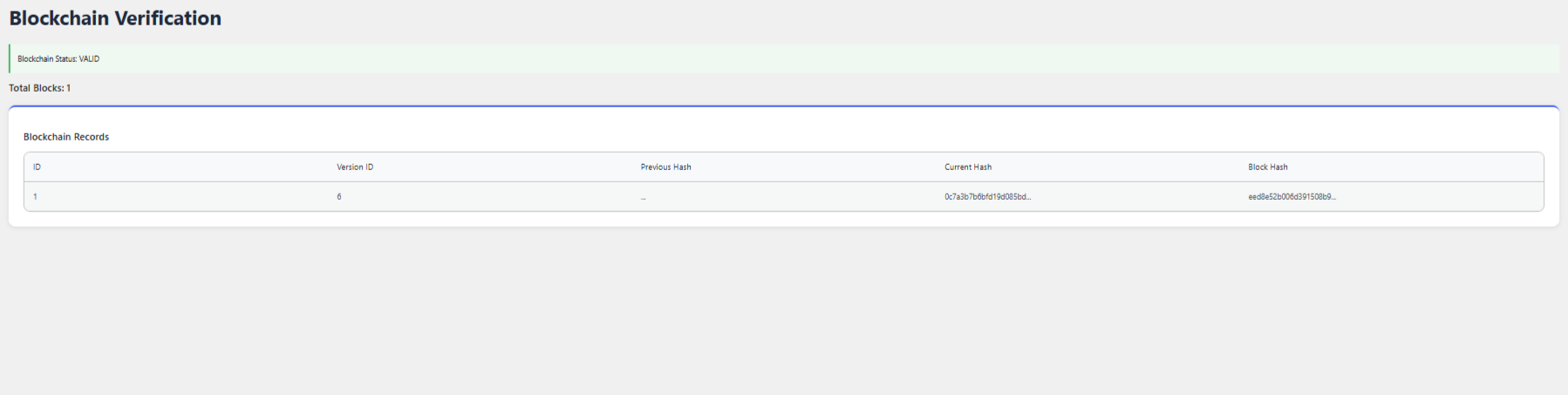
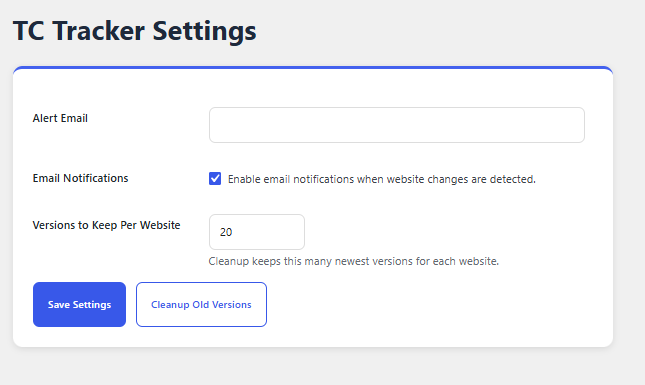
Installation
- Download the plugin source code.
- Place tc-tracker.php inside the WordPress plugins directory.
- Activate the plugin from the WordPress Admin Dashboard.
- Configure monitored websites.
- Run scans and track Terms & Conditions changes.
Future Enhancements
- Multi-user support
- Advanced comparison view
- Scheduled cloud monitoring
- Enhanced blockchain verification
- Analytics dashboard
Author
Kunal Sharma