Install
This is the repository archive. It installs, but the folder name will carry the branch suffix and updates will not flow.
Install straight from GitHub with WP-CLI:
wp plugin install https://github.com/kmishmael/site_deployment_manager/archive/refs/heads/main.zipNo built-in updater. New versions won't appear under Dashboard → Updates. Install new releases yourself, or let Git Updater track the repository.
A WordPress plugin that adds a deployment button to trigger static site rebuilds via webhook.
Description
Site Deployment Manager adds a convenient deployment button to your WordPress admin panel that triggers a webhook to rebuild your static site. The plugin includes built-in logging functionality to track deployment history.
Features
- One-click deployment trigger from WordPress admin
- Configurable webhook URL
- Deployment history logging
- Clean, modern UI with status indicators
- Secure nonce verification
- Rate limiting to prevent multiple simultaneous deployments
Requirements
- WordPress 5.0 or higher
- PHP 7.2 or higher
Installation
- Upload the plugin files to
/wp-content/plugins/site-deployment-manager - Activate the plugin through the 'Plugins' screen in WordPress
- Configure your webhook URL in the plugin settings
Usage
- Go to WordPress admin panel
- Click on the "Deploy" menu item on the left tab.
- Configure your webhook URL in Settings
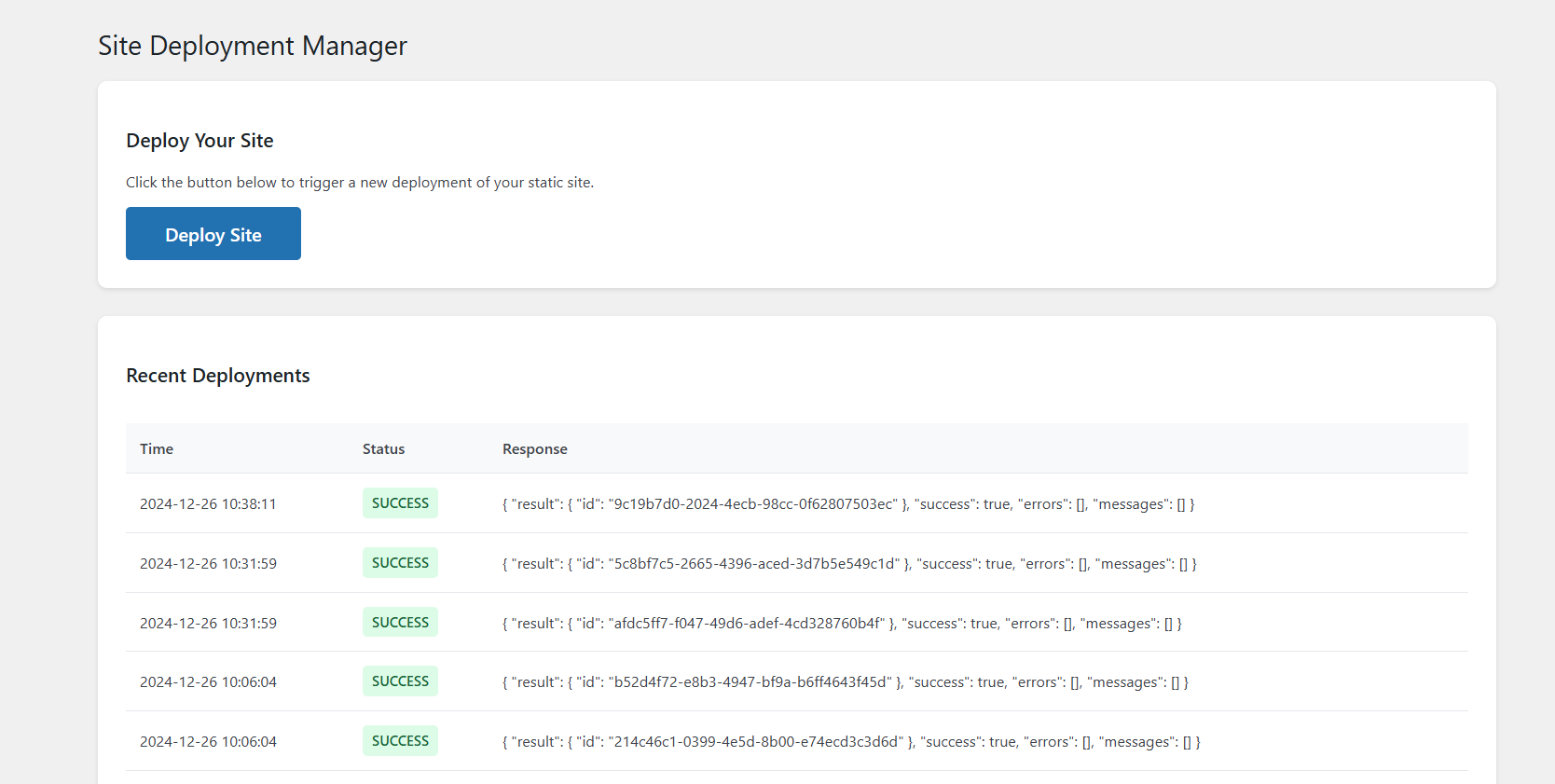
- Use the "Deploy Site" button to trigger builds
- View deployment history in the logs table
Screenshots
- Deployment dashboard with one-click deploy button and logs showing history and status
- Deployment settings to configure webhook URL

License
This project is licensed under the GPL v2 or later - see the LICENSE file for details.
Author
Kibet Ishmael (GitHub)
Version History
1.0.0
- Initial release
Releases
1 release.
Tag
Published
v1.0.0
latest
Dec 26, 2024 1 year ago
These releases are tags only. The author does not attach a packaged zip, so there are no download counts to report.