ARASAAC Pictogram Viewer WP Registry grade A. No security issues foundWP RegistryNo security issues foundOpen the reportA
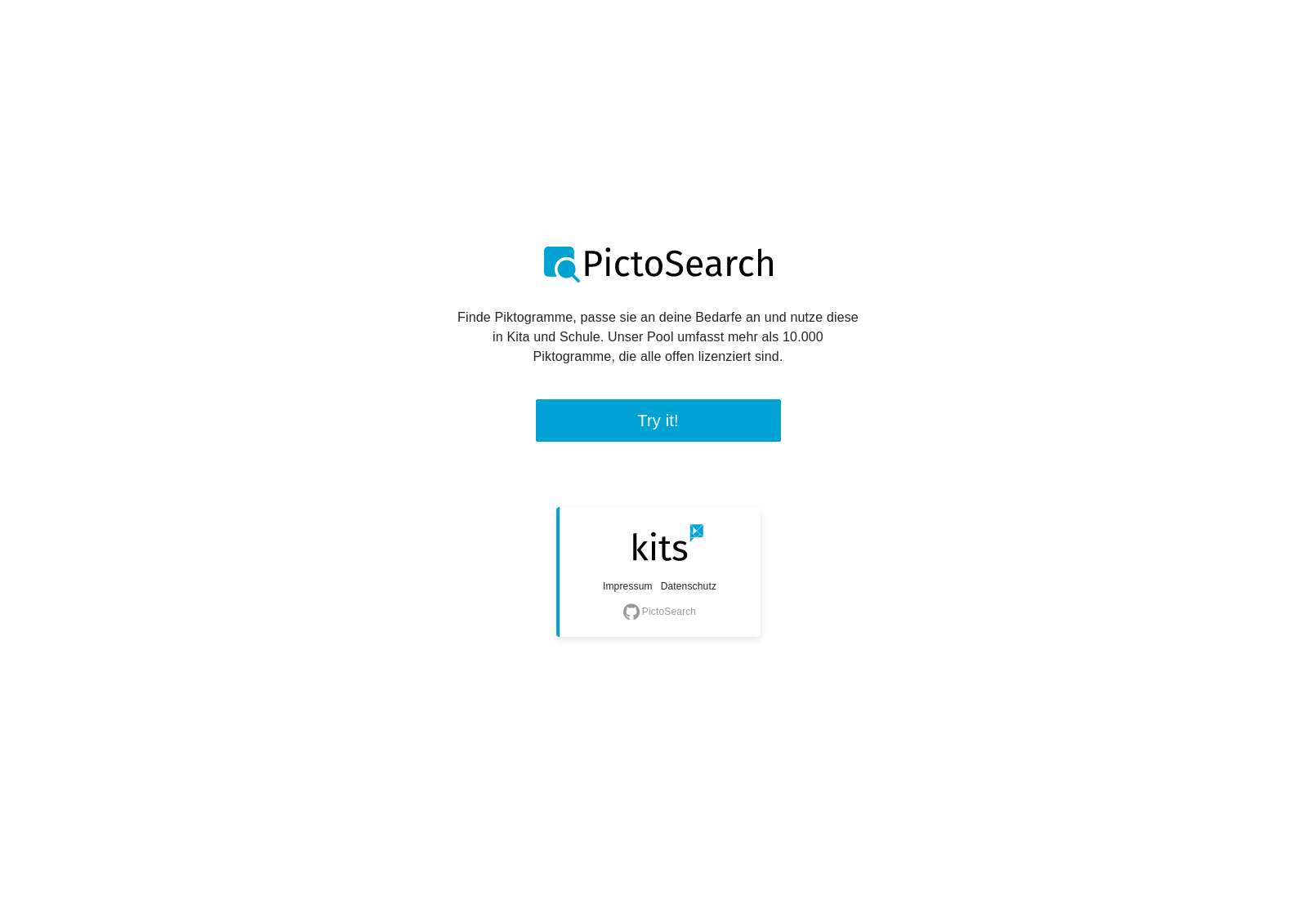
This Wordpress plugin provides a search and configuration dialog for pictograms from ARASAAC for your site.
Install
This is the repository archive. It installs, but the folder name will carry the branch suffix and updates will not flow.
Install straight from GitHub with WP-CLI:
wp plugin install https://github.com/kitsteam/pictosearch/archive/refs/heads/main.zipThis application provides a search and configuration dialog for pictograms from ARASAAC. You can use it as single page application or as Wordpress plugin.
All pictographic symbols displayed and used are the property of the Government of Aragón and have been created by Sergio Palao for ARASAAC, that distributes them under Creative Commons License BY-NC-SA.
:heart_eyes: Features
This application provides the following features:
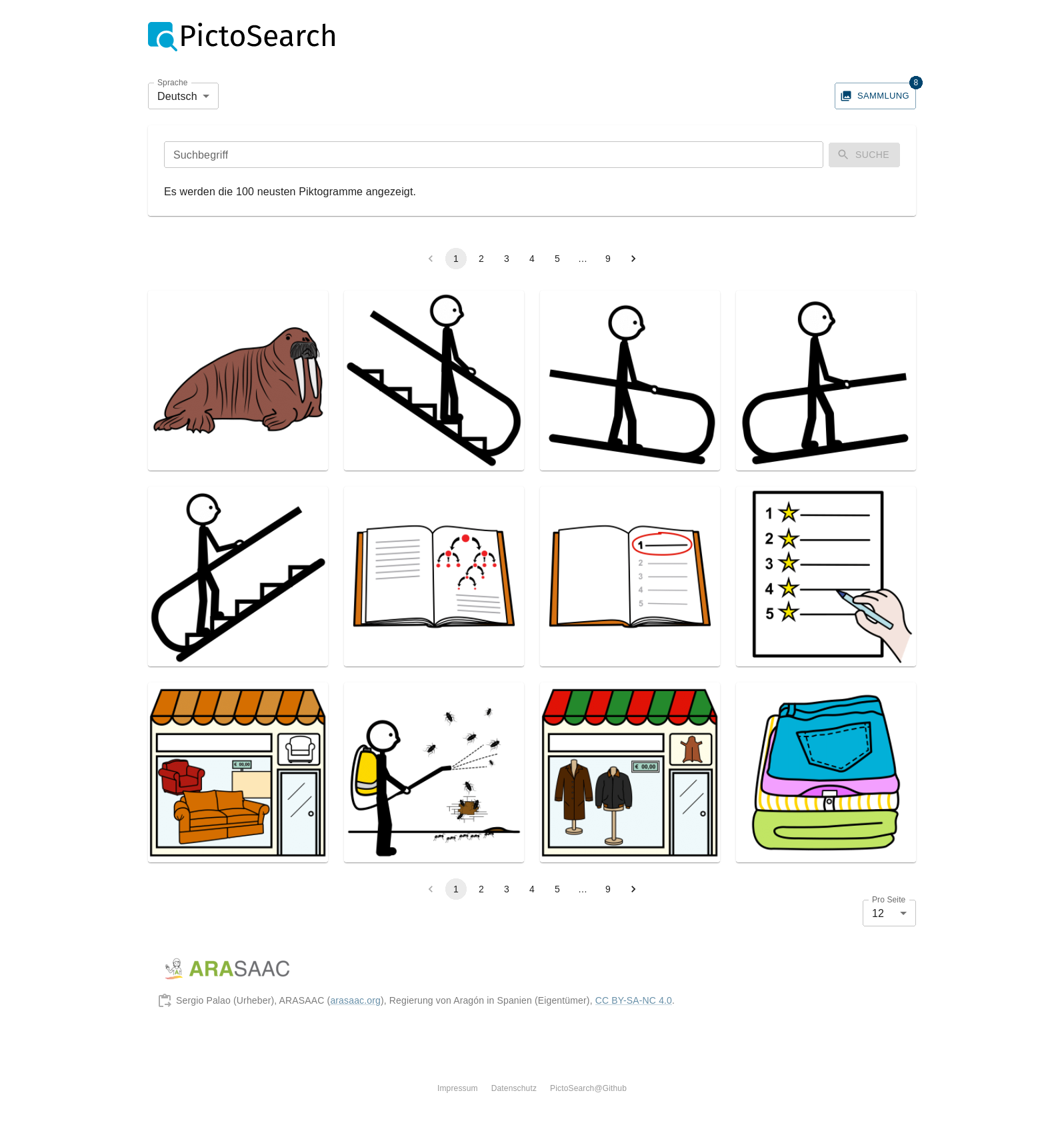
- Search and browse pictograms from ARASAAC
- Download or copy them to your clipboard with one click
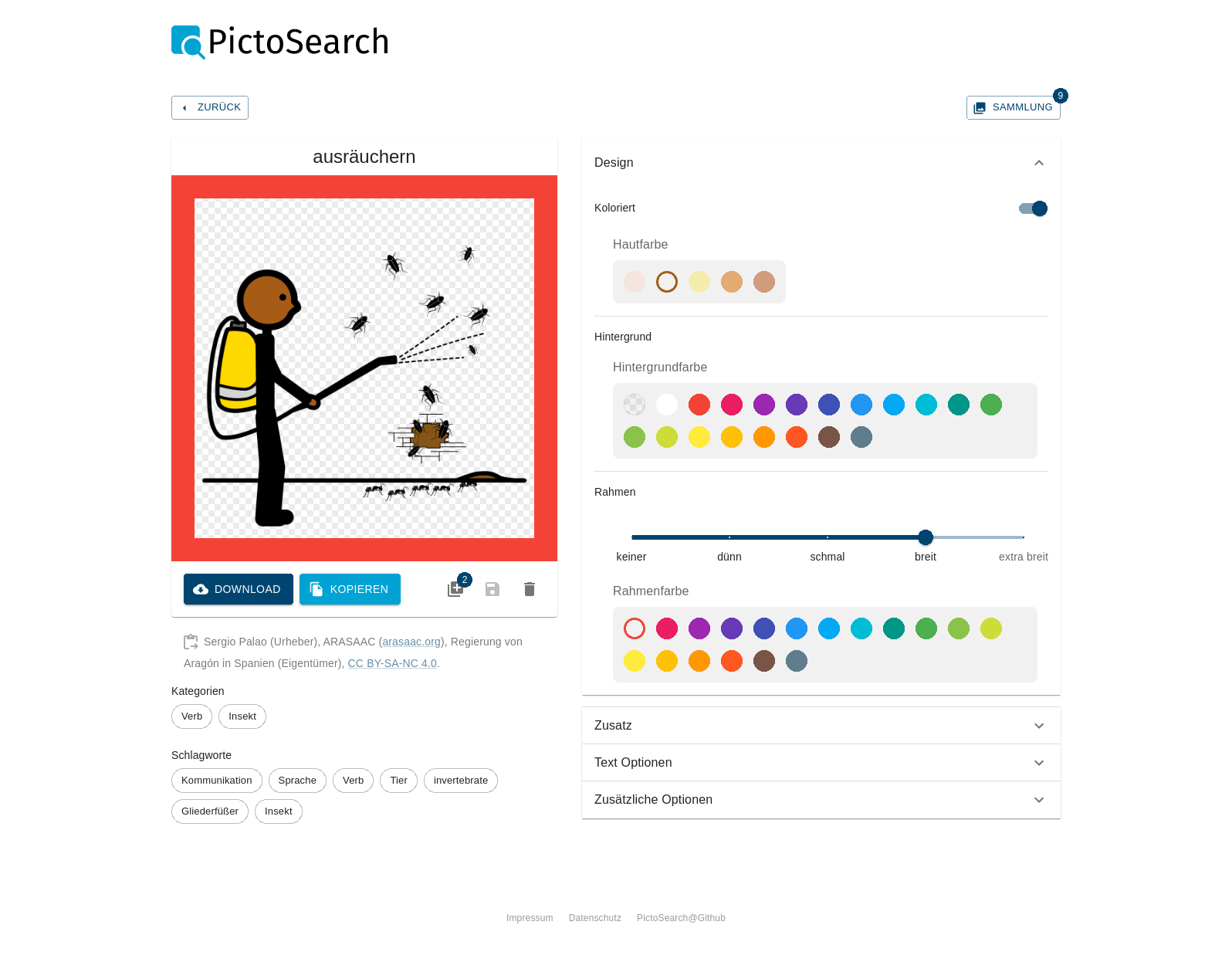
- Configure your pictogram
- Choose skin and hair color
- Set background color
- Add border in several sizes
- Add different modifiers
- Add text to top and bottom
- And much more...
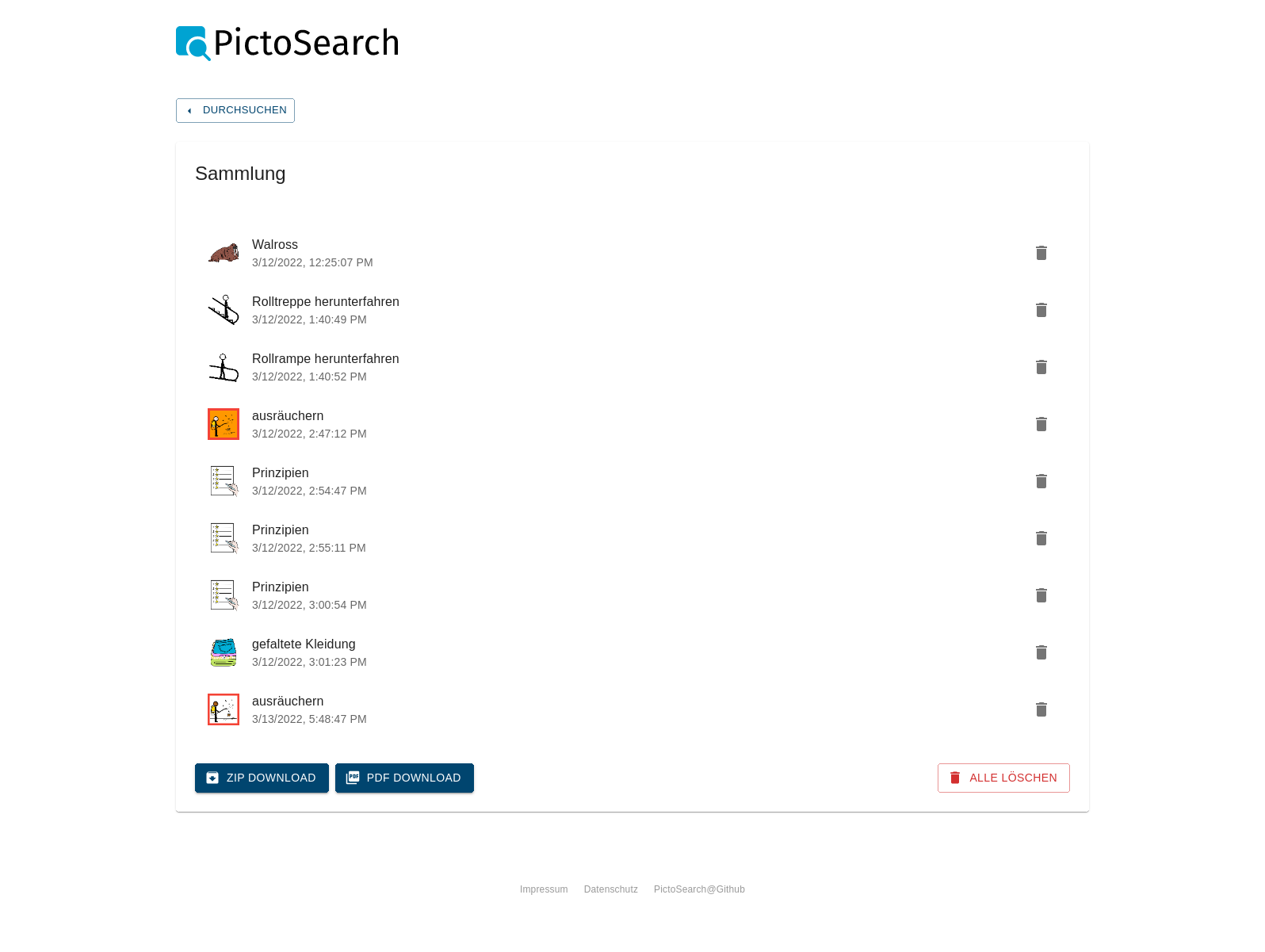
- Save different edits of your favorite pictograms in a collection
- Download your collection as ZIP archive
- Create a PDF from your collection
:rocket: Install it
Single page application
To use this app as single page application, just run pnpm install && pnpm run build:app and serve the content of build/ with your favorite web server. Of
course you can also use docker-compose up --build to do it all in once. The
resulting web server is listing on port 8070 (http://localhost:8070/).
Wordpress
The easiest way to use this application as plugin is to download the latest release and
extract it to YOUR_WP_INSTALL/wp-content/plugins/. If you like to use the
latest development version you have to download or clone this repo and compile
all dependencies. On Linux you can use the following commands:
cd YOUR_WP_INSTALL/wp-content/plugins/

wget https://github.com/kitsteam/wp-pictogram-viewer/archive/refs/heads/main.zip && unzip main.zip -d arasaac-pictogram-viewer
OR
git clone https://github.com/kitsteam/wp-pictogram-viewer.git arasaac-pictogram-viewer

cd arasaac-pictogram-viewer
pnpm install && pnpm run build
After you installed the plugin you have to go to your Wordpress admin dashboard
and enable it. If done so, you can integrate the search and configuration dialog
to every page with the shortcode [arasaac-pictogram-viewer].
:performing_arts: Adding new translations
Currently this application is available in german and english. To add another language, the following steps have to been taken:
- add the language short code to the
localesshort code ini18next-parser.config.js - run
pnpm exec i18next(thei18nextbinary is provided by thei18next-parserdevDependency) - translate everything in
src/locales/SHORT_CODE/translation.json - include the new data file in
src/locales/index.tslike the existing
If a new translatable key is added to the code, pnpm exec i18next will add it to all
language files.
:train2: Protect user privacy
To protect the privacy of users, you can configure a proxy for all endpoints.
- Configure a proxy for
https://api.arasaac.org/apiandhttps://static.arasaac.org/images. E.g. use can use [mod_proxy] (ProxyPass "/api" "https://api.arasaac.org/api"). - Set the environment variables
REACT_APP_APIandREACT_APP_API_IMAGESto the new absolute proxy url. The easiest way to do so, is to copy the file.envto.env.localand modify it accordantly. - Rebuild the project.
:nerd_face: Release guide
To release a new version a few things should be done:
- Bump the version in
package.json - Add a version header field in
arasaac-pictogram-viewer.php, like* Version: 0.1.0 - Run
pnpm run build && pnpm run packandpnpm run build:app && pnpm run pack:app - Create a signed commit
git commit -S -am "release 0.1.0 :tada:" - Push all commits
git push - Create a new Github release and attach the previous packed archive
Additional licence
The PictoSearch logo in this repo – created by Sudarto Wasmad – is licenced under CC BY 3.0 Unported.
Releases
3 releases.
These releases are tags only. The author does not attach a packaged zip, so there are no download counts to report.