Complete Maintenance Mode WP Registry grade A. No security issues foundWP RegistryNo security issues foundOpen the reportA
Complete maintenance and under construction mode for WordPress with full customization. 10 built-in themes, social links, access control, and more.
Install
Upload it under Plugins → Add New Plugin → Upload Plugin, then activate.
Install straight from GitHub with WP-CLI:
wp plugin install https://github.com/kim-opensourcer/complete-maintenance-mode/releases/download/v1.0.2/complete-maintenance-mode.zipA complete maintenance and under construction mode plugin for WordPress with full customization. All features included right out of the box.
Features
- 30 Built-in Themes - including dynamic 3D animated themes (three.js powered backgrounds with moving scenes), plus animated CSS themes: Gradient Mesh, Rainbow Arcs, Confetti Boxes, Neon Glow, Zen Rings, Pulse Rings, Gentle Snow and more
- Full Customization - title, heading, body text, meta description, custom CSS
- Social Media Links - Facebook, Twitter/X, Instagram, YouTube, Telegram, LinkedIn, Email and more
- Access Control - whitelist specific user roles and individual users
- Auto-Disable - schedule maintenance mode to turn off automatically
- SEO Friendly - proper 503 status code, Retry-After header, noindex meta tag
- Google Analytics 4 - track visitors even while in maintenance mode
- Admin Bar Controls - toggle maintenance mode, preview, and access settings from anywhere
- Login Button - optional login link on the maintenance page
- Multisite Compatible
Installation
Option 1: WordPress Admin (Recommended)
- Download complete-maintenance-mode.zip from the releases page
- In WordPress admin, go to Plugins > Add New > Upload Plugin
- Choose the ZIP file and click Install Now
- Click Activate
Option 2: Manual Upload
- Download and extract complete-maintenance-mode.zip
- Upload the
complete-maintenance-modefolder to/wp-content/plugins/ - Activate the plugin through the 'Plugins' screen in WordPress
Configuration
- Go to Settings > Complete Maintenance Mode to configure.
- Enable maintenance mode from the admin bar or settings page.
Requirements
- WordPress 5.0 or higher
- PHP 7.0 or higher
License
This plugin is licensed under the GPLv2 or later license.
https://www.gnu.org/licenses/gpl-2.0.html
Author
Kim OpenSourcer - https://profiles.wordpress.org/kimopensourcer
Screenshots
1. Gradient Mesh Theme
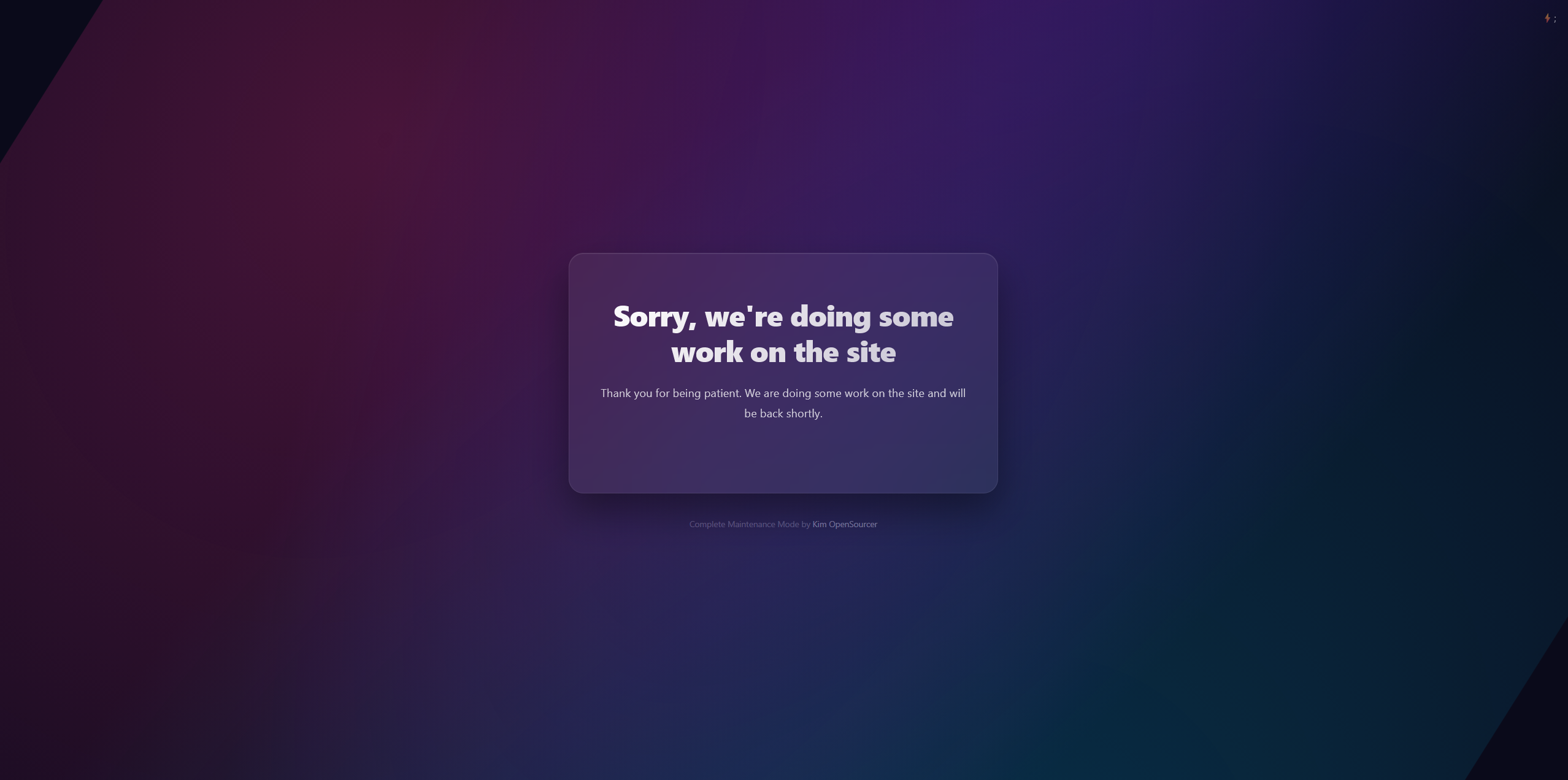
Modern gradient mesh design with a clean, professional look.
2. Cosmos Theme
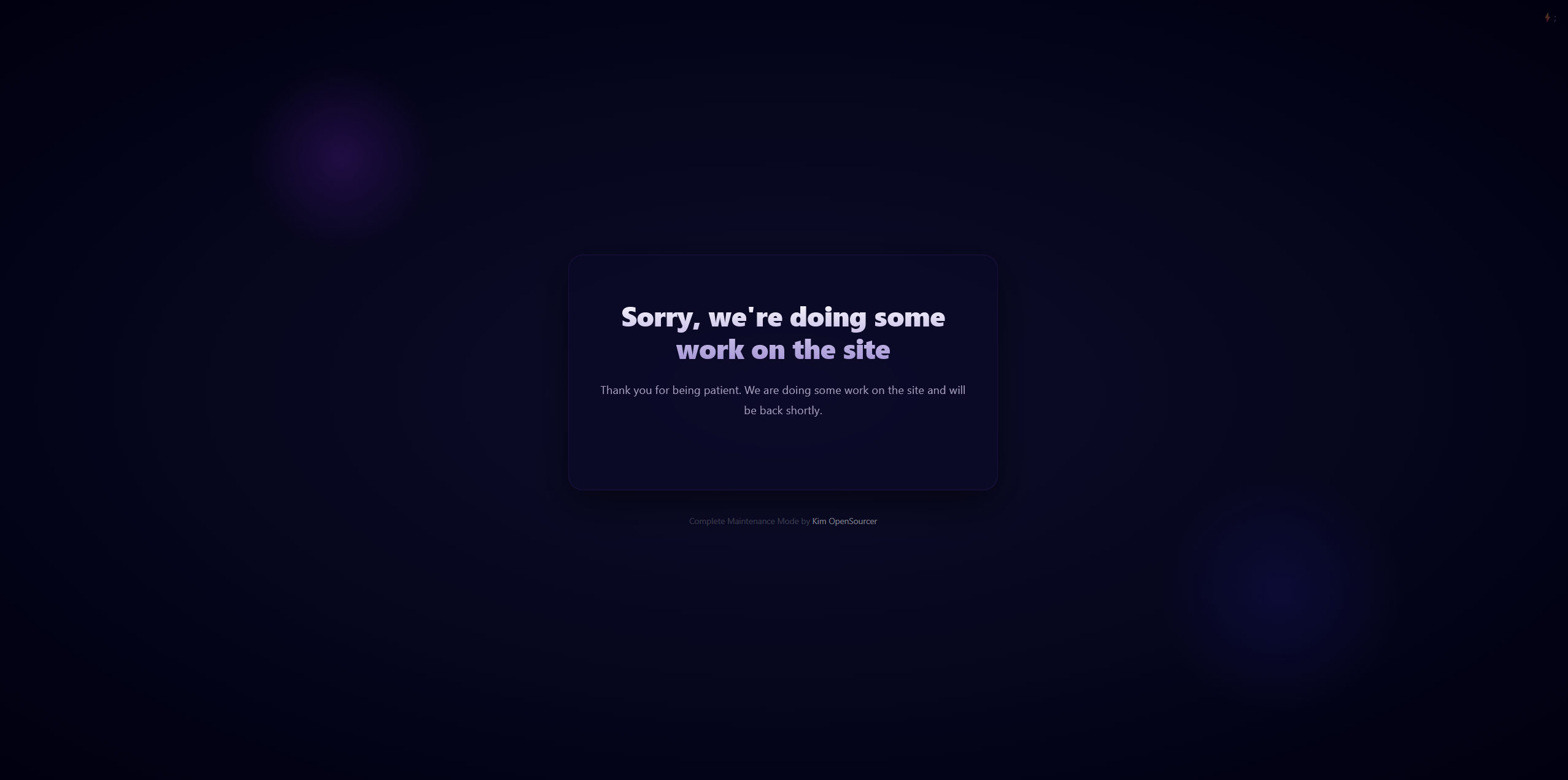
Space-inspired dark theme with floating particles and a cosmic feel.
3. Construction Theme
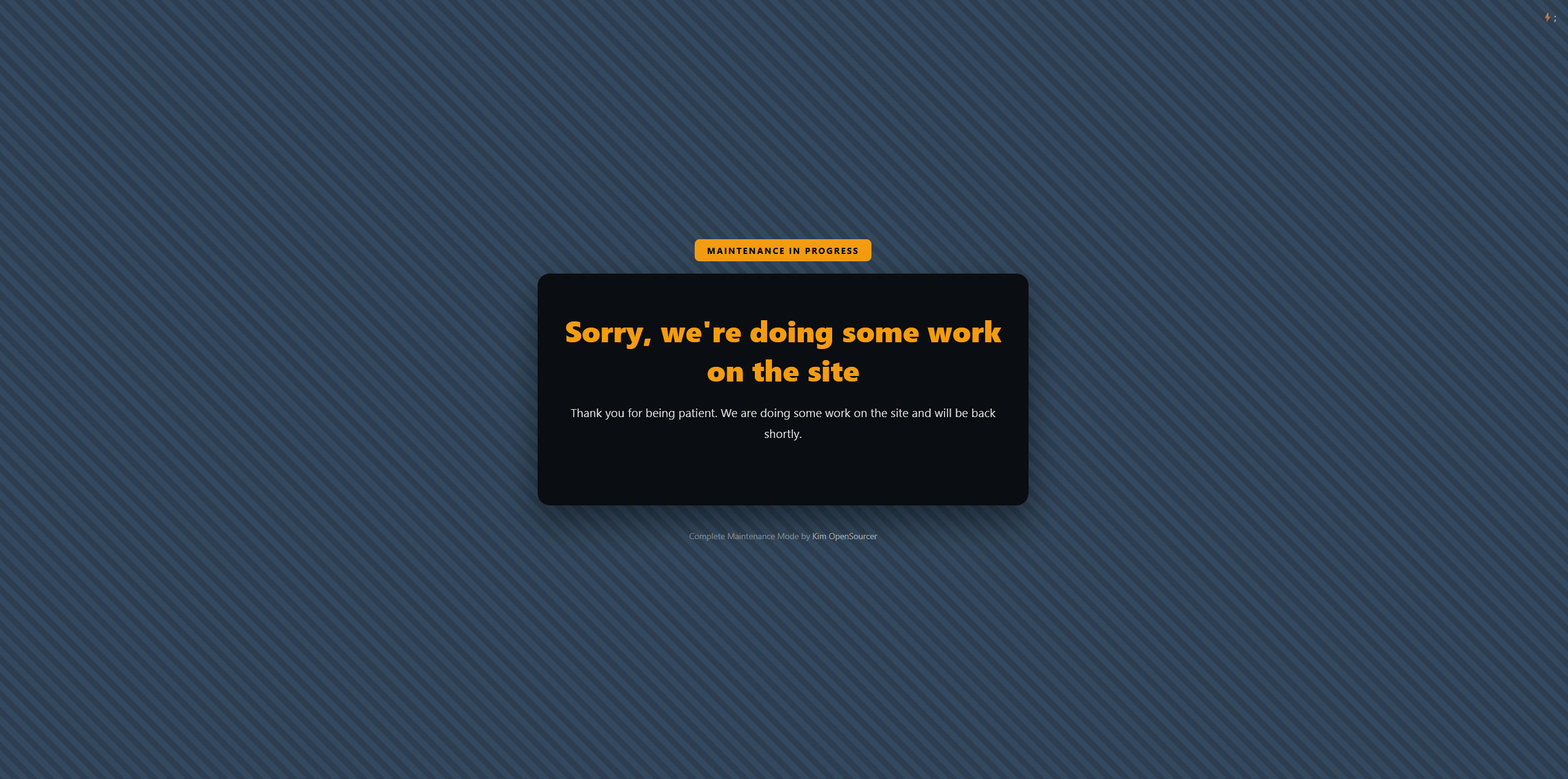
Industrial construction theme perfect for sites under heavy development.
4. Rocket Launch Theme

Dynamic rocket animation theme for sites launching soon.
Releases
7 releases. Each count is every asset in that release; expand a row for the breakdown.