Install
This is the repository archive. It installs, but the folder name will carry the branch suffix and updates will not flow.
Install straight from GitHub with WP-CLI:
wp plugin install https://github.com/kientranasia/ai-chat-wp/archive/refs/heads/main.zipNo built-in updater. New versions won't appear under Dashboard → Updates. Install new releases yourself, or let Git Updater track the repository.
A modern AI Chatbot for WordPress with n8n webhook integration. This plugin provides a clean, user-friendly interface for your website visitors to interact with your AI chatbot.
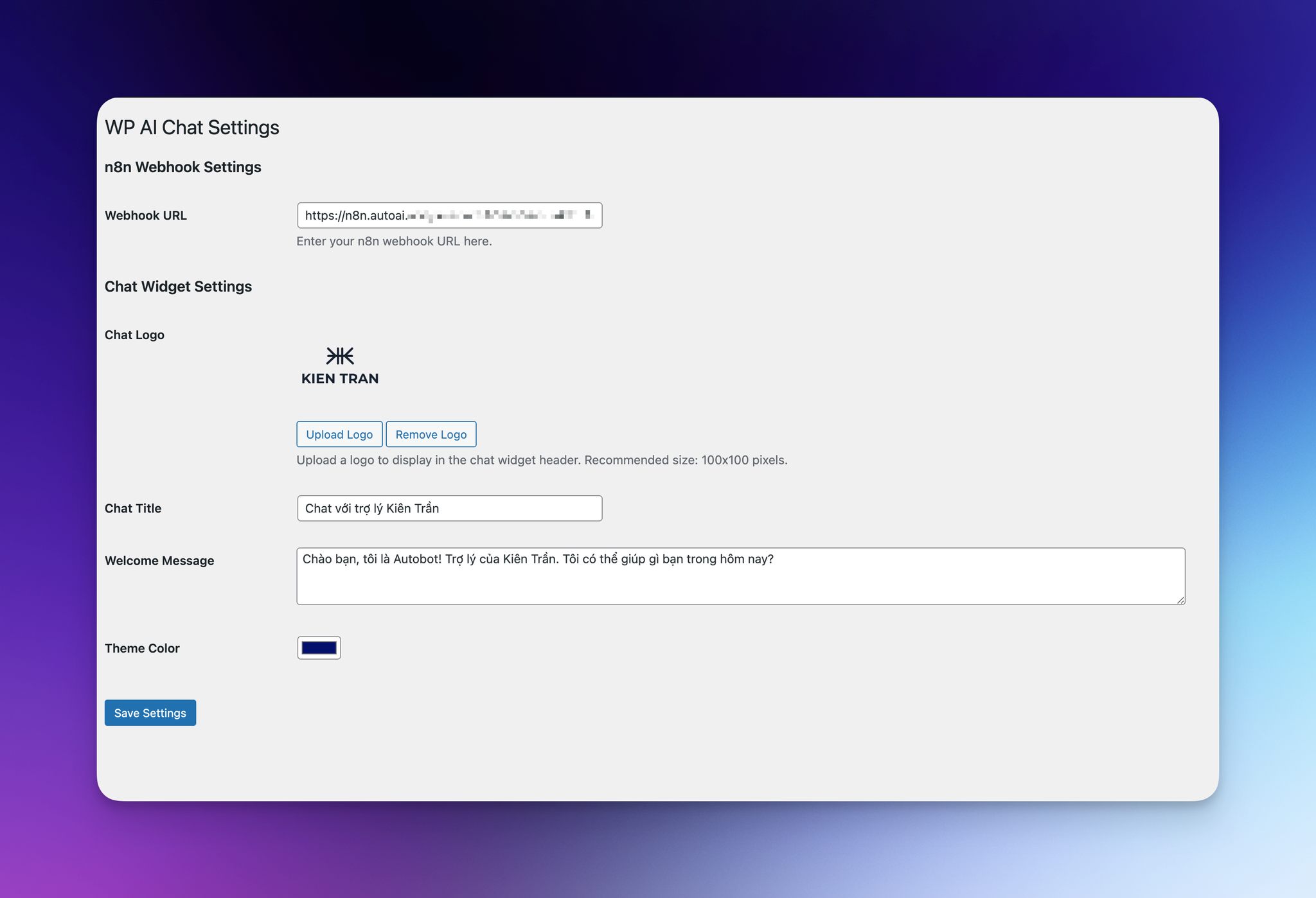
Features
- 🎨 Modern and professional chat interface
- 🔌 n8n webhook integration
- ⚙️ Customizable chat title and welcome message
- 🎯 Theme color customization
- 🖼️ Logo support
- 📱 Mobile responsive design
- ⌨️ Typing indicators
- ✨ Smooth animations
Requirements
- WordPress 5.0 or higher
- PHP 7.2 or higher
- n8n instance with webhook workflow
Installation
- Upload the
wp-aichatfolder to the/wp-content/plugins/directory - Activate the plugin through the 'Plugins' menu in WordPress
- Go to 'AI Chat' in the WordPress admin menu
- Configure your n8n webhook URL and other settings
Configuration
n8n Webhook Setup
- Create a new workflow in n8n
- Add a "Webhook" node
- Configure it to receive POST requests
- Add a "Function" node with this code:
return { message: "Your response message here" }; - Add a "Respond to Webhook" node
- Connect the nodes and activate the workflow
- Copy the webhook URL to the plugin settings
Chat Widget Customization
You can customize:
- Chat title
- Welcome message
- Theme color
- Logo
Screenshots
- Chat widget on website
- Admin settings page
- Mobile view
Contributing
Contributions are welcome! Please feel free to submit a Pull Request.
License
This project is licensed under the GPLv2 or later - see the LICENSE file for details.
Credits
- Developed by Kien Ventures
- Built with ❤️ for the WordPress community
Support
For support, please open an issue on GitHub.
Changelog
1.0.0
- Initial release