Install
This is the repository archive. It installs, but the folder name will carry the branch suffix and updates will not flow.
Install straight from GitHub with WP-CLI:
wp plugin install https://github.com/katefordwebdeveloper/wp-secure-contact-form/archive/refs/heads/main.zipNo built-in updater. New versions won't appear under Dashboard → Updates. Install new releases yourself, or let Git Updater track the repository.
A modern, accessible, and secure WordPress contact form plugin with toast notifications and custom styling.
Features
- Choose which fields to display: Name, Email, Subject, Message
- Admin settings page for easy configuration
- Toast notifications for success and error messages
- Accessible and keyboard-friendly
- Stylish, responsive, and customizable CSS
Security Highlights
- Nonce protection to prevent CSRF attacks
- Strict input sanitization and validation for all fields
- Admin-only access to plugin settings
- Secure email handling with safe headers
Installation
- Upload the
wp-secure-contact-formfolder to your WordPress/wp-content/plugins/directory. - Activate the plugin from the WordPress admin dashboard.
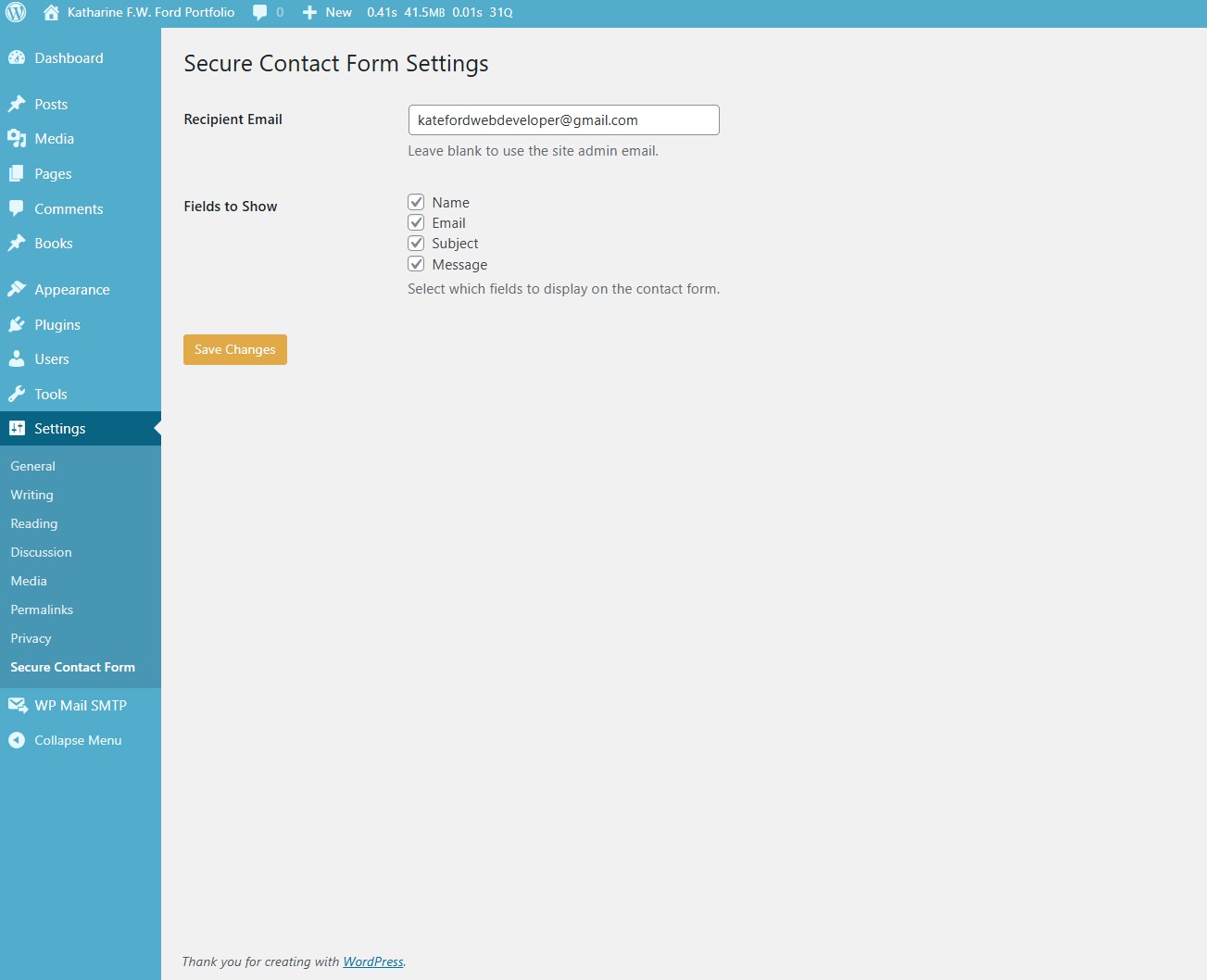
- Go to Settings > Secure Contact Form to configure fields and recipient email.
- Use the
[wp_secure_contact_form]shortcode to display the form on any page or post.
Usage
Add the following shortcode to any page or post:
[wp_secure_contact_form]Screenshots
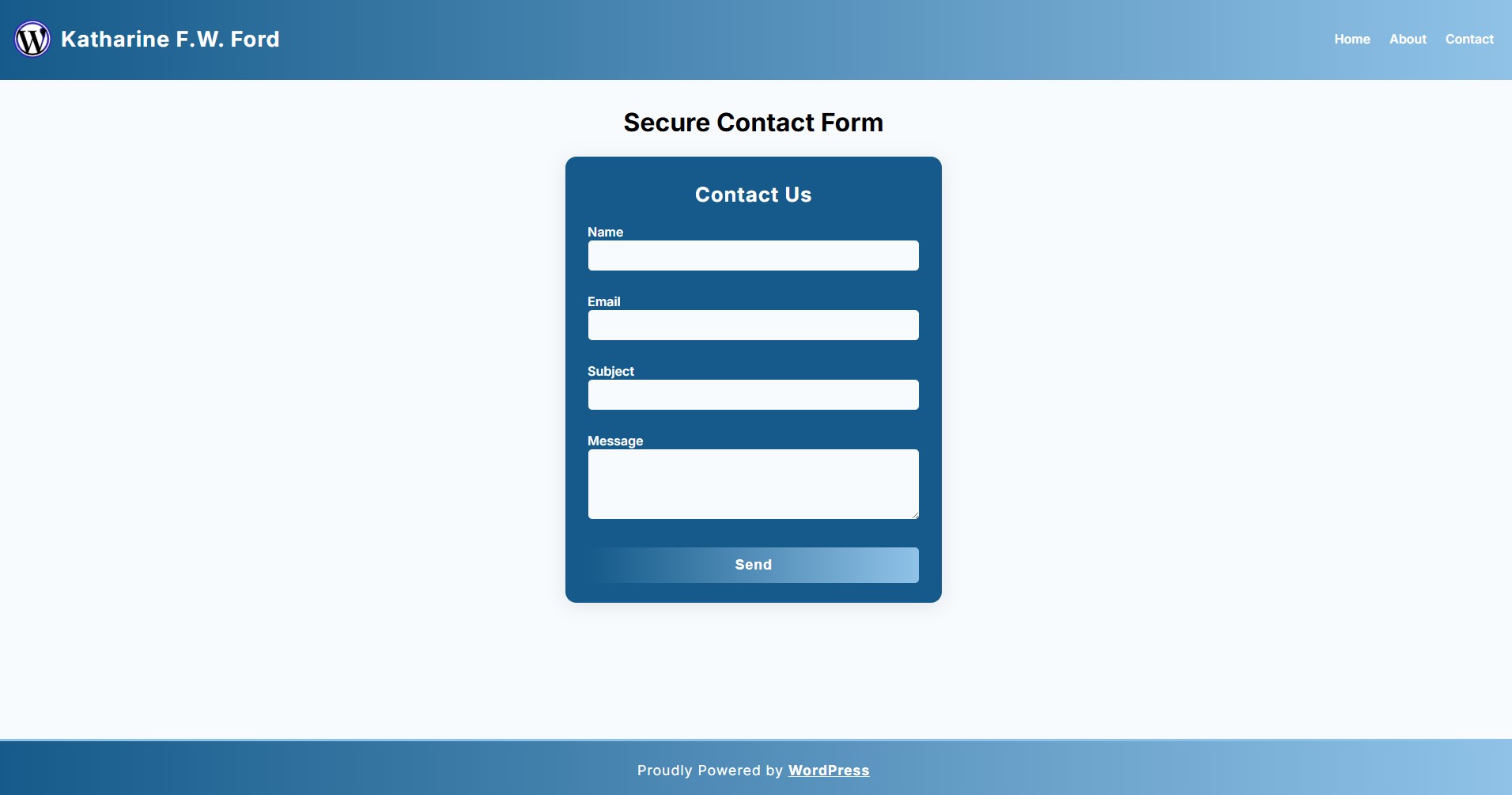
Contact Form (all fields enabled):
Settings Page:
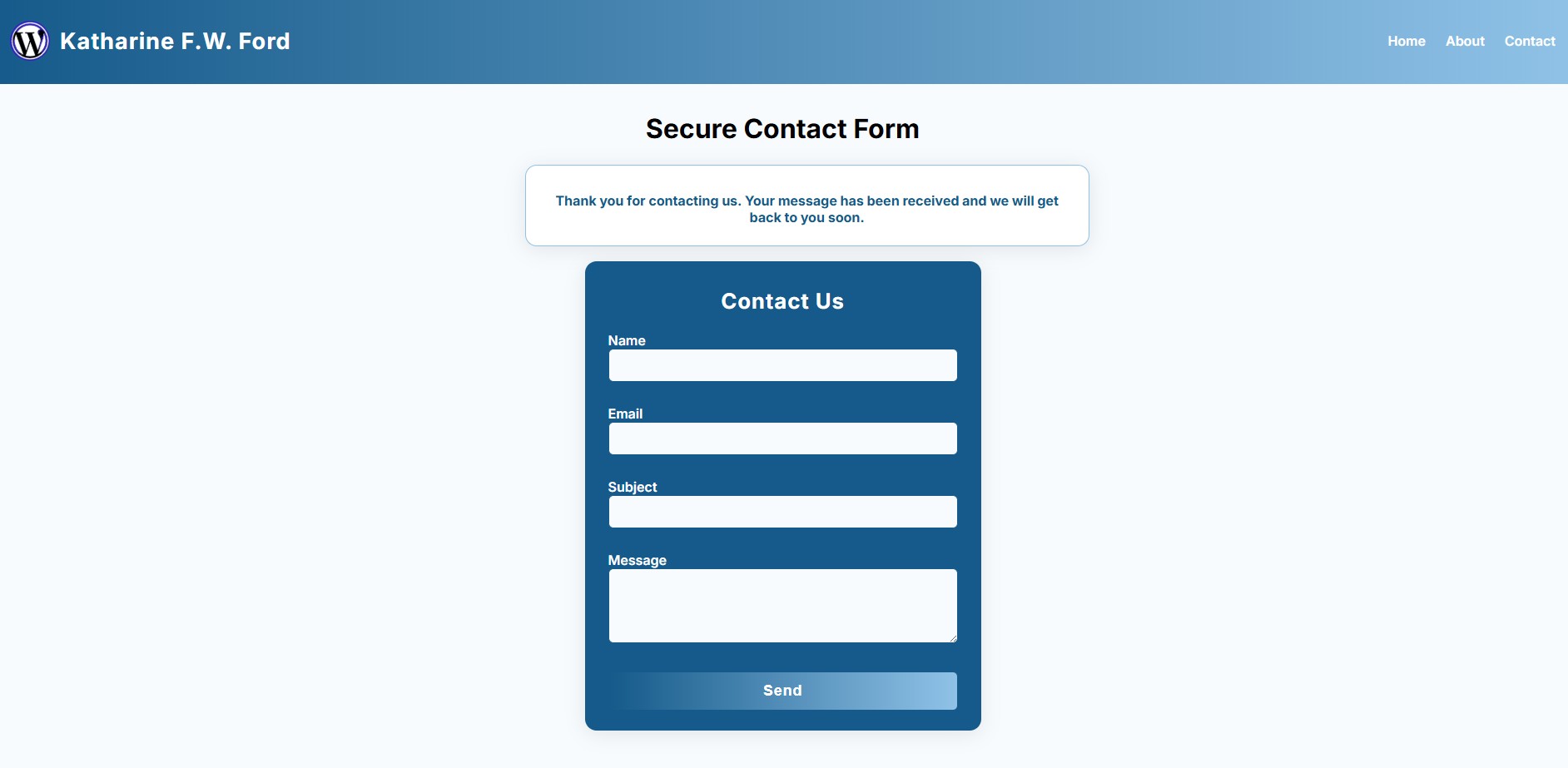
Success Message:
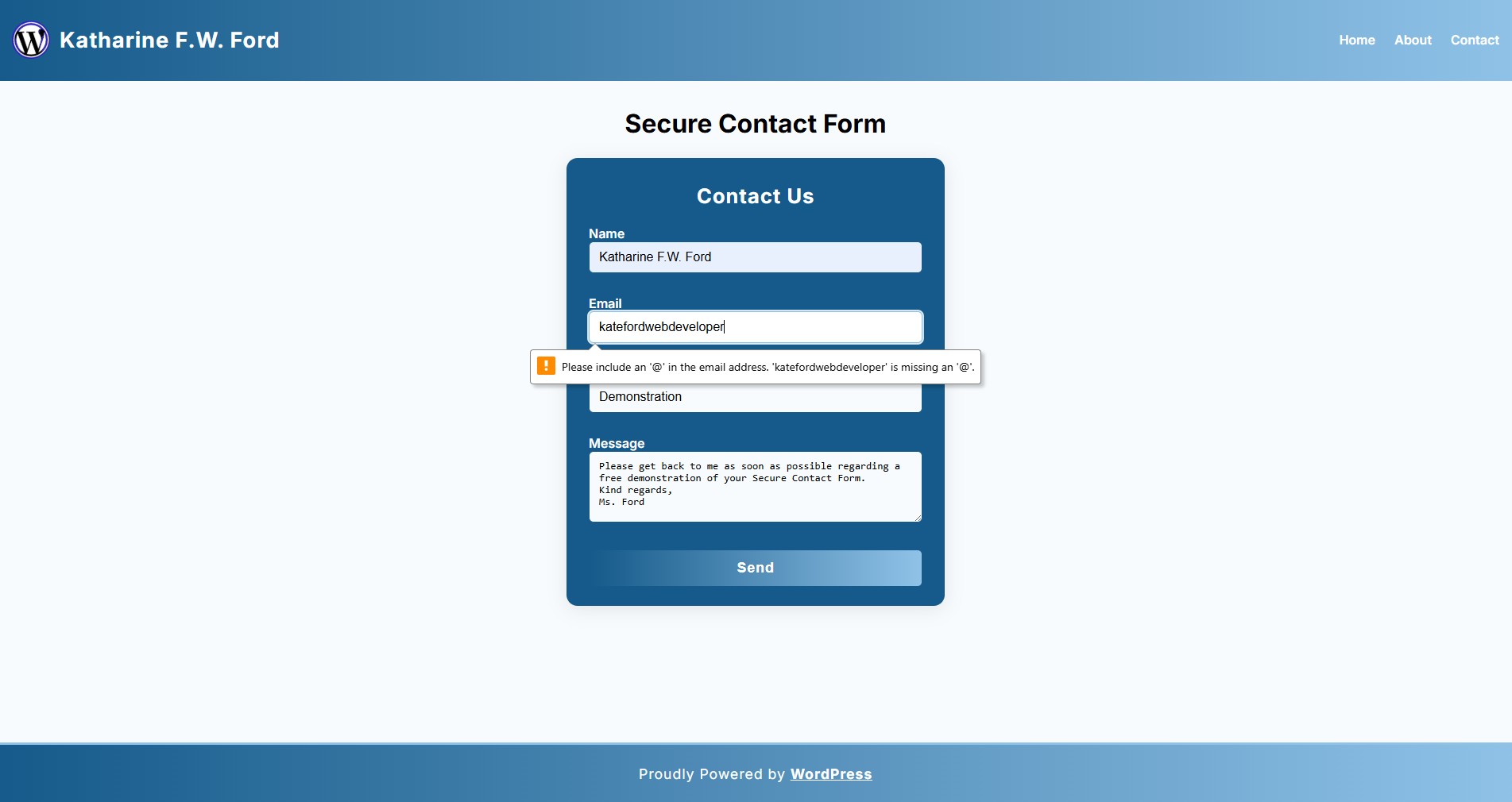
Error Message – Invalid Email Format:
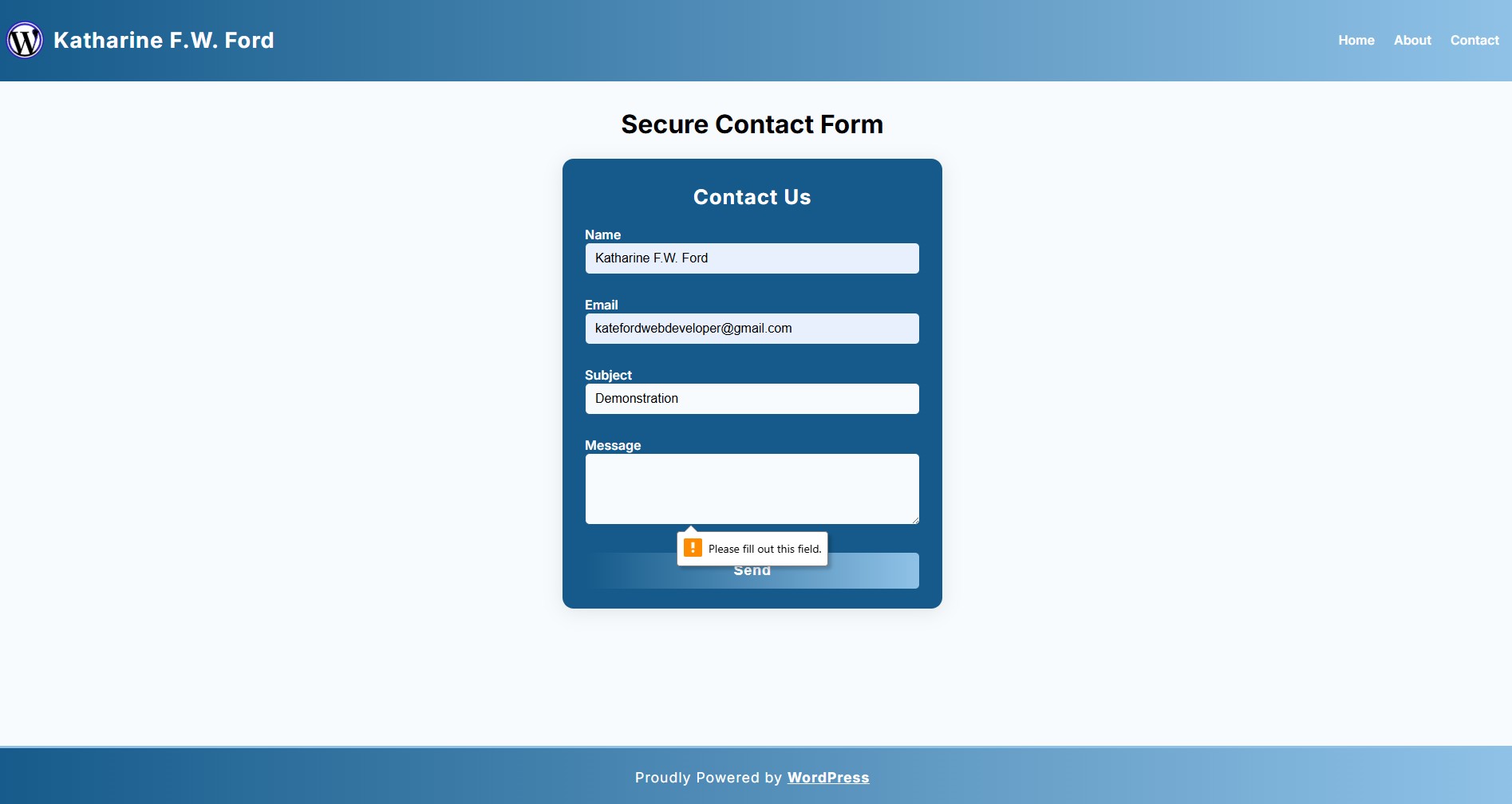
Error Message – Message Field Required:
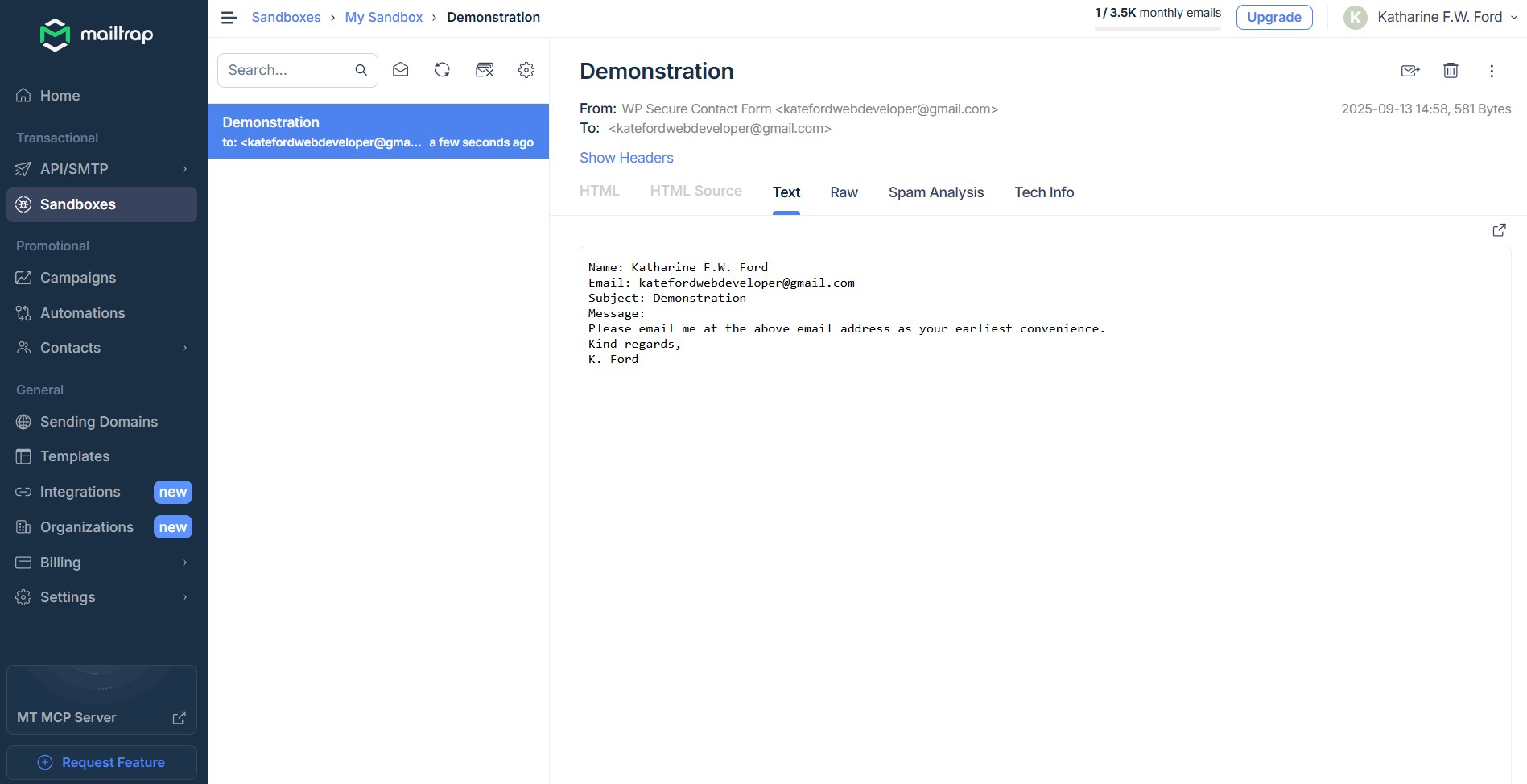
Mailtrap Email Example:
Customization
- Edit
wp-secure-contact-form.cssto change the form and toast styles. - Edit
wp-secure-contact-form.phpfor advanced customization.
License
GPL2
View the full source code and more screenshots:
https://github.com/katefordwebdeveloper/wp-secure-contact-form