Install
This is the repository archive. It installs, but the folder name will carry the branch suffix and updates will not flow.
Install straight from GitHub with WP-CLI:
wp plugin install https://github.com/kanchan-11/innovative-solutions/archive/refs/heads/main.zipNo built-in updater. New versions won't appear under Dashboard → Updates. Install new releases yourself, or let Git Updater track the repository.
Innovative Solutions Insights Plugin
A custom WordPress plugin to display insight posts (Use Cases, Case Studies, Webinars, and Blogs) with categorization and responsive layout.
It allows administrators to select posts from each category via shortcode settings and display them in a grid or mobile carousel.
Description
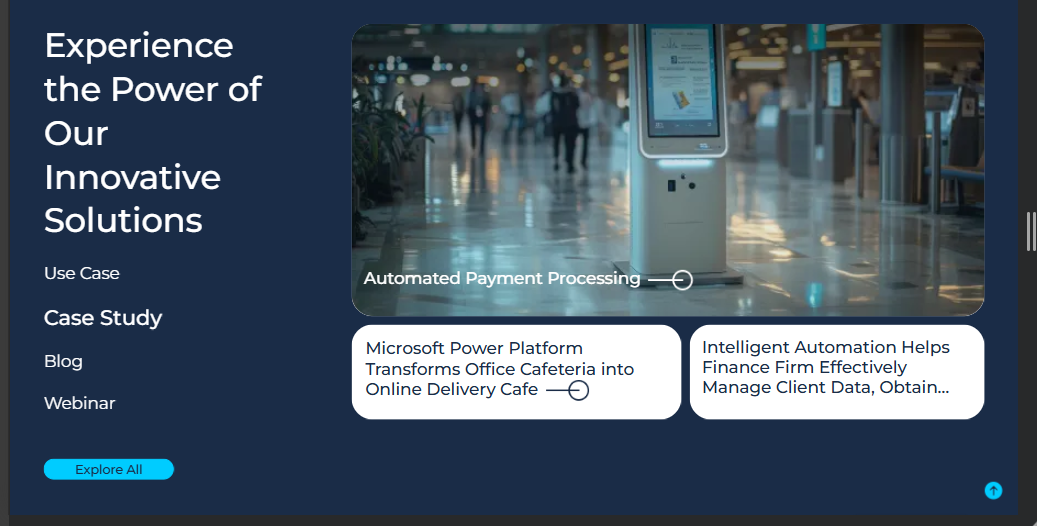
This plugin displays selected posts of different types (Use Case, Case Study, Webinar, and Blog) on Service, Sub-Service, and Industry pages.
- Displays each post type in a 2-row grid layout.
- The first column occupies full width and allows adding a video via meta box for the first post of each type.
- Supports 4 post types that can be showcased simultaneously.
- On mobile devices, the layout converts into a carousel.
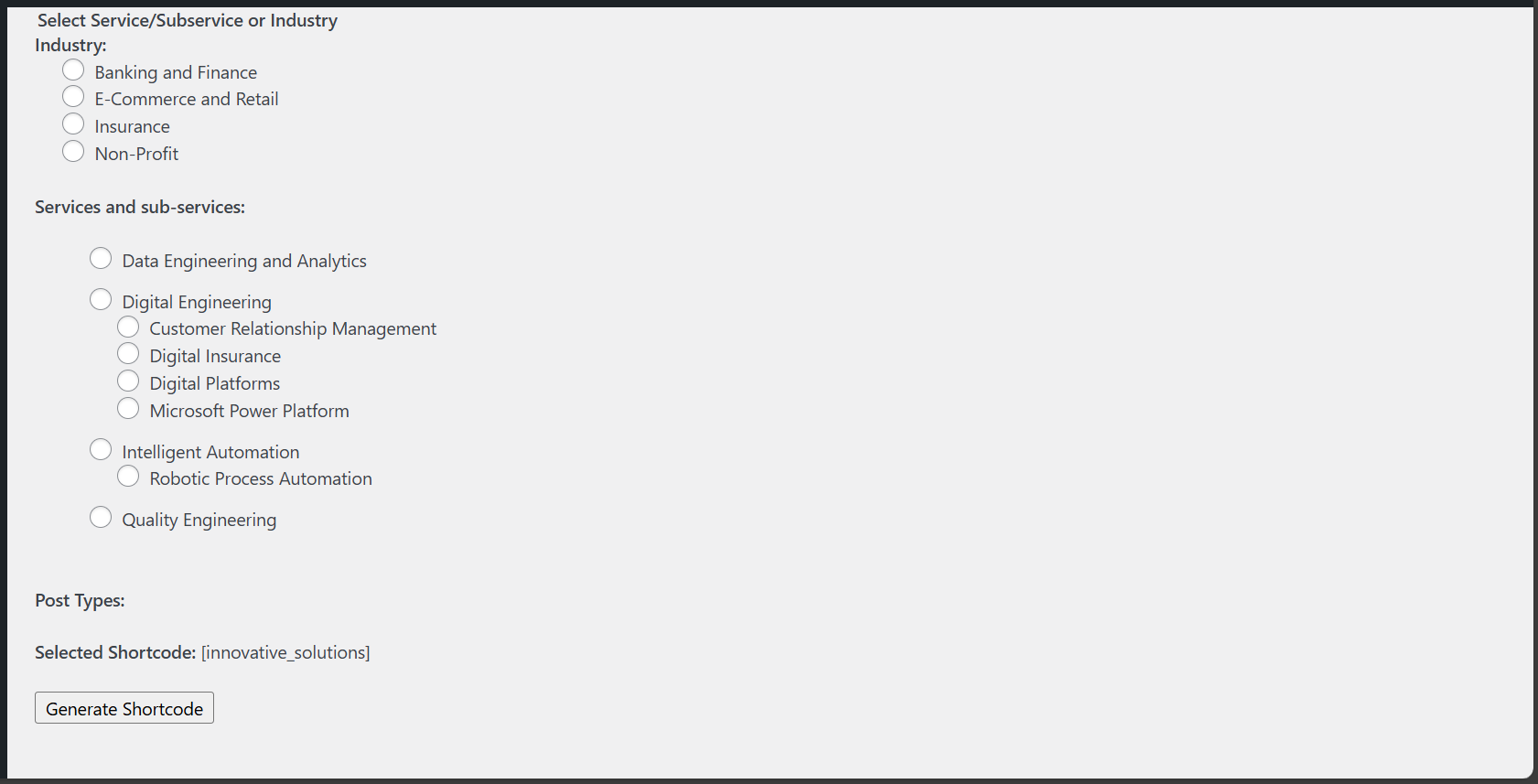
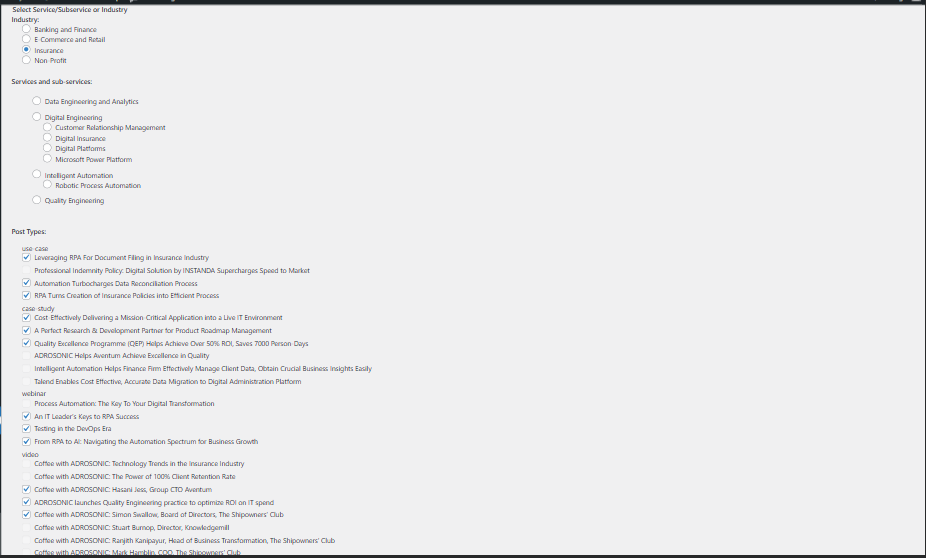
- Provides a settings page to generate filtered shortcode based on:
- Industry
- Service
- Sub-Service
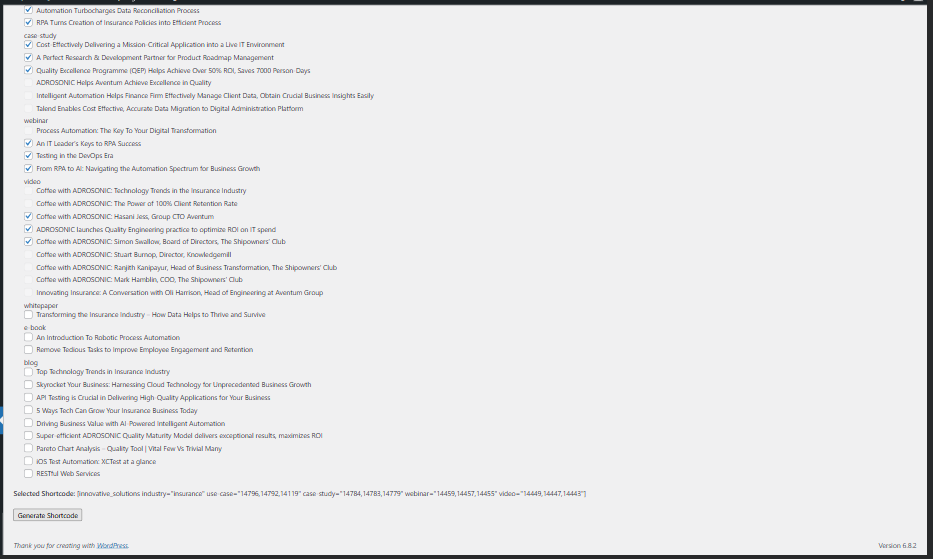
- Under each filter, the admin can select 3 posts of each type.
- ⚠️ Users should ensure only 3 posts are added per type.
Installation
- Download or clone this repository into your WordPress
wp-content/plugins/directory. - Activate the plugin from the WordPress Plugins menu.
- Navigate to the plugin settings page to configure filters and generate shortcode.
Usage
Insert the generated shortcode in any page, post, or template where you want the insights to appear.
ScreenShots
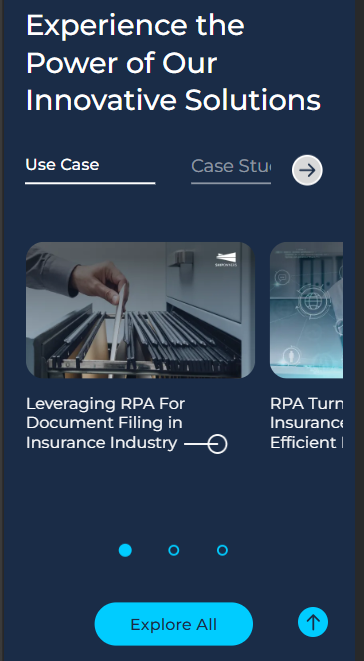
Example Shortcode
[innovative_solutions service_name="intelligent-automation" use-case="14796,14119,14792" case-study="14781,14780,14123" webinar="14461,14459,14455" blog="14244,14240,14233"]