Install
This is the repository archive. It installs, but the folder name will carry the branch suffix and updates will not flow.
Install straight from GitHub with WP-CLI:
wp plugin install https://github.com/juanma-wp/command-palette-notes/archive/refs/heads/main.zipNo built-in updater. New versions won't appear under Dashboard → Updates. Install new releases yourself, or let Git Updater track the repository.
A plugin that register a command to display/hide the Notes sidebar.
Getting Started
Prerequisites
- Node.js (v14 or higher)
- npm or yarn
Installation
Clone the repository and install dependencies:
git clone https://github.com/yourusername/command-palette-notes.git
cd command-palette-notes
npm install
Running the Application
Development mode:
npm startProduction build:
npm run buildUsage
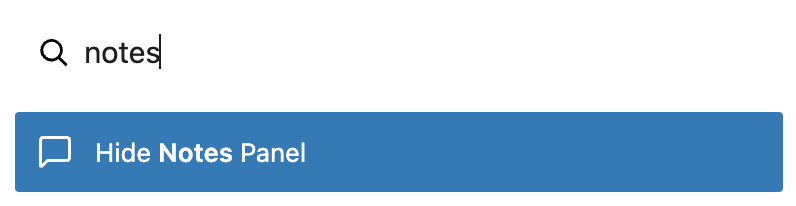
Ctrl/Cmd + K- Open command palette- Type
Notesto display the "Hide/Show Panel" command
License
This project is licensed under the MIT License - see the LICENSE file for details.