Install
This is the repository archive. It installs, but the folder name will carry the branch suffix and updates will not flow.
Install straight from GitHub with WP-CLI:
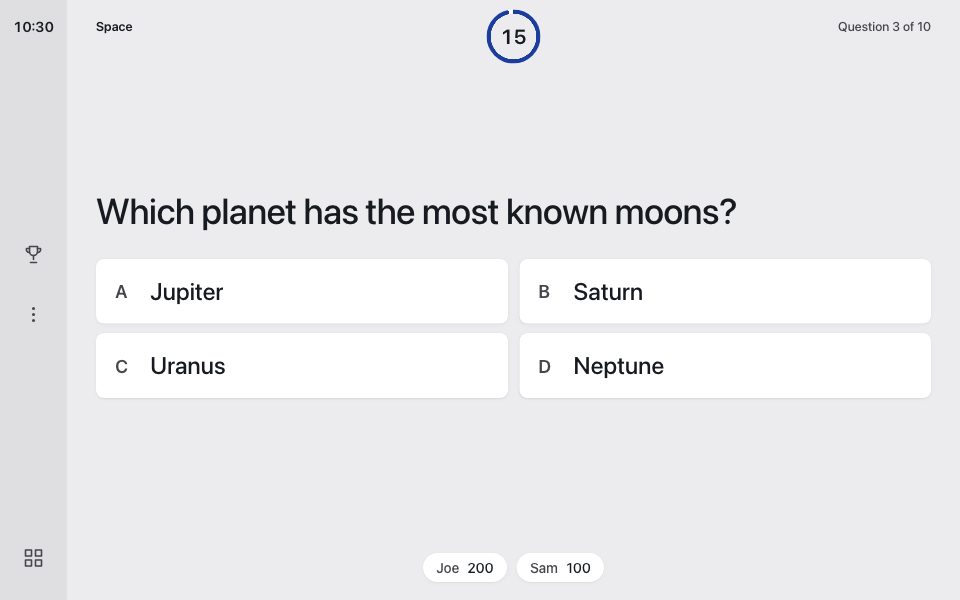
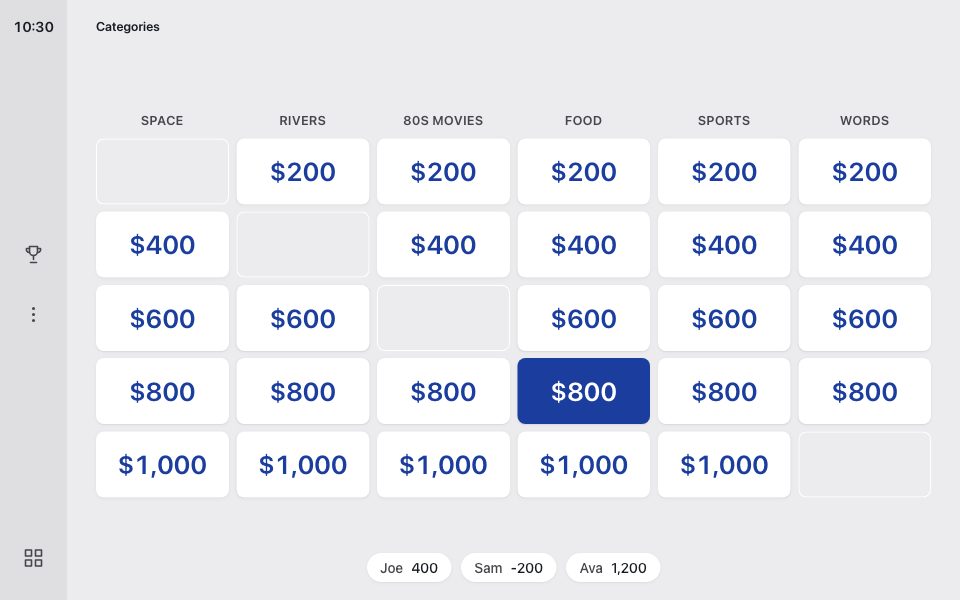
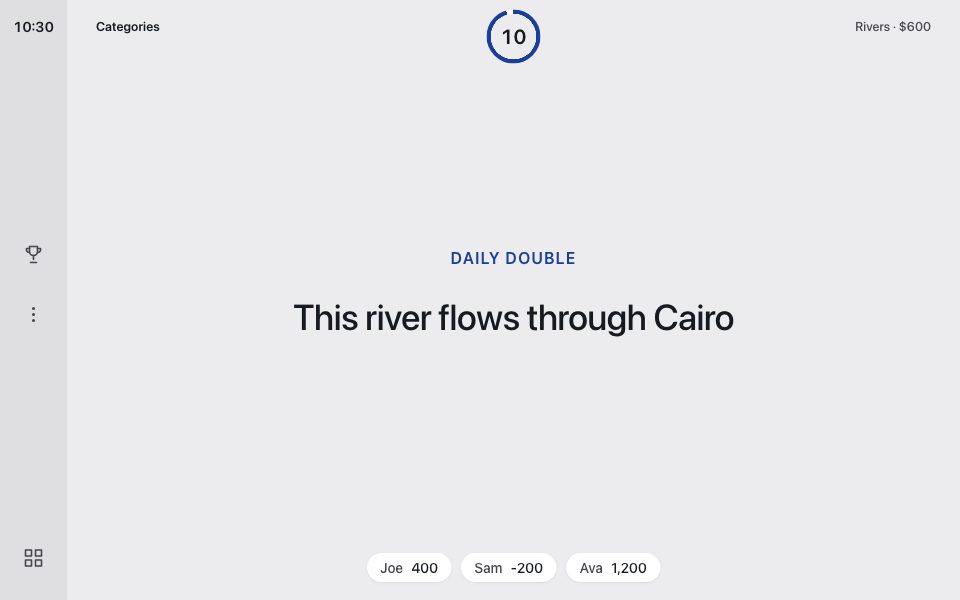
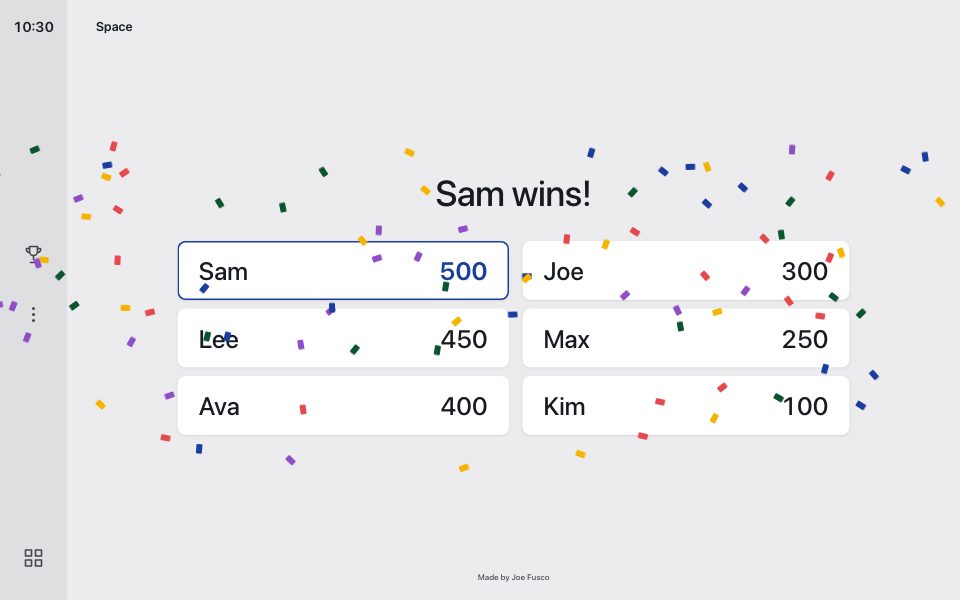
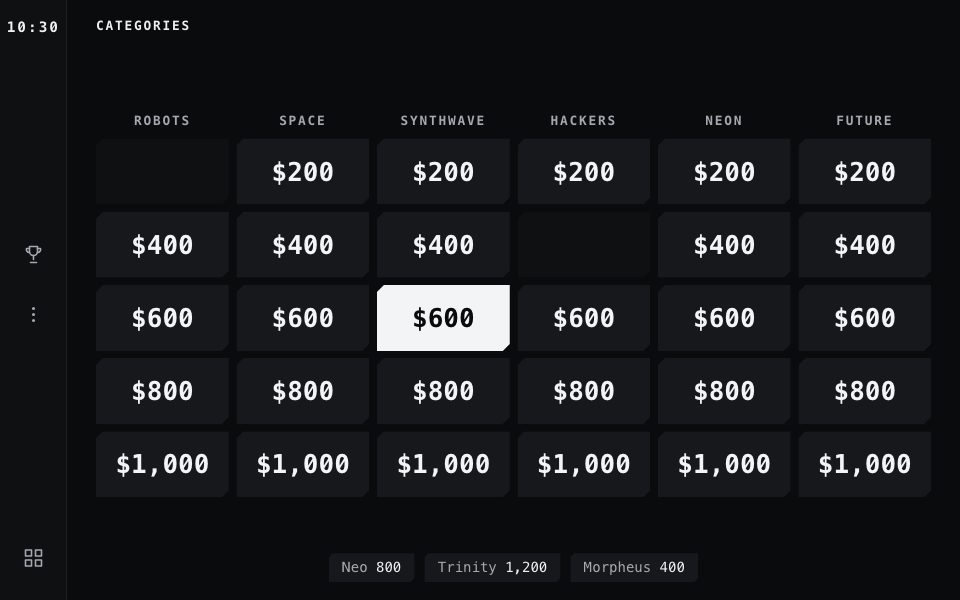
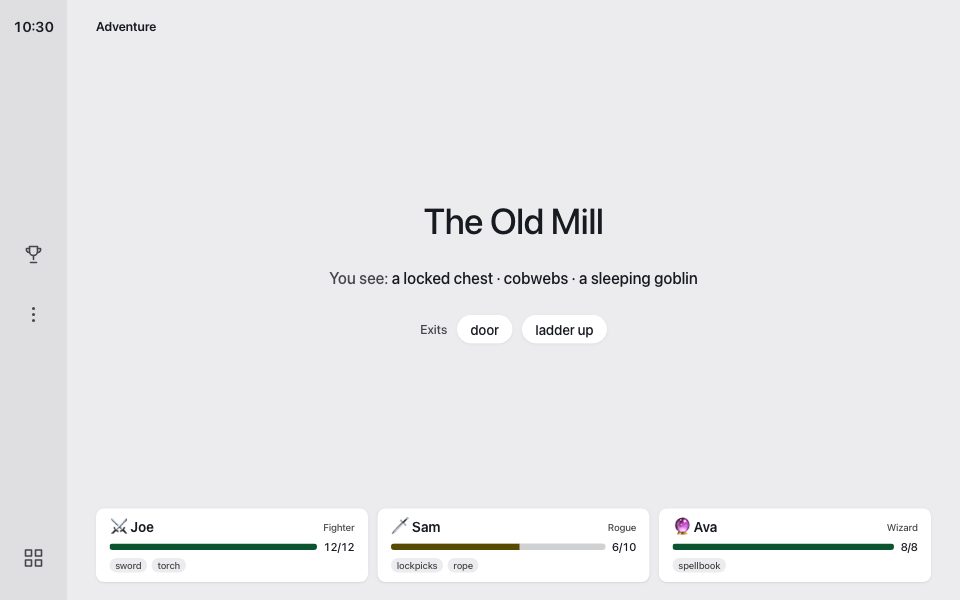
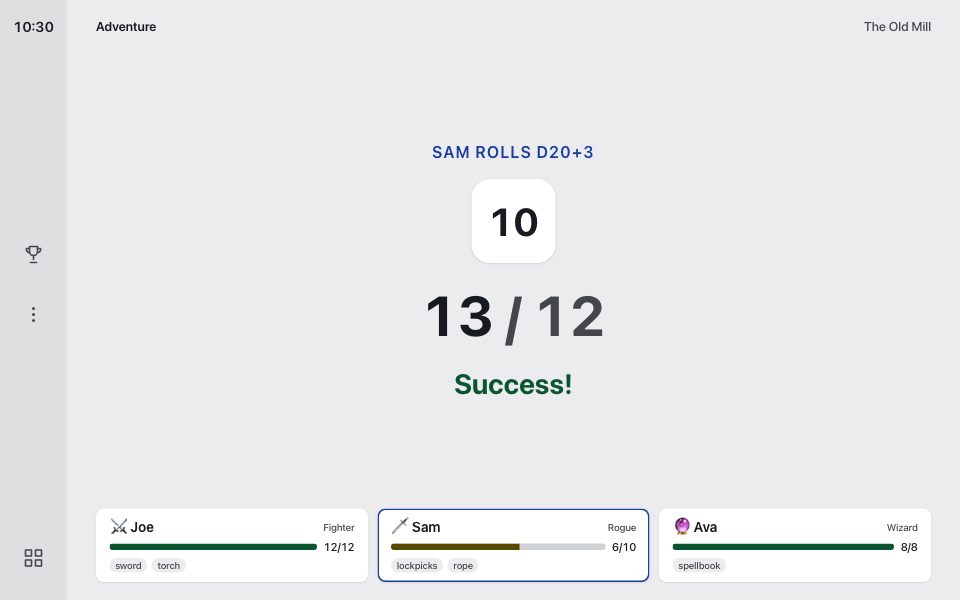
wp plugin install https://github.com/josephfusco/voiceboard/archive/refs/heads/main.zipVoiceboard turns a car's screen into a game board that your voice assistant runs. You ask the assistant to host a game, and it updates the screen by opening links. There's trivia, a Jeopardy-style board, chess, and a story adventure with dice.

In the car, say: "Read voiceboardgames.com/rules, then host trivia."
The assistant reads the rules, then puts the game on the car's screen. Opening /rules in a browser shows the board.
Play while parked, or let passengers play. Most cars lock the browser while driving. Your assistant needs to be able to open websites in the car's browser, and some cars only allow that on newer hardware.
Examples
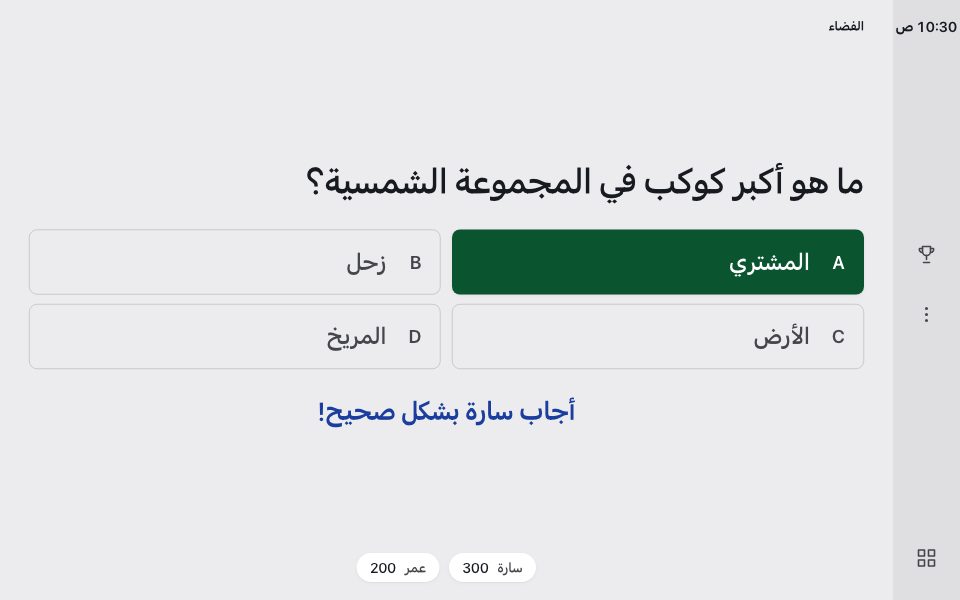
Each picture links to the live screen. Opening one updates the players saved in your browser. The gallery has every example.
Install
Voiceboard is a WordPress plugin. Download voiceboard.zip from the latest release, then upload it under Plugins → Add New. The board appears at /board/, and your home page sends visitors there.
The board's labels are available in English, Spanish, French, German, Portuguese, Japanese, Chinese, Arabic, and Hebrew.
Docs
- llms.txt describes every URL parameter. Assistants read it to learn the games.
- plugins/README.md explains how to add a game.
- CONTRIBUTING.md covers the code layout, tests, and releases.
License
GPL-3.0-or-later with additional terms. See LICENSE.