Install
This is the repository archive. It installs, but the folder name will carry the branch suffix and updates will not flow.
Install straight from GitHub with WP-CLI:
wp plugin install https://github.com/johnjanney/digital-business-card-posts/archive/refs/heads/main.zipA WordPress plugin that publishes digital business card pages, one per person. Each card has its own URL, a Save contact button that downloads a vCard (.vcf) with an embedded photo, and a QR code that points to the card page.
Built to replace a hand-made prototype (a static HTML page plus a .vcf file). The prototype in reference/ is the visual and behavioral baseline.
What it does
- Adds a Business Cards post type. One post per card, at
/card/{slug}/(the base is configurable). - Renders the card page itself, mobile first, on any theme. Themes and child plugins can override the template with the
dbcp_template_pathfilter. - Serves a vCard 3.0 at
/card/{slug}/vcard/, generated on request from the card fields. The featured image is embedded as a 400 × 400 JPEG so it shows in iOS and Android Contacts. - Generates a QR code (error-correction level H) for each card, shown in the edit screen with a download link.
- Provides the
[digital_business_card id="123"]shortcode to embed a card in any post or page. - Adds a Card Holder role so a card can be handed to its owner by changing the post author. Administrators and Editors manage all cards with zero configuration.
- Marks card pages
noindexby default, per card.
Screenshots
Taken on a WordPress 7.0 test site with the sample data from the brief.
| Card page (light) | Card page (dark) | Shortcode in a theme |
|---|---|---|
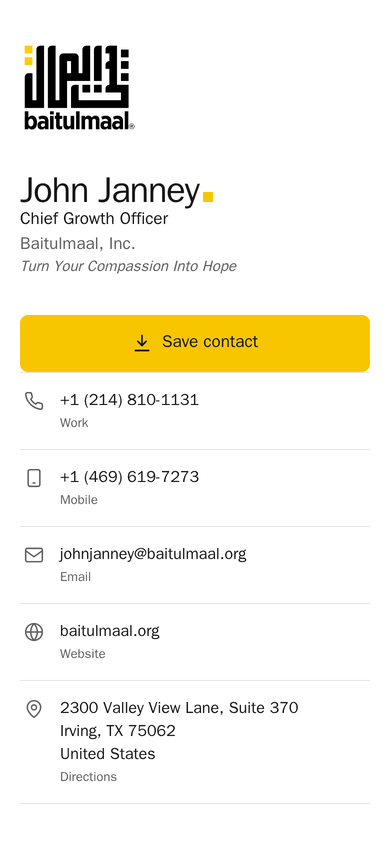 |
 |
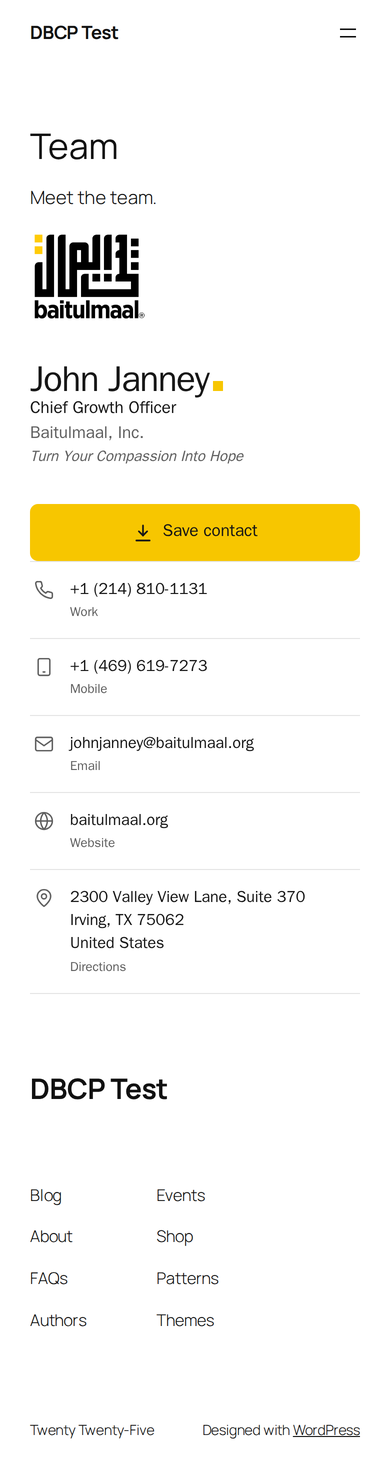 |
| Edit screen | Settings |
|---|---|
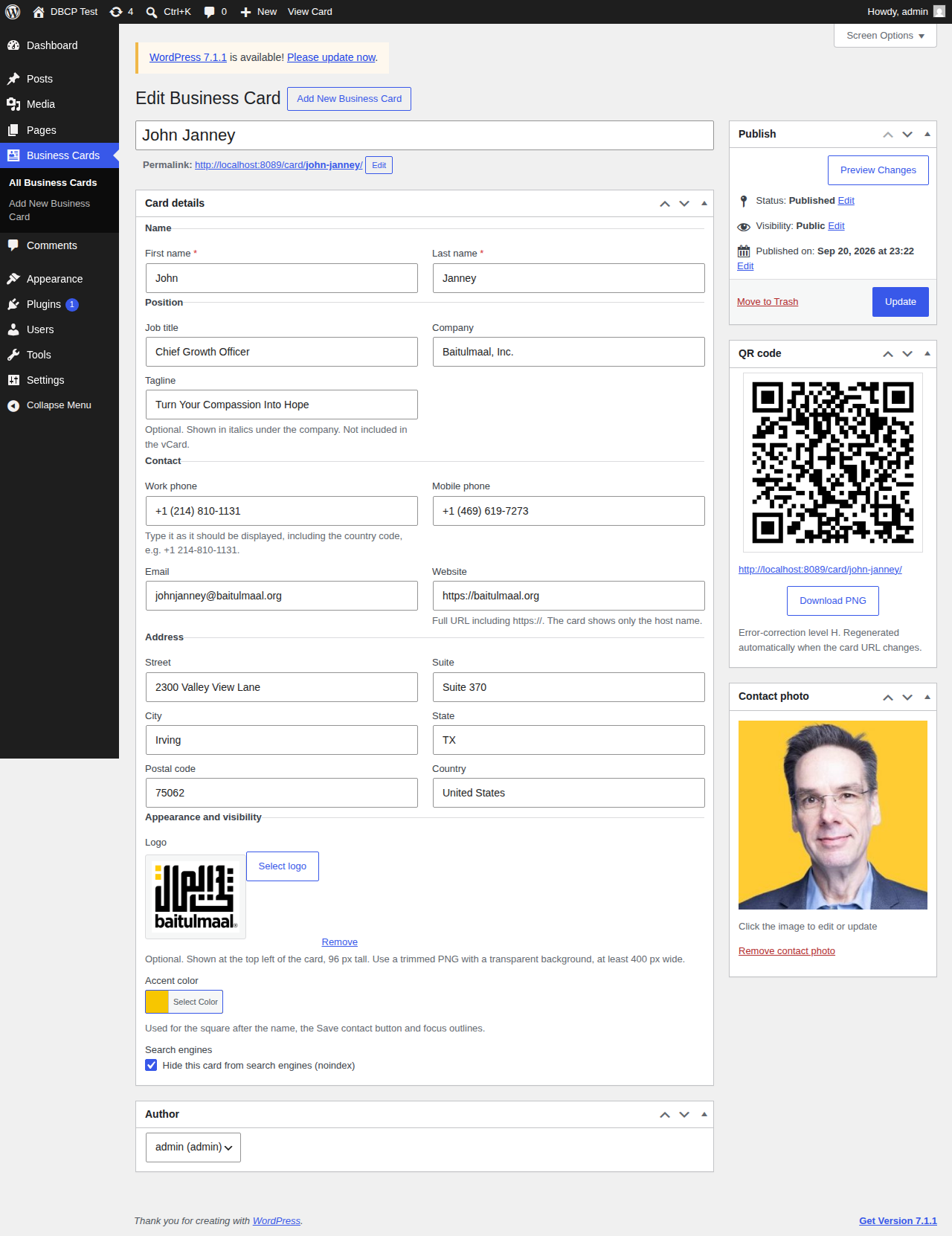 |
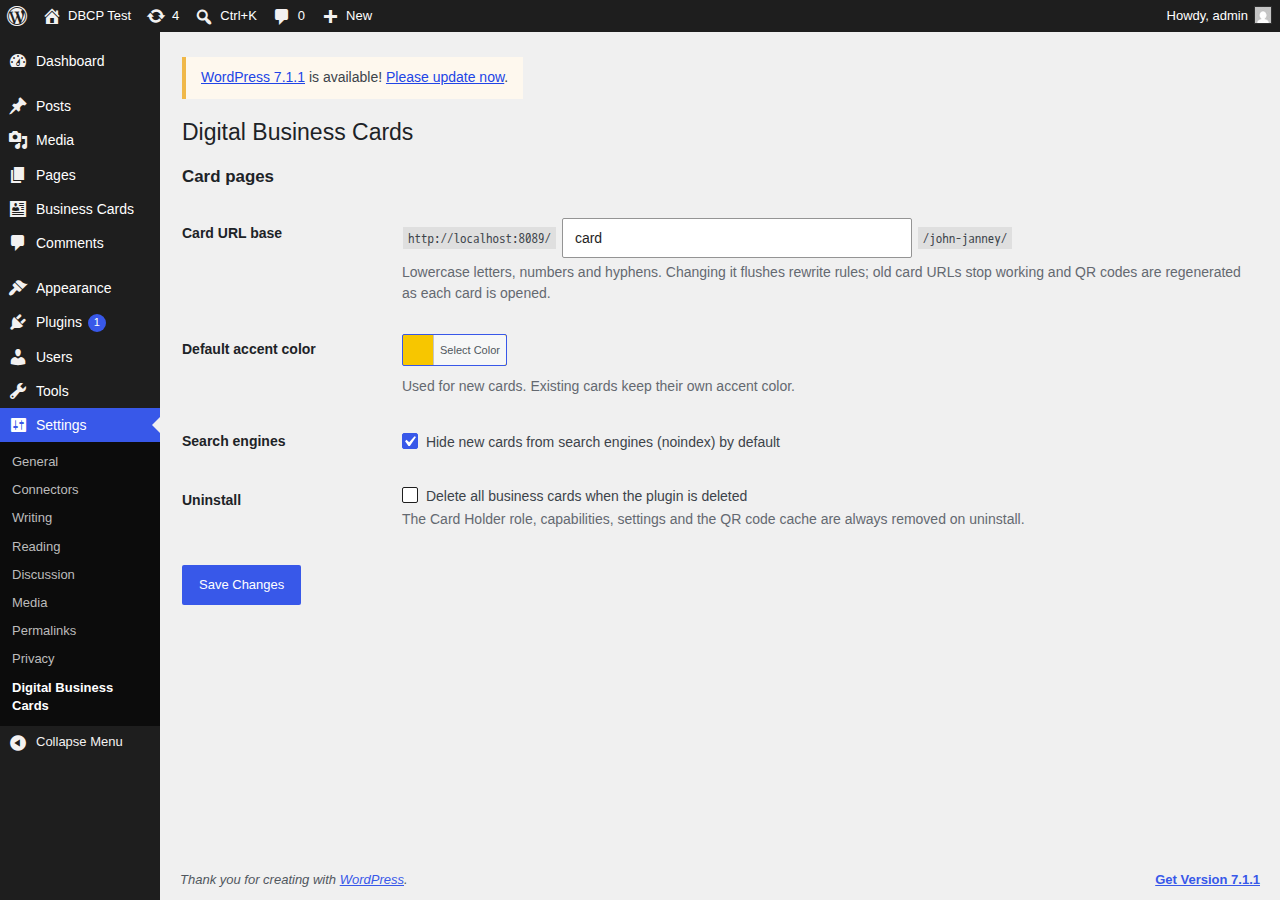 |

Requirements
| Requirement | Version |
|---|---|
| WordPress | 6.0 or newer |
| PHP | 7.4 or newer |
| PHP GD extension | required (QR code generation and photo resizing) |
| Pretty permalinks | recommended (plain permalinks also work, with query-string URLs) |
Quick start
- Download
dist/digital-business-card-posts-{version}.zip(or build it withbin/build.sh). - In WordPress go to Plugins → Add New → Upload Plugin, upload the zip, and activate it.
- Go to Business Cards → Add New. Enter the name, title, company, phone numbers, email, website and address. Set the featured image (the contact photo) and optionally a logo.
- Publish. Open View Card and tap Save contact on a phone. Download the QR code from the edit screen.
See INSTALLATION.md for the full install and update procedure and INSTRUCTIONS.md for how to use every field, the shortcode, the Card Holder role and troubleshooting.
Project documents
| File | Purpose |
|---|---|
| PROJECTBRIEF.md | The original brief. Source of truth for scope. |
| CHANGELOG.md | What changed in each version. |
| VERSIONING.md | Semantic versioning, the three version locations, the release build. |
| DECISIONS.md | Log of design decisions and why they were made. |
| OPENQUESTIONS.md | Open and closed questions. |
| INSTALLATION.md | Installing, activating, updating. |
| INSTRUCTIONS.md | Using the plugin. |
| AGENTS.md | Rules for AI coding agents working in this repository. |
| RELEASE-CHECKLIST.md | Results of the pre-release test checklist and pending manual tests. |
Development
composer install          # PHPUnit, PHPCS and the WordPress Coding Standards
composer test             # PHPUnit tests for the vCard builder
composer lint             # PHPCS with the WordPress ruleset
bin/build.sh              # build dist/digital-business-card-posts-{version}.zip
The local PHP needs the GD extension to run the QR smoke test. If it is missing, bin/test-docker.sh runs the suite in a container that has GD.
License
GPL-2.0-or-later. See LICENSE.
Credits
- QR codes are generated with phpqrcode by Dominik Dzienia, licensed under the LGPL-3.0. The library and its license are vendored unmodified in
vendor/phpqrcode/. - Prototype design and sample data by John Janney, Baitulmaal, Inc.