israel Parcels
IsraelPost-WooCommerce-Plugin is a custom WordPress plugin that provides functionality for managing parcels and shipping using the Israel Post API. It integrates with WooCommerce to offer shipping solutions for your WooCommerce store.
Install
This is the repository archive. It installs, but the folder name will carry the branch suffix and updates will not flow.
Install straight from GitHub with WP-CLI:
wp plugin install https://github.com/izhan47/post-woocommerce-plugin/archive/refs/heads/main.zipIsraelPost-WooCommerce-Plugin
Overview
IsraelPost-WooCommerce-Plugin is a custom WordPress plugin that provides functionality for managing parcels and shipping using the Israel Post API. It integrates with WooCommerce to offer shipping solutions for your WooCommerce store.
Features
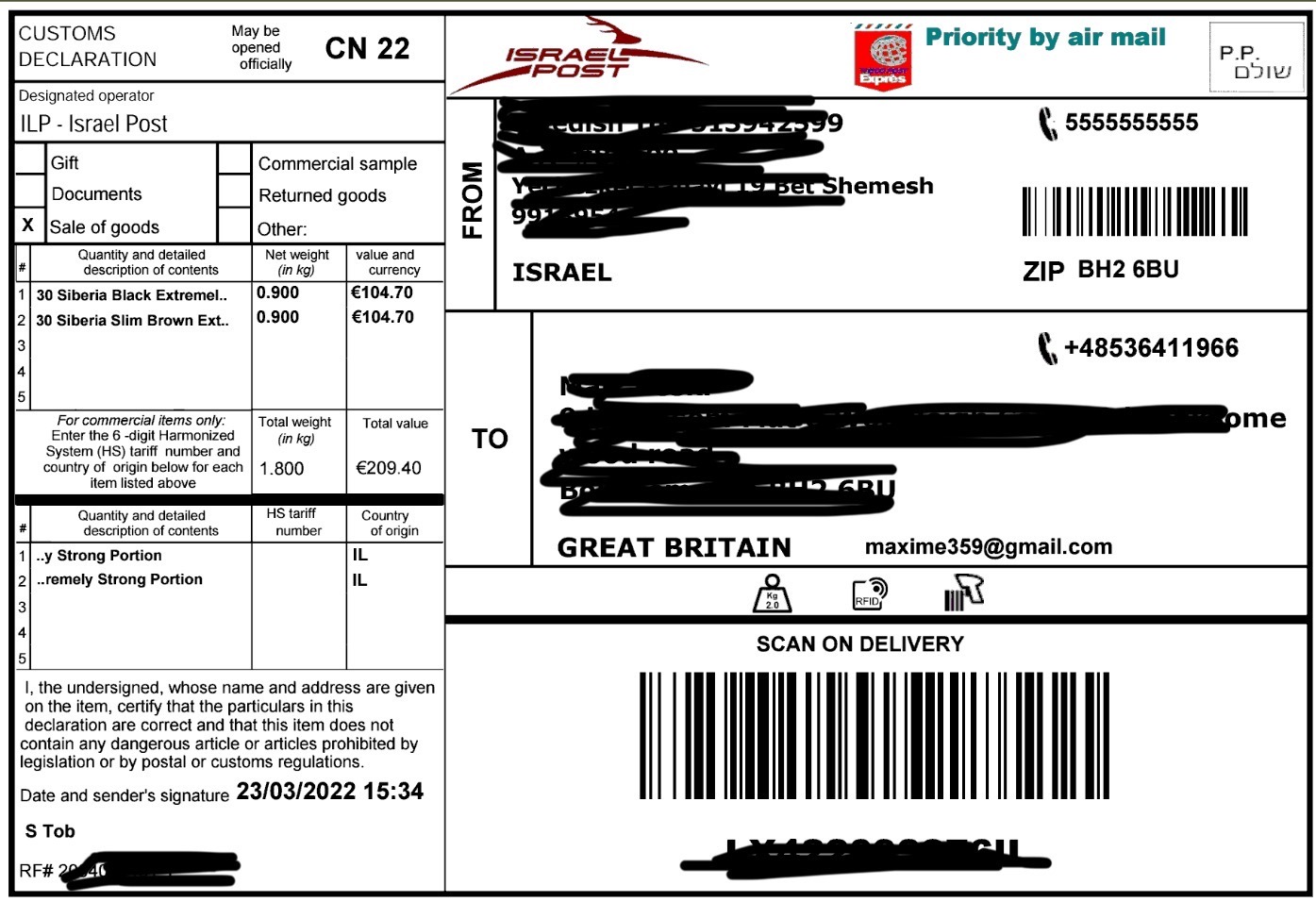
- Generate parcel labels for orders and shipments using the Israel Post API.
- Update tracking information for parcels to keep customers informed about their orders.
- Integration with WooCommerce to streamline the shipping process for online orders.
Installation
- Download the plugin ZIP file from the GitHub repository.
- In your WordPress admin dashboard, go to "Plugins" and click "Add New."
- Click the "Upload Plugin" button and select the ZIP file you downloaded.
- Activate the plugin.
Screenshots
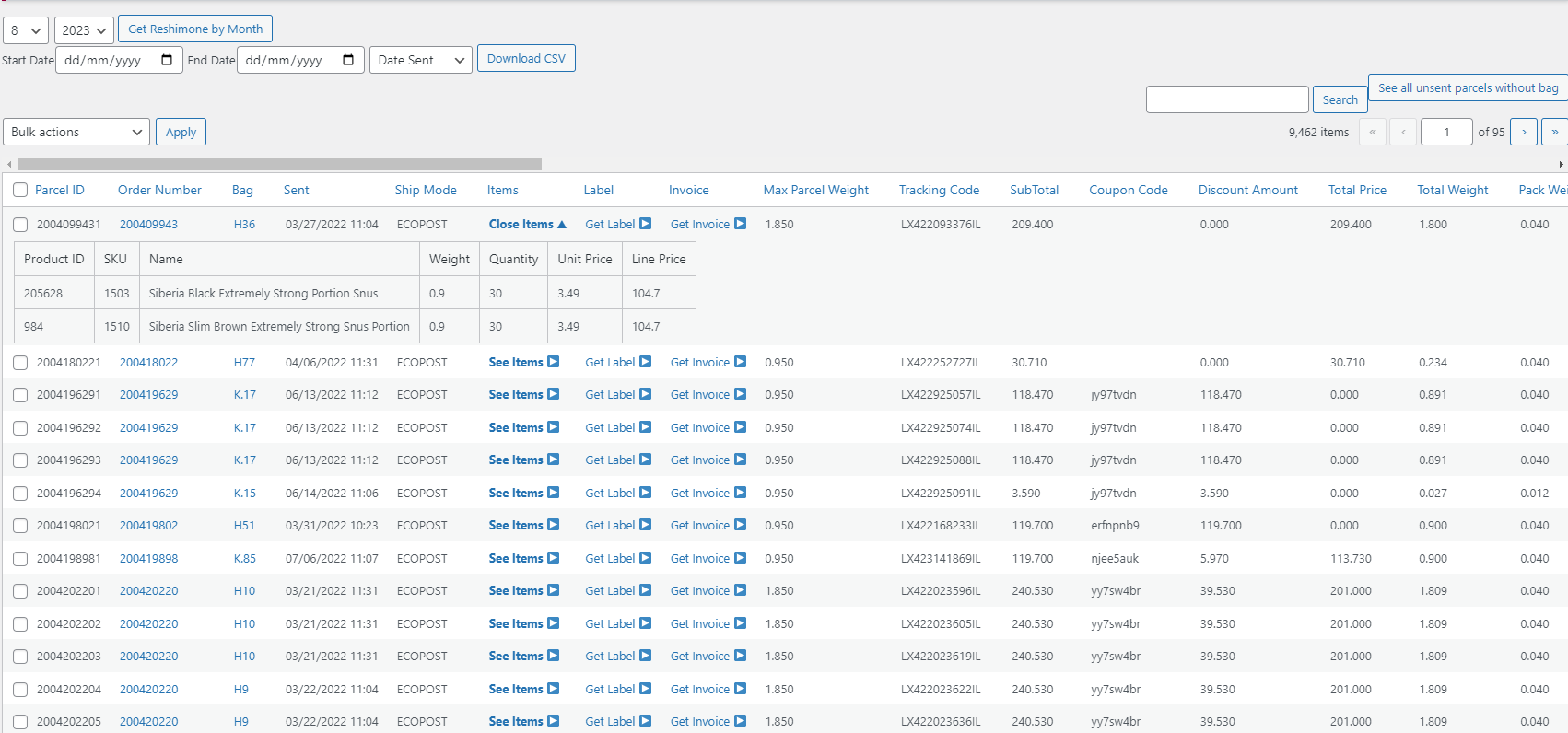
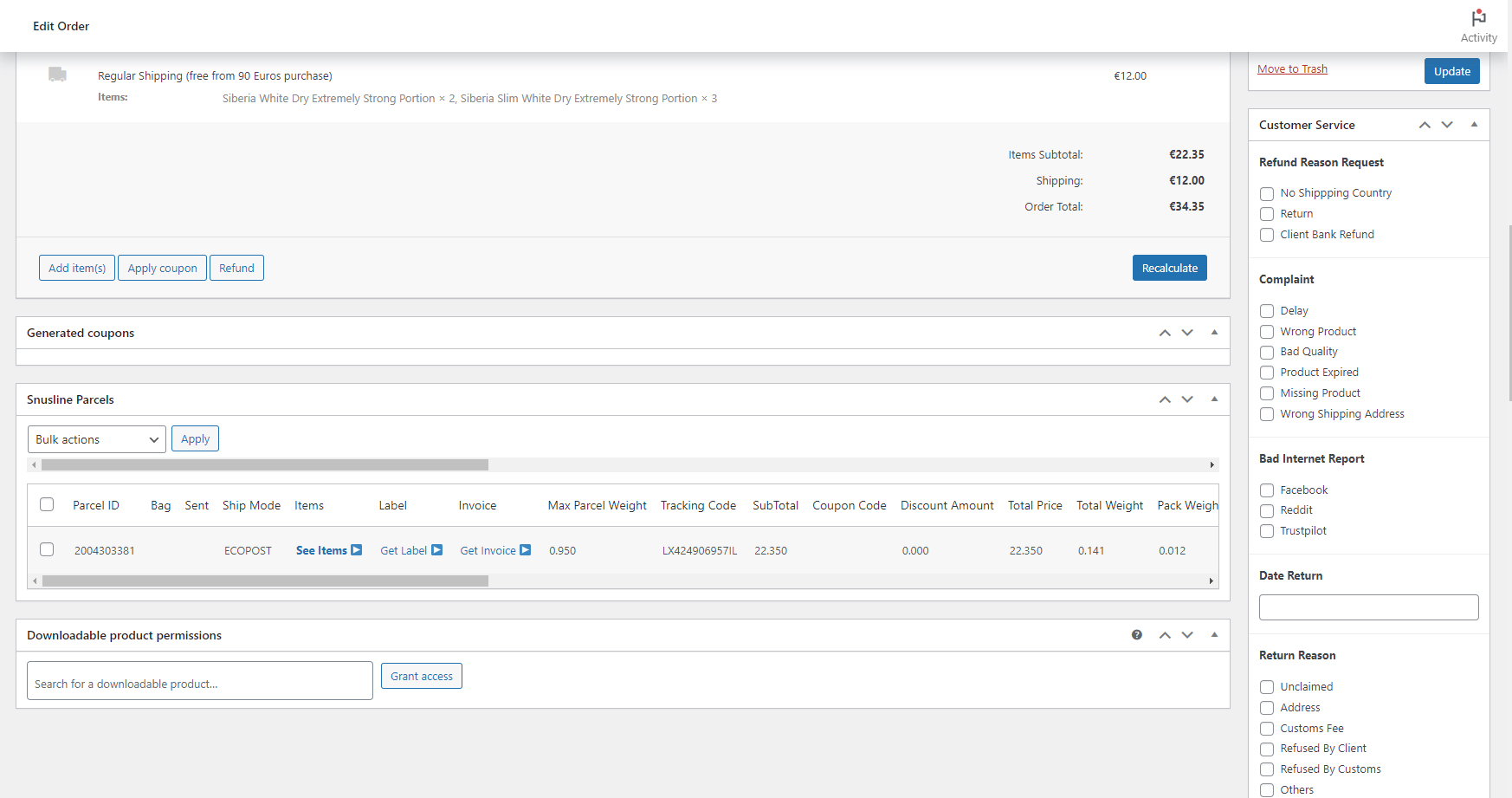
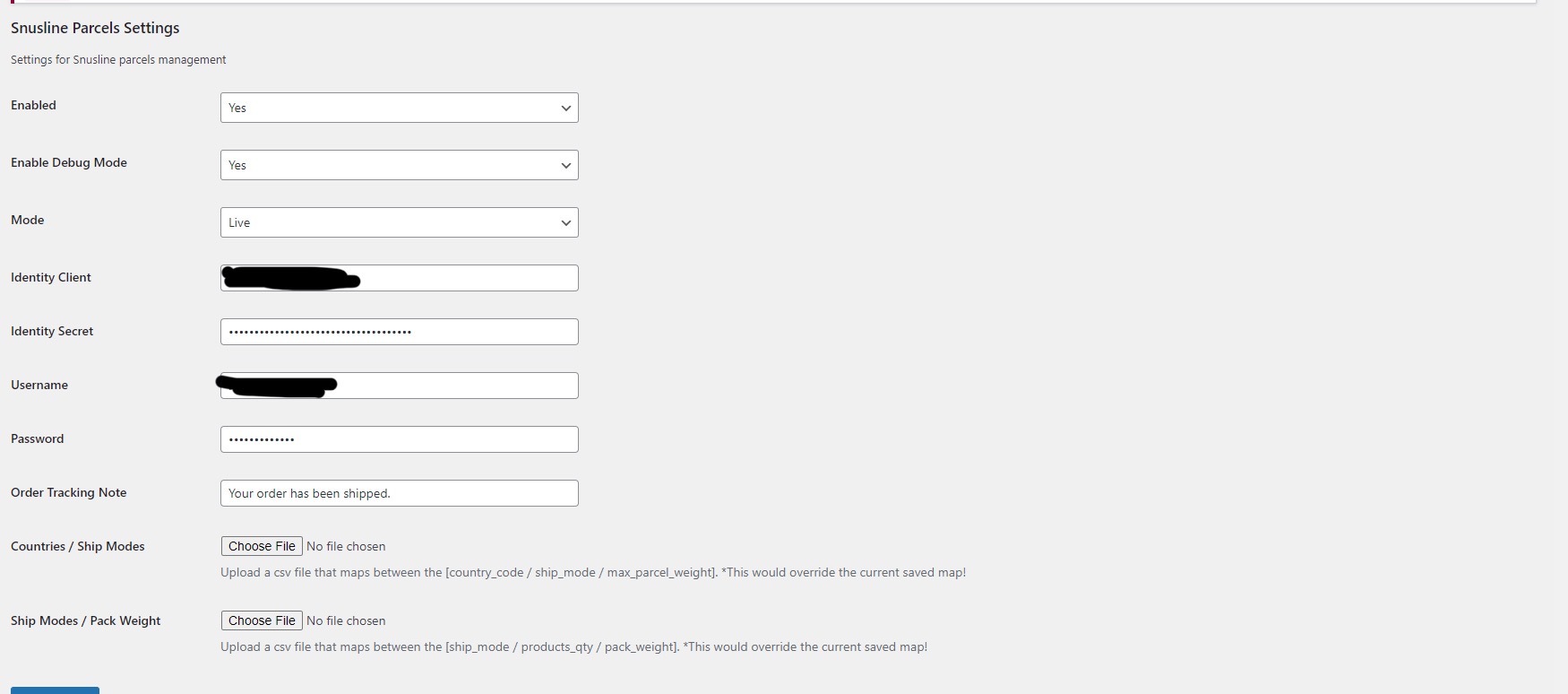
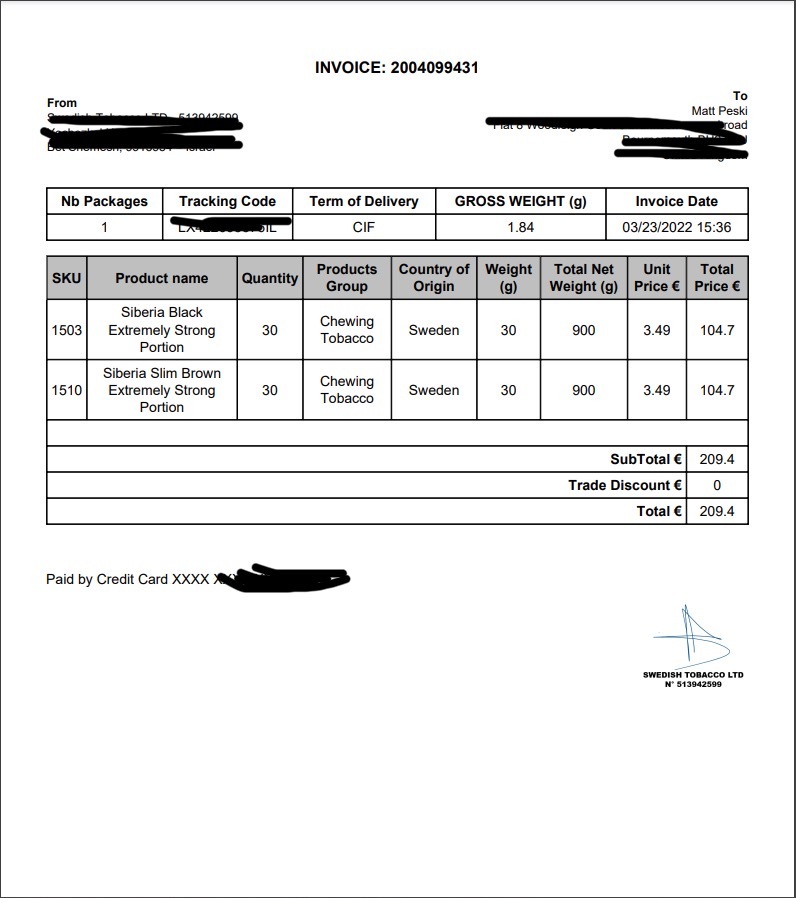
Insert relevant screenshots here to provide a visual representation of how the plugin works.
Usage
Generating Parcel Labels
The plugin provides a class Trus_SLParcels_API that allows you to generate parcel labels using the Israel Post API. You can use the generate_parcel_label method to generate labels for your parcels.
Example usage:
$parcel = array(/* parcel data */);
Trus_SLParcels_API::generate_parcel_label($parcel);
Updating Parcel Tracking Information
To update tracking information for parcels, you can use the update_parcel_tracking_info method provided by the Trus_SLParcels_API class.
Example usage:
$parcel = array(/* parcel data */);
Trus_SLParcels_API::update_parcel_tracking_info($parcel);
Configuration
The plugin requires configuration settings to interact with the Israel Post API. You can find and set these settings in the Trus_SLParcels_Config class.
Contributors
- Developer: M Izhan (Website: Github - izhan1511)
Support
For any questions or issues related to this plugin, please create an issue on the GitHub repository.
Releases
1 release.
These releases are tags only. The author does not attach a packaged zip, so there are no download counts to report.