Install
This is the repository archive. It installs, but the folder name will carry the branch suffix and updates will not flow.
Install straight from GitHub with WP-CLI:
wp plugin install https://github.com/ixehad/qai-social-share/archive/refs/heads/main.zipA WordPress plugin that adds AI Summarize buttons and Social Share buttons to your blog posts — fully configurable from the WordPress dashboard, no theme editing required.
Screenshots
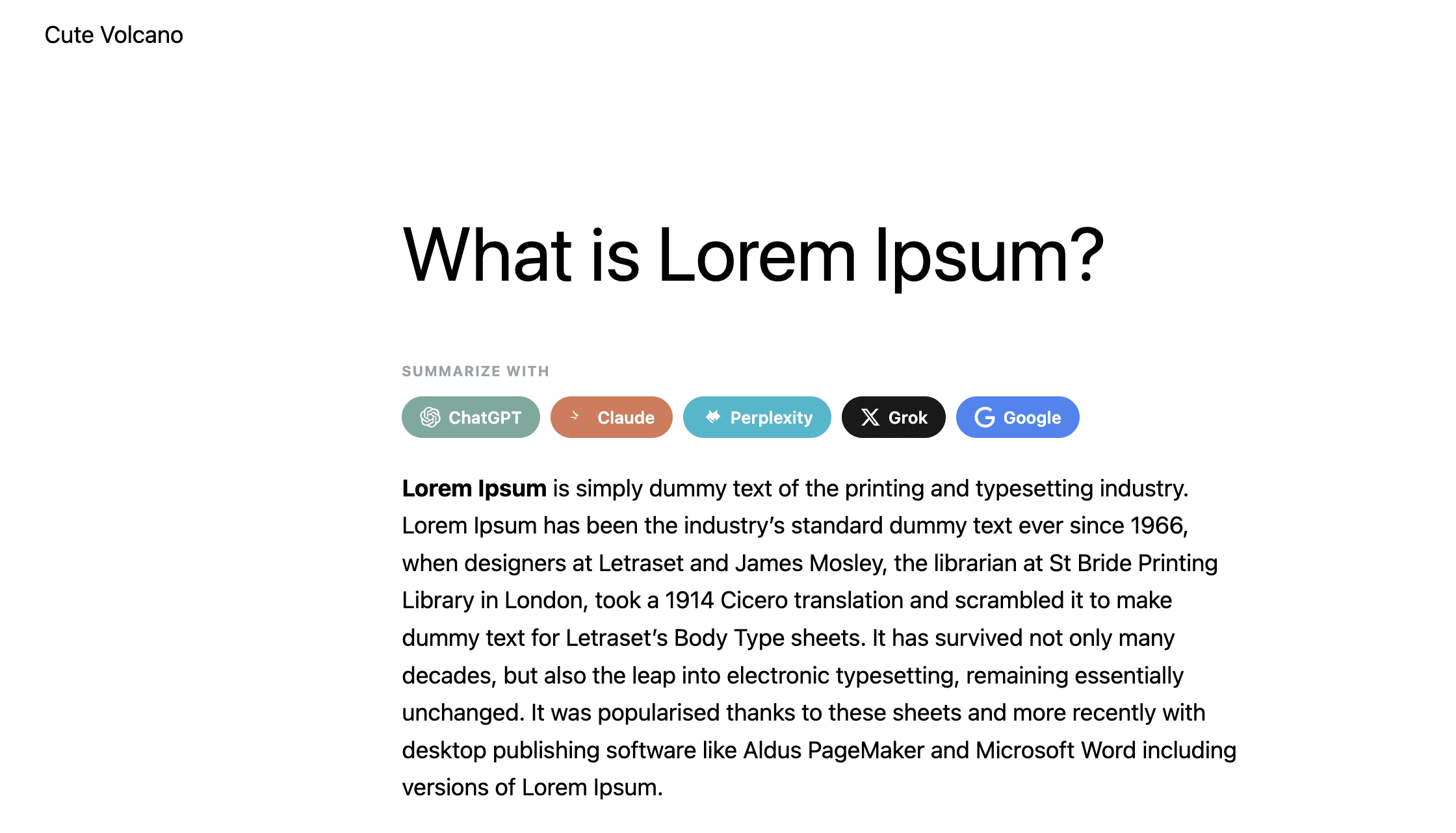
AI Summarize buttons on a live post
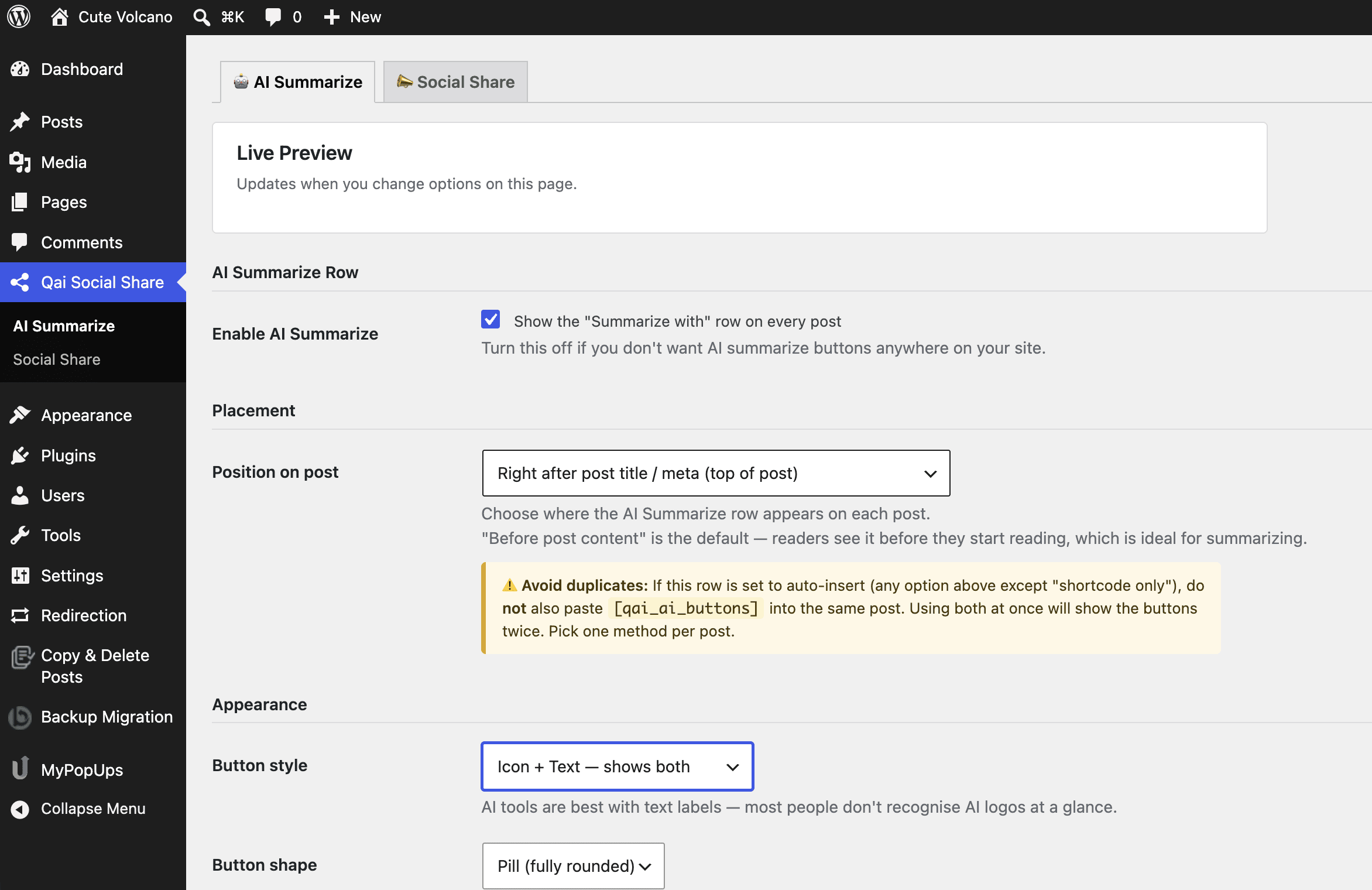
AI Summarize settings page
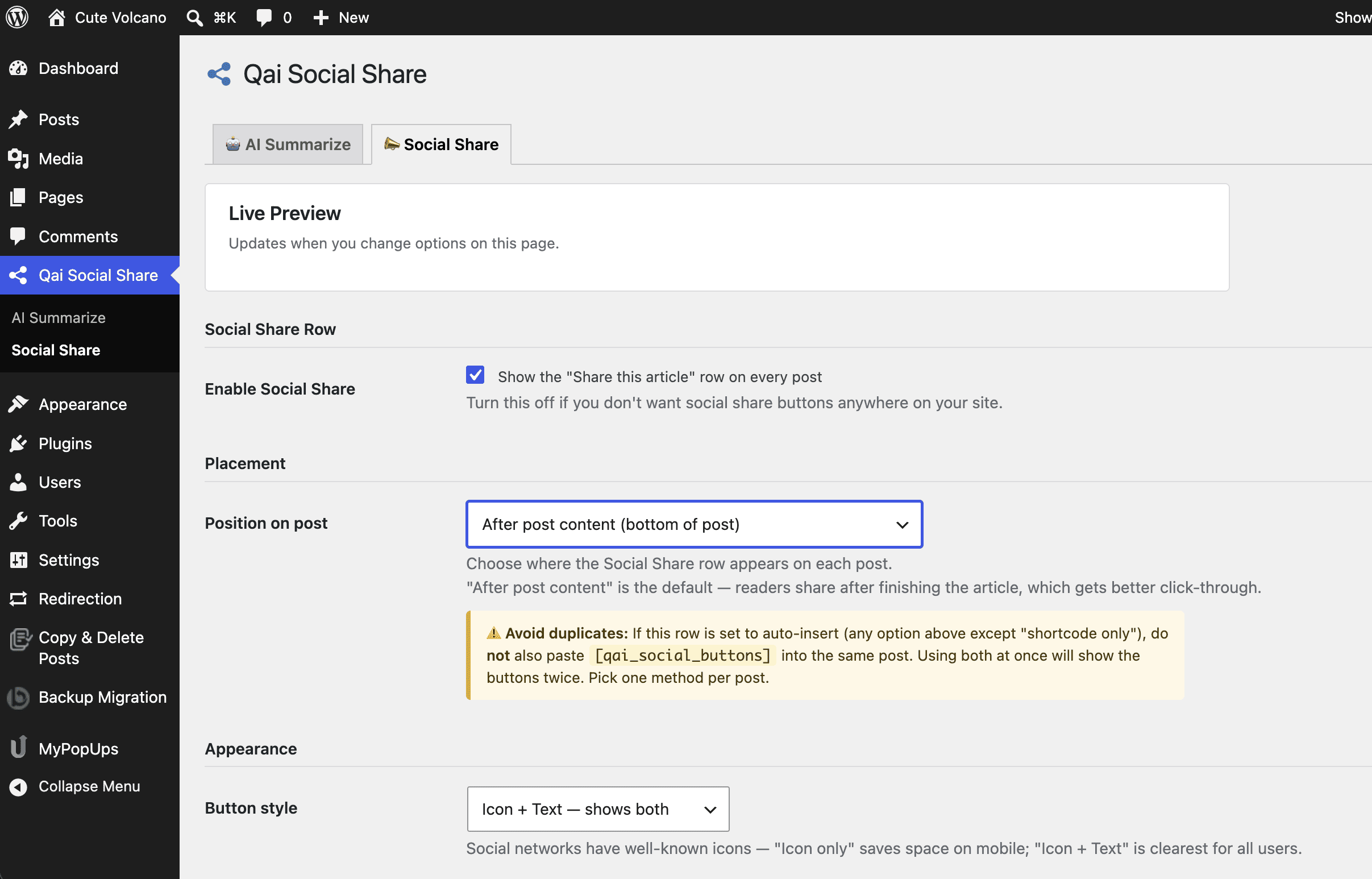
Social Share settings page
Features
🤖 AI Summarize Row
Lets readers instantly summarize your post in their preferred AI tool:
- ChatGPT, Claude, Perplexity, Grok, Google AI Mode
📣 Social Share Row
One-click sharing to all major platforms:
- Facebook, X (Twitter), WhatsApp, LinkedIn, Telegram, Pinterest
- Copy Link button (copies post URL to clipboard)
⚙️ Two Separate Settings Tabs
Found at Qai Social Share in your WordPress dashboard sidebar:
AI Summarize tab:
- Enable/disable the AI row independently
- Position: Before content, After title/meta, After content, or Shortcode only
- Button style: Text only / Icon only / Icon + Text
- Button shape: Pill / Rounded / Square
- Row label (editable)
- AI prompt template (editable, must include
{url}) - Toggle individual AI tools on/off
Social Share tab:
- Enable/disable the social row independently
- Position: independent from AI row
- Button style: Text only / Icon only / Icon + Text
- Row label (editable)
- Copy Link button toggle
- Toggle individual networks on/off
🔁 Smart Shortcode Detection
- Buttons auto-insert based on your position setting
- If a post already contains
[qai_ai_buttons], auto-injection of the AI row is skipped for that post — no duplicates - Same logic applies per-row independently (social shortcode only suppresses social auto-inject)
Shortcodes
| Shortcode | Output |
|---|---|
[qai_ai_buttons] |
AI Summarize row only |
[qai_social_buttons] |
Social Share row only |
[qai_buttons] |
Both rows together |
⚠️ Avoid duplicates: If a row is set to auto-insert, do not also paste its shortcode into the same post. Pick one method per row per post.
Installation
- Download the latest
.zipfrom Releases - In WordPress admin → Plugins → Add New → Upload Plugin
- Upload the zip → Install Now → Activate
- Go to Qai Social Share in the left sidebar
File Structure
qai-social-share/
├── qai-social-share.php          # Main plugin bootstrap
├── readme.txt                    # WordPress.org readme
├── assets/                       # WP.org banner + icon assets
│   ├── banner-772x250.png
│   ├── banner-1544x500.png
│   ├── icon-128x128.png
│   └── icon-256x256.png
├── includes/
│   ├── class-kas-settings.php    # Two-tab admin settings page
│   ├── class-kas-render.php      # Button HTML output (text/icon/icon+text)
│   └── class-kas-loader.php      # Shortcodes + per-row content injection
└── assets/ (plugin runtime)
    ├── front.css                 # Front-end button styles
    ├── front.js                  # Copy-link clipboard handler
    ├── admin.css                 # Settings page styles
    └── admin.js                  # Live preview + enable/disable dimming
External Services
This plugin redirects readers to third-party services when they click a button. No data is sent automatically — only on explicit user click.
| Service | URL | Terms |
|---|---|---|
| ChatGPT | chatgpt.com | Terms |
| Claude | claude.ai | Terms |
| Perplexity | perplexity.ai | Terms |
| Grok | x.com/i/grok | Terms |
| google.com | Terms | |
| facebook.com | Terms | |
| X (Twitter) | twitter.com | Terms |
| api.whatsapp.com | Terms | |
| linkedin.com | Terms | |
| Telegram | t.me | Terms |
| pinterest.com | Terms |
Security
- All output escaped via
esc_url(),esc_html(),esc_attr() - CSRF protection via
register_setting()+settings_fields() - Settings page gated behind
manage_optionscapability - No external requests made by the plugin itself
- No user data collected or transmitted
Requirements
- WordPress 5.8+
- PHP 7.0+
Changelog
1.2.0
- Two separate admin tabs: AI Summarize and Social Share
- Independent position selector per row
- Three button display styles: Text only / Icon only / Icon + Text
- Inline SVG icons for all networks and AI tools
- Fixed shortcode duplication bug (per-row detection)
- Renamed shortcodes from
[kas_*]to[qai_*] - Live preview on each settings tab
- Duplicate-warning notices on position selectors
1.1.0
- Renamed to Qai Social Share
- Top-level dashboard menu
- Live preview on settings page
- Various bug fixes
1.0.0
- Initial release
License
GPL v2 or later
Built by Jehadul Islam