Disable All Thumbnails WP Registry grade A. No security issues foundWP RegistryNo security issues foundOpen the reportA
Prevent the generation of specific thumbnail formats in WordPress / 停用 WordPress 所有縮圖格式生成功能
Install
Upload it under Plugins → Add New Plugin → Upload Plugin, then activate.
Install straight from GitHub with WP-CLI:
wp plugin install https://github.com/ivanusto/disable-all-thumbnails/releases/download/v1.3.0/disable-all-thumbnails-v1.3.0.zipPrevent the generation of specific thumbnail formats to save disk space and improve performance.
Screenshots
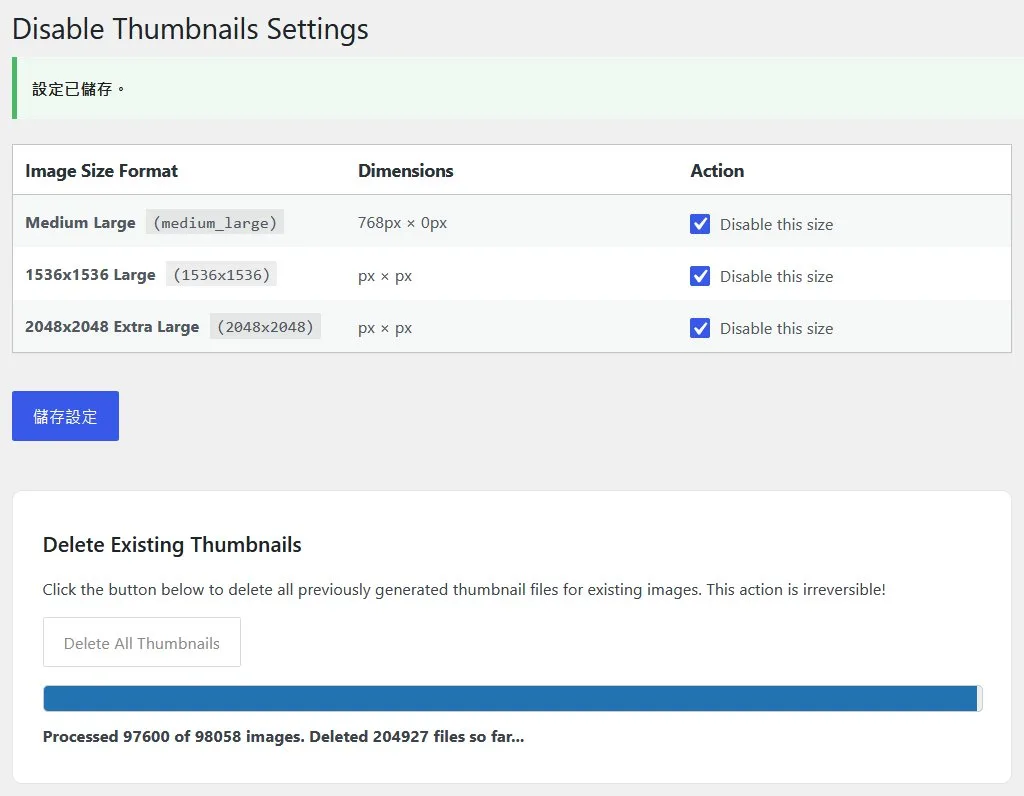
| Disable Specific Sizes | Batch Deletion Engine |
|---|---|
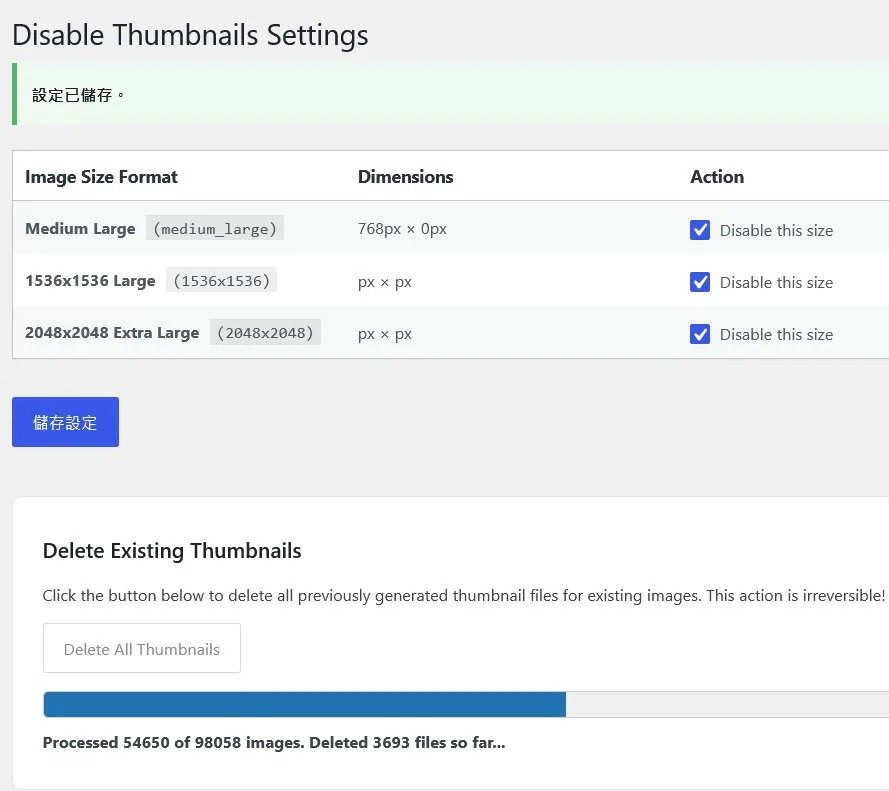 |
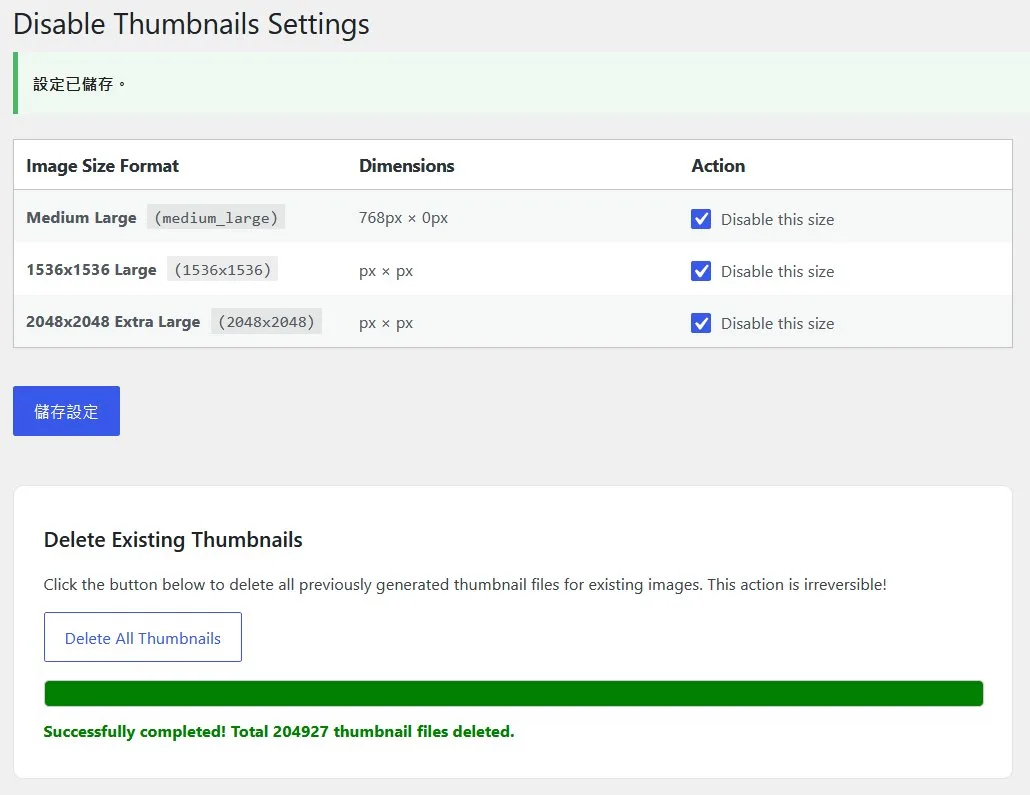 |
| Selectively disable registered image sizes | Paginated batch cleanup with native progress bar |
Images quoted from article: 解決 WordPress 媒體庫空間膨脹:使用 Disable All Thumbnails 批次清理數十萬冗餘縮圖
Description
Disable All Thumbnails is a light and robust WordPress plugin that allows you to selectively disable any registered image size formats (including default sizes and custom sizes registered by plugins or themes). This helps to optimize disk space usage on your server, speed up file uploads, and reduce backup file sizes. It also provides a built-in paginated batch deletion process to safely delete existing thumbnail files without timing out.
Key Features
- Disable Specific Thumbnail Sizes: Selectively check and disable any image size in a clean settings table.
- Support for All Sizes: Supports built-in WordPress sizes (thumbnail, medium, large, etc.) and custom image sizes defined by themes or plugins.
- Batch Deletion UI: Features a paginated batch deletion AJAX engine with a native progress bar to delete old thumbnail files without server timeouts.
- Multi-Format Cleanup: Automatically deletes WebP (
.webp) and AVIF (.avif) formats of thumbnails generated by optimization plugins. - Clean DB Footprint: Stores options cleanly and includes complete database cleanup upon plugin uninstallation.
Installation
- Upload the
disable-all-thumbnailsfolder to your/wp-content/plugins/directory, or install directly through the WordPress admin panel. - Activate the plugin through the Plugins menu.
- Go to Settings > Disable Thumbnails to configure which sizes you want to disable.
- (Optional) Under the Delete Existing Thumbnails section, click "Delete All Thumbnails" to clean up previously generated files.
Frequently Asked Questions
Will disabling thumbnails affect my site's frontend layout?
It might, if your theme explicitly relies on a specific disabled size to show images. It is recommended to only disable sizes that you are sure your theme doesn't use (for instance, unused built-in sizes, or size generated by other plugins you no longer use).
Can I regenerate thumbnails if I change my mind?
Yes. Deactivating the plugin restores normal image size generation. If you already deleted the files, you can use a plugin like "Regenerate Thumbnails" to rebuild them.
Related Project
This plugin is one of the six origin projects of Omni Webmaster & SEO Suite — an all-in-one webmaster toolkit that consolidates and optimizes the author's standalone plugins, adding Meta Pixel tracking and monthly post data export on top.
License / 授權條款
This project is licensed under the GNU General Public License v2.0 or later (GPL-2.0-or-later).
Releases
4 releases. Each count is every asset in that release; expand a row for the breakdown.