_ANDYP - Page Builder - Video Rotator
Page builder addon for video rotator
by Andy Pearson · github.com/ioroot/wp-plugin__page-builder--video-rotator · website
Install
No release zip yet. The repository archive installs, but the folder name will carry the branch suffix and updates will not flow:
wp plugin install https://github.com/ioroot/wp-plugin__page-builder--video-rotator/archive/refs/heads/master.zip
Page-Builder Video Rotator
Renders a block element that shows you multiple videos that change every few seconds.
1. Table of Contents
-
- 2.1. Built With
- 2.2. Installation
-
- 3.1. Instance.
- 3.2. Wrapper.
- 3.3. Menu Wrapper.
- 3.4. Content Wrapper.
- 3.5. Rotator.
- 3.6. CSS.
- 3.7. Javascript.
2. About The Project
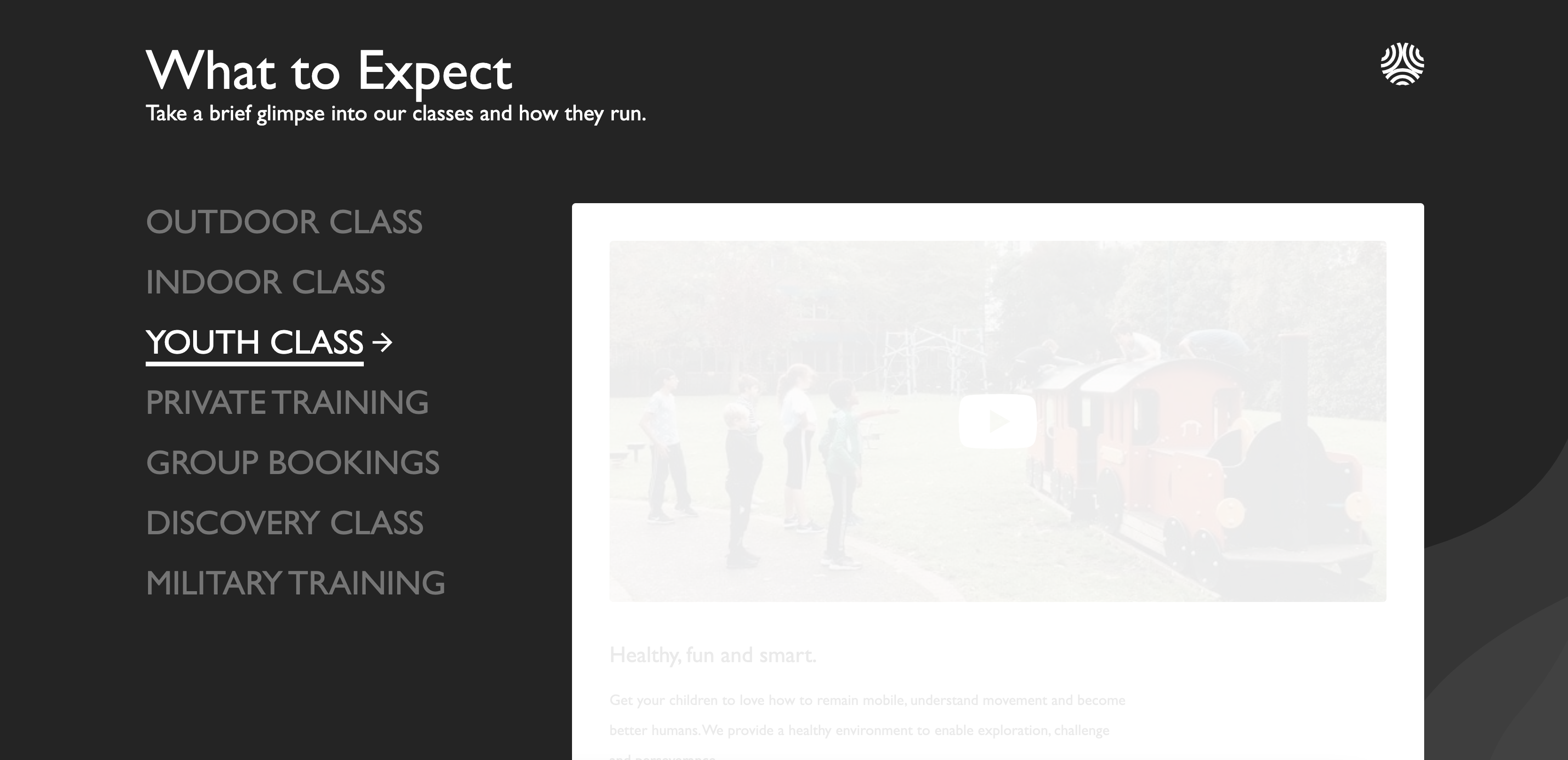
ACF-Based panel for inserting a video rotator.
This was inspired by one of the blocks that squarespace have on their homepage that I replicated. Is has links to select different videos to watch.

2.1. Built With
This project was built with the following frameworks, technologies and software.
2.2. Installation
These are the steps to get up and running with this plugin.
- Clone the repo into your wordpress plugin folder
git clone https://github.com/IORoot/wp-plugin__page-builder--video-rotator ./wp-content/plugins/page-builder-videorotator - Activate the plugin.
Note: This plugin requires the page-builder plugin to work https://github.com/IORoot/wp-plugin__page-builder
3. Usage
The video selector plugin has seven tabs:
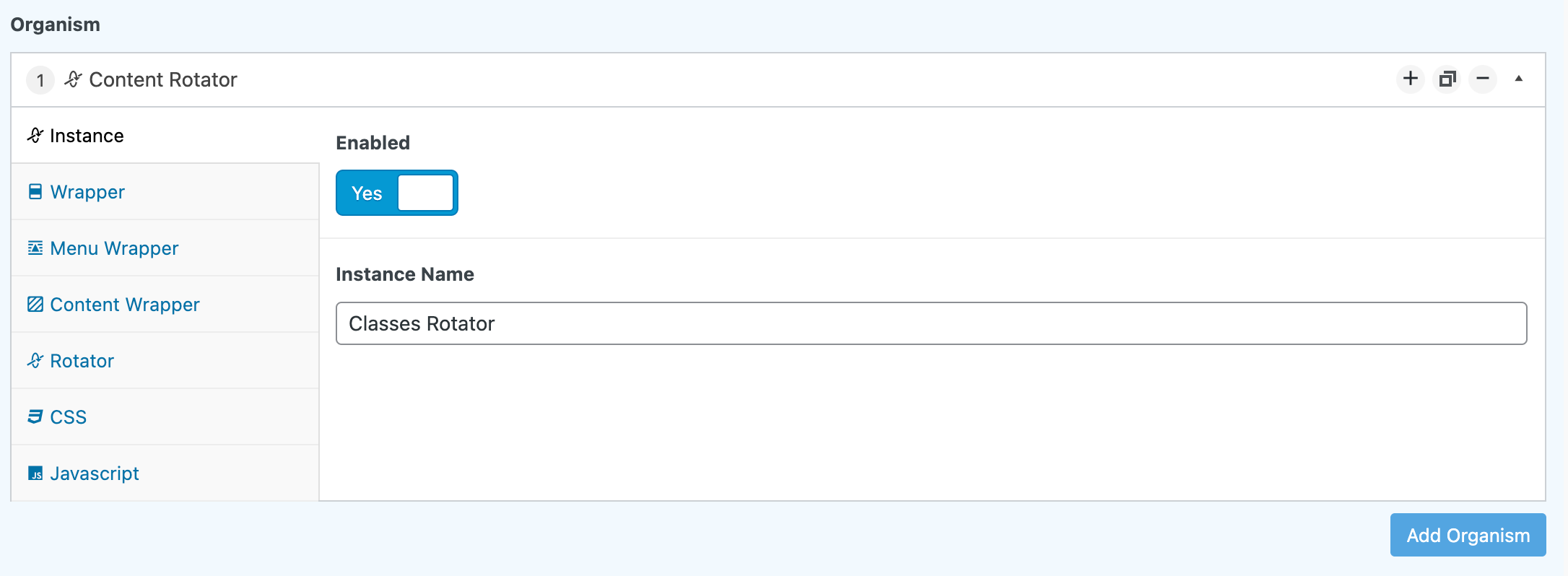
3.1. Instance.
- Enabled. Render this on the page or not.
- Instance Name. Slug identifier.
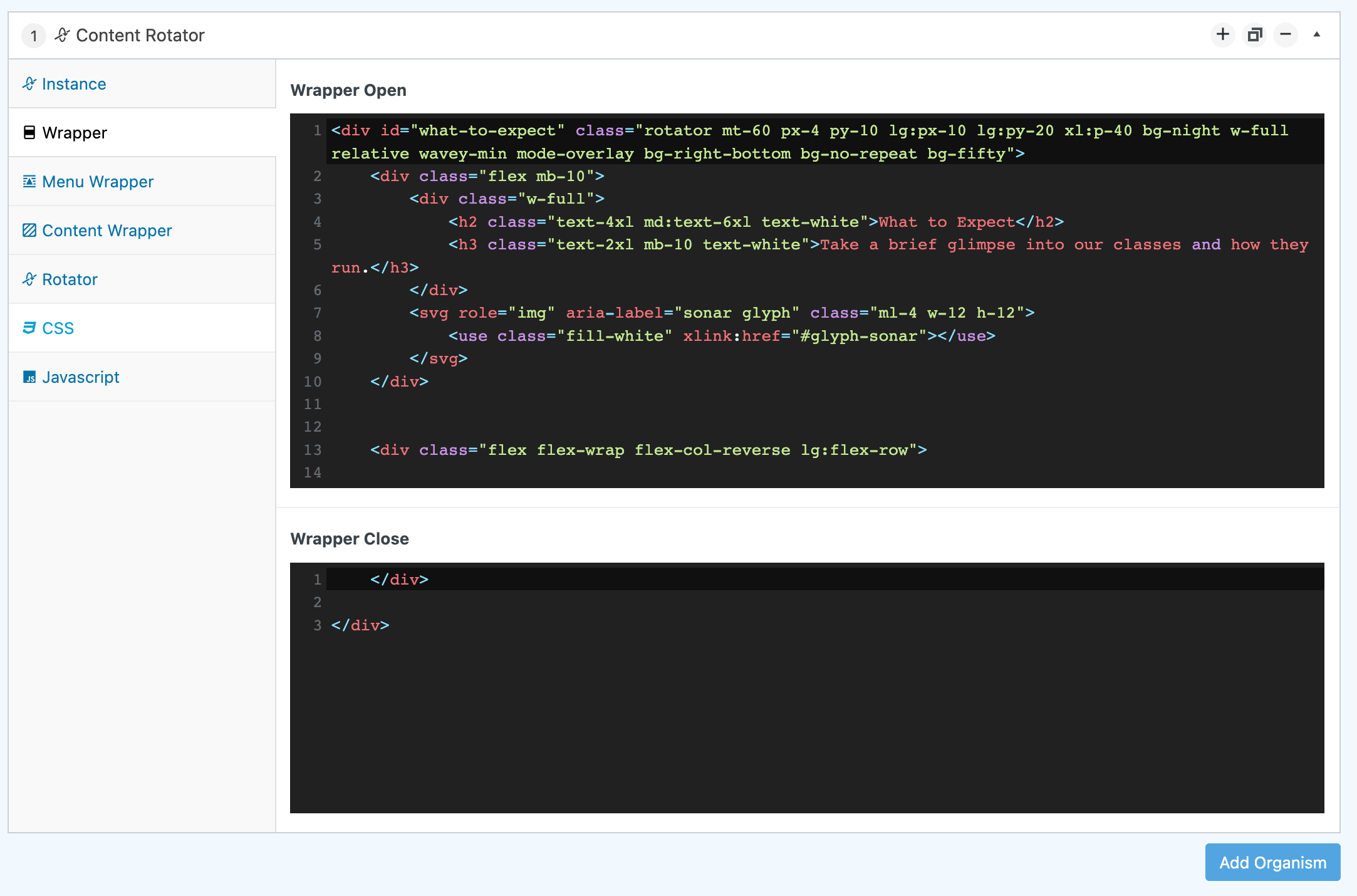
3.2. Wrapper.
- Wrapper Open. Any HTML to start before everything else.
- Wrapper Close. Any HTML at the end of everything else.
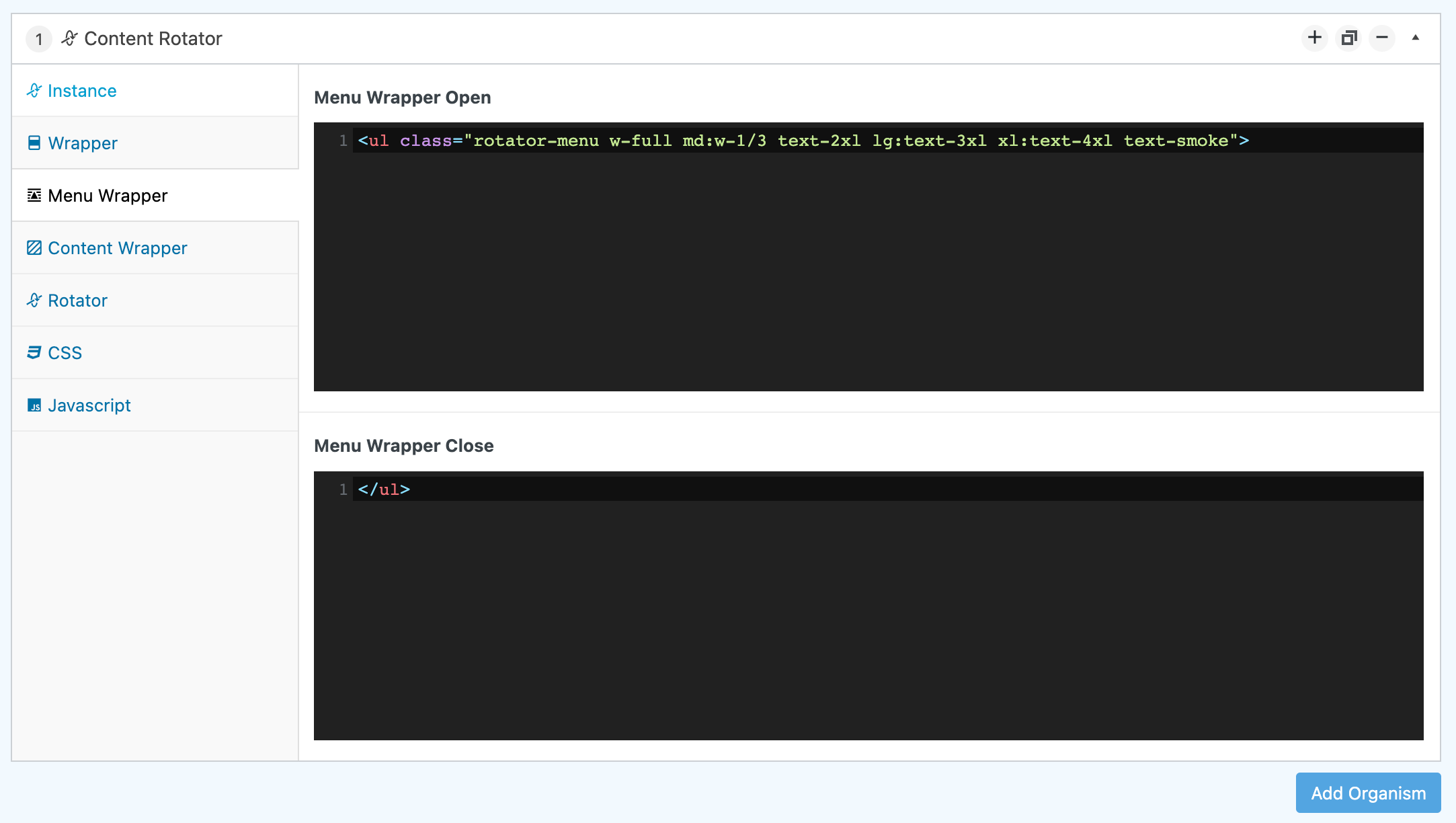
3.3. Menu Wrapper.
- Menu Wrapper Open. Any HTML to start before the menu options.
- Menu Wrapper Close. Any HTML at the end of the menu options.
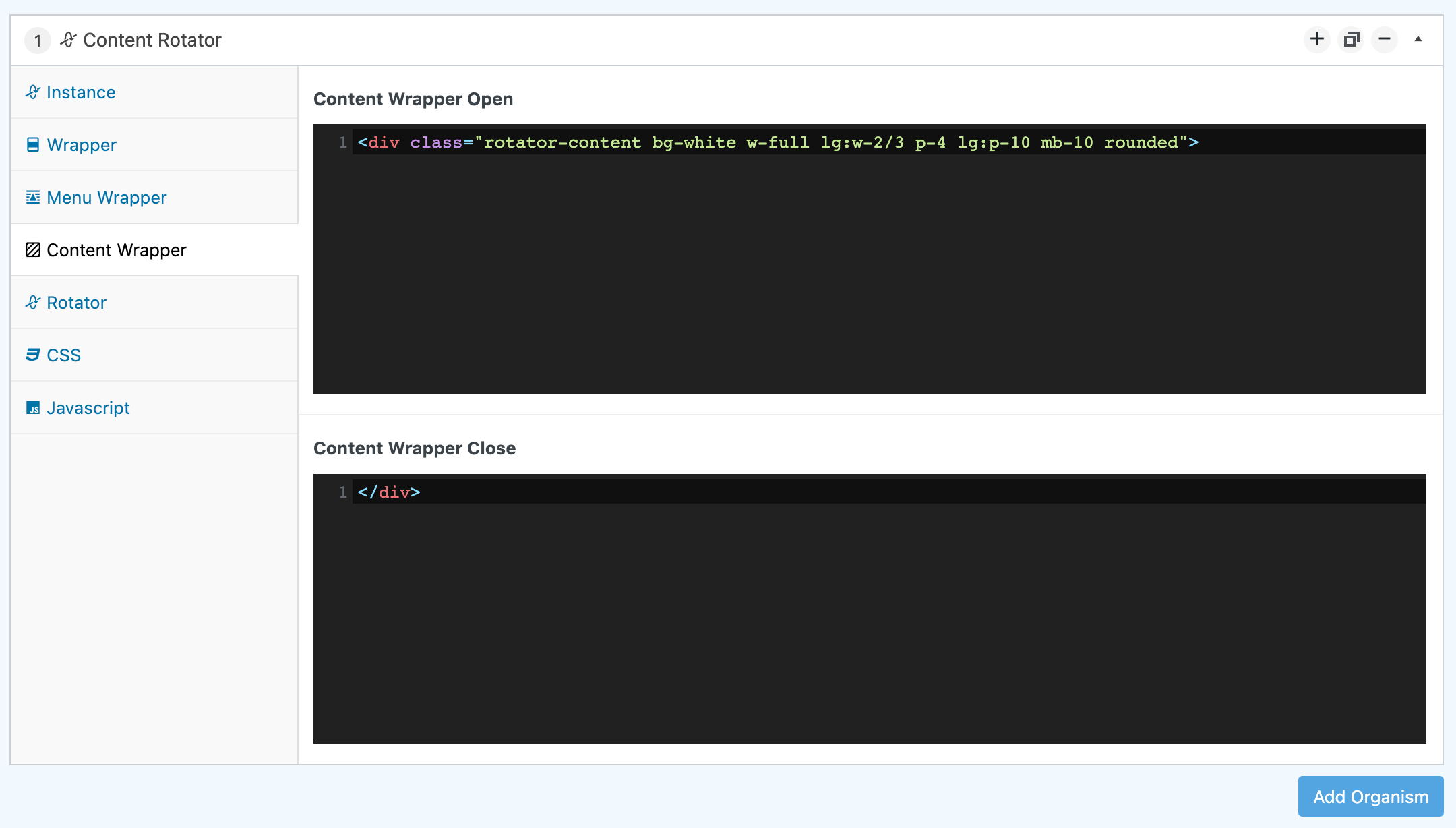
3.4. Content Wrapper.
- Content Wrapper Open. Any HTML to start before the rest of the content (videos / text / buttons).
- Content Wrapper Close. Any HTML at the end of the content (videos / text / buttons.)
3.5. Rotator.
-
Rotator Instance (row)
-
Identifier. Title to separate from other rows.
-
Menu Item. This is the code that will be used in the menu. Usually a list item with a link tag in it.
<li class="current" data-id="one" ><a href="/classes">OUTDOOR CLASS</a></li> -
Content. What to render when the menu item gets clicked. Example:
  <div class="one">
      <lite-youtube class="lazyload w-full h-40 md:h-64 lg:h-96 bg-cover bg-center block rounded mb-10 flex cursor-pointer" videoid="8UEP-8yX7E0" style="background-image: url('/wp-content/uploads/Essential/video-covers/outdoor.jpg');">
          <svg role="img" aria-label="youtube logo button" width="100px" viewBox="0 0 24 24" xmlns="http://www.w3.org/2000/svg" class="m-auto fill-white hover:fill-youtube">
              <path d="M10,15L15.19,12L10,9V15M21.56,7.17C21.69,7.64 21.78,8.27 21.84,9.07C21.91,9.87 21.94,10.56 21.94,11.16L22,12C22,14.19 21.84,15.8 21.56,16.83C21.31,17.73 20.73,18.31 19.83,18.56C19.36,18.69 18.5,18.78 17.18,18.84C15.88,18.91 14.69,18.94 13.59,18.94L12,19C7.81,19 5.2,18.84 4.17,18.56C3.27,18.31 2.69,17.73 2.44,16.83C2.31,16.36 2.22,15.73 2.16,14.93C2.09,14.13 2.06,13.44 2.06,12.84L2,12C2,9.81 2.16,8.2 2.44,7.17C2.69,6.27 3.27,5.69 4.17,5.44C4.64,5.31 5.5,5.22 6.82,5.16C8.12,5.09 9.31,5.06 10.41,5.06L12,5C16.19,5 18.8,5.16 19.83,5.44C20.73,5.69 21.31,6.27 21.56,7.17Z"></path></svg>
      </lite-youtube>

      <h3 class="mb-4 text-xl md:text-2xl ">This is real, practical, parkour movement for beginners.</h3>
      <p class="leading-8 mb-10 lg:w-2/3" >Crafted with the true spirit of parkour and refined to be one of the most enjoyable, challenging and rewarding training sessions you will ever participate in.</p>
      <a href="/classes" class="py-4 px-10 mr-4 inline-block z-10 w-full rounded-xl md:w-auto text-center bg-night text-white hover:bg-Blue900 hover:text-white">MORE DETAILS</a>

  </div>
-

3.6. CSS.
- Inline CSS. A `