Install
This is the repository archive. It installs, but the folder name will carry the branch suffix and updates will not flow.
Install straight from GitHub with WP-CLI:
wp plugin install https://github.com/ioroot/postplanpro/archive/refs/heads/master.zip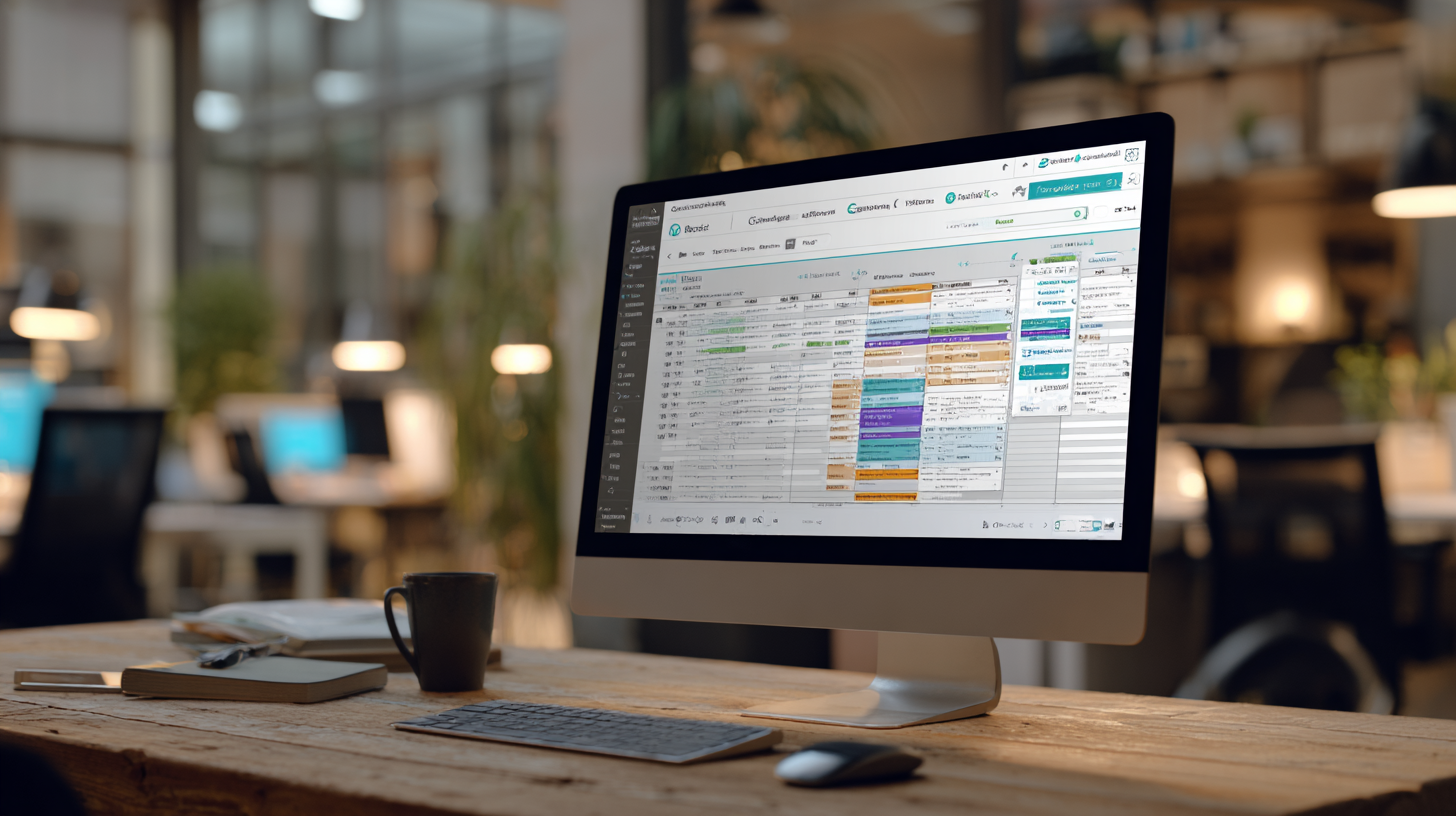
PostPlanPro
This plugin is used to schedule posts / media to social platforms.
Prerequisites
- Wordpress
- ACF Pro (Needs pro features - repeater)
- Make.com Scenario
Intro
The idea is to programatically generate social media posts. There are many parts to the pipeline, but in essense the following is what should happen:
- Video + thumbnail is created on server with public URL.
- This plugin is notified and a new 'release' is created.
- The release is assigned a schedule that determines when it should be posted.
- A template for each social platform is associated with that schedule.
- The release is updated using the templates for each social profile.
- The publication date is changed to meet the schedule requirements.
- When the publication date hits, all data is sent to make.com via a webhook.
- Make.com has a scenario that will post to each social media platform.
Usage
Templates
You can generate a template for a particular social platform listed. Within the template you can specify headers / footers / hashtags, etc... that will be used to wrap around the main content supplied. For instance, you may create an instagram template that includes a specific list of hashtags you wish to use on your releases.
You need to create a template before you create a schedule.
Schedule
The schedule specifies when to post your releases. For instance, you may wish to post every Monday at 6pm. You can set the starting day, the time, and the repeat time period, which specifies the number of minutes to wait until the next release can be scheduled.
You may have a 60min repeat. This means that starting from the next Monday at 6pm, each release will be scheduled every hour. So if you have three releases, they will be scheduled for 6pm, 7pm and 8pm.
You may wish to only publish the release once a week, every 10080 mins. This will mean that each of the three releases will be scheduled for the next Monday at 6pm, the next Monday after that at 6pm and the Monday after that at 6pm.
The schedule also specifies which social platform to post to and the template to use when posting.
You can select multiple social platforms, but a single template per platform.
Releases
The release is a custom post type. It has a few fields you can fill in.
In the sidebar you can specify the schedule you wish for this release to adhere to. This will determine the content of the social platform content and the publishing / scheduling date.
The title is just for reference purposes except for certain platforms that require a title like youtube. The content is used to populate the social platform content along with the template fields that has been selected.
As an example, Instagram will use the template header, content, template footer and template hashtags to populate the instagram caption field.
You can also populate fields for a video URL and a thumbnail URL.
Publish Webhooks
Whenever a release changes status from 'scheduled' to 'published', a webhook is fired over to Make.com using the webhook URL specified in the settings tab.
The following json data is sent using the webhook:
{
  "ID": "",
  "post_title": "",
  "post_content": "",
  "post_excerpt": "",
  "post_status": "",
  "post_date": "",
  "post_date_gmt": "",
  "ppp_release_method": "",
  "ppp_release_schedule": "",
  "ppp_video_url": "",
  "ppp_thumbnail_url": "",
  "ppp_instagram_caption": "",
  "ppp_facebook_description": "",
  "ppp_twitter_status": "",
  "ppp_gmb_title": "",
  "ppp_gmb_summary": "",
  "ppp_slack_text": "",
  "ppp_youtube_title": "",
  "ppp_youtube_description": "",
  "ppp_youtube_tags": "",
  "ppp_youtube_publish_at": "",
  "ppp_youtube_recording_date": "",
  "ppp_makecom_response": ""
}
Calendar
There is also a calendar view to show when any of the releases are scheduled. Click through to access any of the releases. When creating a schedule you can edit the 'Schedule HTML Classes' field to customise the calendar release.
The HTML uses the TailwindCSS library, so you can use any of the tailwind classes in this text field and they will work. Simply use a background class like 'bg-purple-500' to colour all releases using that schedule.
REST API
The plugin also has simple REST API functionality to create or update a release
through a request. There are two examples in the postplanpro/bin directory
that show how to use curl to either create or update.
Create a release
curl -X POST https://localhost/wp-json/custom/v1/release \
-H "Content-Type: application/json" \
-H "X-API-TOKEN: alpha" \
-d '{
    "token": "abcdef",
    "title": "New Release Title",
    "content": "This is the content of the new release.",
    "acf": {
        "ppp_release_method": "true",
        "ppp_release_schedule": "My First Release",
        "ppp_video_url": "http://mydomain.com/video/my_video.mp4",
        "ppp_thumbnail_url": "http://mydomain.com/video/thumbnail.png"
    }
}'
Update a release
curl -X PUT https://localhost/wp-json/custom/v1/release/10138 \
-H "Content-Type: application/json" \
-H "X-API-TOKEN: bravo" \
-d '{
    "title": "UPDATED Release Title",
    "content": "This is the UPDATED again of the new release.",
    "acf": {
        "ppp_release_method": "true",
        "ppp_release_schedule": "My First Release",
        "ppp_video_url": "http://mydomain.com/video/my_video.mp4",
        "ppp_thumbnail_url": "http://mydomain.com/video/thumbnail.png"
    }
}'
API Tokens
You will notice that the curl requests have a header "X-API-TOKEN: alpha"
that specifies alpha as the API Token. That token can be specified in the
settings tab. One or more tokens can be created that give access to the API.
Any request supplied without a token will fail.