Install
This is the repository archive. It installs, but the folder name will carry the branch suffix and updates will not flow.
Install straight from GitHub with WP-CLI:
wp plugin install https://github.com/infosoftas/info-subscription-wordpress/archive/refs/heads/main.zipINFO-Subscription Access for WordPress
Let visitors sign in with INFO-Subscription and restrict articles to signed-in subscribers or subscribers holding any one of the selected products. Subscribers do not need WordPress accounts.
Status: pre-release, verified against live INFO-Subscription sign-in and API. Not yet in the WordPress.org plugin directory (waiting for a service privacy policy).
Screenshots
| Before sign-in | After sign-in |
|---|---|
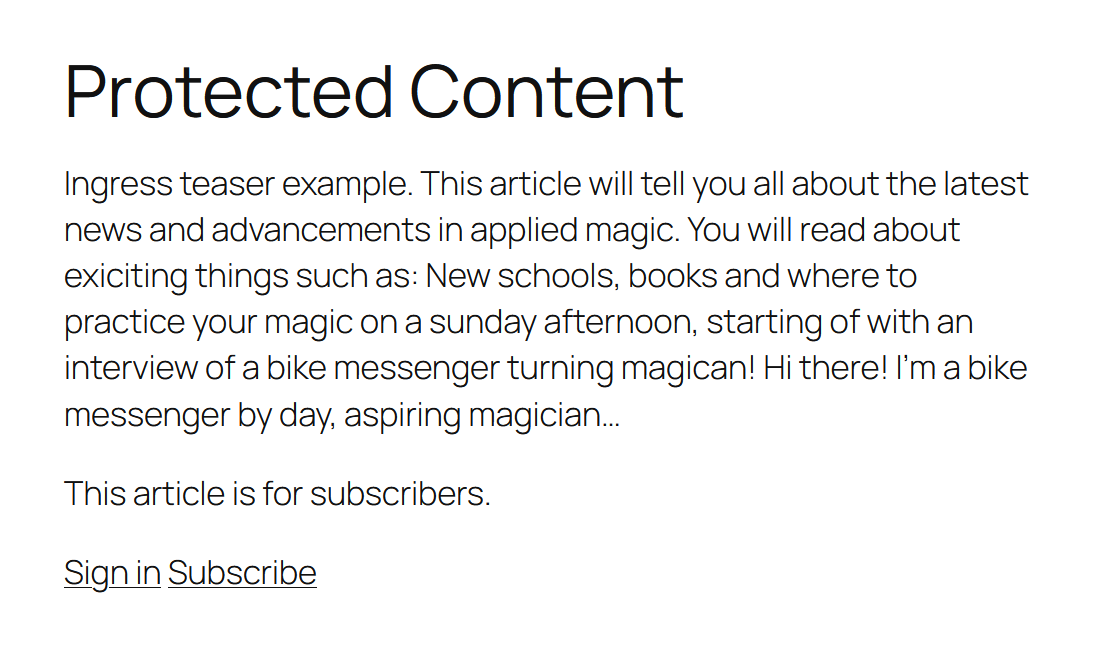 |
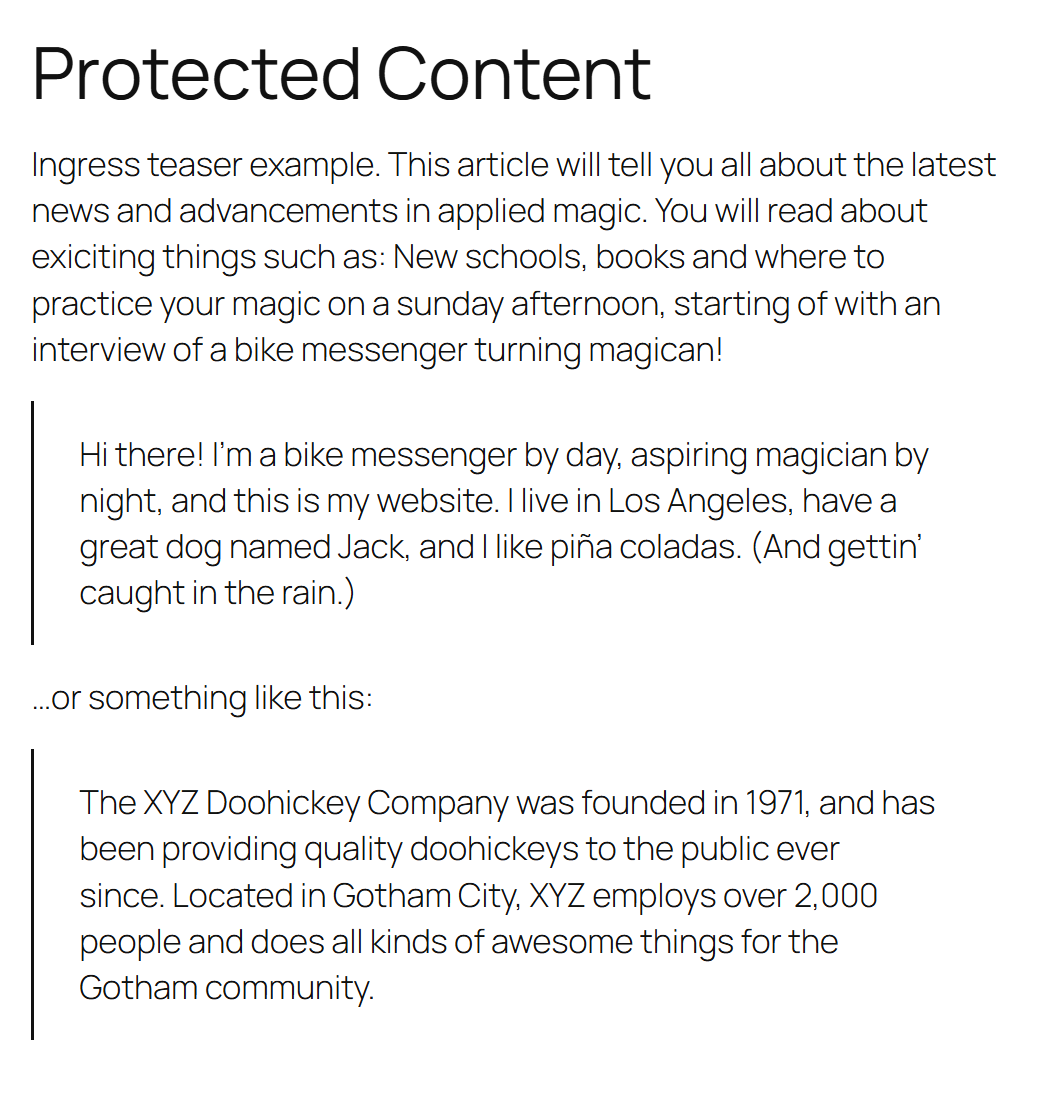 |
Install
Requirements: WordPress 5.6+, PHP 8.0+, HTTPS, and INFO-Subscription application registrations as described below.
- Open Releases
and download the attached
infosub.zipfrom a published release. - In WordPress, open Plugins -> Add New Plugin -> Upload Plugin, select that ZIP, and choose Install Now, then Activate Plugin.
- Open Settings -> INFO-Subscription and follow the configuration steps below.
Do not install GitHub's Source code (zip) or a Code -> Download ZIP
archive. Those contain source without the bundled dependencies and are not ready
to install. Composer is not needed when installing infosub.zip.
Until the first release is published, maintainers can build infosub.zip using
composer build, or download the infosub artifact from a successful
Build and test
run. Extract the artifact archive once to get the installable infosub.zip.
Configure
The plugin talks to two different identity providers (Azure AD B2C). They use separate application registrations and separate credentials. Nothing is shared between them.
| Subscriber sign-in (paywall) | API credentials (product list) | |
|---|---|---|
| Identity provider | The tenant-specific instance (for testing: experimentationS4prod) |
The main INFO-Subscription instance (prodlogins4), shared by all tenants |
| Authentication | Subscribers sign in on the public site | Administrator signs in interactively with OAuth2 authorization_code + PKCE (public client, no secret) |
| Needs an application registration | Yes, one per tenant/site | Yes, in the main instance |
| Redirect URI | https://your-site/wp-json/infosub/v1/callback |
https://your-site/wp-json/infosub/v1/api-callback |
| Settings fields | Tenant name, policy, client ID (no secret: the plugin only needs the id_token) | INFO-Subscription tenant ID (S4-TenantId), API client ID (no secret) |
| What it produces | A subscriber session (cookie infosub_sid) with the products from the extension_Products claim |
A cached list of products from GET /product (token used once, never stored) |
| Used by | Visitors reading protected articles | The "Subscription access" box when editing an article |
Product IDs from GET /product are the same IDs that appear in the extension_Products claim.
Configuration steps
- Install the plugin zip through Plugins, Add New, Upload Plugin, then activate it (PHP 8.0+). The zip already includes its dependencies; Composer is only needed to develop the plugin or build a release.
- Settings, INFO-Subscription, Subscriber sign-in: enter the tenant name and client ID.
The sign-in uses the OpenID Connect id_token flow (
response_type=id_token,response_mode=form_post), so no client secret is needed, but the application registration must allow ID tokens (implicit grant). Ask Infosoft to register the subscriber redirect URI shown on the page. The site must use HTTPS: the identity provider posts back cross-site, which needs aSameSite=None; Securecookie. Press Test connection. - Optional, Product list: enter the tenant ID and the API client ID (from the
application registered in the main instance). The application must be authorized to access
this tenant and have the tenant-specific
ReadWriteAlldelegated permission. Register the API redirect URI shown on the page with that application under the Mobile and desktop applications platform (a public client): the plugin redeems the sign-in code with PKCE instead of a client secret. Press Sign in and load products. The requested scope isopenid profileplushttps://prodlogins4.onmicrosoft.com/api/{S4-TenantId}.ReadWriteAll; the tenant ID comes from the INFO-Subscription tenant ID setting. Nooffline_access: tokens are used once and never stored. - Edit an article and choose an access mode in the Subscription access box: AllAccess lets everyone read it. UserLoggedIn requires an active INFO-Subscription sign-in session, even if the visitor has no products; a WordPress login alone does not qualify. SelectedProducts shows the product controls and requires any one selected product. If the product list has not been loaded, enter product IDs one per line or separated by commas. Saving SelectedProducts without any products reports an error and keeps the previous access rule. Other modes remember the selected products but ignore them.
Existing articles keep their behavior: no access mode and no required products means public; existing product requirements remain product-gated. Editors and administrators who can edit an article can always preview it. Login-only articles show a sign-in prompt instead of a subscription prompt; in redirect mode they send visitors to sign-in instead of checkout.
Values can also be fixed in wp-config.php: INFOSUB_TENANT, INFOSUB_POLICY,
INFOSUB_CLIENT_ID, INFOSUB_API_TENANT_ID,
INFOSUB_API_CLIENT_ID, INFOSUB_API_REDIRECT_URI.
Update or uninstall
Back up the site and database before updating. Download the new release's
infosub.zip, upload it through Plugins -> Add New Plugin -> Upload Plugin,
and choose Replace current with uploaded. Settings and article access rules
are retained. GitHub releases are not automatically installed by WordPress.
Deleting the plugin removes its options and transients. Add
define('INFOSUB_REMOVE_ALL_DATA', true); before deleting to also remove the product
access mode and product requirements stored on each article.
Diagnosing API authentication failures
If Sign in and load products fails during the token request, expand Technical details below the error on the settings page. It shows the HTTP status, OAuth error and provider description (including B2C error codes and correlation IDs when supplied), or the underlying connection error. No debug logging is required.
If the token request succeeds (HTTP 200) but the access token is missing, the details list
the returned field names (never values) and show the requested scope. The API access token
is used once to load products; neither access nor refresh tokens are stored.
An API 403 means the application may not be authorized for the configured tenant.
A token error saying a client secret or assertion is required (invalid_client,
AADSTS7000218-style) means the API redirect URI is registered under the Web platform;
move it to Mobile and desktop applications.
Details are redacted, stored temporarily for up to ten minutes, and shown once, only to the administrator who requested products. Error descriptions and credentials are not put in redirect URLs; tokens and raw response bodies are not displayed. Retry loading products if details have expired or already been viewed.
Composer and release build
Install Composer, PHP 8.0+, sh, curl, and PHP's zip extension. On Windows, run the
commands from WSL or Git Bash. From the plugin source folder:
composer installThis installs the exact dependencies recorded in composer.lock. The Composer install/update
scripts download Strauss to bin/ and prefix
dependencies in vendor/ under Infosub\Vendor\ (for example,
\Infosub\Vendor\Firebase\JWT\JWT). Keep references to bundled dependencies prefixed so
they cannot conflict with copies bundled by other plugins. Do not ship composer.* or
bin/strauss.phar to WordPress users; the release zip contains the built vendor/ directory.
To create a release zip:
composer buildThis installs the locked runtime dependencies with --no-dev, runs Strauss, then writes
dist/infosub.zip with everything under an infosub/ folder, minus files listed in
.distignore (bin/, tests/, dist/, composer.*, git files). Each build overwrites the
previous zip; the output shows the version from the Version: header in infosub.php.
Upload the zip through WordPress, or install it with
wp plugin install dist/infosub.zip --force.
Tests and releases
Standalone tests, after checking out the source:
php tests/gate-multiple-products.php
php tests/meta-box-multiple-products.php
Integration tests require an isolated test WordPress installation with an administrator and the built plugin active. Do not run them on production: they temporarily change settings, cookies and cached data.
wp eval-file tests/api-error-details.php --path=/path/to/test-wordpress
wp eval-file tests/oidc-id-token-flow.php --path=/path/to/test-wordpress
GitHub Actions builds the ZIP and runs all four suites against PHP 8.0 and 8.4
with a fresh WordPress installation on pushes to main and pull requests. These
tests use synthetic identity-provider responses; they do not verify live B2C
application registrations or real tenant access.
To prepare a release:
- Update both the
Version:header andINFOSUB_VERSIONininfosub.php, and theStable tag:and changelog inreadme.txt. - Commit, then push a matching version tag, for example
v0.1.0. - Actions verifies the tag and Stable tag match the version, builds and tests the plugin, then creates a
draft GitHub release with
infosub.zipattached. - Review release notes and verify real subscriber sign-in, API product loading and article access in a staging site before publishing the draft.
readme.txt is the WordPress.org plugin directory readme (shipped in the zip); this
README.md is for GitHub. Before submitting to or updating WordPress.org, run
Plugin Check on the built plugin; it must
report no errors.
License
MIT. See LICENSE. Bundled dependencies retain their own license notices.