Install
This is the repository archive. It installs, but the folder name will carry the branch suffix and updates will not flow.
Install straight from GitHub with WP-CLI:
wp plugin install https://github.com/hesham0-0nasser/tutor-lms-mcp/archive/refs/heads/master.zipNo built-in updater. New versions won't appear under Dashboard → Updates. Install new releases yourself, or let Git Updater track the repository.
Tutor LMS MCP Server — WordPress Plugin
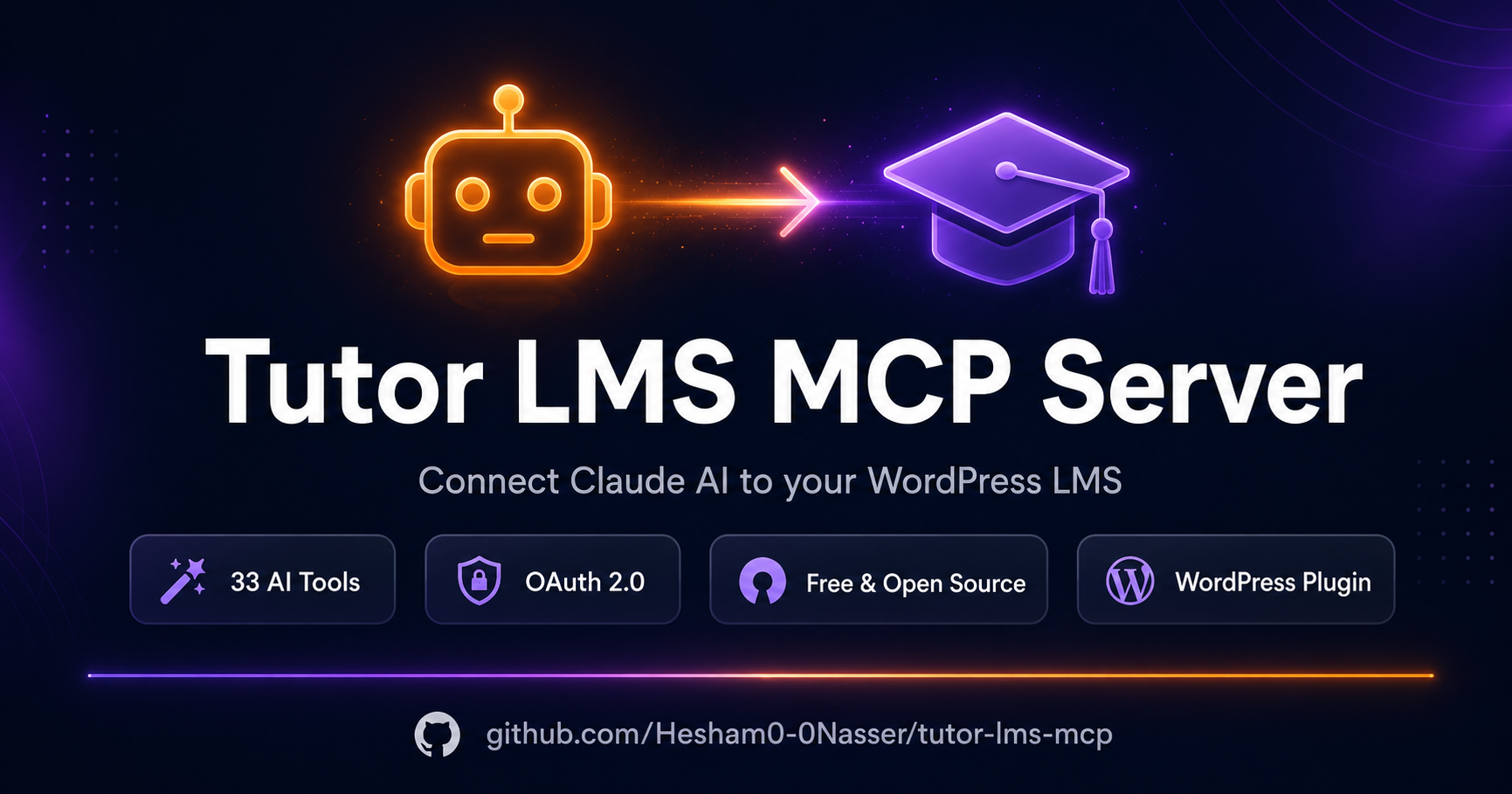
A WordPress plugin that turns your Tutor LMS site into a live MCP server, letting Claude AI manage your courses, lessons, quizzes, enrollments, and more.
Installation
- Download
tutor-lms-mcp-fixed.zip - Go to WordPress Admin → Plugins → Add New → Upload Plugin
- Upload the zip and click Install Now → Activate
- Go to Tutor MCP in the WordPress admin menu
Requirements
- WordPress 6.0+
- PHP 8.0+
- Tutor LMS
- Tutor LMS Pro REST API key with Read/Write permissions
MCP Endpoint
The endpoint uses the ?rest_route= format (required for LiteSpeed/Hostinger hosting):
https://yoursite.com/?rest_route=/tutor-mcp/v1/mcpPaste this URL into Claude.ai → Settings → Integrations → Add connector.
Authentication
This plugin uses OAuth 2.0 with PKCE — Claude.ai handles the full login flow automatically:
- Go to Tutor MCP in the WordPress admin menu
- Follow Step 1 — click Open Tutor LMS → REST API to generate an API key:
- Click Add Key
- Set permissions to ALL
- Click Generate API Key
- Copy the Consumer Key and Consumer Secret
- Follow Step 2 — paste the Consumer Key and Consumer Secret into the settings and click Save Keys
- Follow Step 3 — paste the endpoint URL into Claude.ai → Settings → Integrations → Add connector
- Claude.ai will show a login popup — log in with your WordPress admin credentials and click Authorize
- Claude.ai shows Connected — you're ready to use all tools
No manual token or header configuration is needed. Claude.ai manages authentication automatically.
Tools
| Tool | Description |
|---|---|
| tutor_list_courses | List all courses |
| tutor_get_course | Get course details |
| tutor_create_course | Create a new course |
| tutor_update_course | Update a course |
| tutor_delete_course | Delete/trash a course |
| tutor_get_topics | Get topics for a course |
| tutor_create_topic | Create a topic/section |
| tutor_update_topic | Update a topic |
| tutor_delete_topic | Delete a topic |
| tutor_get_lesson | Get lesson details + video URL |
| tutor_create_lesson | Create a lesson (with YouTube video) |
| tutor_update_lesson | Update a lesson |
| tutor_delete_lesson | Delete a lesson |
| tutor_get_quiz | Get quiz with all questions |
| tutor_create_quiz | Create a quiz |
| tutor_add_quiz_question | Add a question to a quiz |
| tutor_delete_quiz | Delete a quiz |
| tutor_create_assignment | Create an assignment |
| tutor_get_assignment | Get assignment details |
| tutor_delete_assignment | Delete an assignment |
| tutor_list_enrollments | List enrollments |
| tutor_enroll_student | Manually enroll a student |
| tutor_update_enrollment | Update enrollment status |
| tutor_list_qna | List Q&A questions |
| tutor_answer_qna | Answer a student question |
| tutor_list_reviews | List reviews |
| tutor_delete_review | Delete a review |
| tutor_list_announcements | List announcements |
| tutor_create_announcement | Post an announcement |
| tutor_delete_announcement | Delete an announcement |
| tutor_list_students | List students |
| tutor_get_student_profile | Get student profile + stats |
| tutor_get_course_content | Full curriculum tree |
Example Claude Prompts
- "List all published courses"
- "Create a course called 'Python Basics' as a draft"
- "Add a section called 'Variables' to course 42"
- "Create a lesson with a YouTube video: https://youtube.com/..."
- "Enroll student ID 7 in course ID 42"
- "Show all Q&A questions that haven't been answered"
- "Post an announcement to course 5: Live class tomorrow at 6pm"
- "Show the full curriculum of course 10"
- "Get the YouTube video link from lesson 1504"
Author
Hesham Nasser