Monero (XMR) Payment Gateway for WooCommerce WP Registry grade A. No security issues foundWP RegistryNo security issues foundOpen the reportA
An ultra-minimal Wordpress plugin to add a Monero (XMR) payment gateway to a WooCommerce shop.
Install
This is the repository archive. It installs, but the folder name will carry the branch suffix and updates will not flow.
Install straight from GitHub with WP-CLI:
wp plugin install https://github.com/greyforestdigital/payment-gateway-for-woocommerce-monero/archive/refs/heads/master.zipA lightweight, privacy-focused Wordpress plugin to add a Monero (XMR) payment gateway to a WooCommerce shop.
DESCRIPTION
This plugin adds a minimal Monero (XMR) payment gateway to a WooCommerce shop.
All funds are paid directly into the wallet address provided, with no KYC, third-party platforms, or external services required aside from public CoinGecko API.
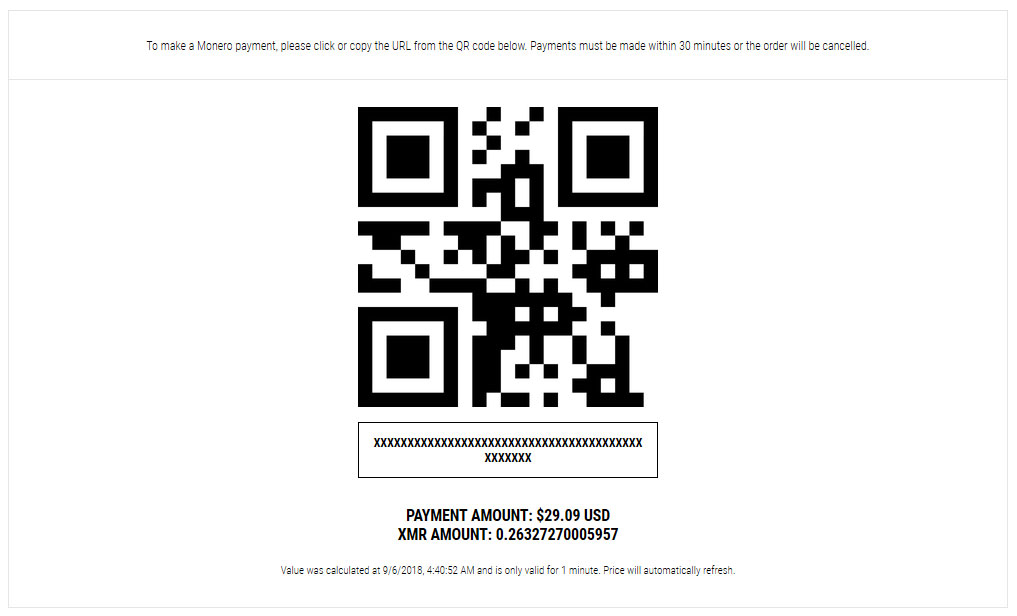
When customers check "Monero" on the Checkout page, they are redirected to the "Order Received" page, where they are presented a dynamically-generated QR code with the store's chosen wallet address, and a price in Monero converted from current rates pulled from CoinGecko's API. The rates and QR code regenerate every minute, ensuring the price is accurate.
NOTICE:
- Does not work with WooCommerce block-based Checkout. Only functional with classic checkout.
- There is no automated syncing or transaction data being transmitted. Store owners must manually check their wallets for a transaction's status.
FUTURE UPGRADES:
- Wallet address array to provide multiple possible addresses for randomization & potential enhanced privacy.
- Setting to choose icon for checkout
- Block-based checkout compatibility
OPTIONS
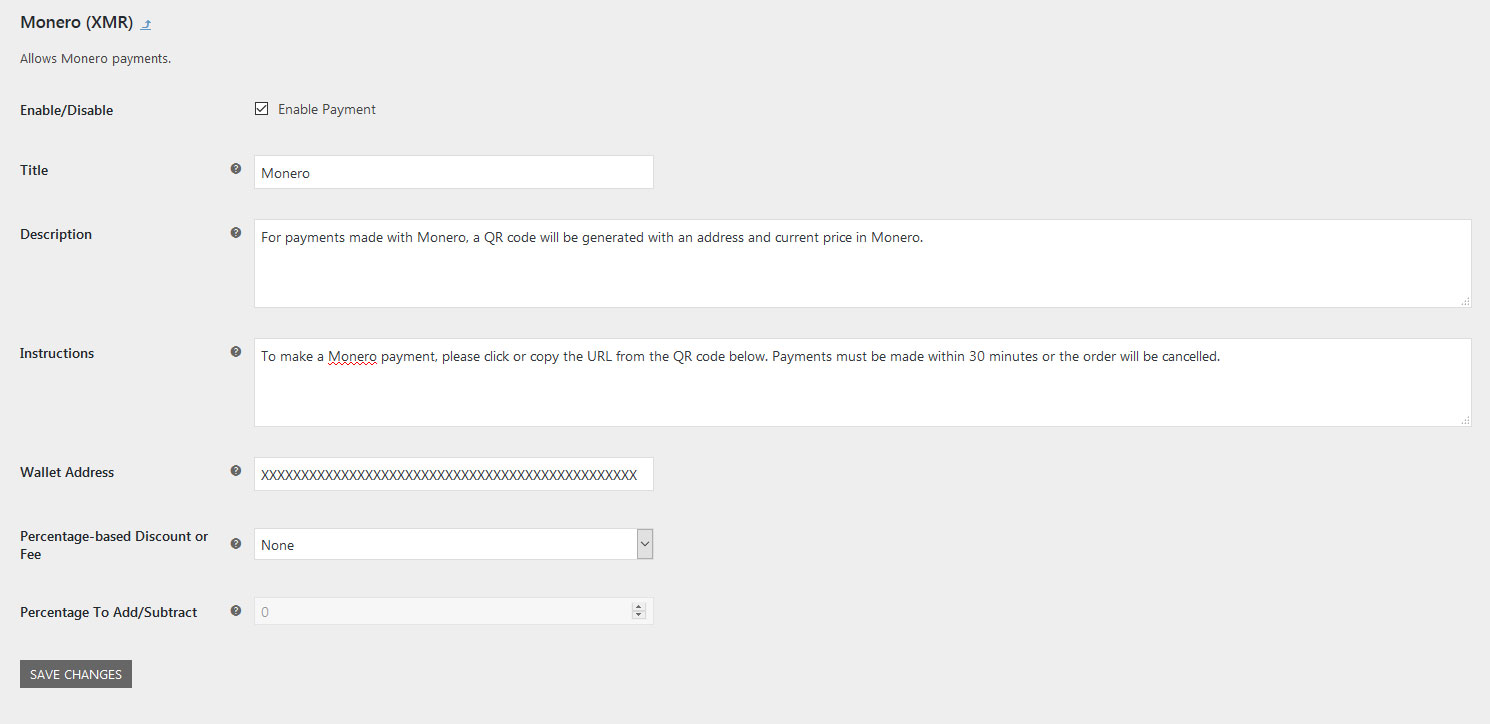
To setup, enable the Gateway through WooCommerce's settings panel, enter your Monero wallet address, choose a fee/discount option if desired, and the percentage you would like to add/subtract to each payment as a fee/discount (enter 0 if none).
- Wallet Address: Monero wallet address to receive funds
- Percentage-Based Discount or Fee: Option to add/subtract a fee/discount for using this gateway
- Percentage To Add/Subtract: Number used to determine percentage of fee/discount
DISCOUNT/FEE
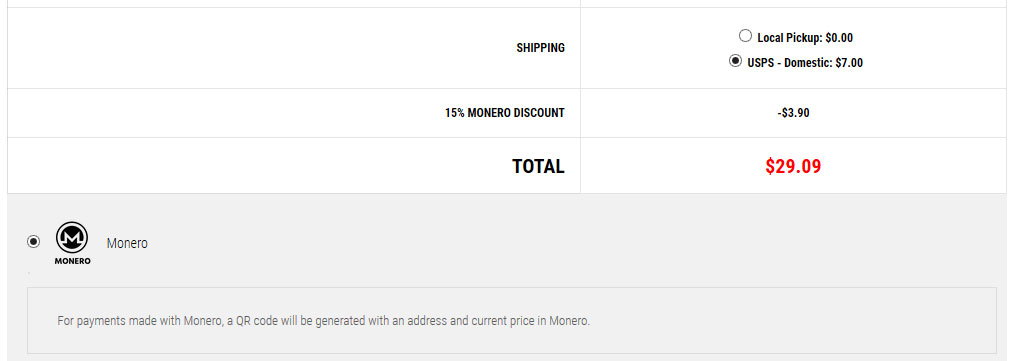
Discount/fees are updated dynamically on the checkout page and added as a line item to the order for record keeping.
DONATE
XMR: 82hwVhCKzat9NW9UCMsn3fAeAEAccsMC3FRpHu9jAeNvWYKhTsJr622a2s7vZyt3XfCTkG69SeZuWMpuwAcLM3qgCoXfGRa
Releases
2 releases.
These releases are tags only. The author does not attach a packaged zip, so there are no download counts to report.