Install
This is the repository archive. It installs, but the folder name will carry the branch suffix and updates will not flow.
Install straight from GitHub with WP-CLI:
wp plugin install https://github.com/gin0115/gated-media-access-restyle/archive/refs/heads/main.zipRebuilds the Gated Media Access front end from a separate plugin. Nothing in Gated Media Access is edited, and the theme is left alone.
Most of the change is markup, not paint. The components are server-rendered blocks, so core's block filters rebuild them after they render; Gated Media Access's own filters add a section and change what is listed; CSS styles the result.
Try it in WordPress Playground
Before and after
| Before | After |
|---|---|
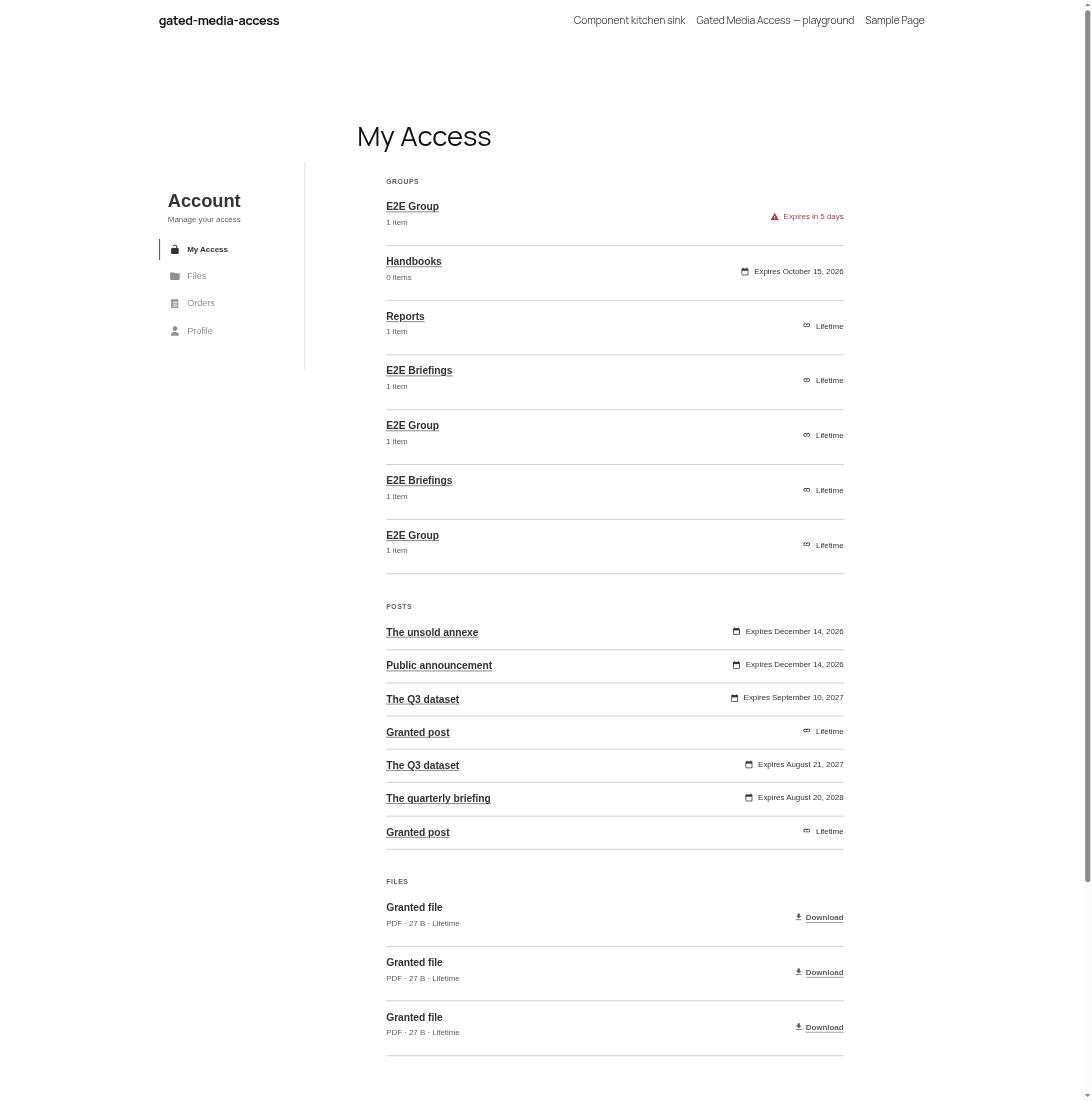 |
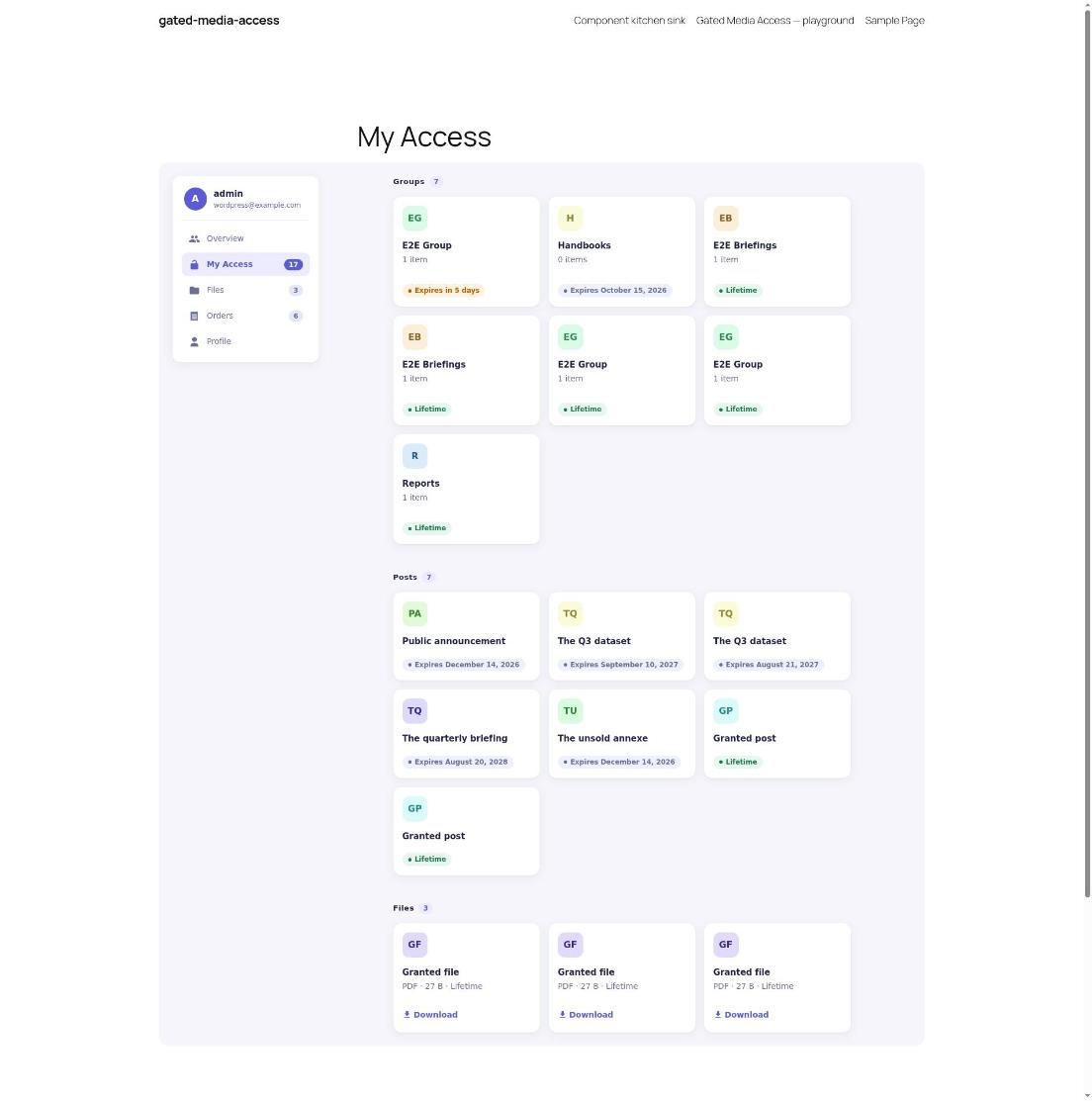 |
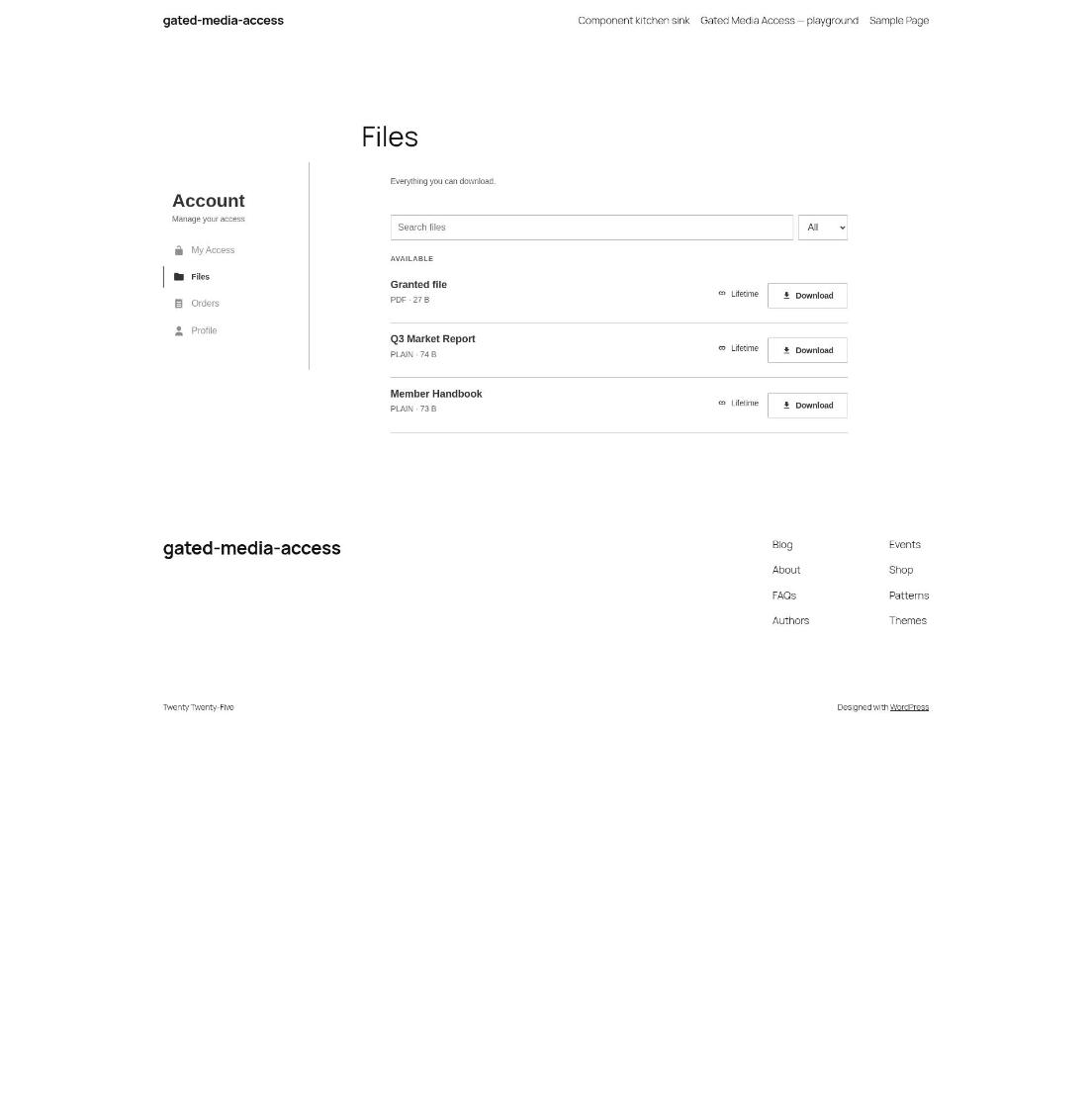 |
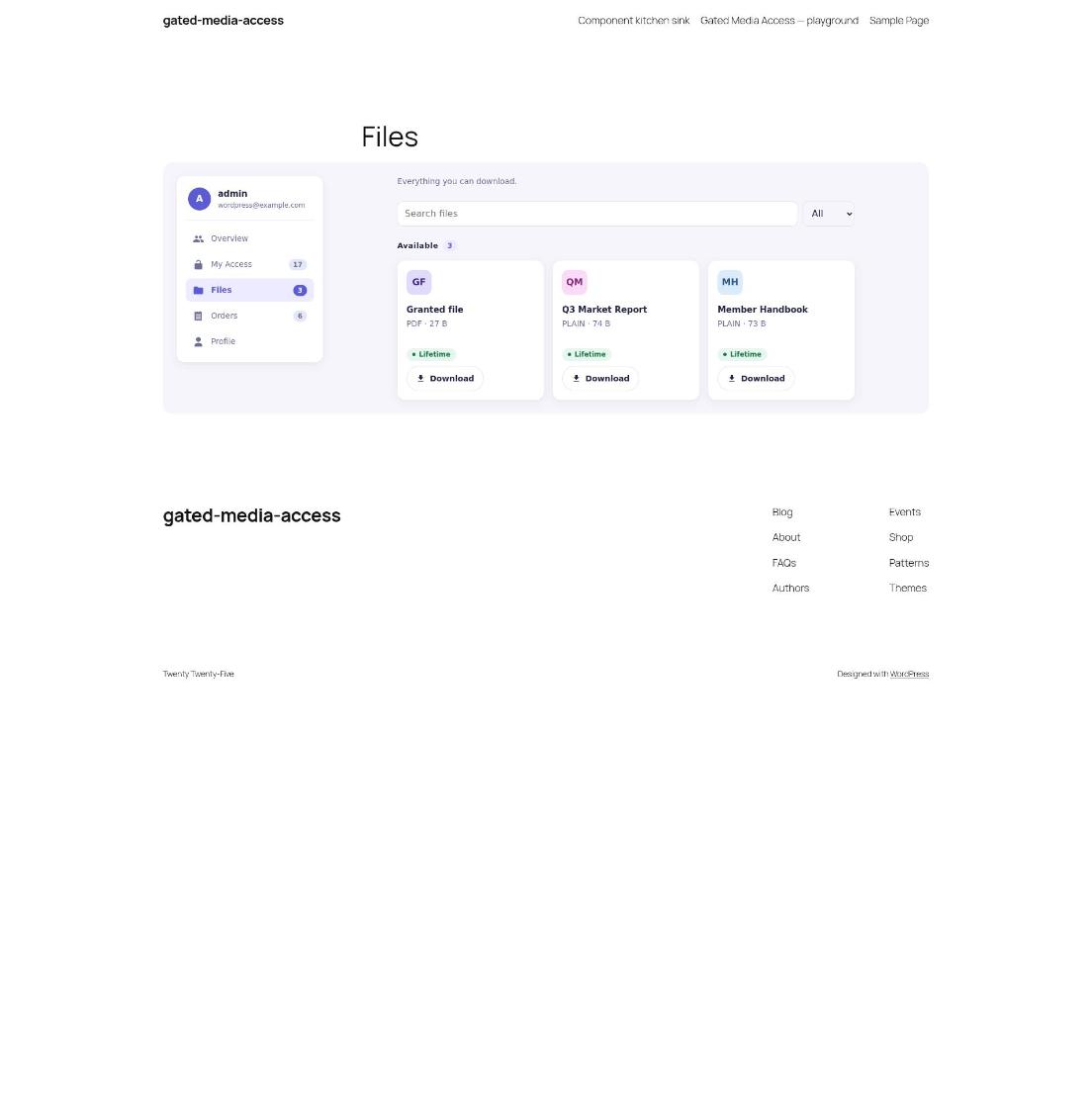 |
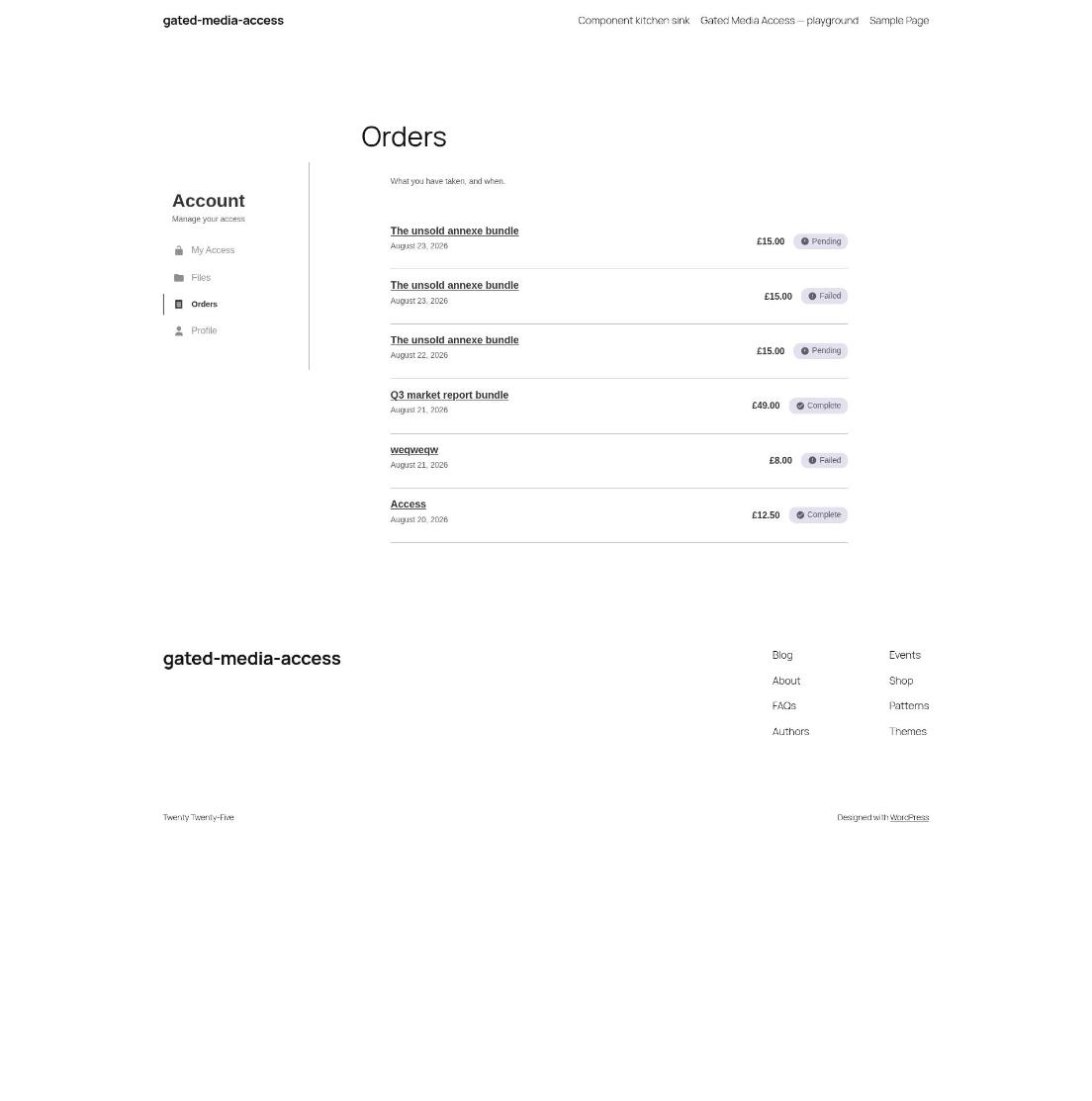 |
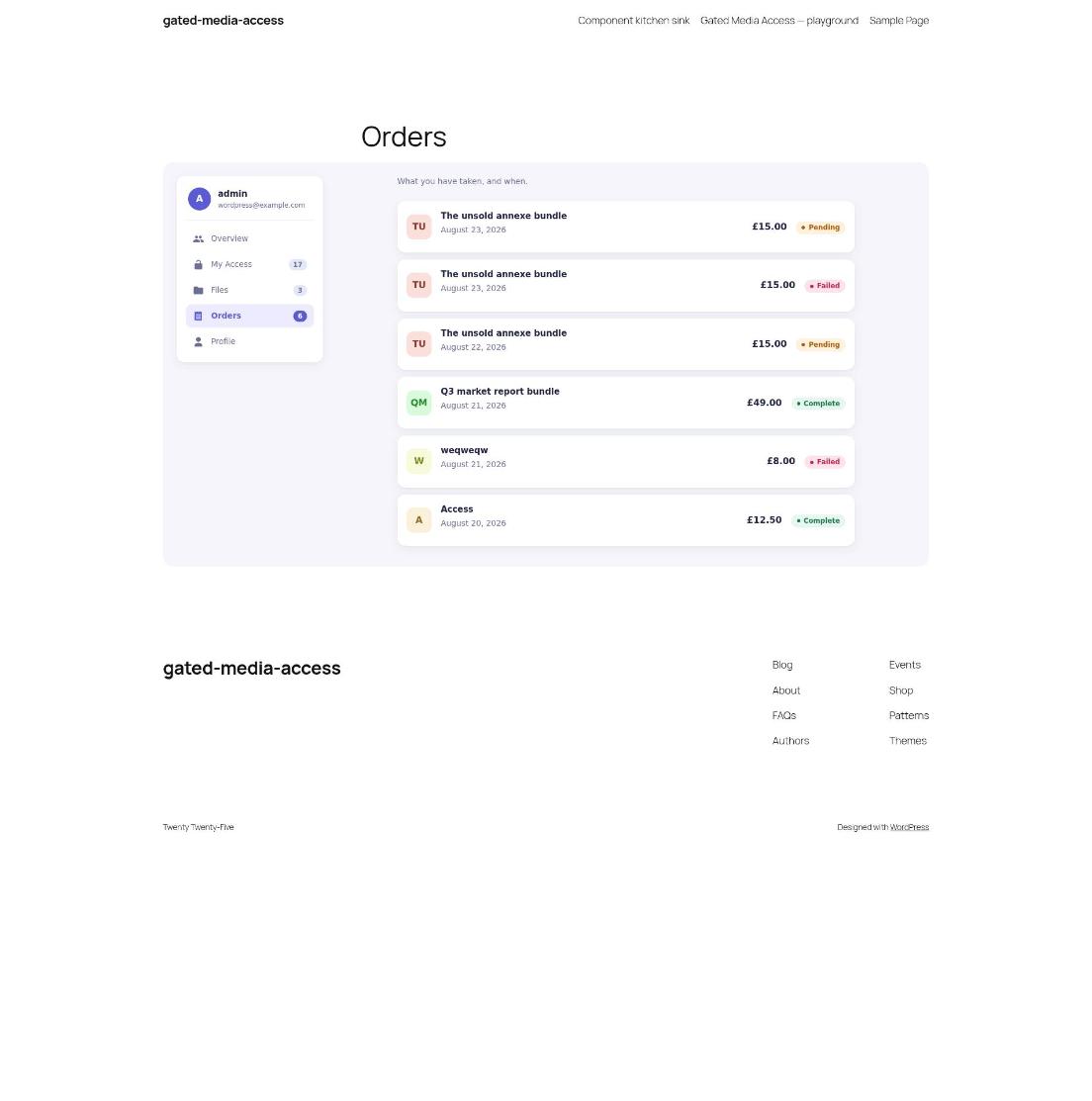 |
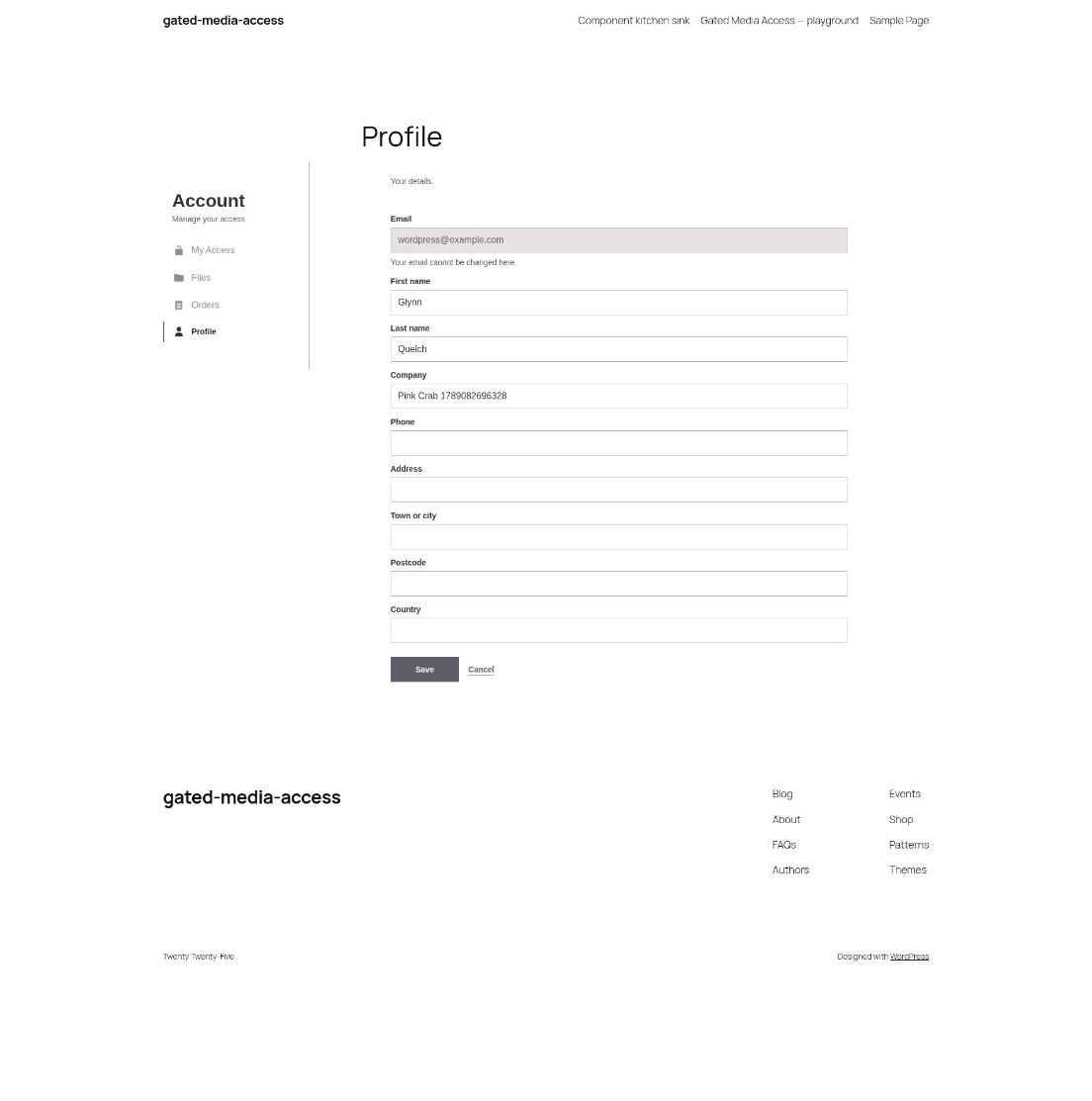 |
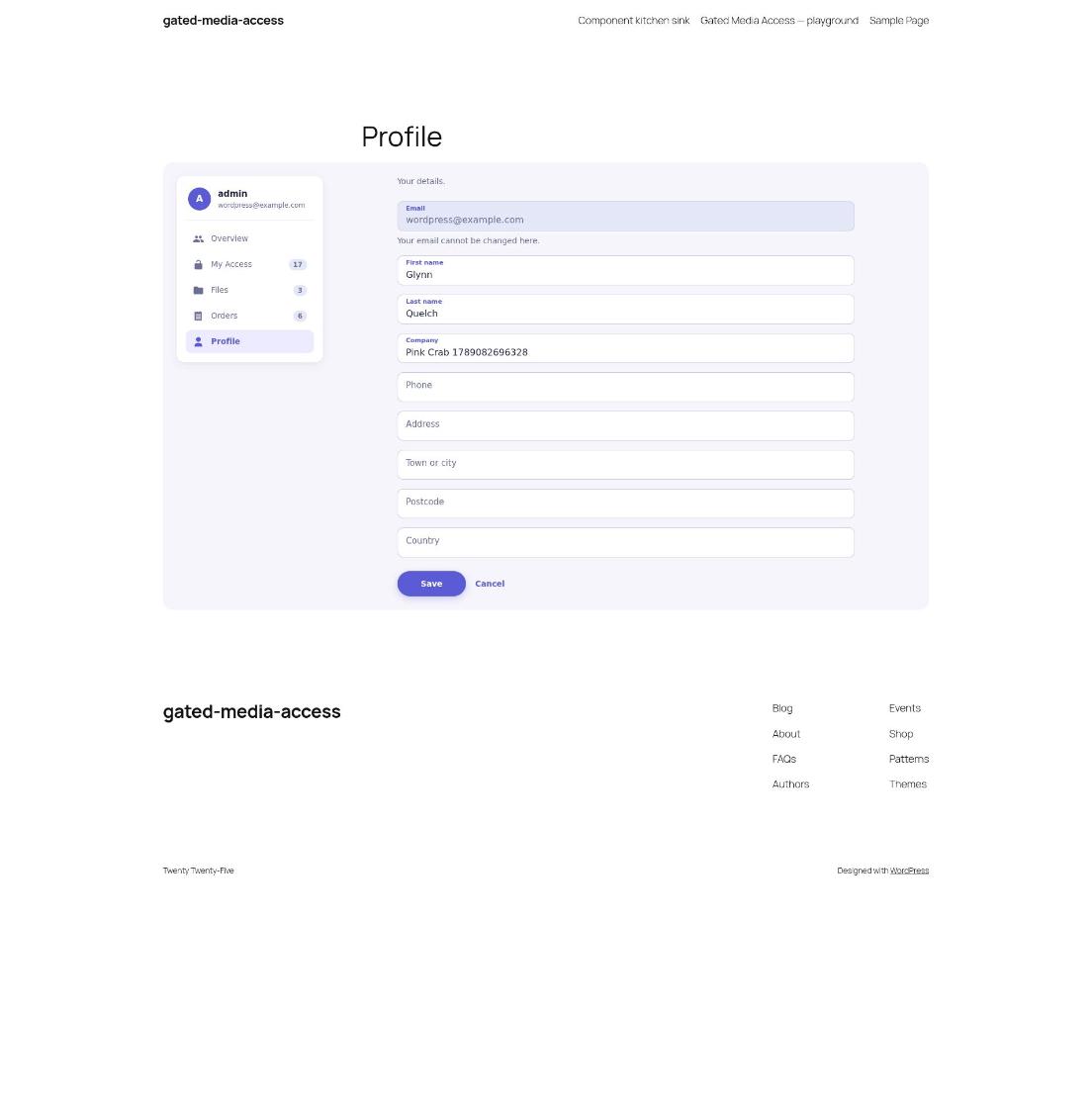 |
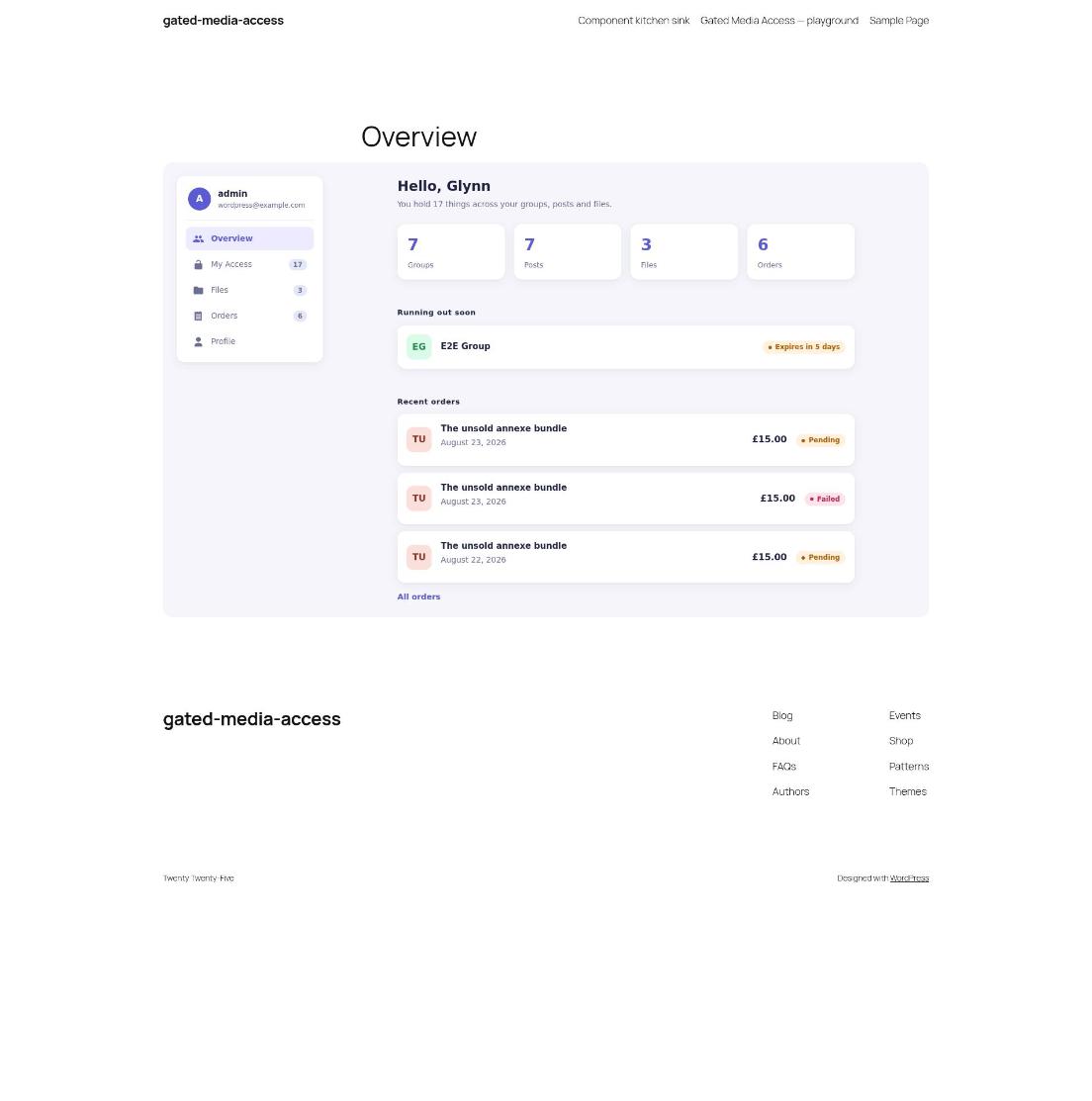
And a page Gated Media Access does not have at all:
What it changes
Block rebuilds, in render.php
Each runs on core's render_block_gated-media-access/{name} filter.
| Block | Rebuilt as |
|---|---|
row |
A card with a coloured initial tile. Keeps gatedmedia-row and data-gatedmedia-type, so the Files search and type filter still work. |
account-nav |
The same links with a count against each, and a user card above the sidebar form. |
section-heading |
The heading with a count beside it. |
expiry, status-pill |
Dot badges, coloured by state. |
empty-state |
An illustration and a button back to the site. |
field |
A floating label: the label moves after its input. |
Gated Media Access filters
| Filter | Change |
|---|---|
gatedmedia_account_sections |
Adds an Overview section, first in the nav, so the account area lands on it. |
gatedmedia_my_access_data |
Lists whatever runs out soonest first. Also read, with gatedmedia_files_data and gatedmedia_orders_data, for every count. |
gatedmedia_expiry_soon_days |
The expiry warning starts 14 days out rather than 7. |
The Overview section, in overview.php
A block of this plugin's own, named by the new section. It builds a greeting, four counts, what runs out soon and the latest orders from Gated Media Access's data filters, and draws them with Gated Media Access's own row, expiry, price, status-pill and button blocks, so the rebuilds above apply there too.
CSS, in styles.css
Added to the gatedmedia-front handle, which every Gated Media Access block loads. It redefines the --gatedmedia-* custom properties, lays My Access and Files out as grids of cards, and styles everything the rebuilds add.
Every hook Gated Media Access fires is documented in its docs/hooks.md.
Install
Needs Gated Media Access 0.1.0 or later and restrict-media-file-access, both active.
Download gated-media-access-restyle.zip from the latest release and install it from Plugins, Add New.
License
GPL-3.0-or-later.