Get Id Verified WP Registry grade D. High-severity findings · 5 findingsWP RegistryHigh-severity findings · 5 findingsOpen the reportD
Id Verification for Woocommerce in Wordpress
★ 0stars
33release downloads
≈10active sites
1.0.1latest · 5 years ago
Install
Upload it under Plugins → Add New Plugin → Upload Plugin, then activate.
Install straight from GitHub with WP-CLI:
wp plugin install https://github.com/ghiobi/get-id-verified/releases/download/1.0.1/get-id-verified.zipNo built-in updater. New versions won't appear under Dashboard → Updates. Install new releases yourself, or let Git Updater track the repository.
Get Id Verification for Woocommerce
Description
A Woocommerce plugin that allows merchants to verify the customers by their uploaded verification id.
Features
- Persist verifications for returning customers.
- Quick guest checkout.
- Secure storage of identification images.
- Supports jpg, jpeg, and png images uploads.
- Zero dependencies
Future features:
- Add Option for uploads to be optional. (Please contact me to speed this up +1).
- For more features, please contact me.
Installation
Requirements.
- Requires GD2 PHP extension.
- Woocommerce
This section describes how to install the plugin and get it working.
e.g.
- Down the zip file from the release page above.
- Upload
get-id-verified.zipin the Plugins section of WordPress. - Activate the plugin through the 'Plugins' menu in WordPress.
Customizations
Actions:
- giv_before_upload_widget: A message above the upload widget.
Filters:
- giv_add_validation_notice: Message sent to user when they dont upload a verification id.
- giv_add_checkout_notice: Message sent to user to notify them that their id will be verified.
- giv_upload_widget_header: Upload widget header.
Screenshots
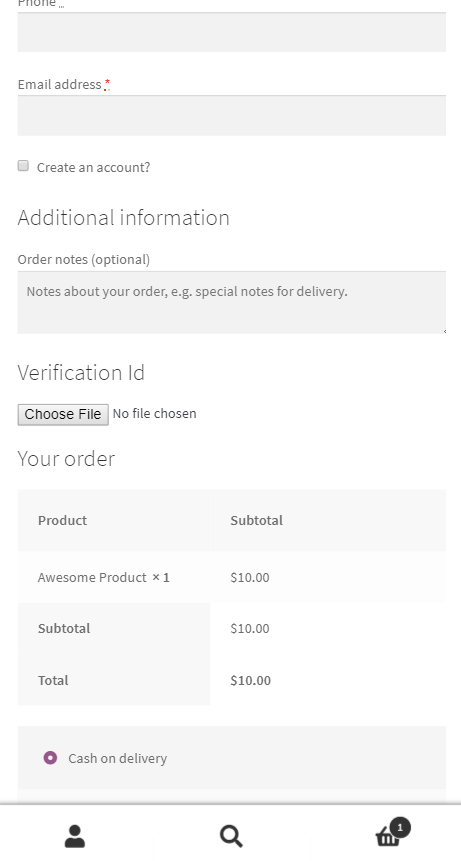
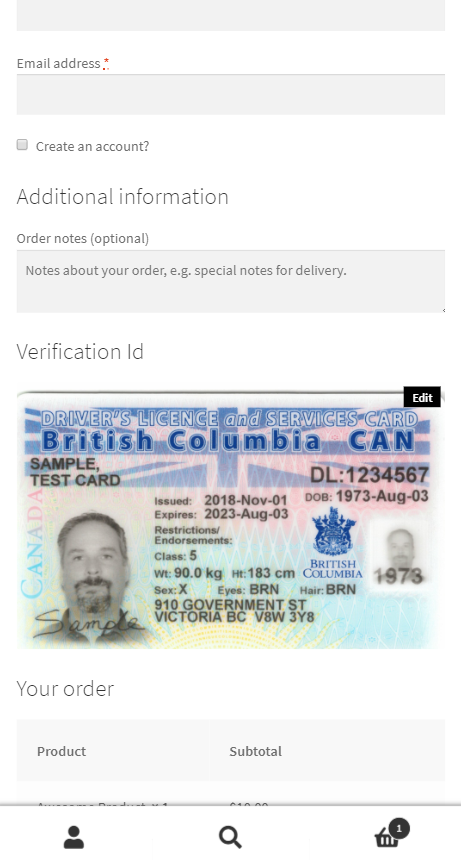
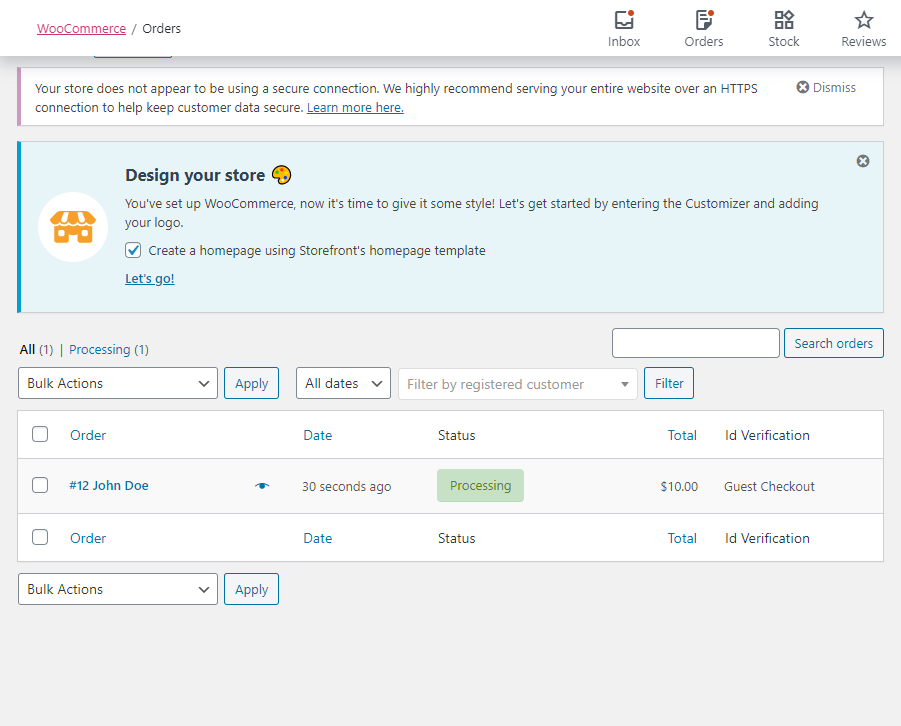
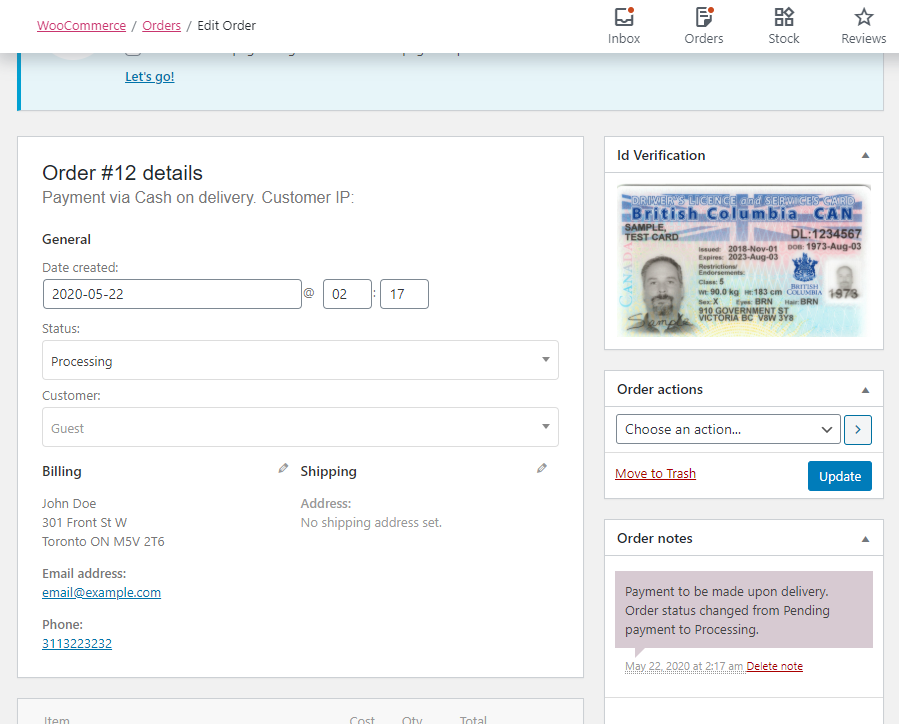
Releases
2 releases. Each count is every asset in that release; expand a row for the breakdown.
Tag
Published
Assets
Downloads
Active-site estimate ≈10 comes from the median of recent superseded releases. Method.