BunnyCDN Video Widget for Elementor
Elementor widget for secure Bunny Stream videos with signed, expiring embed URLs.
by Gabriel Mafra · github.com/gabrielmaafra/bunnycdn-elementor-widget · website
Install
No release zip yet. The repository archive installs, but the folder name will carry the branch suffix and updates will not flow:
wp plugin install https://github.com/gabrielmaafra/bunnycdn-elementor-widget/archive/refs/heads/main.zipAn Elementor widget that embeds Bunny Stream videos with signed, expiring URLs. Each page view gets a fresh token, so a copied embed link stops working once it expires. I built it for a membership LMS (LearnDash + BuddyBoss) where paid lessons had to stay inside the platform.
Features
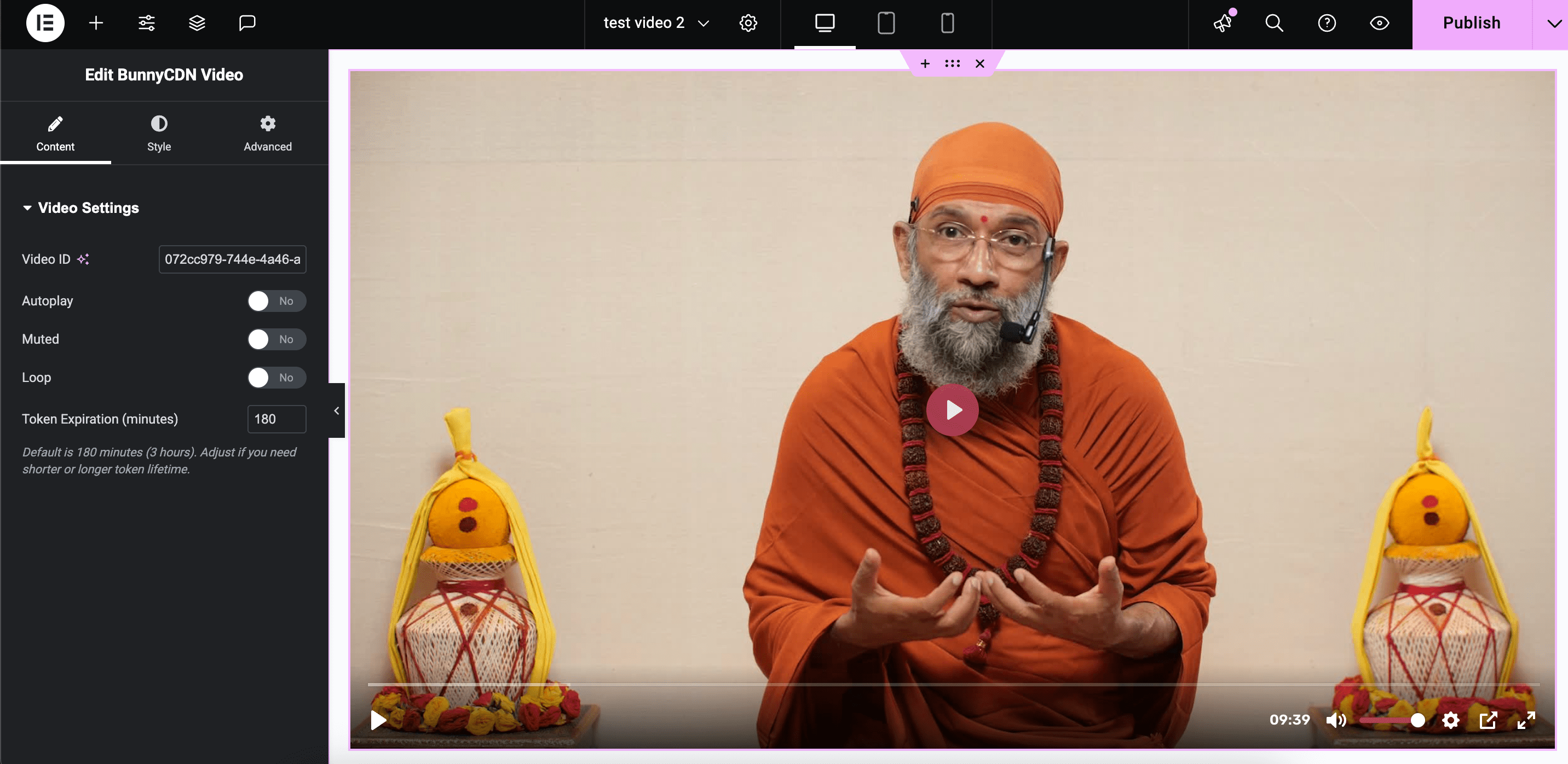
- Embed any Bunny Stream video by its Video ID
- Token authentication:
sha256(token key + video ID + expires), generated server-side on every render - Configurable token lifetime per widget (default 180 minutes)
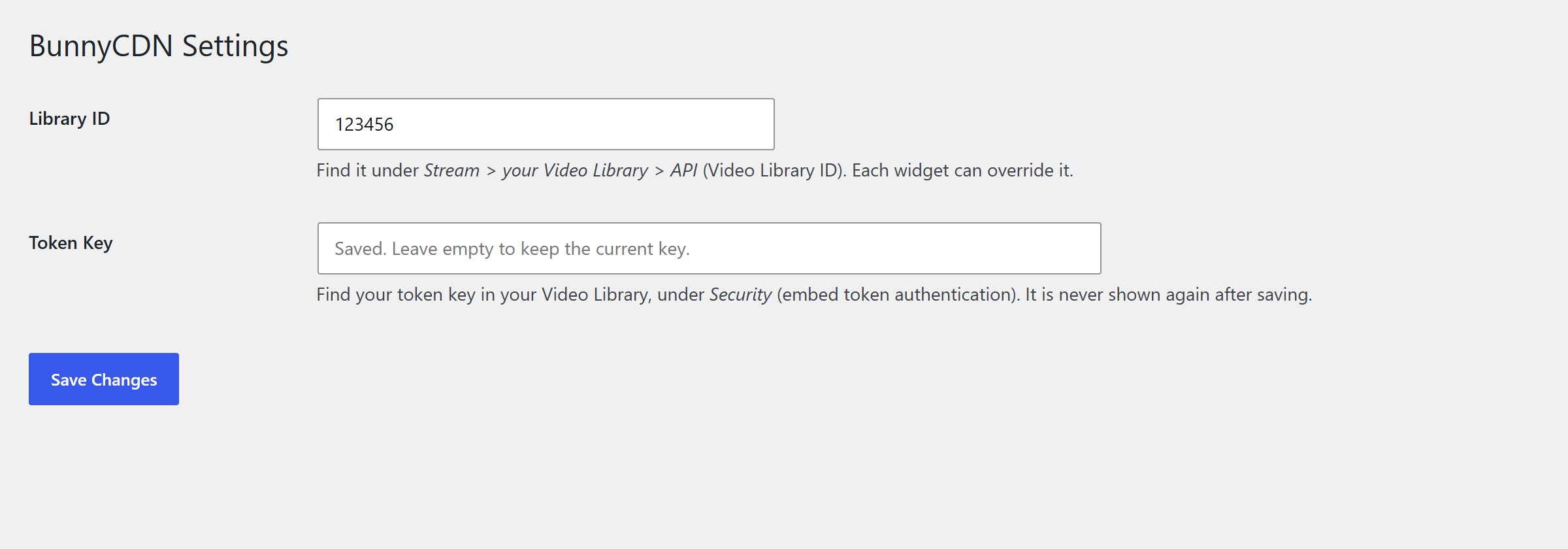
- Library ID set once in Settings > BunnyCDN, with an optional per-widget override
- Autoplay, muted, loop and preload options
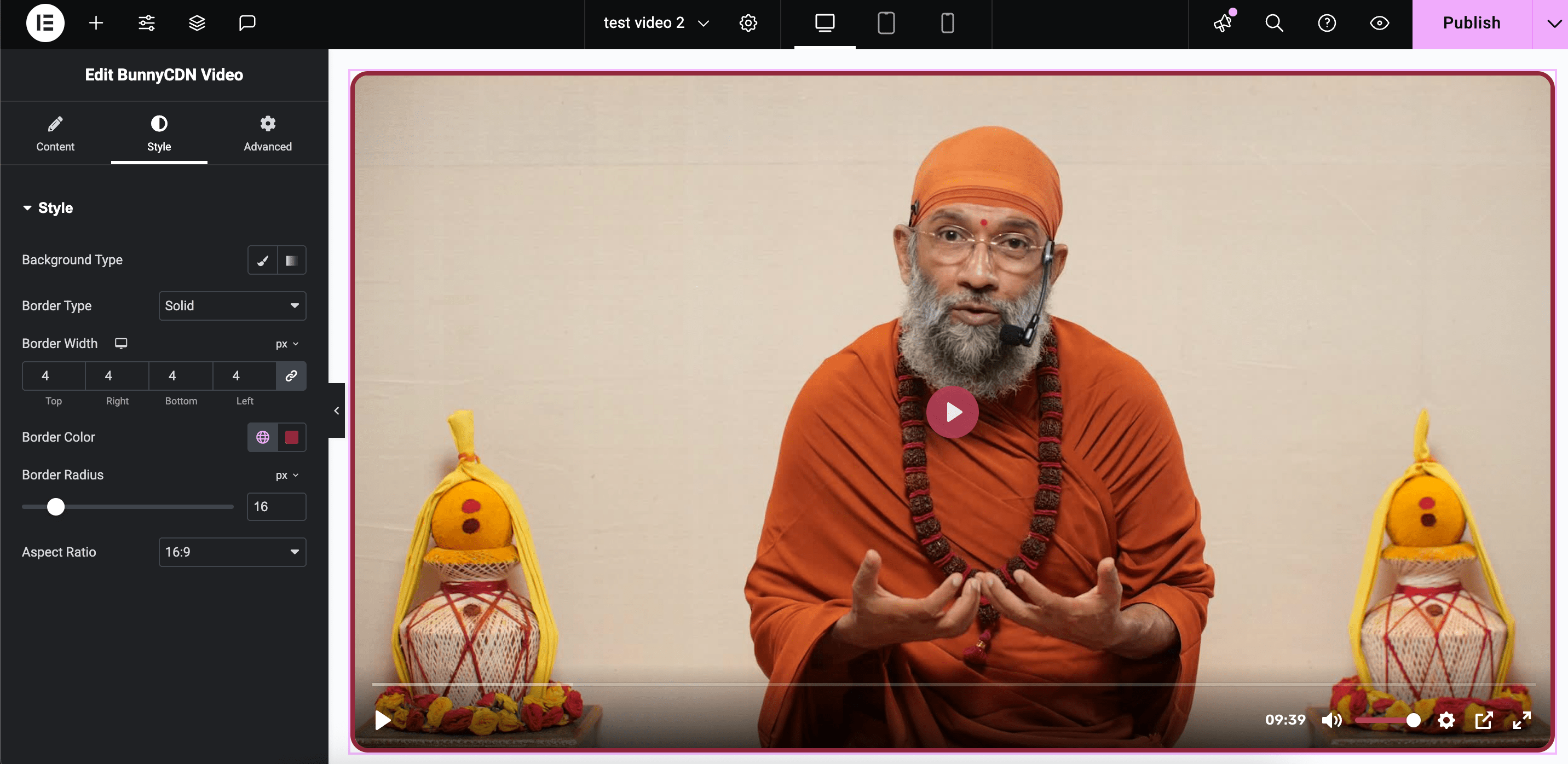
- Responsive player with 16:9, 4:3 and 1:1 aspect ratios
- Elementor style controls: background, border and per-corner radius
- The token key is never printed back in the admin, and visitors never see setup errors
Requirements
- WordPress 5.0+ and PHP 7.2+
- Elementor (free is enough)
- A Bunny Stream video library with embed token authentication enabled
Installation
- Download
bunnycdn-elementor-widget.zipfrom the latest release. - In WordPress, go to Plugins > Add New > Upload Plugin, upload the zip and activate it.
- Open Settings > BunnyCDN and enter:
- Library ID: on your video library's API page in the Bunny dashboard
- Token Key: in the library's Security settings (embed token authentication)
- In Elementor, search for BunnyCDN Video, drop it on the page and paste a Video ID.
How it works
On render, the widget builds the embed URL:
https://iframe.mediadelivery.net/embed/{library_id}/{video_id}?token={sha256(key . video_id . expires)}&expires={unix_time}Bunny validates the token and the expiry before serving the video. The key only lives in the WordPress options table and is never sent to the browser.
Pages cached by a full-page cache keep the token they were rendered with. Set the cache lifetime of pages with protected videos below the token expiration, or exclude them from the cache.
Upgrading from 1.5x
Earlier versions had the Library ID hard-coded. After updating to 1.6.0, enter it under Settings > BunnyCDN, or videos will show a setup notice to editors instead of the player.
Changelog
See the Changelog section in readme.txt.
License
GPL-2.0-or-later © Gabriel Mafra