manifest / integrations / rescuetime-block
RescueTime
Display your RescueTime productivity data in the WordPress admin dashboard with interactive charts.
★ 0stars
Install
This is the repository archive. It installs, but the folder name will carry the branch suffix and updates will not flow.
Install straight from GitHub with WP-CLI:
wp plugin install https://github.com/flexseth/rescuetime-block/archive/refs/heads/main.zipNo built-in updater. New versions won't appear under Dashboard → Updates. Install new releases yourself, or let Git Updater track the repository.
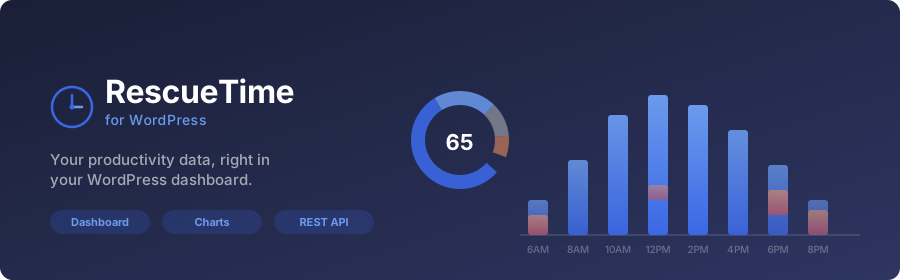
Display your RescueTime productivity data in the WordPress admin dashboard with interactive charts.
Features
- Dashboard widget — Bar chart (time by hour), donut chart (productivity pulse), and top category breakdown
- Settings page — Securely store and test your RescueTime API key
- REST API proxy — All API calls are server-side, keeping your key hidden from the browser
- Caching — 15-minute transient caching to reduce API calls
- Graceful error handling — Clear messages when the key is missing, invalid, or the API is unreachable
Requirements
- WordPress 6.4+
- PHP 7.4+
- A RescueTime account and API key
Installation
- Clone or download this repository into
wp-content/plugins/rescuetime - Run
npm install && npm run build - Activate the plugin in WordPress
- Go to Settings → RescueTime and enter your API key
Generate an API key at rescuetime.com/anapi/manage.
Architecture
Code Structure
- Procedural PHP — All PHP code uses functions with
rescuetime_prefix (no classes) - Server-side proxy — API key never exposed to the browser; all RescueTime API calls happen server-side
- Transient caching — 15-minute cache on all API responses to minimize external requests
- WordPress APIs — Uses Options API for settings, Transients API for caching, REST API for endpoints
Key Files
rescuetime.php— Plugin header and initializationincludes/rescuetime-bootstrap.php— Core setup and hooksincludes/rescuetime-admin.php— Settings page UIincludes/rescuetime-options.php— Settings save/test/remove handlersincludes/rescuetime-rest.php— REST API endpoint registrationincludes/rescuetime-api.php— RescueTime API client functionsincludes/rescuetime-widget.php— Dashboard widget registration and renderingsrc/admin/— JavaScript and CSS source filesassets/— Compiled production assets
Security
- API key stored via WordPress Options API
- Nonces on all admin actions
- Capability checks (
manage_options) on settings and widget - Server-side validation and sanitization
- Masked API key display (shows last 4 characters only)
Development
npm install
npm run start   # Watch mode
npm run build   # Production build
Testing Checklist
- Plugin activates without errors
- Settings page: save, test, and remove API key functionality
- Dashboard widget: charts render with valid key
- Dashboard widget: fallback states work (no key, API errors, network failures)
- REST endpoints return correct data with authentication
- REST endpoints return 401 without valid key
- Uninstall removes all options and transients
License
GPLv2 or later — see https://www.gnu.org/licenses/gpl-2.0.html