Fabio Data Pro
Fabio Data Pro simplifies data management plugin in WordPress. Create dynamic forms, display editable tables, and generate interactive charts via simple shortcodes.
Install
This is the repository archive. It installs, but the folder name will carry the branch suffix and updates will not flow.
Install straight from GitHub with WP-CLI:
wp plugin install https://github.com/faioliii/wp_formsanddiagramms/archive/refs/heads/main.zip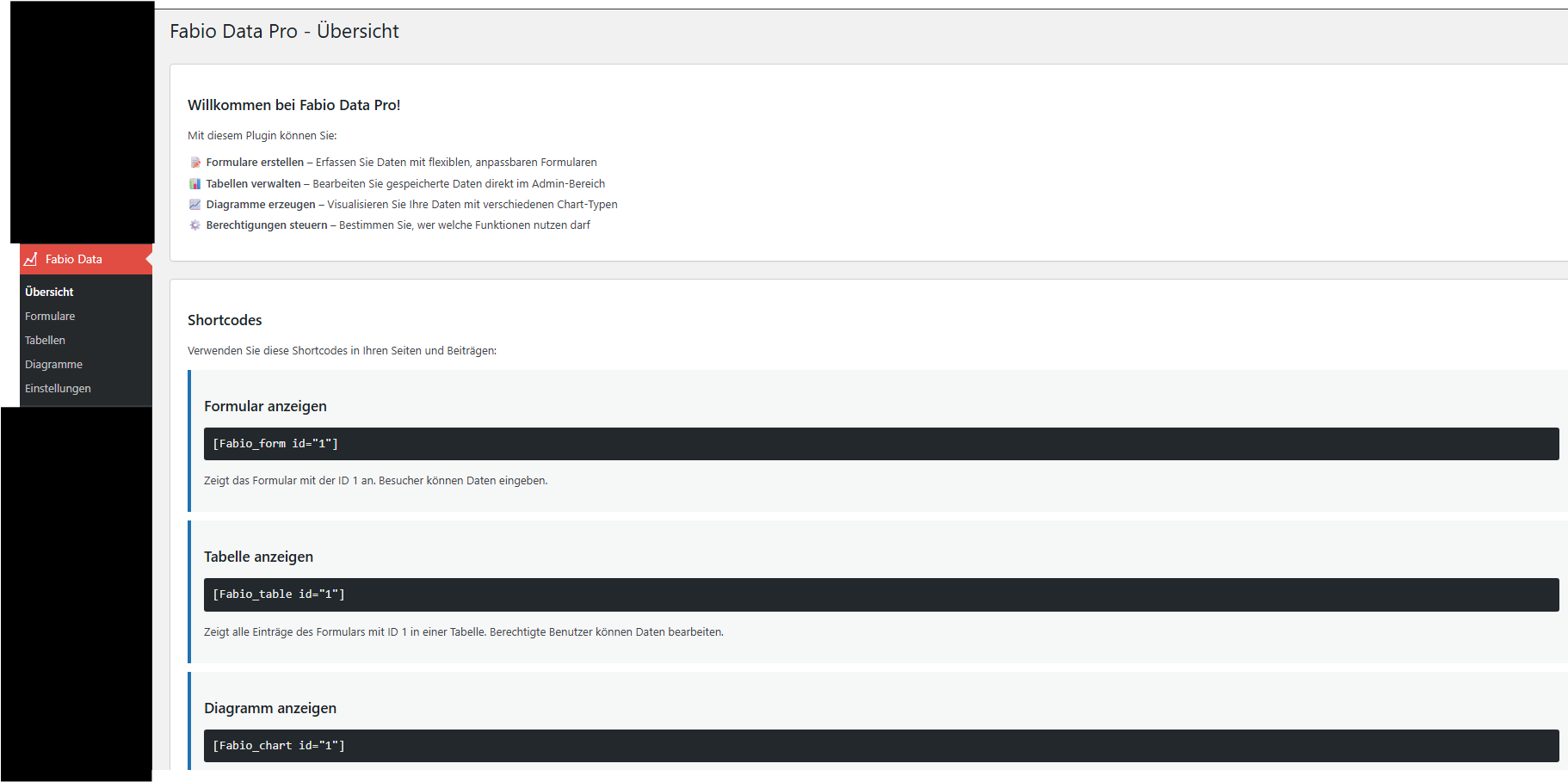
Fabio Data Pro simplifies data management plugin in WordPress. Create dynamic forms, display editable tables, and generate interactive charts via simple shortcodes.
Description
Fabio Data Pro empowers you to manage and visualize your data with the following features:
- Multiple Data Groups: Track data across various areas (e.g., fitness, finances, projects).
- Dynamic Forms: Supports date, number, text, checkbox, and select field types.
- Editable DataTables: Includes a convenient CSV export function.
- Interactive Charts: Choose from Line, Bar, Pie, Doughnut, and Radar charts.
- Live Admin Preview: View changes in real time.
- Auto-Refresh: Updates automatically after each entry.
- Strict Security: Only administrators are allowed to edit or delete entries.
- High Performance: Utilizes a performant column-based database structure.
- Caching: Built-in caching for improved chart loading times.
Installation
- Download
fabio-data-pro.zip. - Go to Plugins → Add New → Upload Plugin.
- Select the downloaded ZIP file and click Install Now.
- Click Activate Plugin to complete the installation.
Usage
Shortcodes
-
[Fabio_form id="1"]→ Displays the data entry form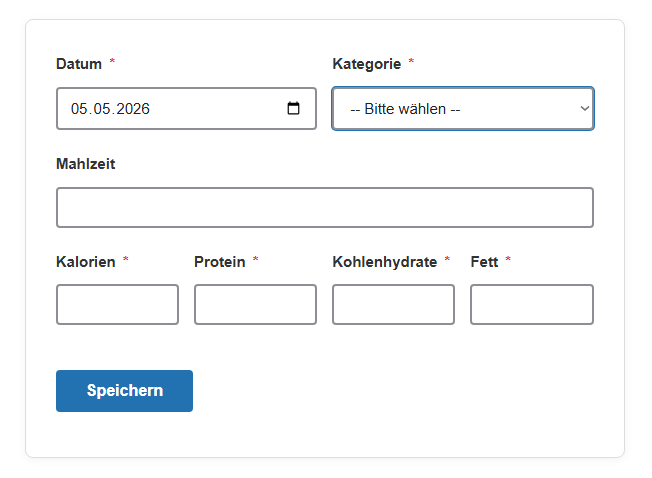
-
[Fabio_table id="1"]→ Displays the editable data table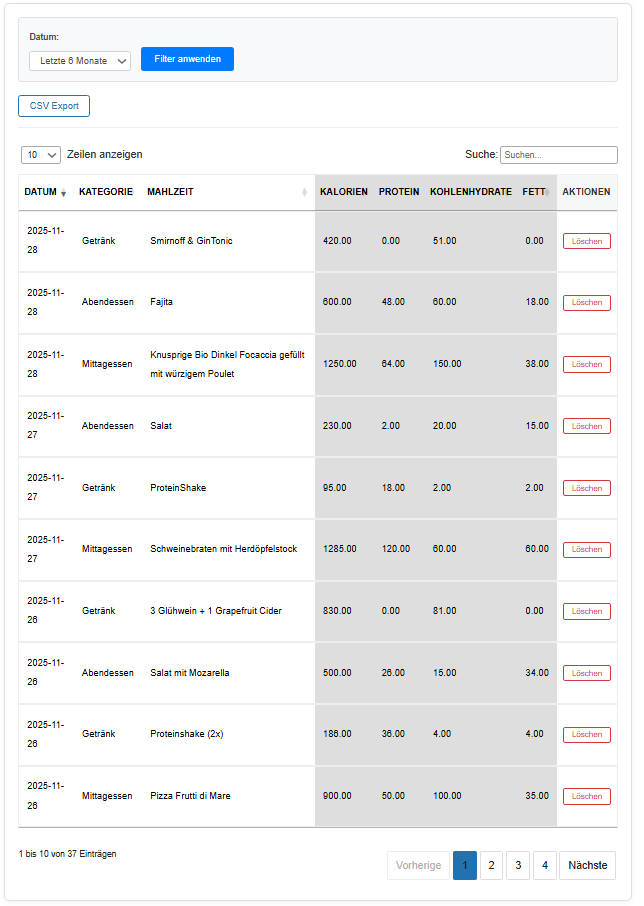
-
[Fabio_chart id="1"]→ Renders a configured chart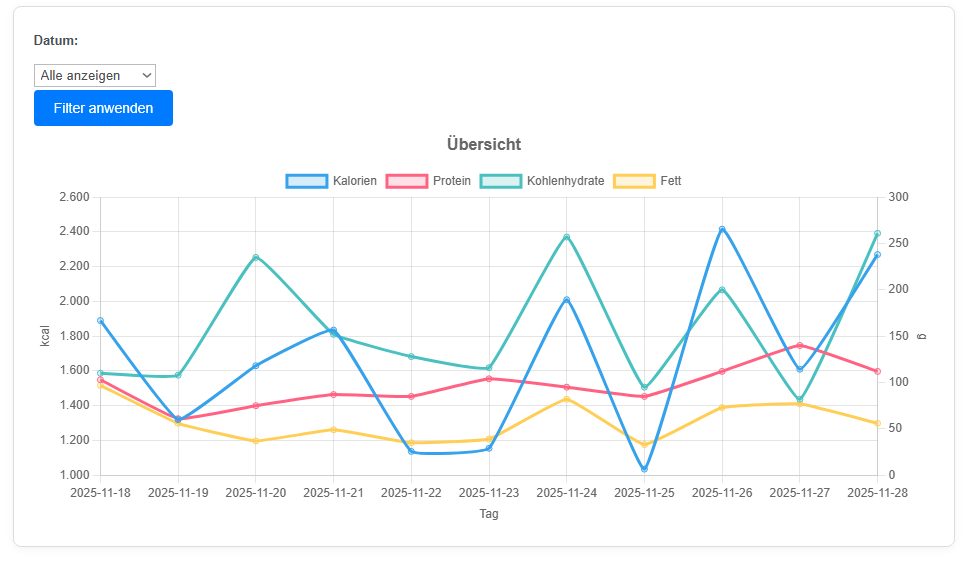
Admin Menu
-
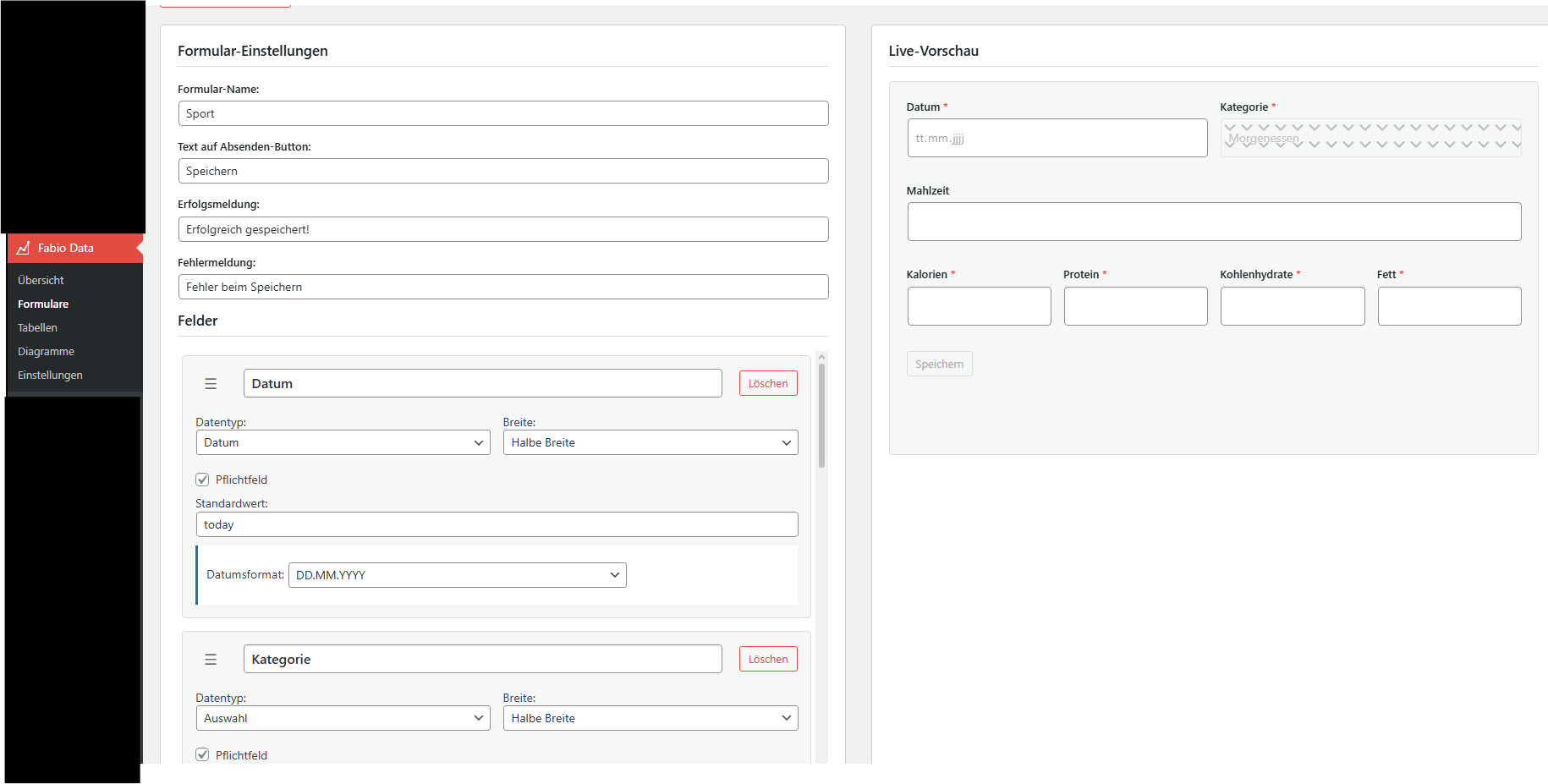
Forms: Create a new Formular.
-
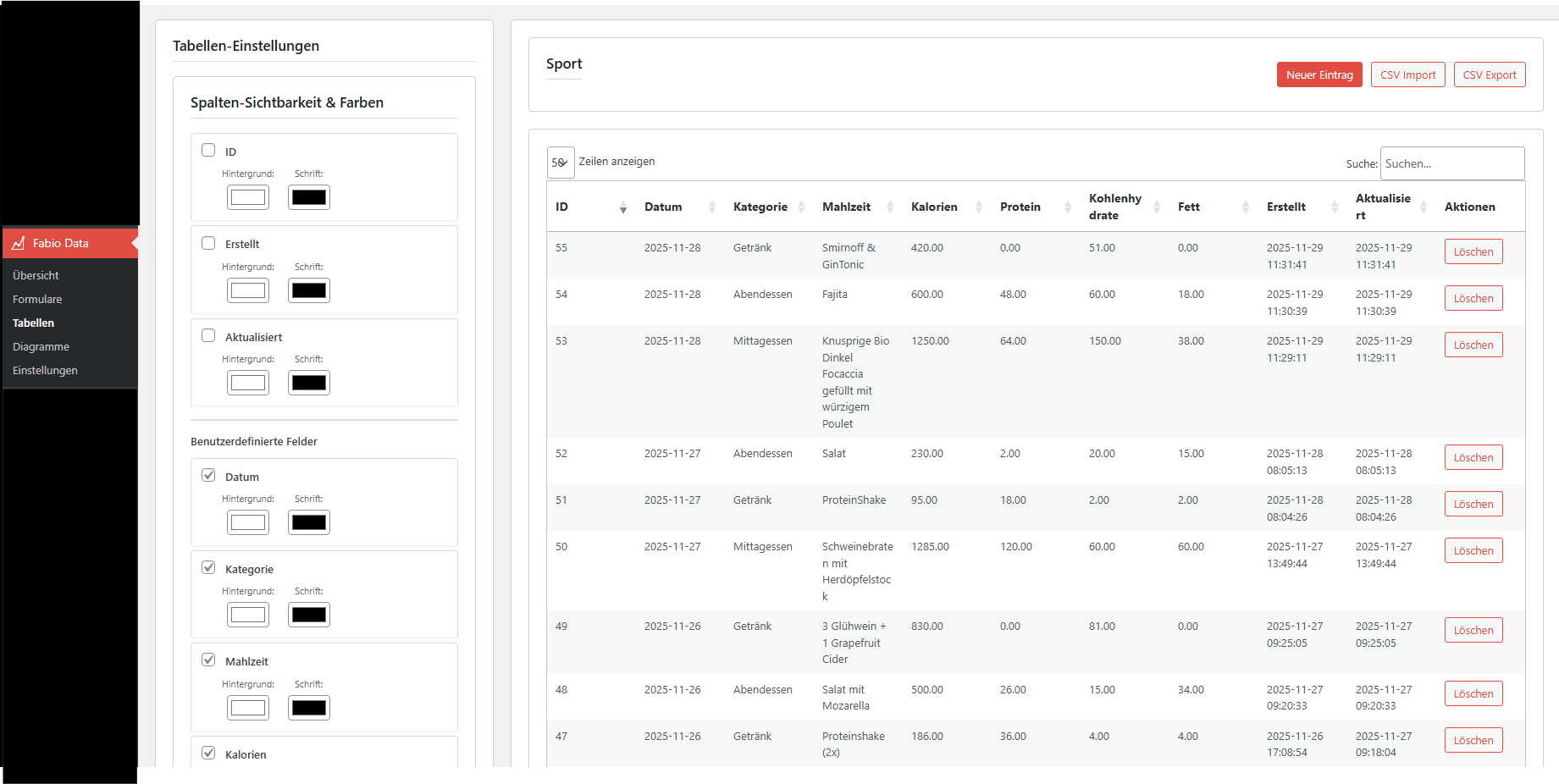
Table: View and manage all database entries.
-
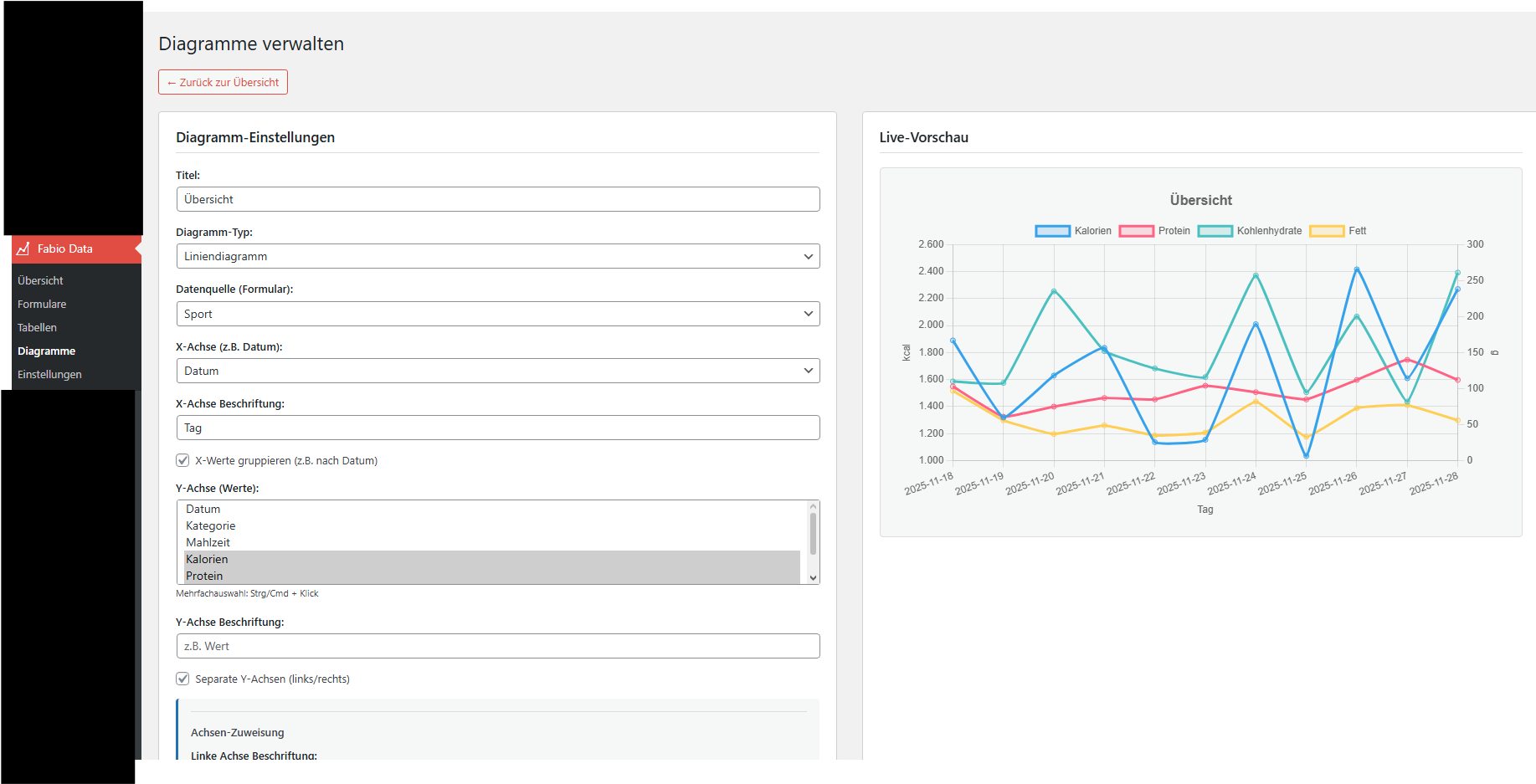
Charts: Configure chart types, axes, and groupings.
-
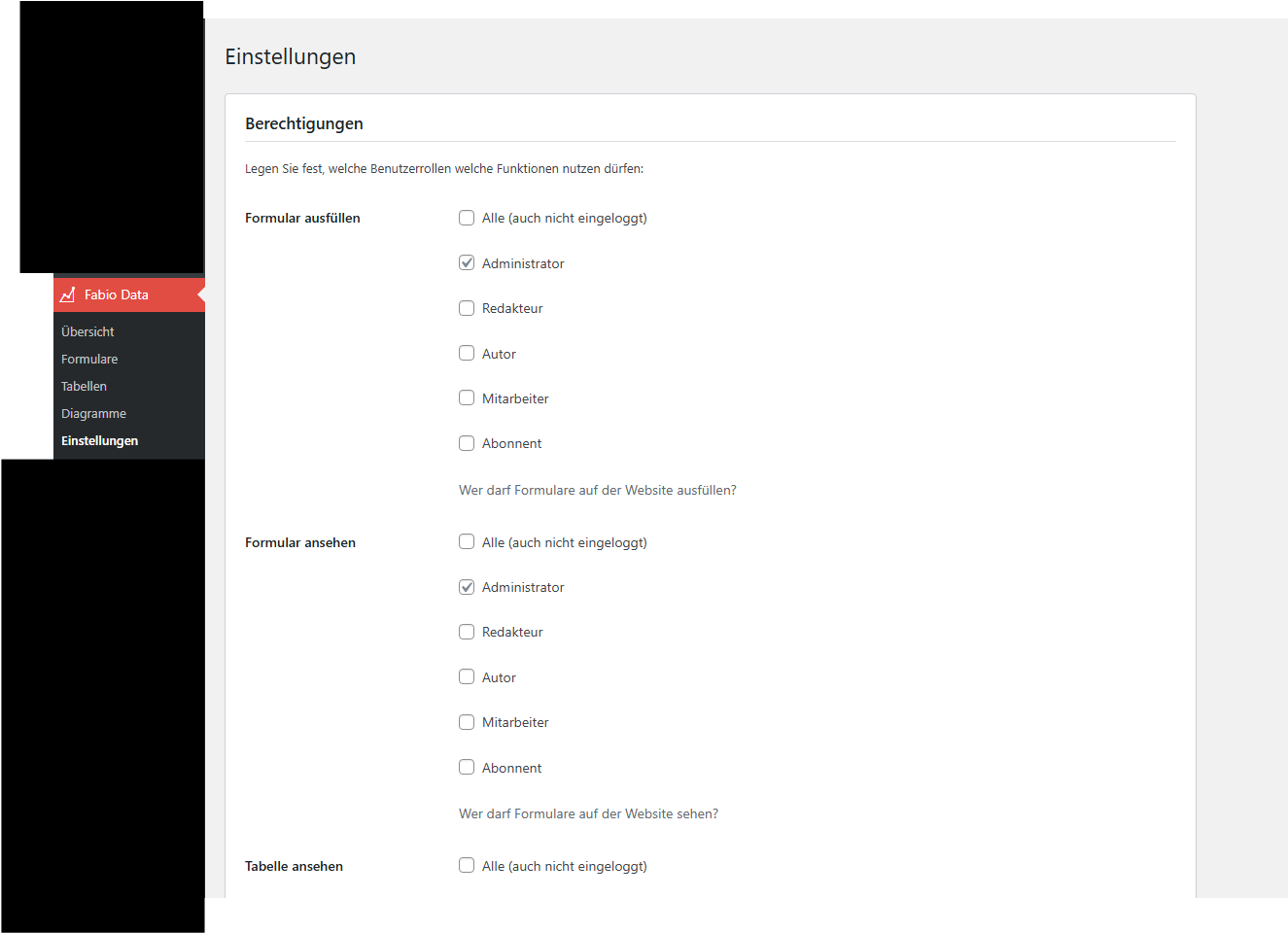
Settings: Manage Permissions
Disclaimer
Please Note: This plugin is provided "as is" and is still under active development. While it has been designed with functionality and simplicity in mind, it may contain undiscovered bugs, performance issues, or security vulnerabilities.
Use at your own risk. We strongly recommend testing this plugin on a staging site before deploying it to a live production environment. Always ensure you have a complete and recent backup of your database and website files before installing or updating.