Install
Upload it under Plugins → Add New Plugin → Upload Plugin, then activate.
Install straight from GitHub with WP-CLI:
wp plugin install https://github.com/esefoke/esefoke-audio/releases/download/v1.6.0/esefoke-audio-1.6.0-final.zip
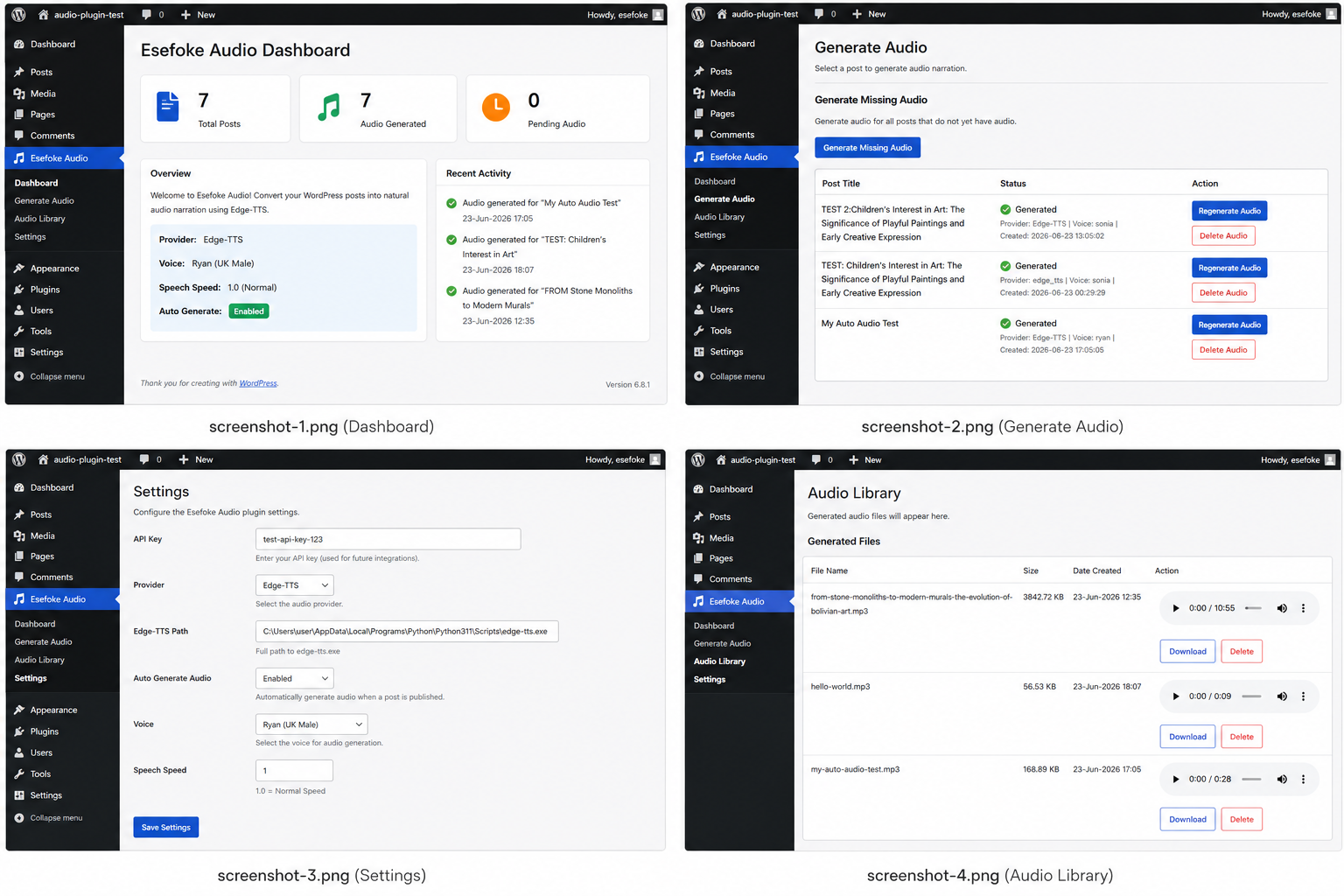
Esefoke Audio
Free AI Audio Narration Plugin for WordPress powered by Edge-TTS.
Generate natural-sounding MP3 narration for your WordPress posts without API fees.
Why Esefoke Audio?
Most WordPress text-to-speech plugins require paid APIs or cloud subscriptions.
Esefoke Audio uses Microsoft's Edge-TTS engine to generate high-quality narration completely free of API costs.
Ideal for:
-
Bloggers
-
News websites
-
Educational websites
-
Accessibility improvements
-
Audio content creators
Quick Features
| Feature | Included |
|---|---|
| Edge-TTS | ✅ |
| Multiple Voices | ✅ |
| MP3 Download | ✅ |
| Audio Library | ✅ |
| Frontend Player | ✅ |
| Auto Generation | ✅ |
| No API Fees | ✅ |
Features
✅ Free AI voices
✅ Edge-TTS integration
✅ Multiple voice selection
✅ Speech speed control
✅ Automatic audio generation
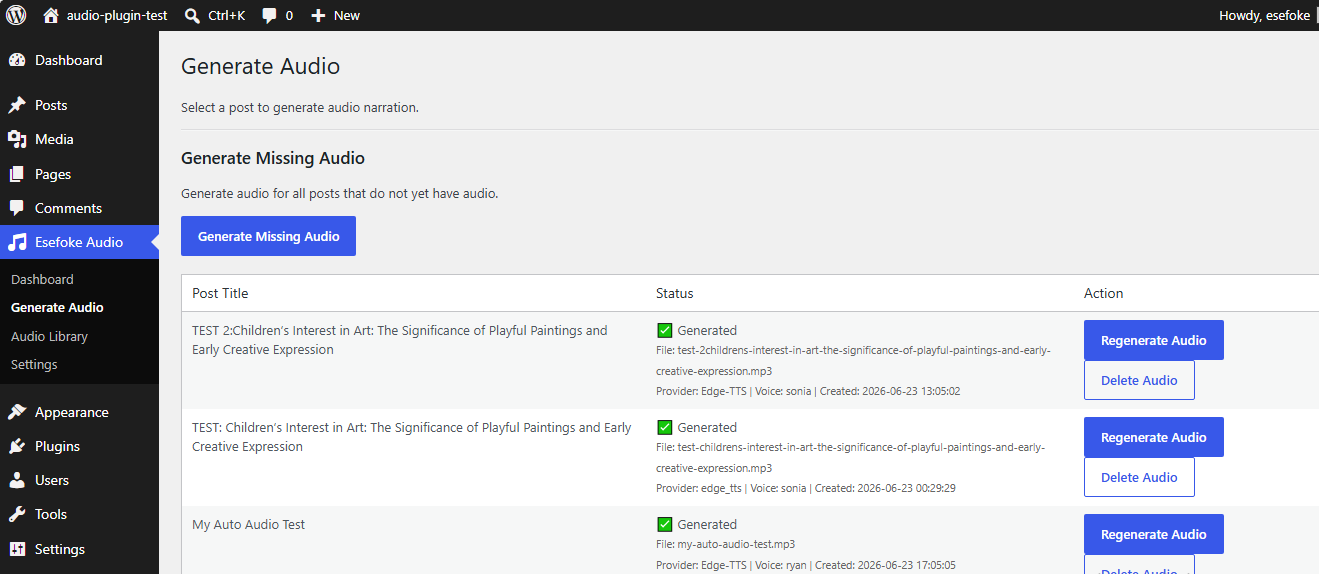
✅ Generate Missing Audio
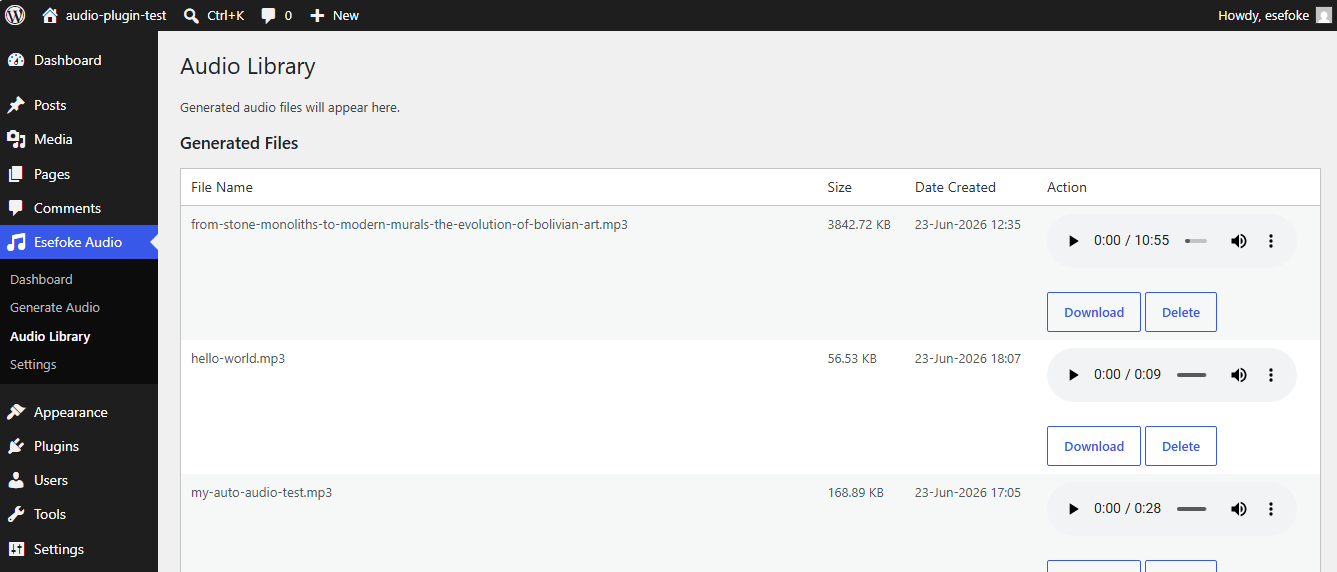
✅ Audio Library
✅ Download MP3
✅ Frontend audio player
✅ No API costs
Screenshots
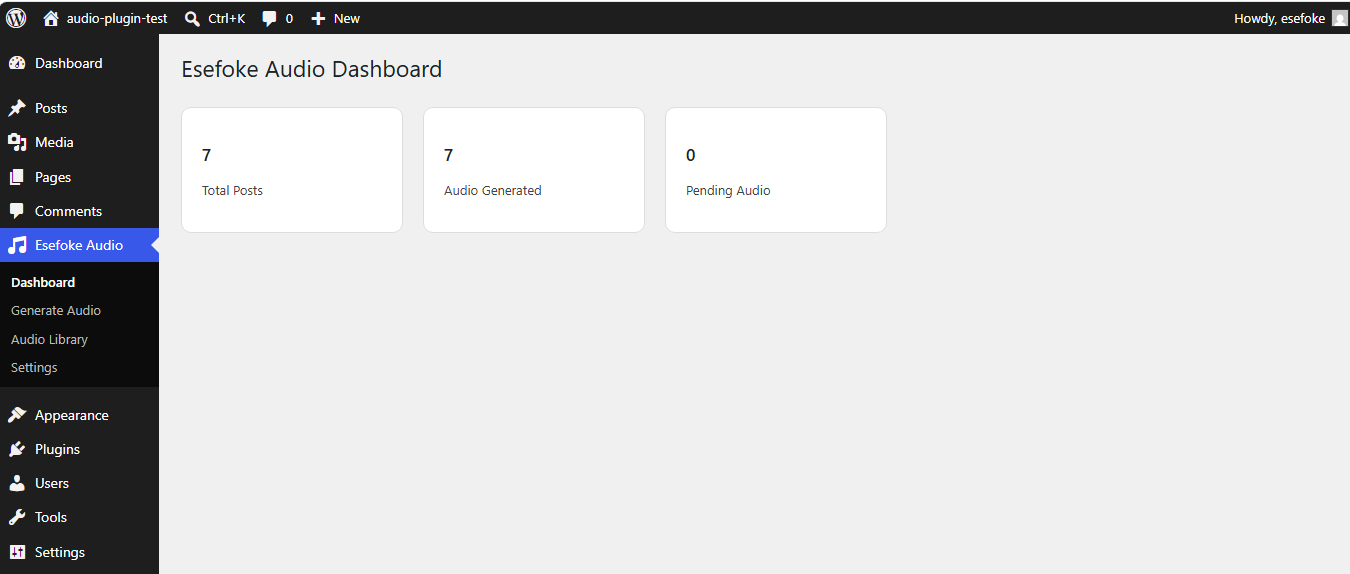
Dashboard
Generate Audio
Audio Library
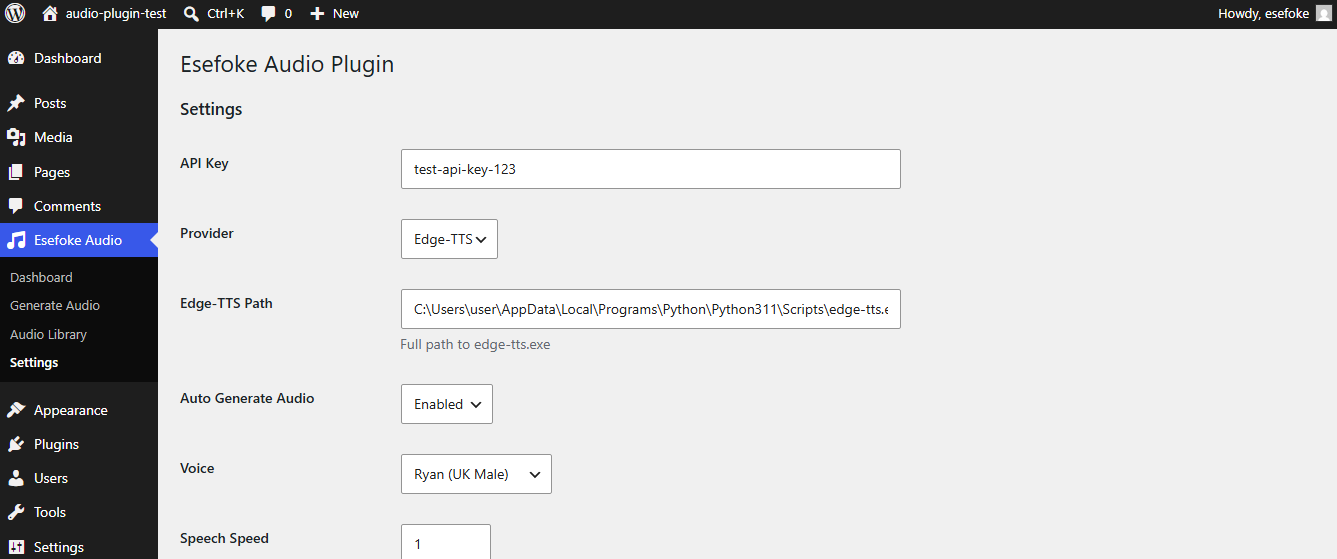
Settings
Requirements
- WordPress 6.0+
- PHP 8.0+
- Python 3.11 or later
- Edge-TTS installed
Supported Platforms
- Windows
- Local development environments
- Laragon
- XAMPP
- WordPress websites
- Self-hosted servers
Installation
1. Upload the Plugin
- Upload the plugin to WordPress.
- Activate the plugin.
2. Install Edge-TTS
Open Command Prompt:
pip install edge-tts3. Locate Edge-TTS
Typical Windows paths:
Python 3.13:
C:\Users\USERNAME\AppData\Local\Programs\Python\Python313\Scripts\edge-tts.exePython 3.11:
C:\Users\USERNAME\AppData\Local\Programs\Python\Python311\Scripts\edge-tts.exeYou can verify the path by running:
where edge-tts4. Configure the Plugin
Go to:
Esefoke Audio → Settings
Enter the Edge-TTS executable path.
Example:
C:\Users\USERNAME\AppData\Local\Programs\Python\Python313\Scripts\edge-tts.exe5. Select Voice and Speed
- Choose your preferred voice.
- Adjust speech speed.
- Enable automatic generation if desired.
6. Generate Audio
Go to:
Esefoke Audio → Generate Audio
Select a post and click:
Convert To Audio.
Troubleshooting
Edge-TTS not found
Run:
where edge-ttsCopy the returned path into the plugin settings.
Audio generation fails
- Verify Python is installed.
- Verify Edge-TTS is installed.
- Confirm the Edge-TTS path is correct.
- Check the selected voice.
No audio generated
- Verify the post contains content.
- Check your PHP permissions.
- Confirm the upload directory is writable.
Supported Voices
UK Voices
- Ryan (UK Male)
- Sonia (UK Female)
US Voices
- Jenny (US Female)
Additional Edge-TTS voices can be added in future releases.
Frontend Audio Player
Visitors can:
- Listen directly on your website.
- Download MP3 files.
- Access audio automatically generated from posts.
Version
Current Version: 1.5.0
Changelog
Version 1.5.0
- Edge-TTS integration.
- Audio Library.
- Download MP3.
- Frontend player.
- Voice selection.
- Generate Missing Audio.
- Automatic audio generation.
Roadmap
Version 1.6
- Additional voices.
- Improved frontend player.
- Better audio management.
Version 2.0
- Bulk audio generation.
- Multiple language support.
- Audio analytics.
- Gutenberg integration.
Download
Latest release:
https://github.com/esefoke/esefoke-audio/releases/latest
Support
For bug reports, feature requests, or suggestions, please open an issue:
https://github.com/esefoke/esefoke-audio/issues
License
GPL v2 or later.
Author
Frank Okenegede
Website:
Project Releases:
https://github.com/esefoke/esefoke-audio/releases
Repository
Releases
2 releases. Each count is every asset in that release; expand a row for the breakdown.